Best mice
This board ranks the mice and trackballs we have written about in three groups: productivity and ergonomic mice, trackballs, and gaming mice. Hand size and grip decide more than any figure in the table, so treat the order as a starting point and read the note beside each entry. Sensor resolution is listed for comparison only; every mouse here offers more than ordinary desk work needs.
Updated · 14 ranked
Productivity and ergonomic mice
-
Place 1
Best overall
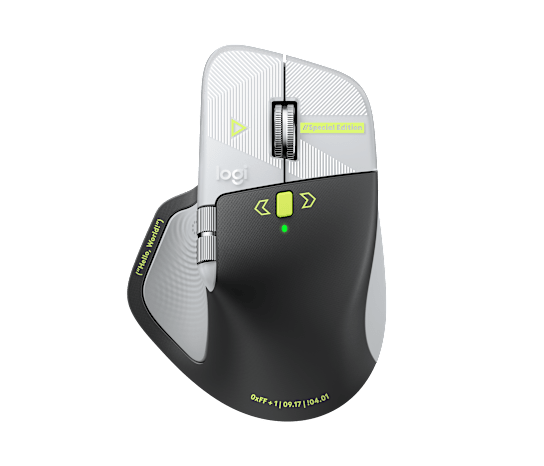
Logitech MX Master 4 Special Edition
The newest MX Master keeps the sculpted right-hand shape, the fast scroll wheel and a sensor that tracks on glass, and adds more controls than the 3S.
- Sensor (max DPI)
- 8,000 DPI
- Weight
- n/a
- Connection
- Logi Bolt receiver, Bluetooth
- Battery
- USB-C rechargeable
-
Place 2

Proven all-rounder
Logitech MX Master 3S
Quiet clicks, MagSpeed scrolling and three-device switching in a long-established design, placed second only because the MX Master 4 has replaced it.
- Sensor (max DPI)
- 8,000 DPI
- Weight
- 141 g
- Connection
- Logi Bolt receiver, Bluetooth
- Battery
- 500 mAh, USB-C rechargeable
-
Place 3
Best vertical, smaller hands
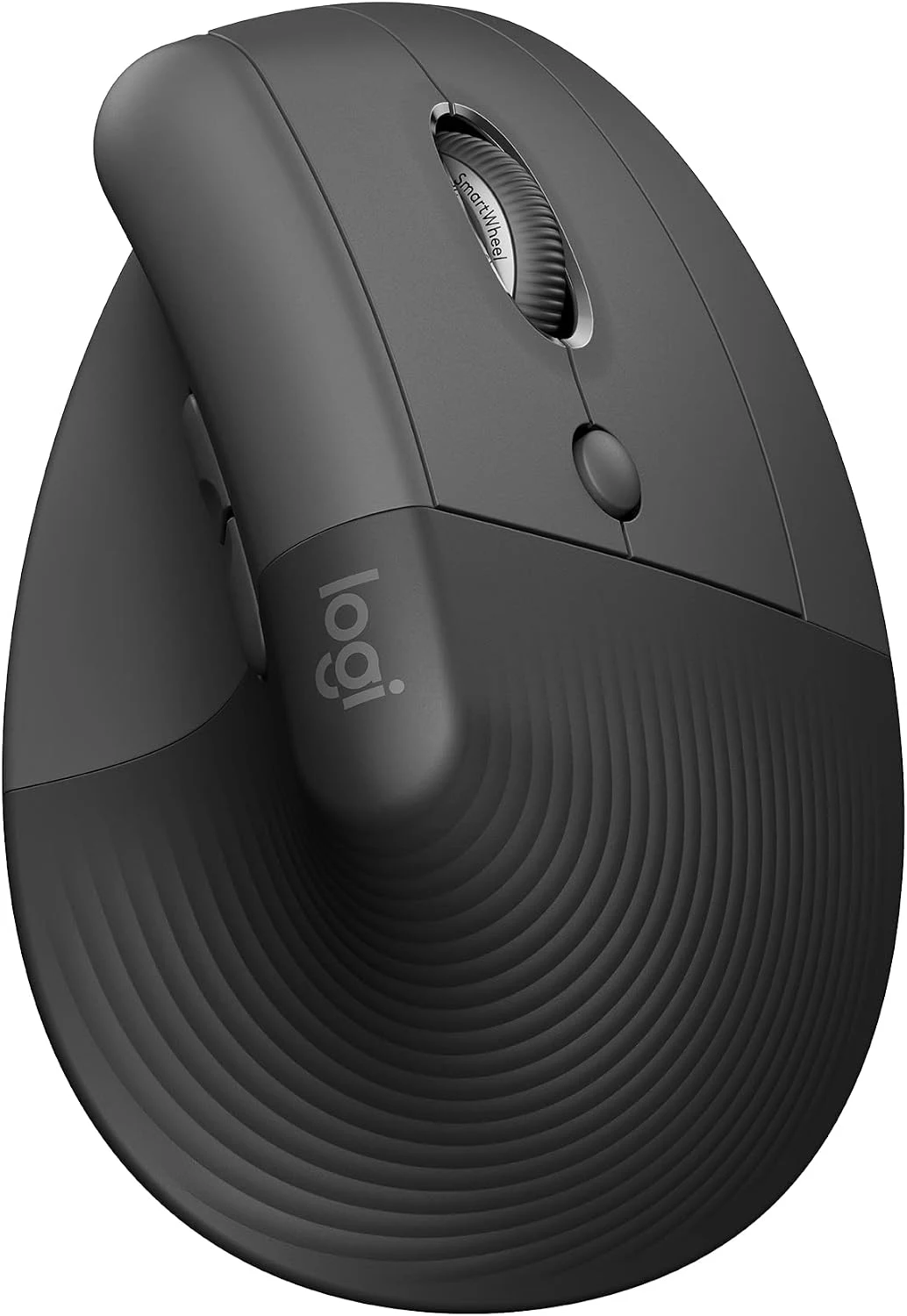
Logitech Lift Vertical
A handshake grip sized for small and medium hands, with quiet clicks and a single AA cell in place of a charging routine.
- Sensor (max DPI)
- 4,000 DPI
- Weight
- 125 g
- Connection
- Logi Bolt receiver, Bluetooth
- Battery
- 1 AA, up to 24 months (rated)
-
Place 4
Best vertical, larger hands
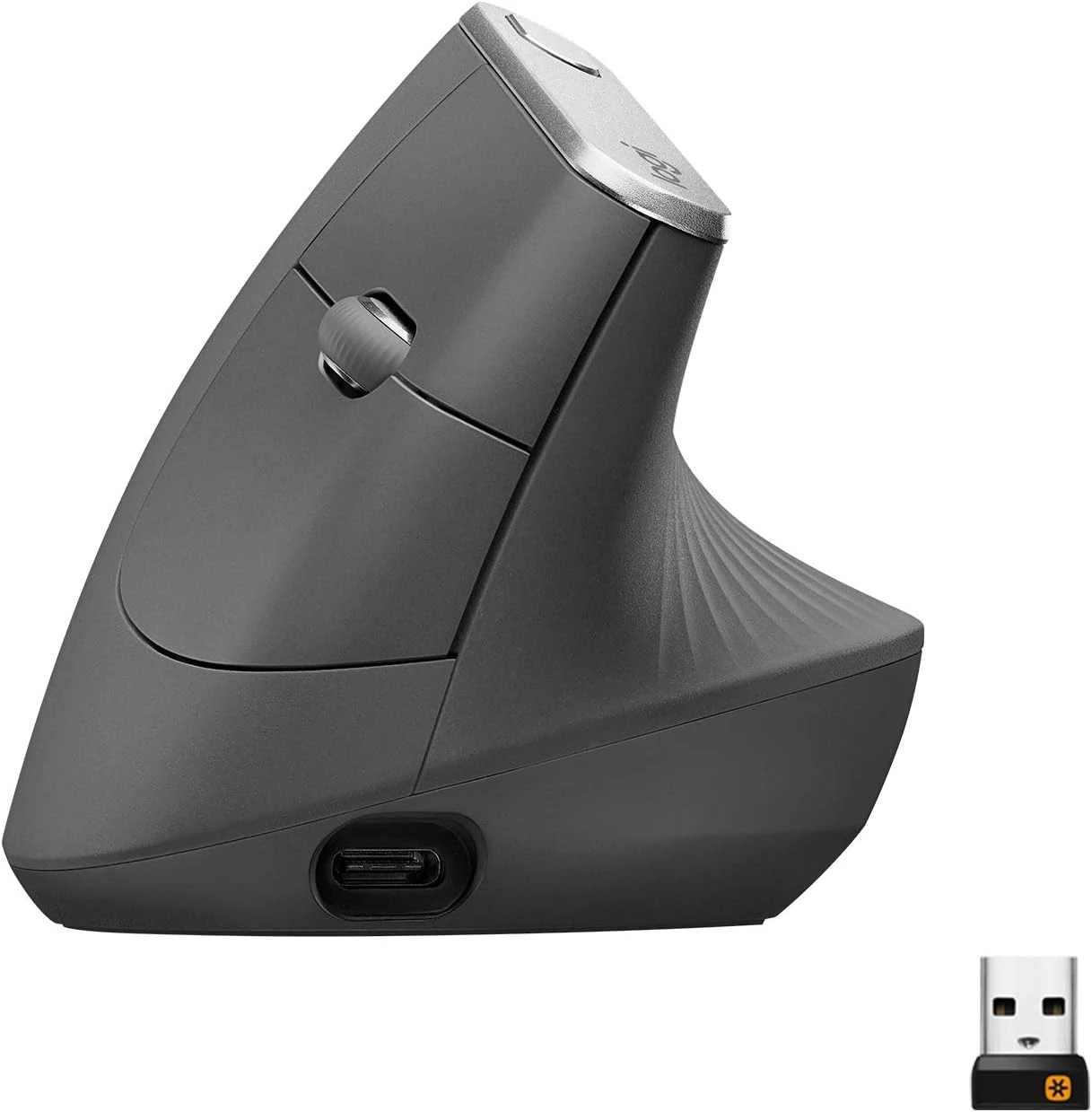
Logitech MX Vertical
The taller vertical shape fits a larger right hand and connects three ways, but it is bulkier than the Lift and relies on the older Unifying receiver.
- Sensor (max DPI)
- 4,000 DPI
- Weight
- 135 g
- Connection
- Bluetooth, Unifying, USB-C cable
- Battery
- USB-C rechargeable, 240 mAh
-
Place 5
Budget vertical
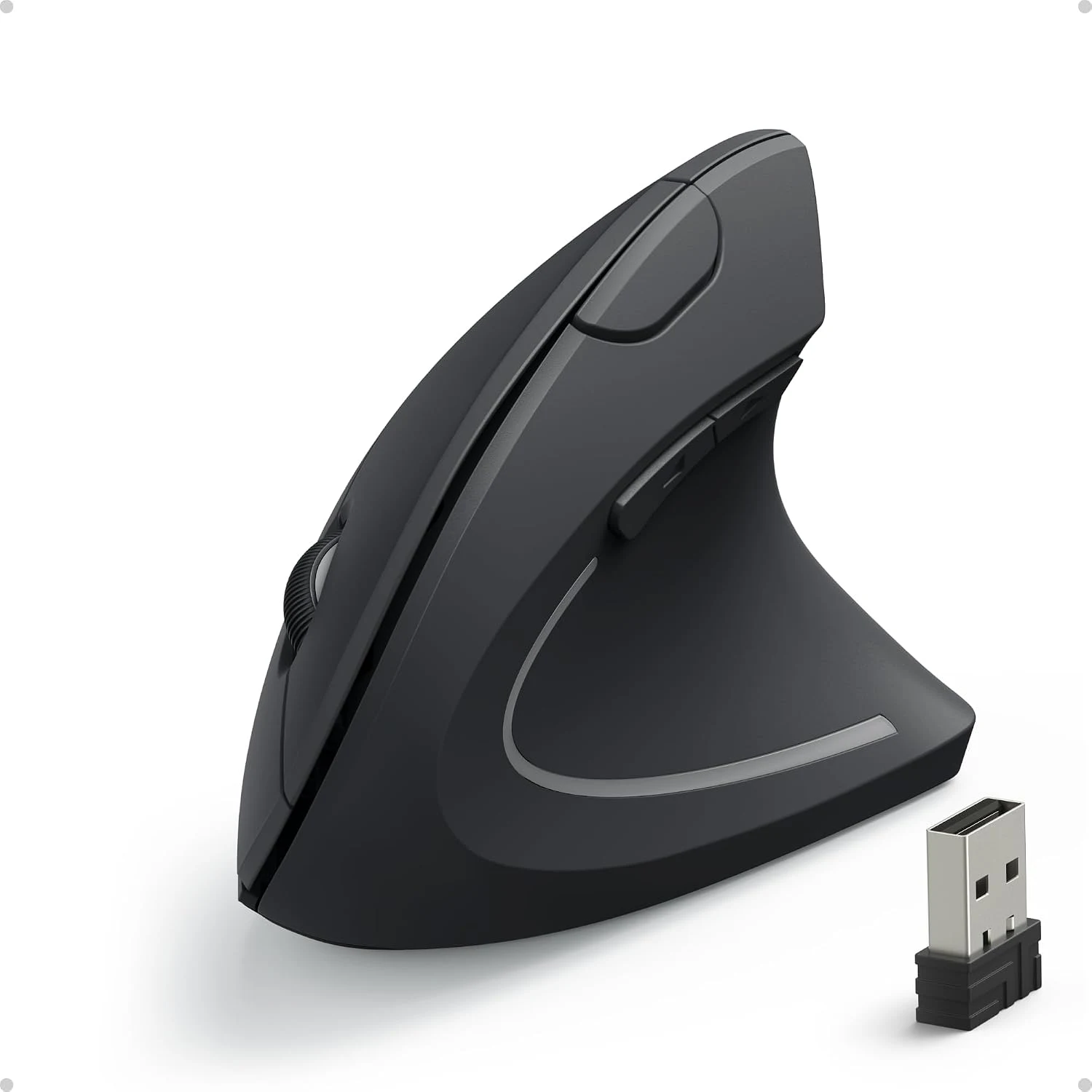
Anker Vertical Ergonomic Mouse
A low-cost way to find out whether a vertical grip suits you, with a receiver-only connection, three fixed DPI steps and no button software.
- Sensor (max DPI)
- 1,600 DPI
- Weight
- n/a
- Connection
- 2.4 GHz USB-A receiver
- Battery
- 2 AAA
Trackballs
Stationary pointing devices. Allow a week or two to adapt.
-
Place 1
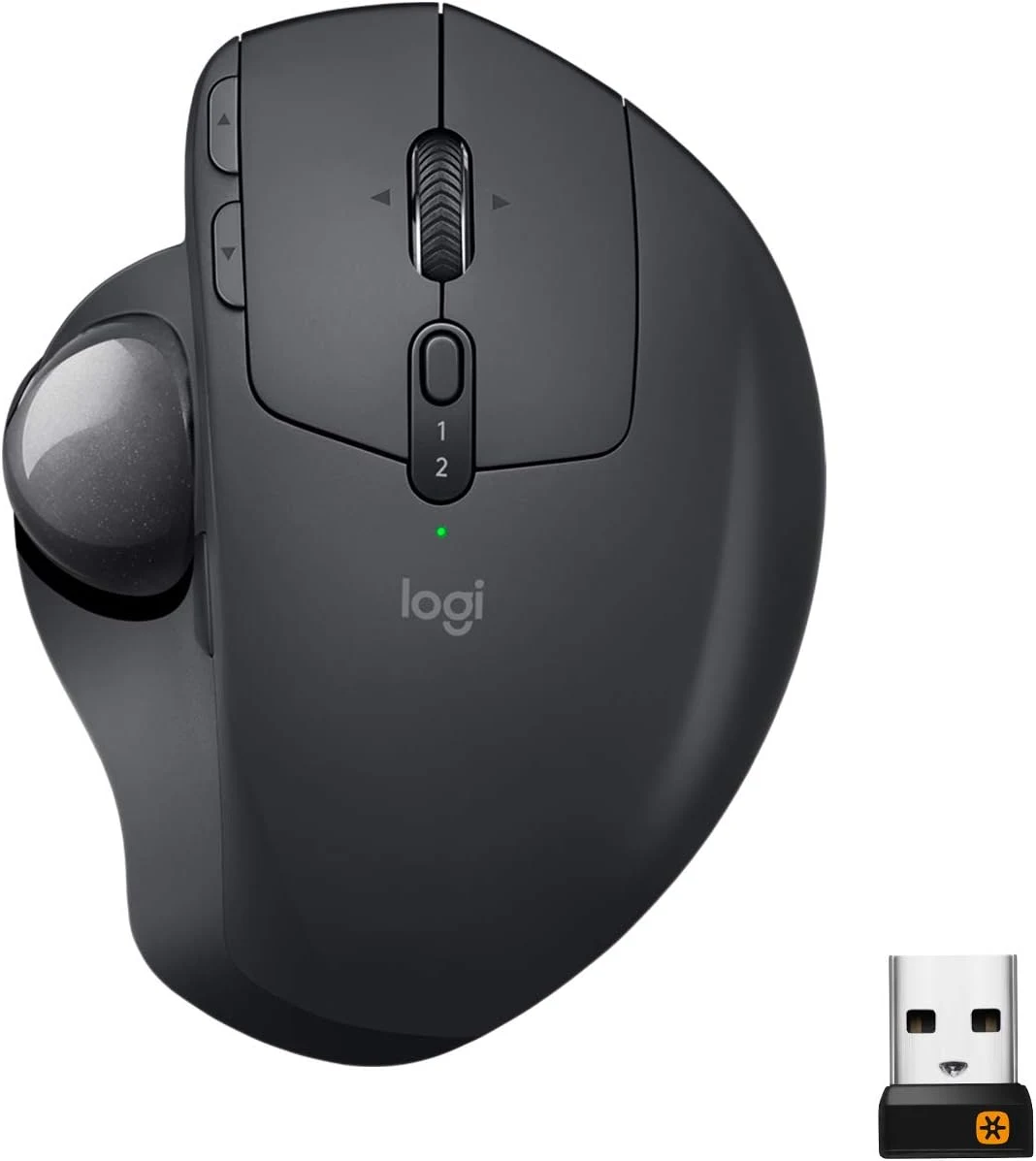
Best trackball
Logitech MX Ergo
A thumb-operated ball on a hinge that tilts up to 20 degrees, with a rechargeable battery and both receiver and Bluetooth connections.
- Sensor (max DPI)
- n/a
- Weight
- n/a
- Connection
- Unifying receiver, Bluetooth
- Battery
- Rechargeable (micro-USB)
-
Place 2
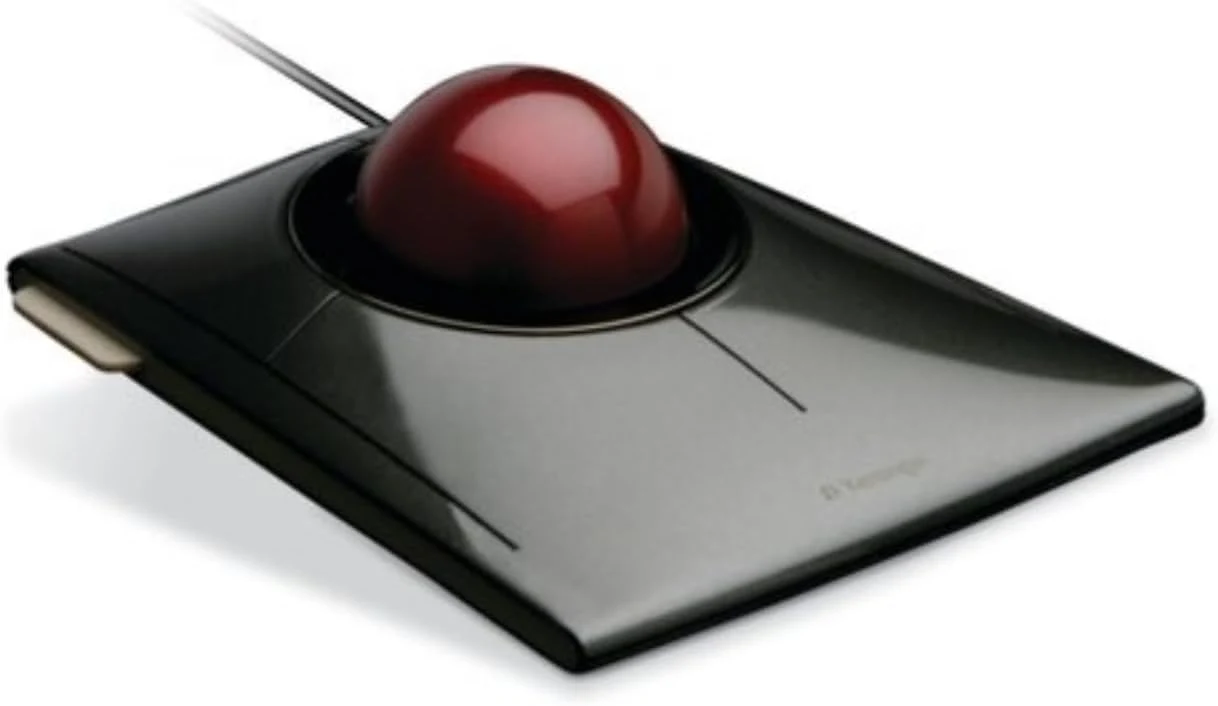
Best finger-operated ball
Kensington SlimBlade Trackball
A large centred ball that either hand can use, with scrolling by twisting the ball; it is wired and takes longer to learn than a thumb trackball.
- Sensor (max DPI)
- n/a
- Weight
- n/a
- Connection
- USB wired
- Battery
- None (USB powered)
-
Place 3
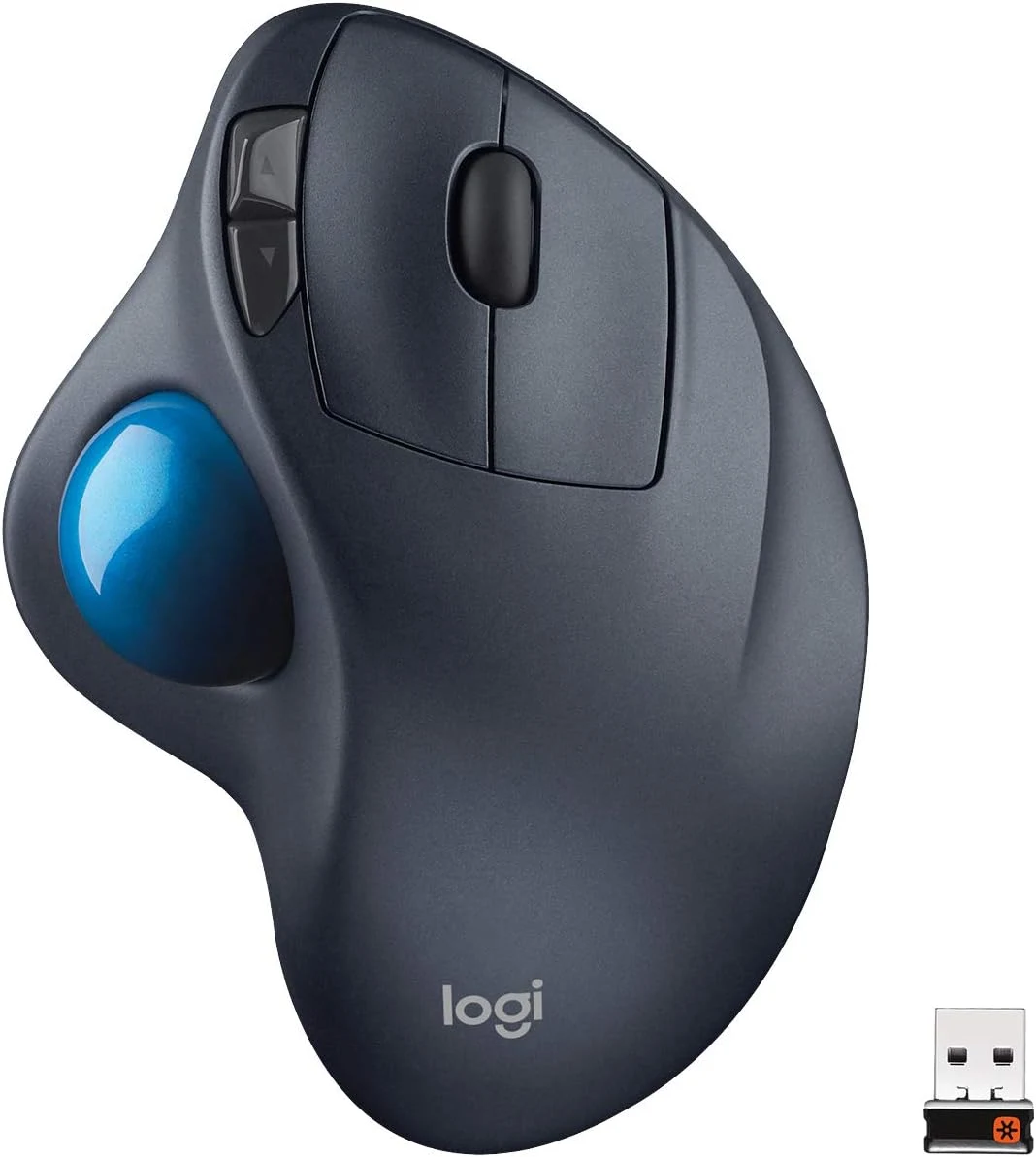
Logitech M570
The simpler thumb trackball for a crowded desk, running on one AA cell, with a fixed angle, an older Unifying receiver and no Bluetooth.
- Sensor (max DPI)
- n/a
- Weight
- n/a
- Connection
- Unifying USB-A receiver
- Battery
- 1 AA, up to 18 months (rated)
Gaming mice
Ranked for mixed desk use and play, not for competitive play alone.
-
Place 1
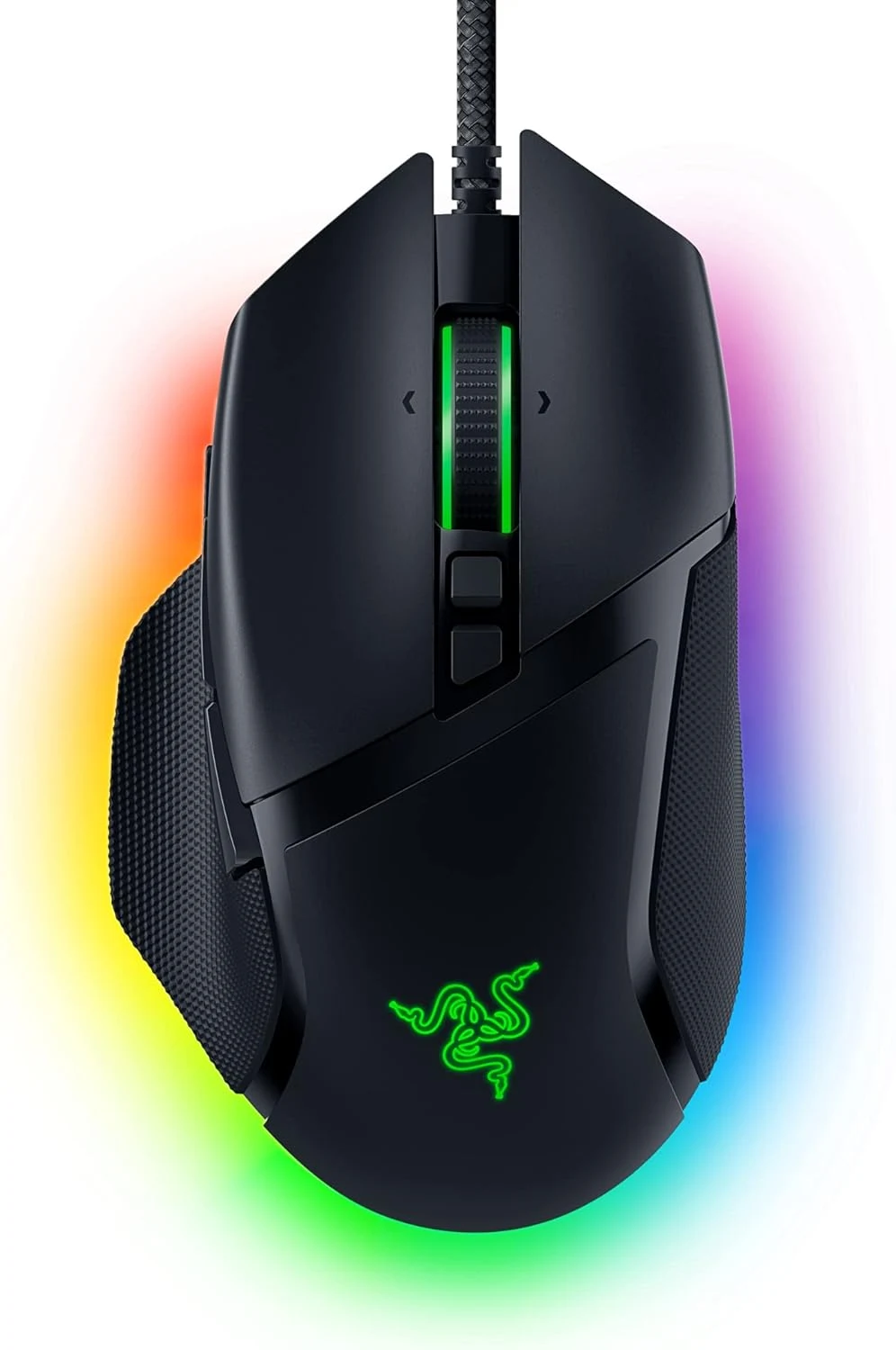
Best gaming mouse
Razer Basilisk V3
Its scroll wheel switches between stepped and free-spinning modes and the right-hand shape carries plenty of mappable buttons, so it works for desk work as well as games.
- Sensor (max DPI)
- 26,000 DPI
- Weight
- 101 g
- Connection
- USB wired
- Battery
- None (wired)
-
Place 2
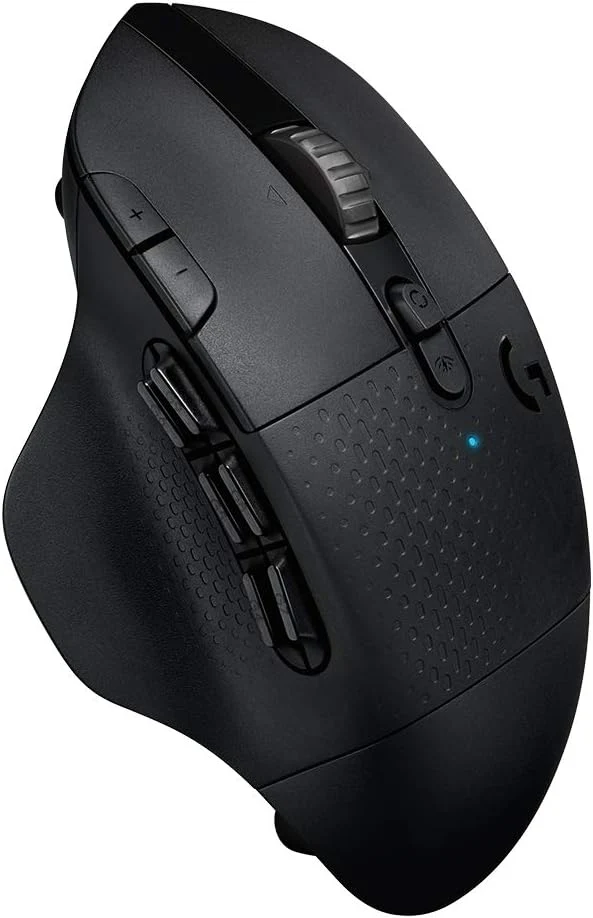
Best wireless for shortcuts
Logitech G604
Six thumb buttons and a dual-mode wheel over a low-latency receiver or Bluetooth suit shortcut-heavy work, though it is heavy and depends on G HUB software.
- Sensor (max DPI)
- n/a
- Weight
- 135 g with battery
- Connection
- Lightspeed receiver, Bluetooth
- Battery
- 1 AA
-
Place 3

Razer Basilisk X HyperSpeed
A plain, good-value wireless mouse when used with its dongle; owners report that Bluetooth mode sleeps quickly and is slow to wake.
- Sensor (max DPI)
- 16,000 DPI
- Weight
- n/a
- Connection
- HyperSpeed receiver, Bluetooth
- Battery
- 1 AA, up to 285 h on 2.4 GHz (rated)
-
Place 4

Most buttons
Logitech G600
Twenty buttons, twelve of them under the thumb, reward people who repeat the same commands all day, but it is heavy, wired and an old design.
- Sensor (max DPI)
- 8,200 DPI
- Weight
- 133 g without cable
- Connection
- USB wired
- Battery
- None (wired)
-
Place 5
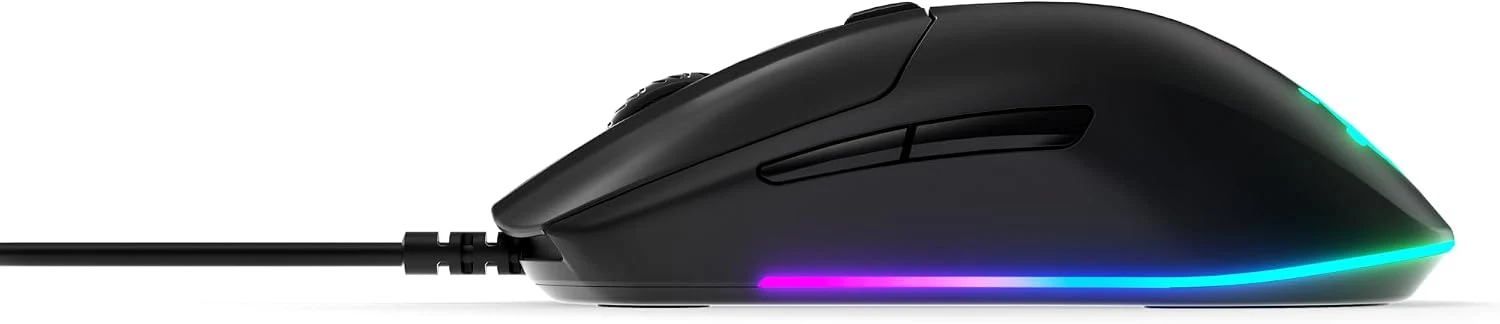
SteelSeries Rival 3
A light, simple wired mouse with a familiar shape and few settings to manage, for a desk that does not need extra buttons.
- Sensor (max DPI)
- 8,500 CPI
- Weight
- 77 g
- Connection
- USB wired
- Battery
- None (wired)
-
Place 6

Budget wired pick
Logitech G203 Lightsync
A small six-button wired mouse that owners with small or medium hands like, ranked last because of repeated reports of worn clicks and scroll wheels.
- Sensor (max DPI)
- 8,000 DPI
- Weight
- 85 g
- Connection
- USB wired
- Battery
- None (wired)
How this board is ranked
The order is an editorial judgement based on this site's research-based reviews, which draw on manufacturer specifications, owner feedback and independent testing published by others. We weighed four things: shape and hand fit, the buttons and scrolling controls, connection options including Mac support, and how the mouse is powered together with the durability problems owners report. Sensor, weight and battery figures are the manufacturers' rated values unless a note says otherwise.
Store links are affiliate links. As an Amazon Associate I earn from qualifying purchases. It costs you nothing extra. Rankings are not for sale; see the affiliate disclosure.