A mouse can be appealing because it keeps the job straightforward. The original wired SteelSeries Rival 3 interests me for a desk that needs ordinary pointing and a familiar gaming-style shape without another battery or receiver routine. I like the clarity of connecting the device and learning a small set of useful controls rather than building a complicated input system.
Quick verdict
I would choose it for a straightforward wired desk when its shape fits and elaborate controls are unnecessary.
Best for: I would choose it for a straightforward wired desk when its shape fits and elaborate controls are unnecessary.
Main benefit: The direct wired role avoids battery and wireless setup while keeping ordinary pointing simple.
Biggest drawback: The cable and personal grip fit can matter more than the sensor’s largest advertised sensitivity.
SteelSeries Rival 3 Mouse
Amazon US · US
Check price and availability: SteelSeries Rival 3 Mouse at Amazon USAffiliate link. As an Amazon Associate I earn from qualifying purchases.
Reviewed version: SteelSeries Rival 3 Gaming Mouse - Black
Compatibility: Original wired Rival 3, 62513; not Rival 3 Wireless or a later generation. Confirm current configuration software and any host adapter needs.
Review context: I assess ordinary desktop pointing, grip, cable routing, sensitivity consistency and restrained button customisation.
I would shortlist it only if the shape suits the hand using it. This is a research assessment of the documented product and buying fit, not a claimed personal precision test. A large sensor figure cannot decide comfort, and a well-known gaming brand cannot establish that an individual user will prefer the grip during a normal working session.
Keep the original model separate from the family
The exact selected listing identifies the original wired Rival 3, model 62513. I would not transfer specifications from Rival 3 Wireless or a later generation just because a search result uses the shorter family name. Connection method, controls and other details can change between those products.
Related reading

That identity also matters when comparing current offers. An older model can still be useful, but its price should make sense beside suitable newer alternatives. I would check the actual received version and package rather than assume a familiar front photograph proves the product is the one reviewed elsewhere.
The wired role is a deliberate attraction for my proposed desk. It removes pairing and battery replacement from the routine. The cable still needs a suitable host connection and a clear route. On a laptop with only other connector types, an appropriate adapter may be part of the setup, even for a product marketed as simple.
Shape and reach are the first personal checks
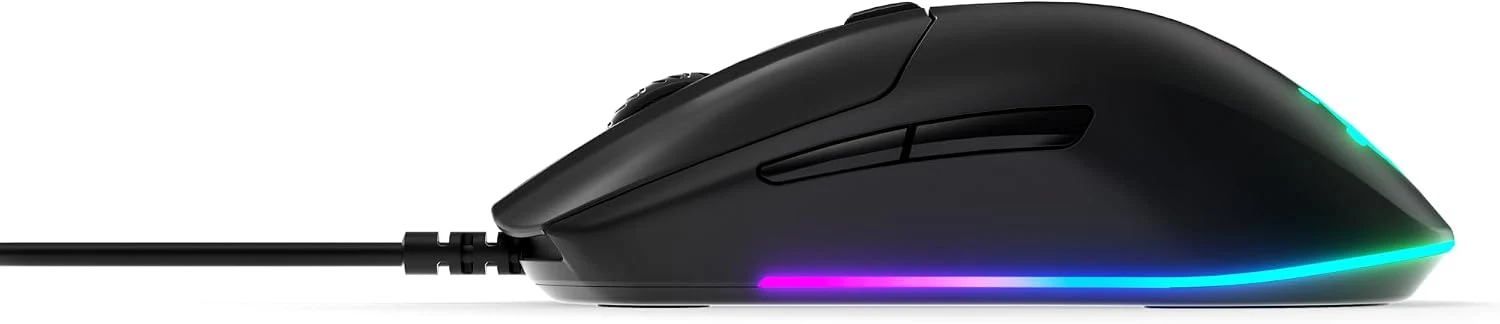
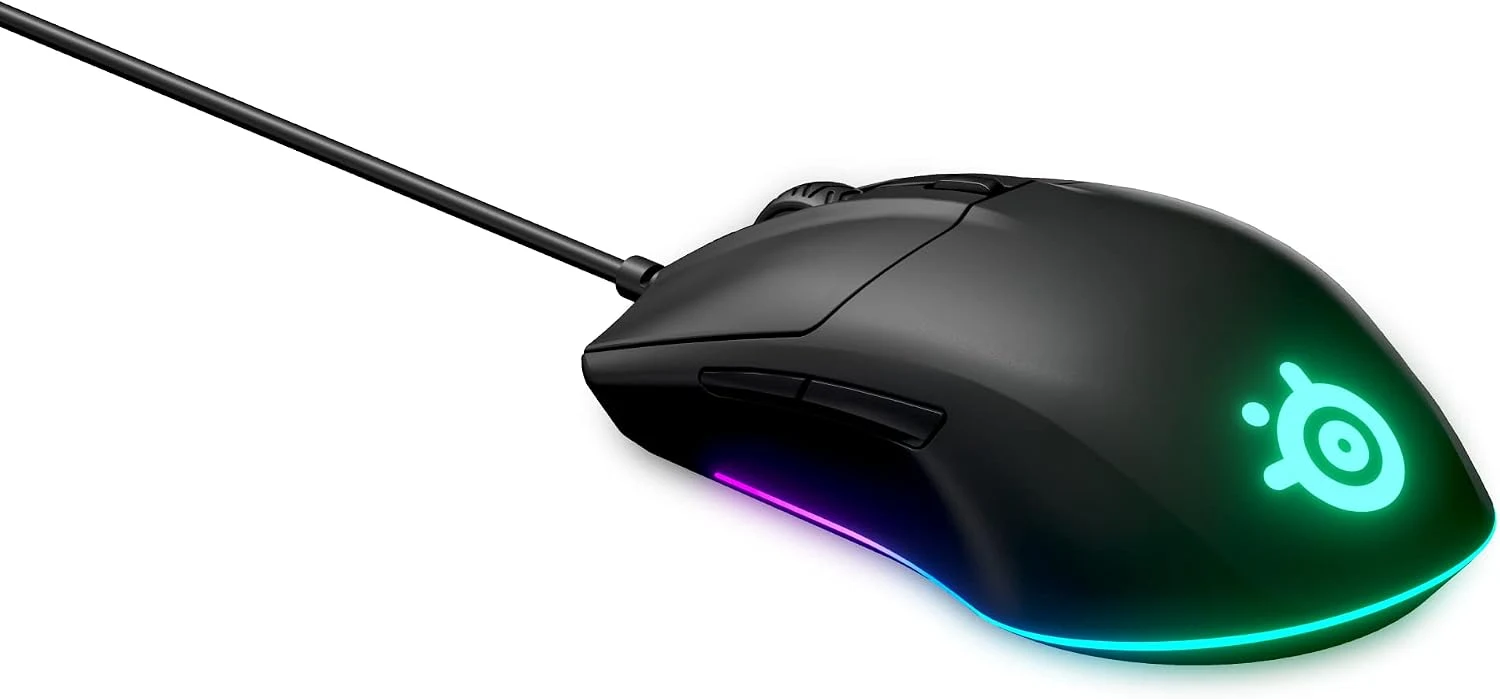
I would assess how the main buttons, wheel and side controls sit under the intended grip. Hand size and whether the user rests or lifts parts of the hand can change that relationship. A photograph shows the shape, but it cannot establish a comfortable fit for every person.
I would try ordinary actions rather than judge from holding the mouse still. Selecting text, dragging a window and making a precise small movement reveal different things. I would want the grip to stay natural without frequent repositioning. A return or trial opportunity has real value for a device that the hand may use throughout the day.
I would also look at the keyboard and pointing-device position together. A mouse placed far to one side can create an awkward reach regardless of its own shape. Sometimes a smaller keyboard or a changed desk layout is a more useful improvement than another mouse. The whole arrangement should explain where the hand needs to go.
A useful sensitivity is better than the maximum
The listing describes the sensor’s advertised capabilities. I treat those as product specifications, not a tracking result established here. The practical setting should match the display arrangement and the user’s preferred movement, rather than remain at the largest number simply because the sensor supports it.
I would choose a sensible baseline and keep it consistent long enough to learn it. Repeatedly changing sensitivity can make a comparison less meaningful. A desk used for both work and games may benefit from deliberate profiles, but those should remain clear and limited rather than create a hidden state the user constantly needs to identify.
Related reading

The surface matters too. I would use an appropriate stable area with enough movement room and keep it reasonably clean. A sensor specification does not remove every surface limitation. If pointing behaves unexpectedly, I would check the simple physical arrangement before assuming a software setting or a new product is the only solution.
The cable needs to disappear from attention
A wired mouse is most pleasant when the lead has enough slack without catching on the desk. I would route it away from sharp edges and other moving equipment. The point is not an elaborate cable display; it is preventing the connection from pulling against ordinary hand movement.
I would also consider how the computer is positioned. A desktop under the table and a laptop at the edge create different cable paths. A suitable extension or adapter may be useful, but the basic arrangement should stay understandable. The simplest reliable path is a better starting point than several hubs and adapters added without a reason.
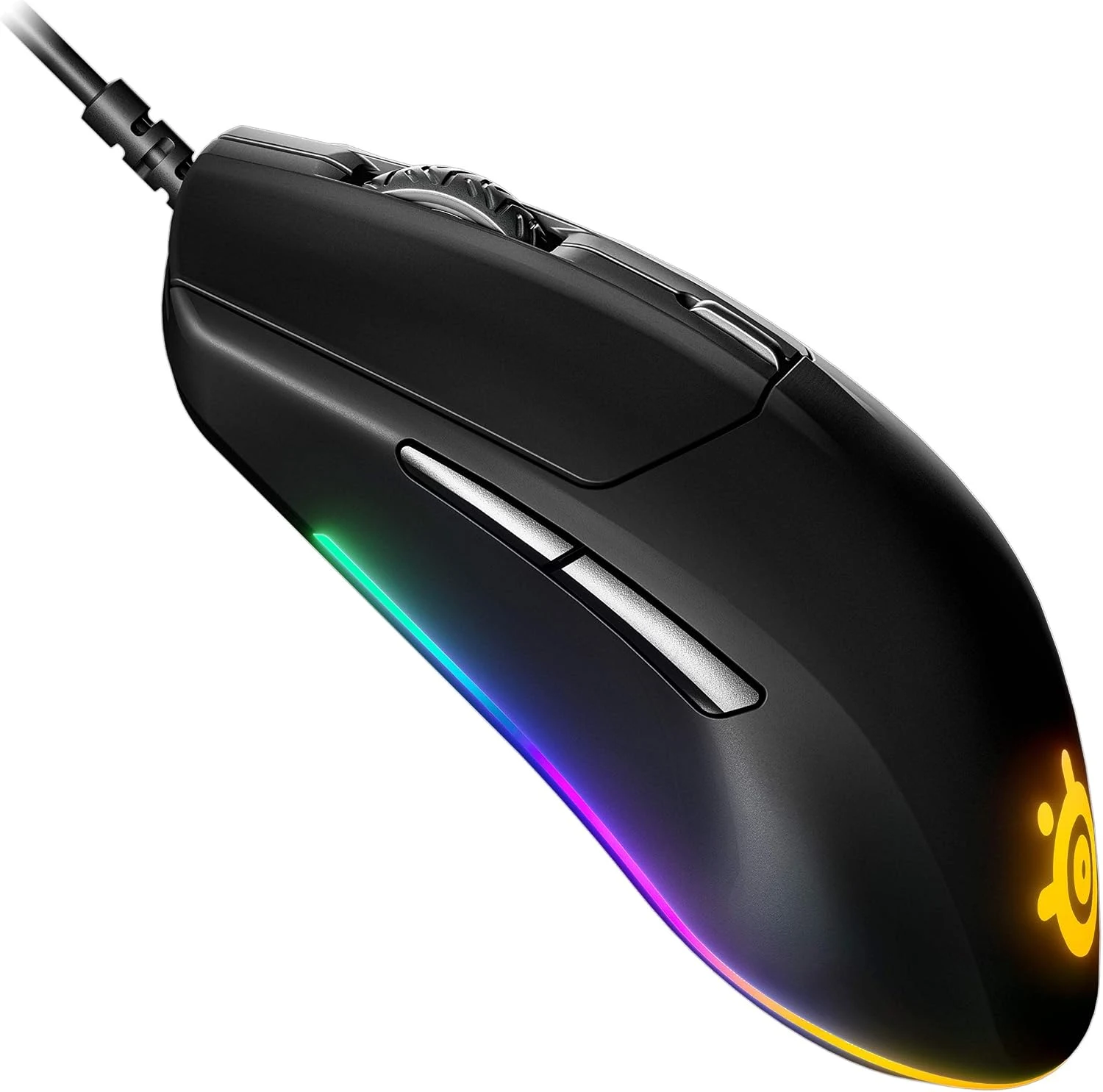
Lighting is a preference rather than a pointing requirement. I would configure it according to the desk and current software support, then leave it alone if it adds little. A device can have attractive lighting without that being the reason it fits the task. Ordinary comfort and predictable control deserve the larger share of the decision.
Customisation should remain easy to recover
I would check current software support for the actual operating system before buying around advanced settings. A managed work computer may restrict installation. Basic input and a custom profile are different requirements, so the purchase should not depend on an unavailable utility.
Related reading

I would compare the G604 when extra thumb controls and wireless modes serve a clear workflow. I would compare a trackball when a stationary device fits the desk or preferred movement better. Those are different approaches, not automatic upgrades from a simple wired mouse.
My assessment of the original Rival 3 is positive for a suitable straightforward desk. I would check the exact model, hand fit and current offer together. Its value is a predictable pointing tool that suits the user and the surface, rather than a promise that a gaming specification or maximum sensitivity automatically improves every movement on every computer.
The product images come from the selected listing and identified manufacturer materials. My assessment uses the linked product information and the buying decisions explained here. Specifications are manufacturer or retailer claims; the conclusions are my own editorial judgement.
What worked
The direct wired role avoids battery and wireless setup while keeping ordinary pointing simple.
What bothered me
The cable and personal grip fit can matter more than the sensor’s largest advertised sensitivity.
Who should not buy it
Someone needing wireless movement, a large shortcut-button cluster or a guaranteed ergonomic fit.
Alternatives I would consider
Logitech G604. I would choose it when extra controls and supported wireless modes have clear jobs. Read my Logitech G604 review.
A trackball. I would compare it when the desk or preferred hand movement favours a stationary device. Read my A trackball review.
Evidence and sources
The linked product documentation and exact retailer listing support the product details. Images: Amazon product gallery. These are not personal test photographs or measurements.
Features, compatibility and rated figures from the maker are manufacturer information. My opinions are identified in the review.
Conclusion
Worth considering when the exact original model is priced sensibly and basic wired pointing is enough.
SteelSeries Rival 3 Mouse
Amazon US · US
Check price and availability: SteelSeries Rival 3 Mouse at Amazon USAffiliate link. As an Amazon Associate I earn from qualifying purchases.
One email a week with practical Mac workflows, useful comparisons and honest tech recommendations.