A vertical mouse is not one universal shape. That is the first reason I find the Logitech Lift useful to consider beside the larger MX Vertical. Logitech positions it for smaller and medium hands, which makes the buying conversation more concrete than asking whether an upright design is generally better. I like having a choice that begins with fit rather than a higher model number.
Quick verdict
I would shortlist it for the focused role described here.
Best for: A smaller or medium right hand that reaches the controls naturally.
Main benefit: The smaller upright body gives a clear fit alternative to the larger MX Vertical.
Biggest drawback: The selected hand version, personal fit and Bolt-versus-Unifying difference need checking before purchase.
Logitech Lift, Graphite, right-handed, 910-006466
Amazon US · US
Check price and availability: Logitech Lift, Graphite, right-handed, 910-006466 at Amazon USAffiliate link. As an Amazon Associate I earn from qualifying purchases.
Reviewed version: Logitech Lift, Graphite, right-handed, 910-006466
Compatibility: The exact right-handed Graphite Lift, supported Bluetooth host or matching Logi Bolt receiver and current configuration software. A left-handed model is a separate purchase.
Review context: I assess reach, desk layout, pointer settings, useful shortcuts and a replaceable-battery routine.
I would consider the Lift for a person whose hand reaches its controls comfortably and whose desk suits the different grip. The selected model is the graphite right-handed version. A left-handed Lift exists separately, but that does not change the shape of this particular purchase. I would keep the exact hand version visible before choosing an offer.
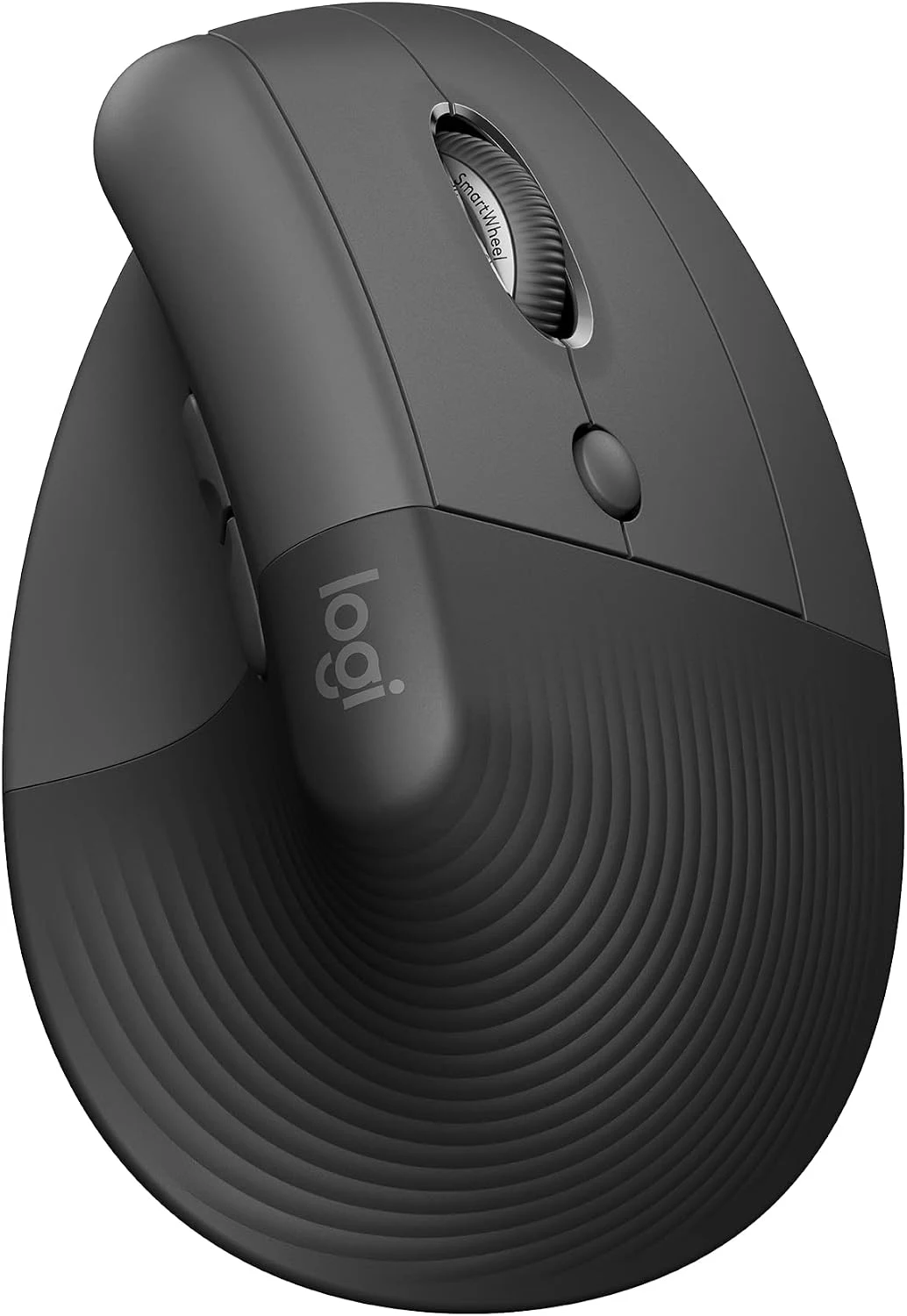
The smaller body is the important distinction
Product images: the verified retailer gallery and any original manufacturer illustration credited in the sources. These are not personal test photographs.
Related reading
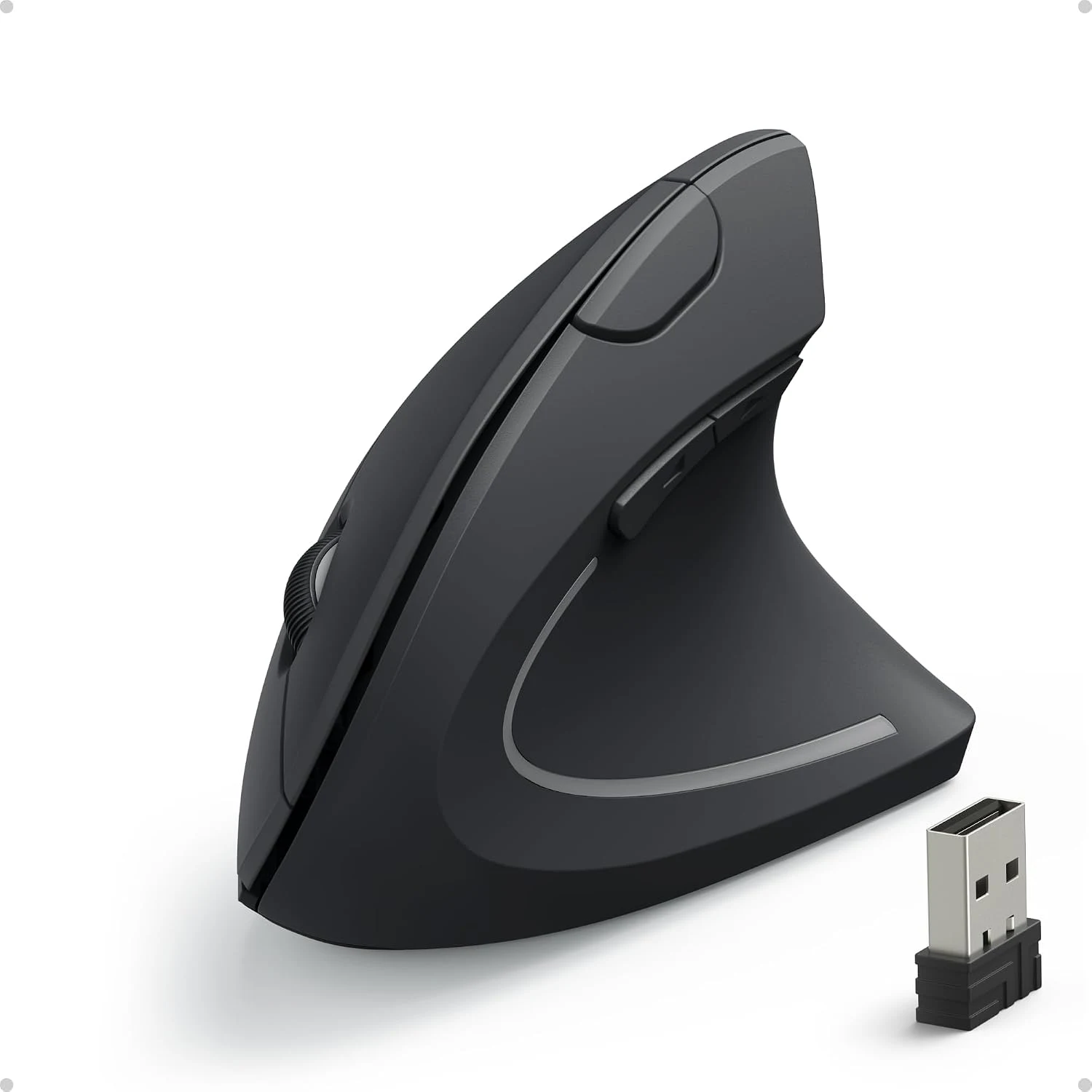
Logitech’s Lift product page describes the upright design, thumb rest and intended hand-size range. I would use those facts to arrange a useful trial, not treat them as proof of a personal comfort result. The controls should be easy to reach without stretching or shifting the grip repeatedly.
I would try ordinary tasks first: selecting a word, finding a small button, scrolling a long page and moving across the actual displays. Those movements reveal more than holding the mouse briefly and deciding that a different angle feels interesting. A working tool needs to remain useful while attention returns to the work.
The desk layout still matters. A wide keyboard can push the pointer device farther away, while a crowded surface can make a tall body awkward to move. I would give the Lift a sensible place and compare that complete arrangement with the existing mouse. A new shape should solve the original problem rather than simply introduce another one.
Bolt and Bluetooth are distinct routes
The Lift uses Bluetooth or a compatible Logi Bolt receiver. I like the choice, because a laptop with few available ports and a fixed desktop can have different needs. I would decide which connection is the normal route and keep the recovery or spare arrangement clear.
Bolt is not Unifying. That is particularly important when replacing an older Logitech mouse while hoping to keep one receiver for the whole desk. I would check every device’s receiver family rather than assume the common logo proves they can share the same USB part.
For several computers, I would also distinguish changing the selected device from software that supports a wider cross-computer workflow. Logitech’s business-range comparison makes clear that platform software matters for some functions. The exact consumer package and current host support still need their own check.
The wheel and buttons should stay memorable
A working mouse earns its extra controls when they remove repeated small actions. I would begin with navigation commands or another familiar job, then add only what I can remember naturally. A large collection of custom bindings can create another thing to manage instead of making the day simpler.
Related reading

The Lift’s scrolling design is part of that everyday role. I would judge it with the pages and documents I actually use, including short precise movements as well as long ones. A wheel’s usefulness is not captured by the number of modes described on a product page.
Logitech markets quiet clicking for this range. I can see why that matters in a shared room, while keeping it separate from a noise measurement of my own. The rest of the desk still contains a keyboard, calls and other sounds. A quieter mouse can be a useful improvement without making the whole room silent.
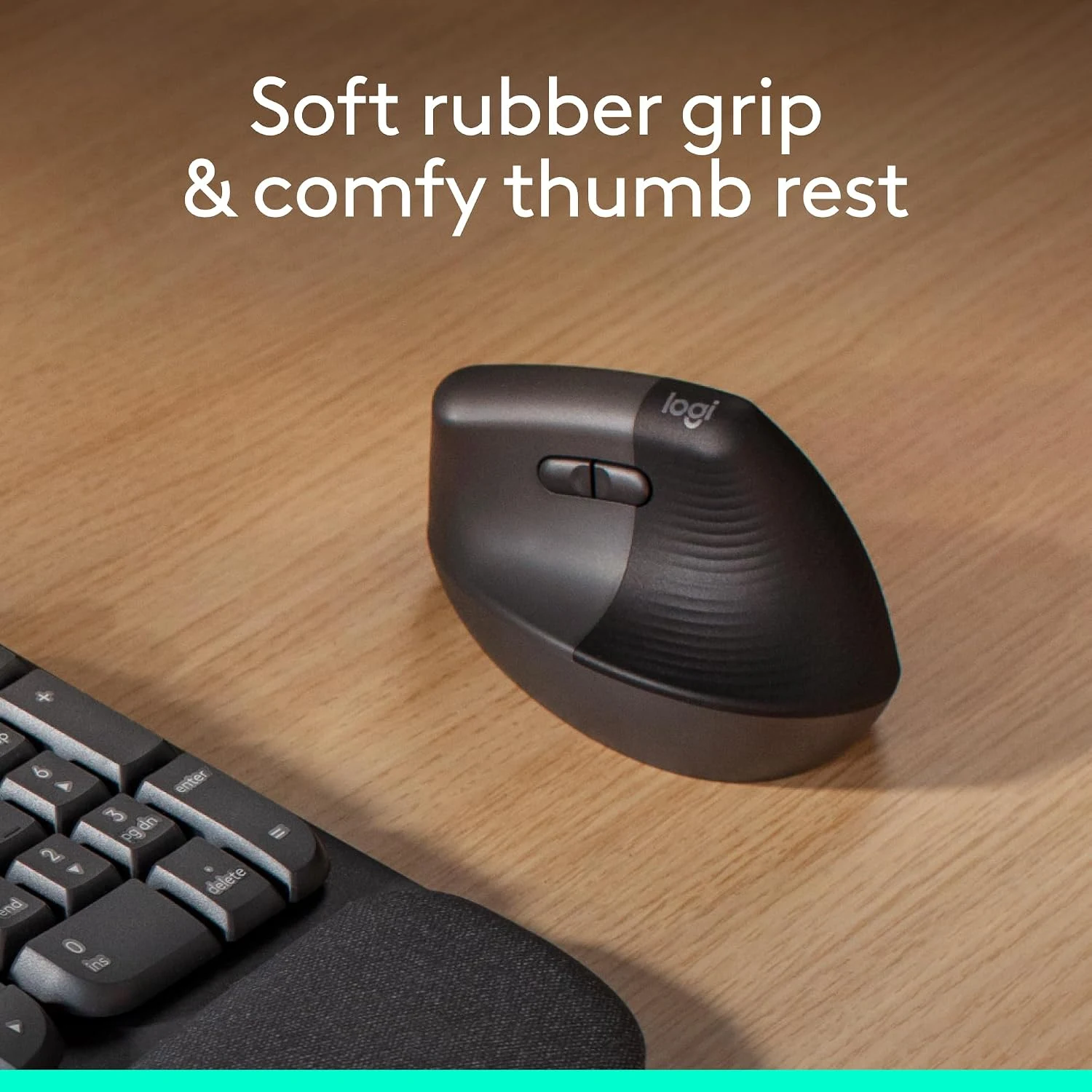
Pointer speed is a personal setting
I would start with a manageable sensitivity and adjust it against real targets. A faster pointer can reduce the distance needed to cross a display, but excessive sensitivity can also make small selections require repeated correction. The best setting is the one that suits the hand and screens together.
I would change one setting at a time while learning the grip. That makes it easier to tell whether the physical design or the software change caused a difference. I would also keep the familiar mouse available while deciding whether the new arrangement genuinely earns its place.
The battery routine is deliberately simple
A replaceable battery gives the Lift a different ownership routine from the rechargeable MX Vertical. I like that the power source can be replaced without waiting for a charge. I would still keep a suitable spare and follow the product’s guidance about the battery and storage.
The advertised runtime is a manufacturer claim under its conditions, not the result of my own long-term use. I would learn the battery indication and replace the cell when appropriate rather than turn a maximum figure into an exact calendar promise. A simple routine is more useful than a dramatic battery headline.
The receiver and battery compartment should remain easy to reach, especially for a mouse that moves between desks. A clear place for the small USB part helps prevent the convenience of wireless use from becoming a search for the missing connection before a meeting.
Related reading
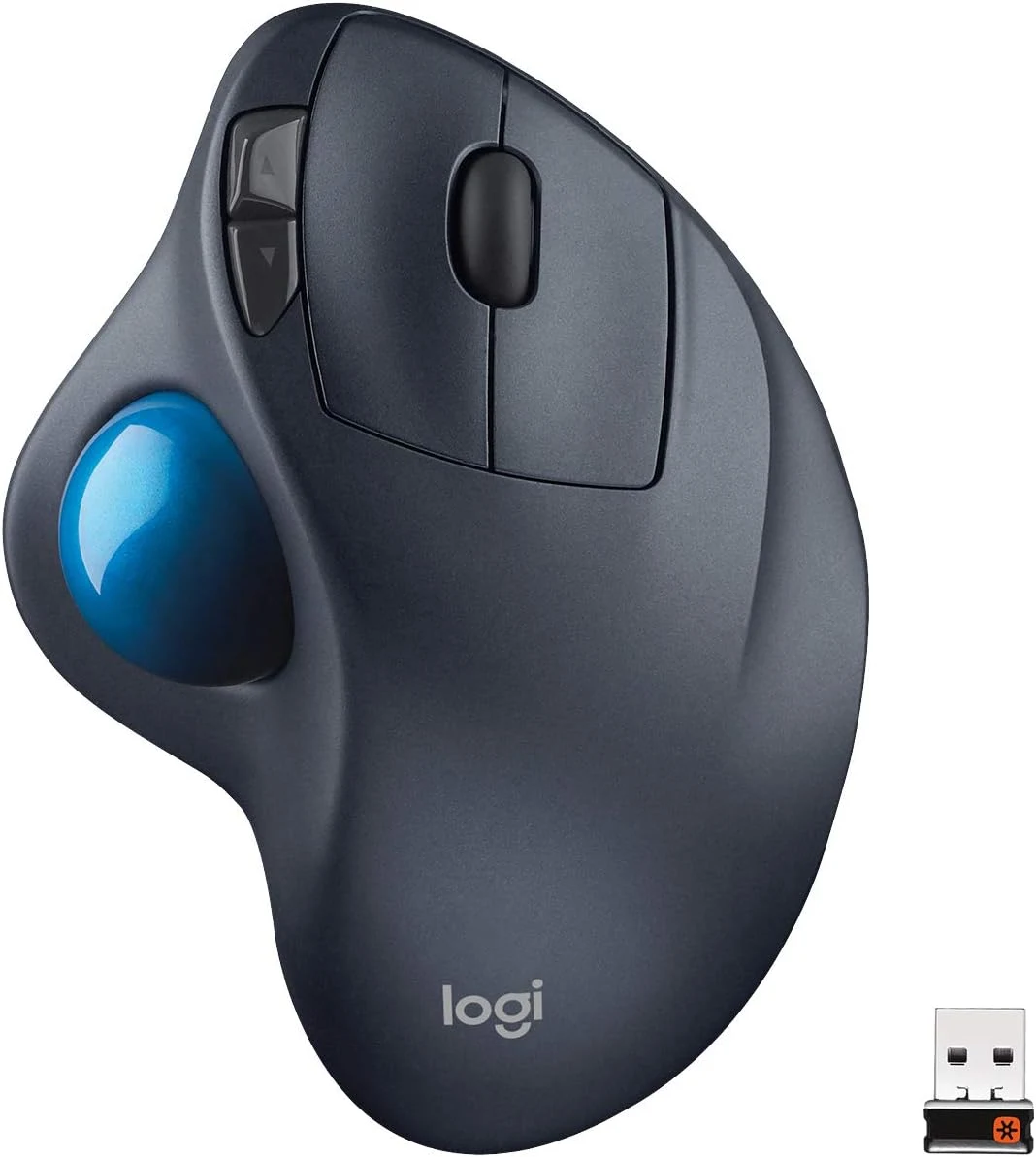
The comparison I would make
For a larger hand, I would compare the MX Vertical, including its rechargeable power and different receiver family. For a simpler lower-complexity vertical purchase, I would compare the Anker model. A conventional small mouse remains a good choice when the upright grip never becomes comfortable or useful.

My verdict is positive for the intended hand size and working role. I like the Lift because the smaller fit, connection choices and ordinary controls form a coherent product. I would buy the exact right- or left-handed version, confirm the software I need and give it a fair trial in the real desk layout. The strongest recommendation comes from that fit, not from treating vertical as a guarantee printed on the box.
What worked
The smaller upright body gives a clear fit alternative to the larger MX Vertical.
What bothered me
The selected hand version, personal fit and Bolt-versus-Unifying difference need checking before purchase.
Who should not buy it
The selected hand version, personal fit and Bolt-versus-Unifying difference need checking before purchase.
Alternatives I would consider
Logitech MX Vertical. I would compare its larger body and rechargeable power for a larger hand. Read my Logitech MX Vertical review.
Anker vertical mouse. I would compare a simpler receiver-based product when the additional working features are unnecessary. Read my Anker vertical mouse review.
Evidence and sources
Specifications are attributed to the linked documentation. Images: Amazon product gallery. These are not personal test photographs or measurements.
Features, compatibility and rated figures from the maker are manufacturer information. My opinions are identified in the review.
Conclusion
Worth considering when the smaller fit and ordinary working controls suit the desk; a different grip is not a guaranteed personal improvement.
Logitech Lift, Graphite, right-handed, 910-006466
Amazon US · US
Check price and availability: Logitech Lift, Graphite, right-handed, 910-006466 at Amazon USAffiliate link. As an Amazon Associate I earn from qualifying purchases.
One email a week with practical Mac workflows, useful comparisons and honest tech recommendations.