I find a different mouse shape more interesting than another maximum sensor number. The Logitech MX Vertical asks for a deliberate change in how the hand approaches the desk, while keeping familiar buttons and a working-mouse purpose. I like that combination of a clear physical idea and enough connection flexibility to fit more than one computer.
Quick verdict
I would shortlist it for the focused role described here.
Best for: A medium-to-large right hand comfortable with this body and its working controls.
Main benefit: A larger upright body and three connection routes can fit a deliberate productivity desk.
Biggest drawback: Hand fit remains personal, and its Unifying receiver and software features need exact host checks.
Logitech MX Vertical, Graphite, 910-005447
Amazon US · US
Check price and availability: Logitech MX Vertical, Graphite, 910-005447 at Amazon USAffiliate link. As an Amazon Associate I earn from qualifying purchases.
Reviewed version: Logitech MX Vertical, Graphite, 910-005447
Compatibility: The right-handed MX Vertical, Bluetooth or matching Unifying receiver or supported wired USB route. Check current Logi Options+ requirements for advanced functions.
Review context: I assess hand reach, pointer settings, actual shortcut needs, computer switching and rechargeable-battery ownership.
I would consider it for a medium-to-large right hand that fits the body, with a real chance to try the grip. I would not buy it because the word ergonomic guarantees a personal result. The mouse, keyboard width, seating and ordinary movements all belong to the same desk. The right purchase is the shape that makes that arrangement easier to use, rather than the one with the most persuasive label.
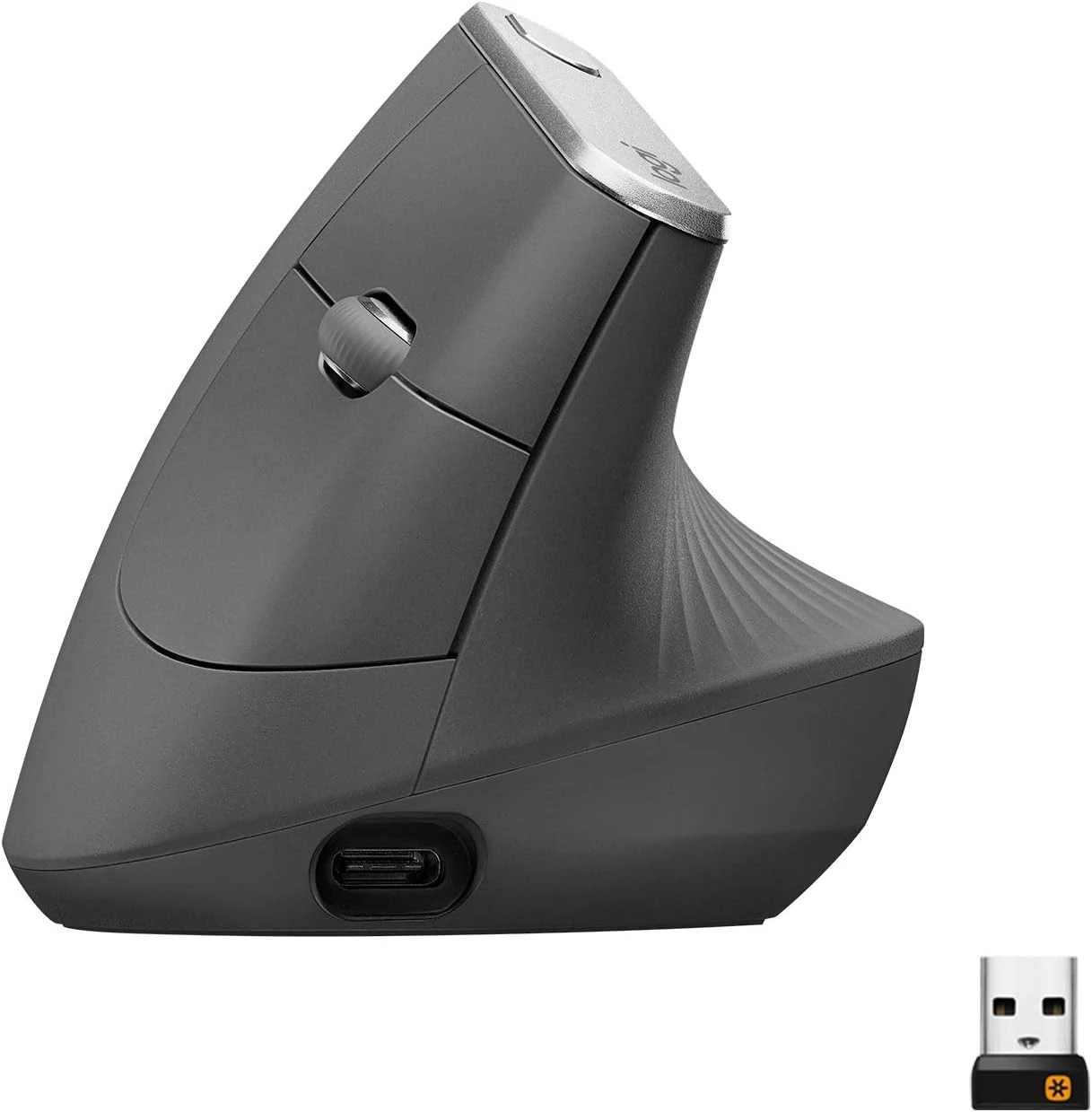
Size belongs ahead of software
Product images: the verified retailer gallery and any original manufacturer illustration credited in the sources. These are not personal test photographs.
Related reading

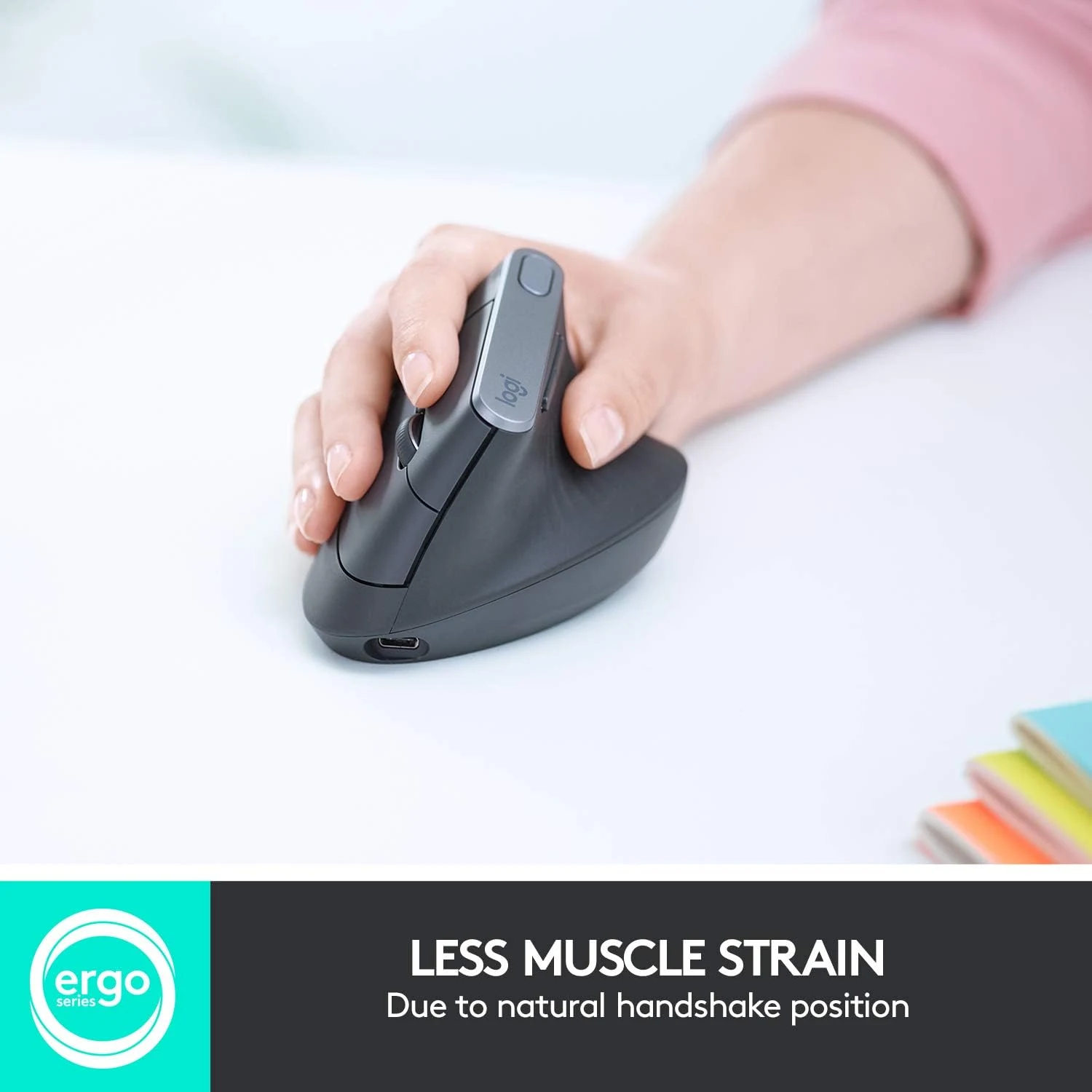
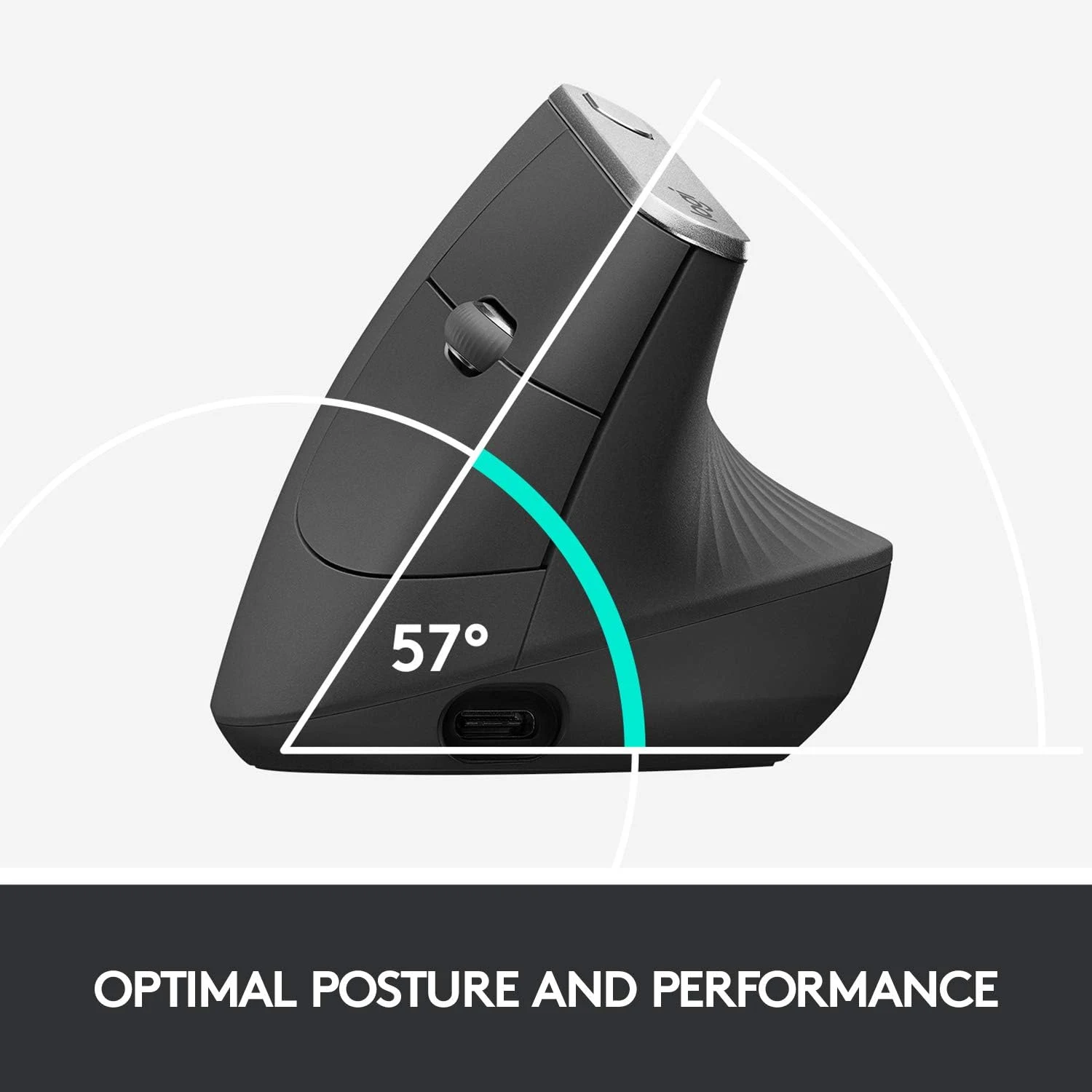
Logitech’s MX Vertical page describes its upright angle and positions the body for medium-to-large hands. Those are useful starting facts. I would compare the hand’s actual reach to the controls rather than assume every vertical mouse has the same dimensions.
A thumb rest is only useful when the hand can settle naturally around it. I would want the main buttons and wheel within reach without stretching or changing the grip for every small action. A mouse that feels impressive for a minute can still be distracting during a long sequence of selecting and scrolling.
The tall body needs clear space too. I would check the position beside the keyboard, laptop stand and anything normally kept within reach. A new grip should not require steering around a crowded desk. Moving the device closer can be a more useful change than making the pointer excessively sensitive to avoid arm movement.
Connection choice can simplify the desk
Logitech’s technical specifications describe Bluetooth, a Unifying receiver and a wired USB route. I like having those distinct options. A fixed desktop and a laptop with few free ports do not necessarily need the same arrangement.
The receiver is Unifying, not Logi Bolt. That matters when another Logitech device already occupies a USB port. I would confirm the actual receiver family before assuming two products can share it. A common brand is not a compatibility standard.
For a shared working routine, I would decide how switching between computers should happen and check the current supported software. Basic device switching and a cross-computer workflow that transfers the pointer or files are different capabilities. I would not make the latter essential until the exact hosts and network requirements were clear.
Pointer settings should serve small tasks
A sensitivity switch is useful when it supports a deliberate working habit. I would begin with controllable ordinary movement, then compare selecting text, reaching a small control and crossing the real display layout. The highest setting is not automatically the most accurate experience.
For development work, those small interactions matter. A sidebar, a breakpoint gutter and an editor selection ask for predictable positioning. I would judge the mouse against the applications actually used rather than a quick movement on an empty desktop.
Related reading
I would change one pointer setting at a time. That makes it easier to understand whether the physical grip, acceleration or sensitivity caused an improvement. Learning a different shape already introduces one variable; changing every software option together can make the comparison needlessly confusing.
Extra controls need a named purpose
The MX Vertical supports software customisation within Logitech’s documented host requirements. I like the opportunity to put a repeated action close to the hand. I would still begin with a small number of commands that are easy to remember, rather than turn every button into a separate experiment.
Back and forward can be useful in navigation-heavy work. Another person may prefer a different repeated action. The software’s value is letting the control match the job, provided the required host and application support remain current. A configuration that only works in one environment should be described that way.
Before a major operating-system update, I would check the current support route for the features I rely on. A mouse can continue to move the pointer while an advanced setting changes. Separating those layers keeps a future compatibility question much easier to investigate.
Rechargeable does not mean maintenance-free
The internal rechargeable battery avoids keeping disposable replacements at the desk. I would give its charging cable an ordinary place and learn the available battery indication. The useful routine is charging before an important working session, not trying to reproduce a manufacturer’s maximum runtime claim.
The USB-C connector is convenient only when the cable can actually reach the working position. I would confirm the supported cable and wired operation with the selected package. A rechargeable mouse should not become unusable simply because its only charging lead normally lives in a travel bag.
For used stock, I would pay attention to battery condition, the wheel and the surface materials. The model name describes a design; it does not describe every older unit’s remaining life. A clear seller and return route belong in the value comparison for an input device whose fit is personal.
Related reading

The alternatives follow the hand and job
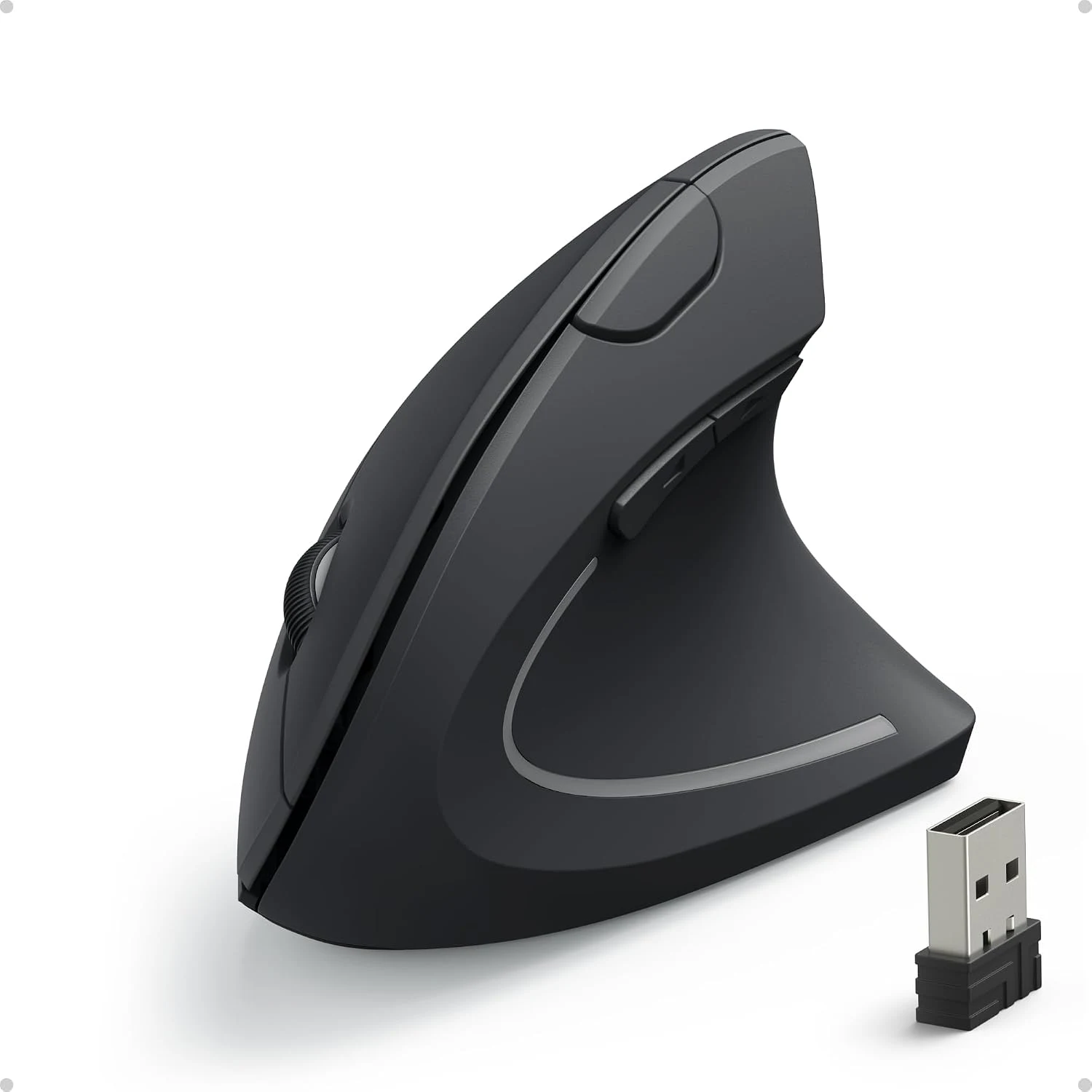
I would compare the Logitech Lift for a smaller hand. I would compare the Anker vertical model for a simpler receiver-based alternative, accepting its different controls and power routine. For a conventional productivity shape with a thumb wheel, the MX Master 3 answers a different set of preferences.
My verdict is positive for a suitable hand and a deliberate working setup. I like the MX Vertical’s connection choices and the idea of adapting familiar mouse actions to another grip. I would buy after confirming the physical fit and the software features actually needed. If the shape remains awkward, I would choose differently without treating that as a failure to learn the product.
What worked
A larger upright body and three connection routes can fit a deliberate productivity desk.
What bothered me
Hand fit remains personal, and its Unifying receiver and software features need exact host checks.
Who should not buy it
Hand fit remains personal, and its Unifying receiver and software features need exact host checks.
Alternatives I would consider
Logitech Lift. I would compare the smaller body for a smaller hand, including its different receiver and battery system. Read my Logitech Lift review.
Anker Vertical Ergonomic Mouse. I would choose a simpler receiver-based route when the additional software and connection options are unnecessary. Read my Anker Vertical Ergonomic Mouse review.
Evidence and sources
Specifications are attributed to the linked documentation. Images: Amazon product gallery. These are not personal test photographs or measurements.
Features, compatibility and rated figures from the maker are manufacturer information. My opinions are identified in the review.
Conclusion
Worth considering when the grip and connection options earn their place; do not pay for an ergonomic label alone.
Logitech MX Vertical, Graphite, 910-005447
Amazon US · US
Check price and availability: Logitech MX Vertical, Graphite, 910-005447 at Amazon USAffiliate link. As an Amazon Associate I earn from qualifying purchases.
One email a week with practical Mac workflows, useful comparisons and honest tech recommendations.