Best NVMe SSDs
The number on an SSD box describes a short burst into a fast cache. What separates these drives in daily use is what happens after that cache fills, how hot they run, and whether the firmware needs attention on day one. This board covers internal M.2 NVMe drives only. SATA drives, portable SSDs and enclosures are left out.
Updated · 12 ranked
PCIe 4.0 drives
These need a PCIe 4.0 M.2 slot to reach their rated speeds. In a PCIe 3.0 slot they work, but slower.
-
Place 1

Best PCIe 4.0 drive
Samsung 990 PRO 2TB
It has the highest rated read and write speeds of the PCIe 4.0 drives and published tests show it holding about 1,500 MB/s after its cache of roughly 230 GB fills, but the firmware must be checked first.
- Capacity
- 2 TB
- Interface
- PCIe 4.0 x4
- Rated sequential read
- 7,450 MB/s
- Rated sequential write
- 6,900 MB/s
-
Place 2
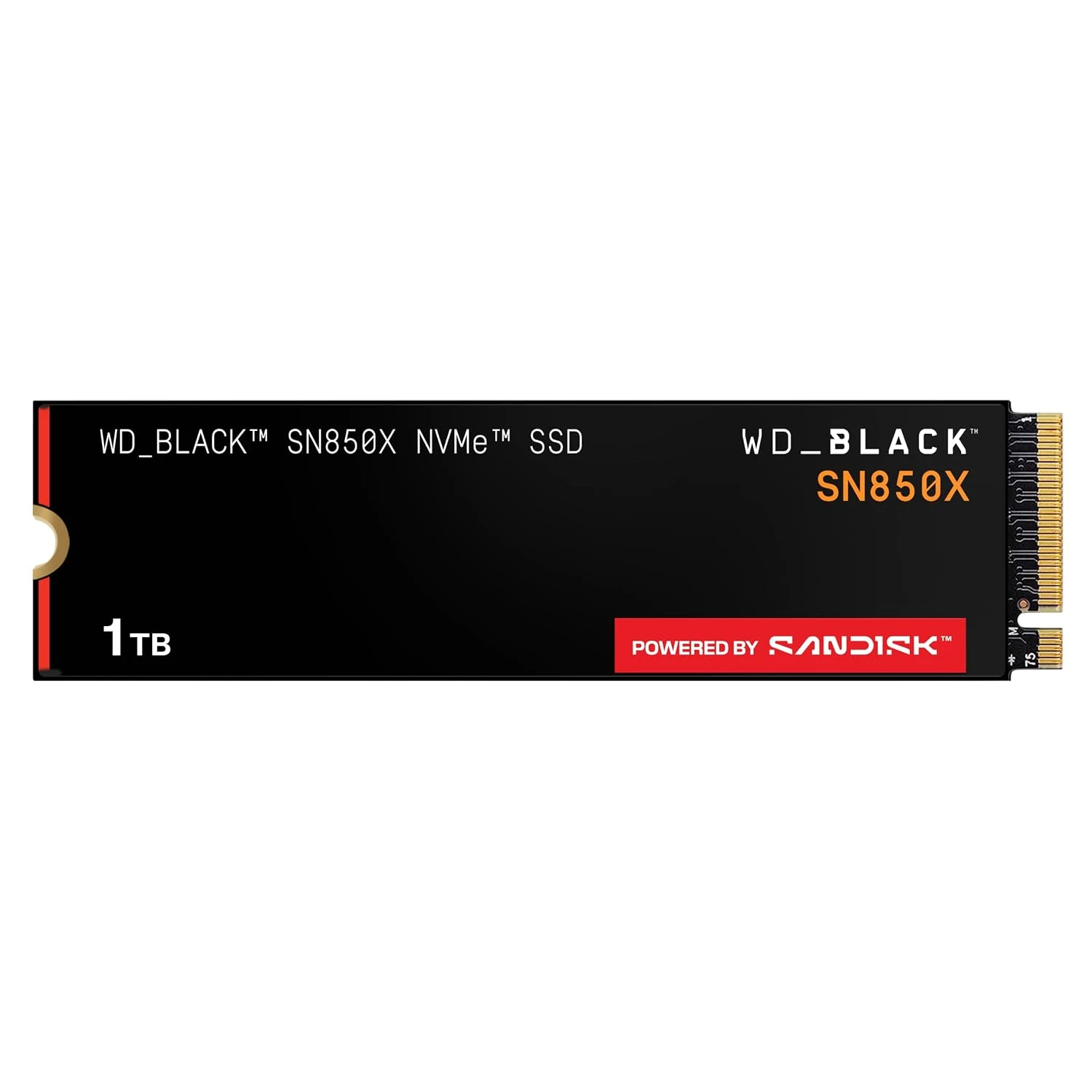
WD_BLACK SN850X 1TB
Its rated speeds are close behind the 990 PRO, and published comparisons describe the SN850X family as staying in its fast mode longer with steadier results.
- Capacity
- 1 TB
- Interface
- PCIe 4.0 x4
- Rated sequential read
- 7,300 MB/s
- Rated sequential write
- 6,300 MB/s
-
Place 3
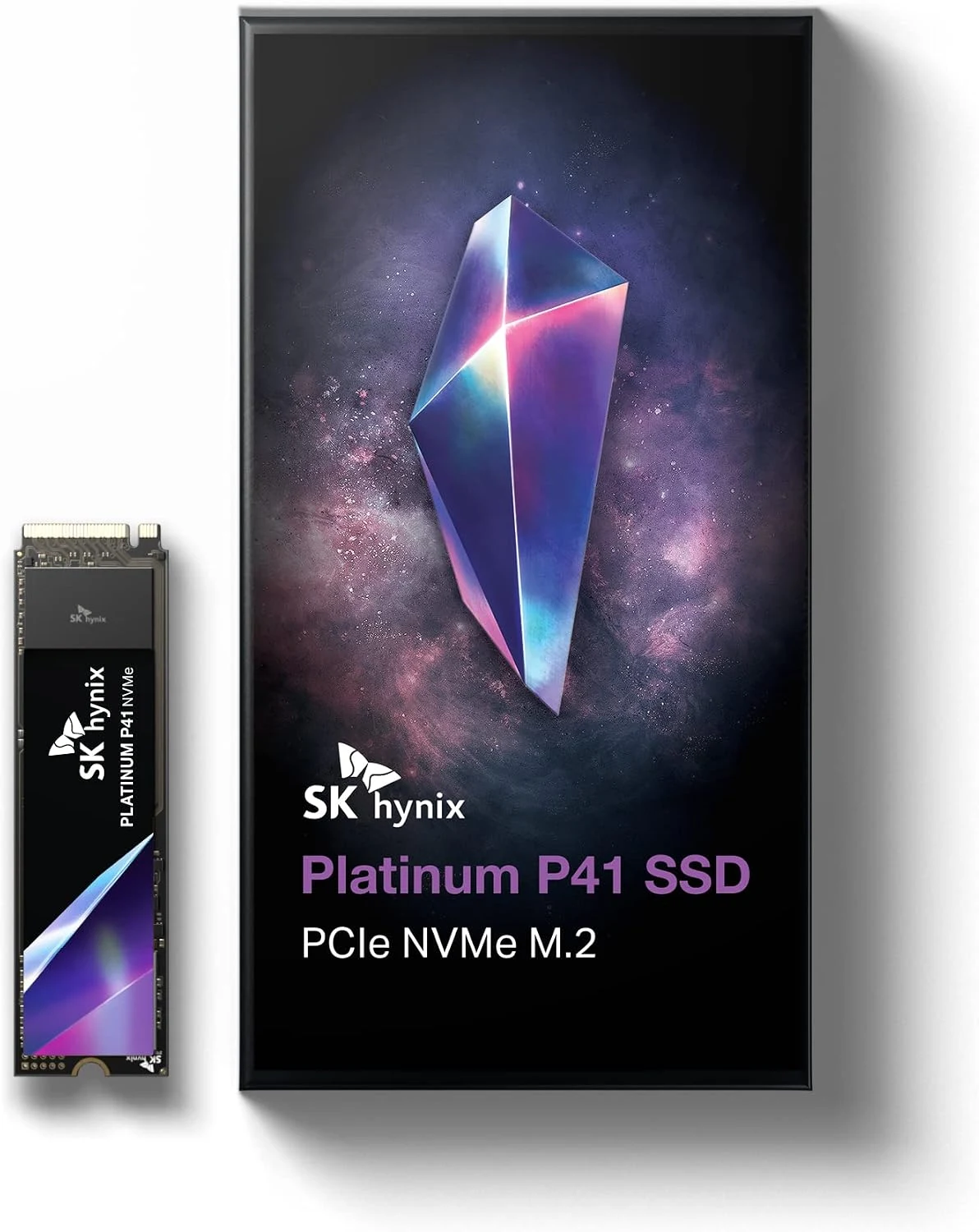
SK hynix Platinum P41 1TB
A single-sided drive with a higher rated write speed than the SN850X and a slightly lower read rating, with cooling and slot support as the main things to check.
- Capacity
- 1 TB
- Interface
- PCIe 4.0 x4
- Rated sequential read
- 7,000 MB/s
- Rated sequential write
- 6,500 MB/s
-
Place 4

Samsung 980 PRO 2TB
Published tests show it holding roughly 1,600 to 1,760 MB/s after its 222 GB cache fills, but it needs a firmware check on day one and a heatsink to avoid throttling.
- Capacity
- 2 TB
- Interface
- PCIe 4.0 x4
- Rated sequential read
- 7,000 MB/s
- Rated sequential write
- 5,100 MB/s
-
Place 5
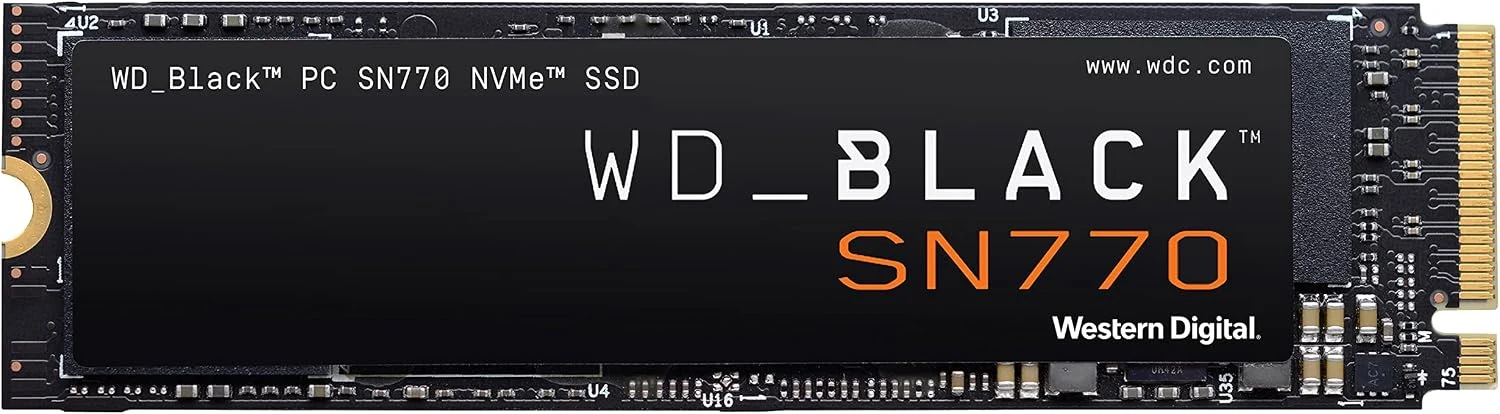
WD_BLACK SN770 2TB
A mid-range PCIe 4.0 drive with rated speeds well under the four above, plus a documented Windows 11 firmware fix that owners should apply.
- Capacity
- 2 TB
- Interface
- PCIe 4.0 x4
- Rated sequential read
- 5,150 MB/s
- Rated sequential write
- 4,850 MB/s
-
Place 6
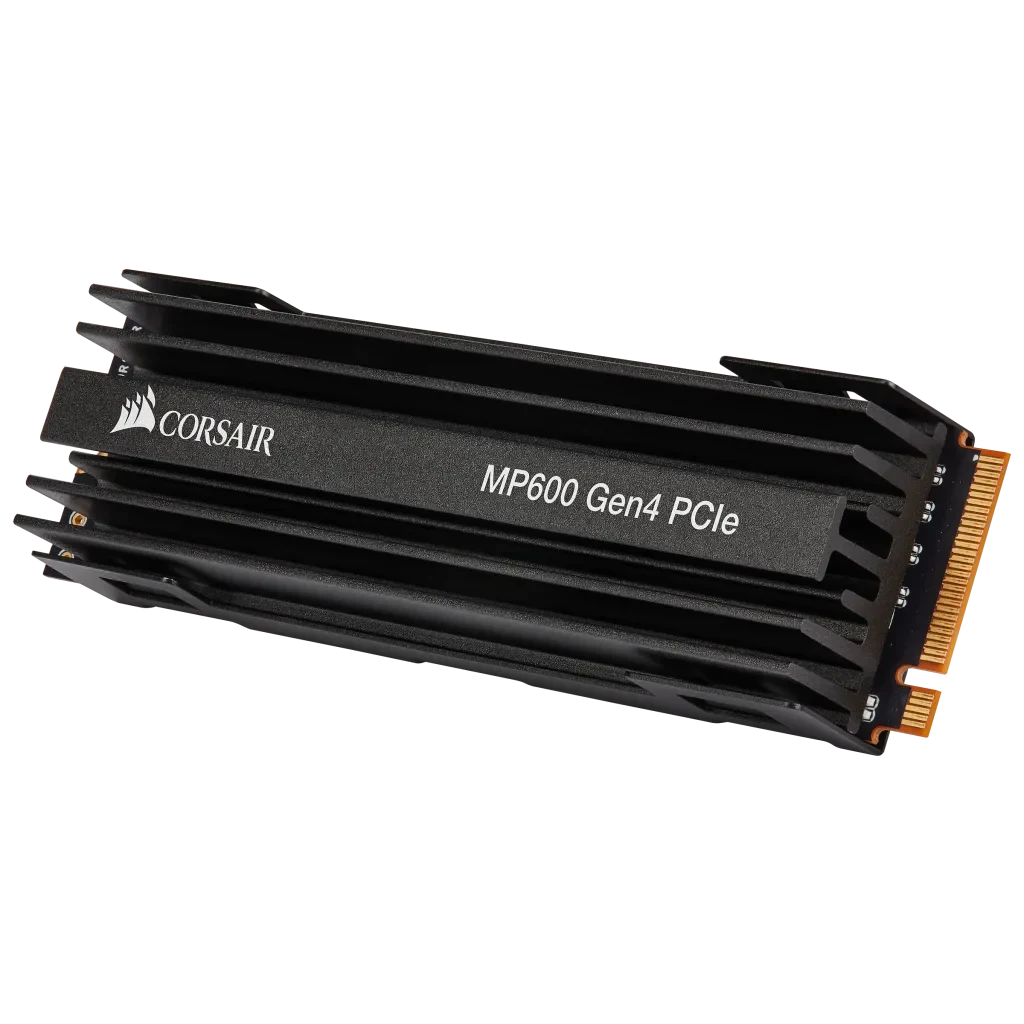
Corsair Force MP600 1TB
This first-generation PCIe 4.0 drive has the lowest rated speeds in the group, and its tall heatsink needs clearance that many laptops and small cases lack.
- Capacity
- 1 TB
- Interface
- PCIe 4.0 x4
- Rated sequential read
- 4,950 MB/s
- Rated sequential write
- 4,250 MB/s
Budget and PCIe 3.0 drives
Good for boot drives, game libraries and older PCs. Most slow down sharply on very long writes.
-
Place 1
Best PCIe 3.0 pick
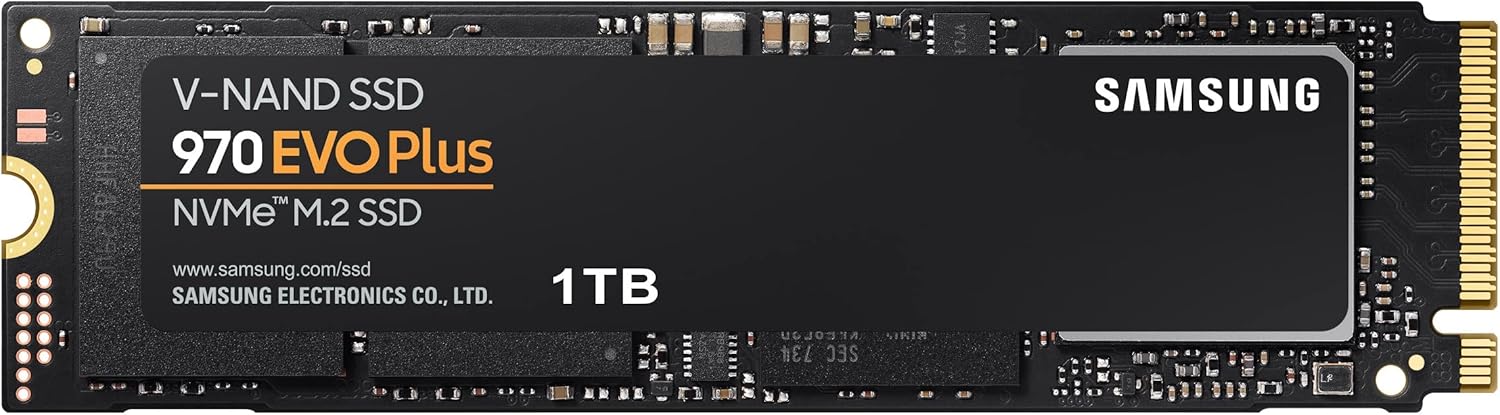
Samsung 970 EVO Plus 1TB
It has the highest rated write speed of the PCIe 3.0 drives and a 600 TBW rating, and published tests show it stays at 800 MB/s or better once its cache is full.
- Capacity
- 1 TB
- Interface
- PCIe 3.0 x4
- Rated sequential read
- 3,500 MB/s
- Rated sequential write
- 3,300 MB/s
-
Place 2
Best for older laptops
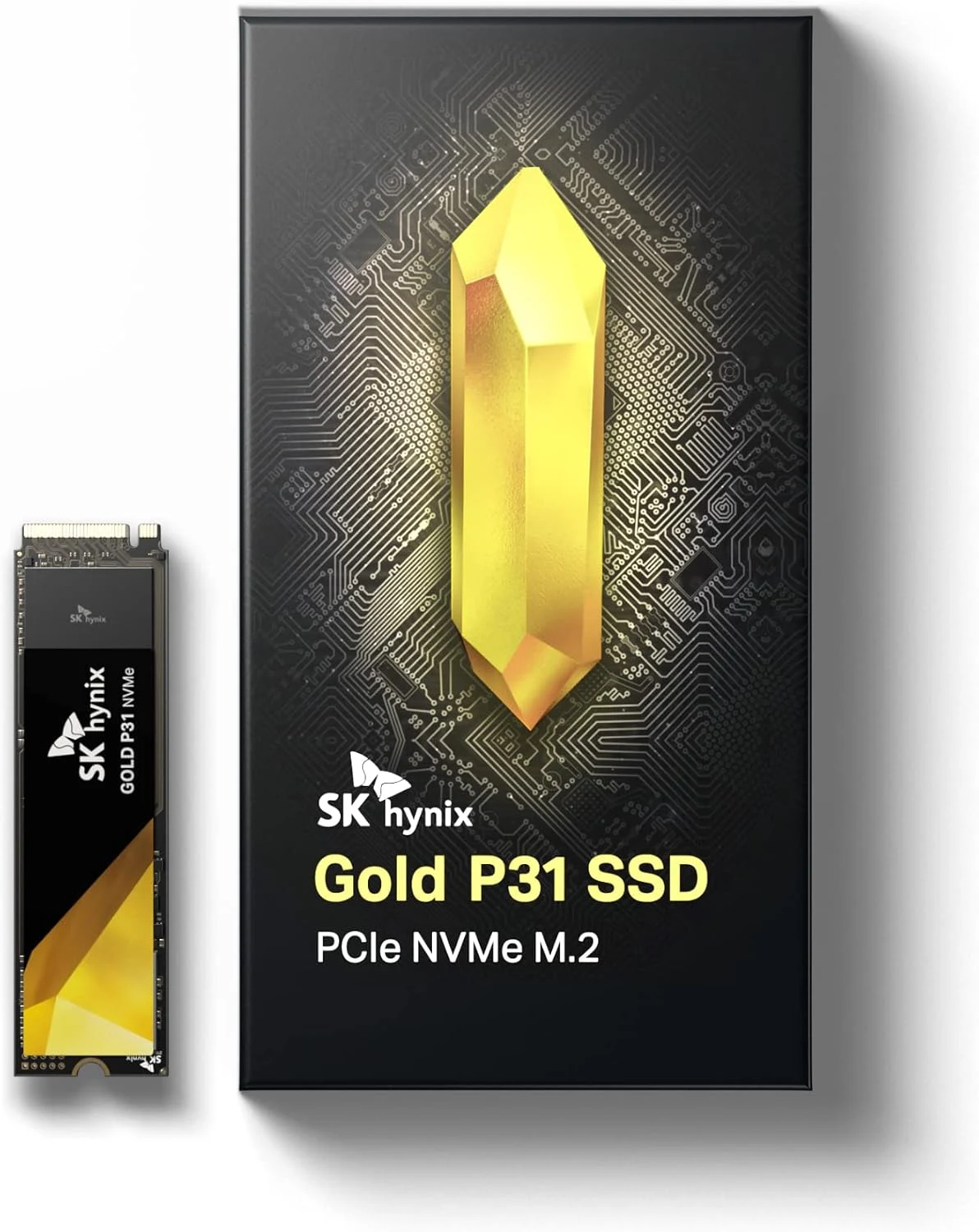
SK hynix Gold P31 1TB
Its rated speeds sit just under the 970 EVO Plus, and our review treats it as a sensible upgrade for a PCIe 3.0 notebook when the slot and current offer fit.
- Capacity
- 1 TB
- Interface
- PCIe 3.0 x4
- Rated sequential read
- 3,500 MB/s
- Rated sequential write
- 3,200 MB/s
-
Place 3
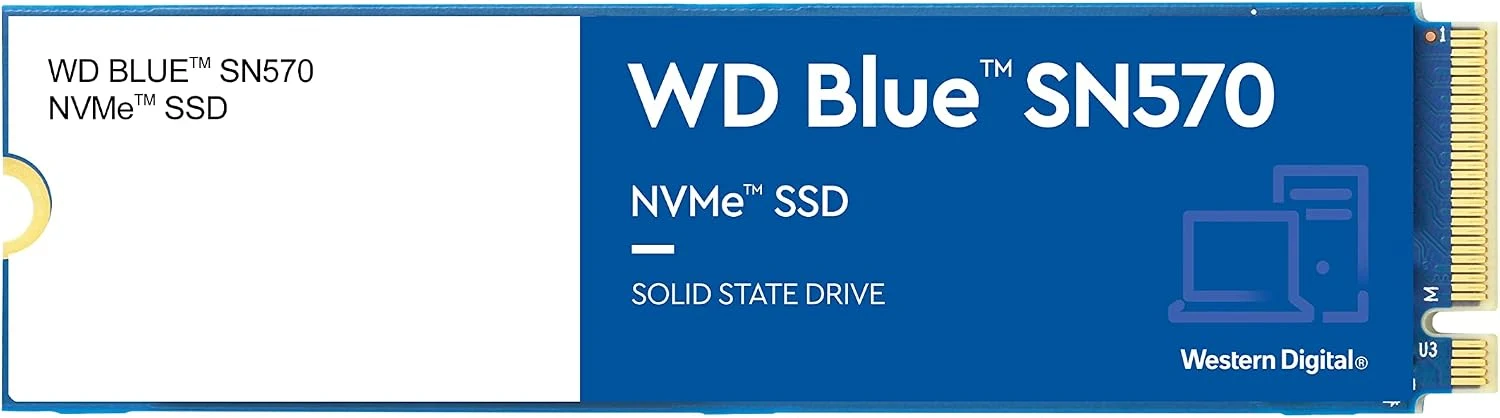
WD Blue SN570 1TB
A plain everyday PCIe 3.0 upgrade with the same rated read as the drives above and a slightly lower write rating, best kept to ordinary workloads rather than long writes.
- Capacity
- 1 TB
- Interface
- PCIe 3.0 x4
- Rated sequential read
- 3,500 MB/s
- Rated sequential write
- 3,000 MB/s
-
Place 4

Samsung 980 1TB
It matches the SN570 on rated speeds, but published tests show writes falling to about 400 MB/s after roughly 170 GB, and owners report heat alerts.
- Capacity
- 1 TB
- Interface
- PCIe 3.0 x4
- Rated sequential read
- 3,500 MB/s
- Rated sequential write
- 3,000 MB/s
-
Place 5

Kingston NV2 1TB
It uses a PCIe 4.0 interface but has the lowest rated write speed here, and its parts vary between units, with one published test falling to 140 MB/s after the cache.
- Capacity
- 1 TB
- Interface
- PCIe 4.0 x4
- Rated sequential read
- 3,500 MB/s
- Rated sequential write
- 2,100 MB/s
-
Place 6

Crucial P3 1TB
It is fine for a boot drive or game library, but published tests show writes dropping to around 100 MB/s once its cache of about 250 GB is full.
- Capacity
- 1 TB
- Interface
- PCIe 3.0 x4
- Rated sequential read
- 3,500 MB/s
- Rated sequential write
- 3,000 MB/s
How this board is ranked
The sequential speeds shown are the manufacturers' published ratings, not our measurements. Drives are ordered first by interface generation and rated sequential read and write speed. We then adjust the order by what our research-based reviews say about sustained write speed after the cache fills, endurance, heat and reliability, including known firmware issues. Budget and PCIe 3.0 drives are ranked in their own group.
Figures from: Samsung: 990 PRO 2TB, WD_BLACK SN850X data sheet, SK hynix: Platinum P41, WD_BLACK SN770 product brief, Corsair: Force Series MP600 1TB, Samsung: 970 EVO Plus 1TB, SK hynix: Gold P31, WD Blue SN570 product brief.
Store links are affiliate links. As an Amazon Associate I earn from qualifying purchases. It costs you nothing extra. Rankings are not for sale; see the affiliate disclosure.