An older computer does not always need the newest SSD generation. It needs storage that fits, enough capacity for the work and a recovery plan that survives the upgrade. That is the angle from which I would consider the WD Blue SN570 1TB. I like its clear everyday role: an NVMe drive for a compatible machine, rather than an expensive answer to a performance requirement the host never had.
Quick verdict
I would shortlist it for the focused role described here.
Best for: An ordinary supported NVMe upgrade with a clear migration and recovery plan.
Main benefit: A compatible older PC can gain useful internal capacity without buying an interface class it cannot use.
Biggest drawback: The Gen3 design and sustained-write questions need a different comparison from a short maximum-speed figure.
WD Blue SN570 NVMe SSD, 1TB, WDS100T3B0C
Amazon US · US
Check price and availability: WD Blue SN570 NVMe SSD, 1TB, WDS100T3B0C at Amazon USAffiliate link. As an Amazon Associate I earn from qualifying purchases.
Reviewed version: WD Blue SN570 NVMe SSD, 1TB, WDS100T3B0C
Compatibility: A supported M.2 2280 NVMe slot, mounting and thermal arrangement. This is not an M.2 SATA drive.
Review context: I assess everyday working capacity, host fit, migration, extended writing and the separate limits of USB enclosures.
I would shortlist it when a supported system needs a sensible internal replacement and the current offer remains competitive. I would be less interested if the price approaches a newer suitable model, or if the main workload is sustained heavy writing. A familiar name is a useful starting point, but the exact drive and the whole upgrade decide the value.
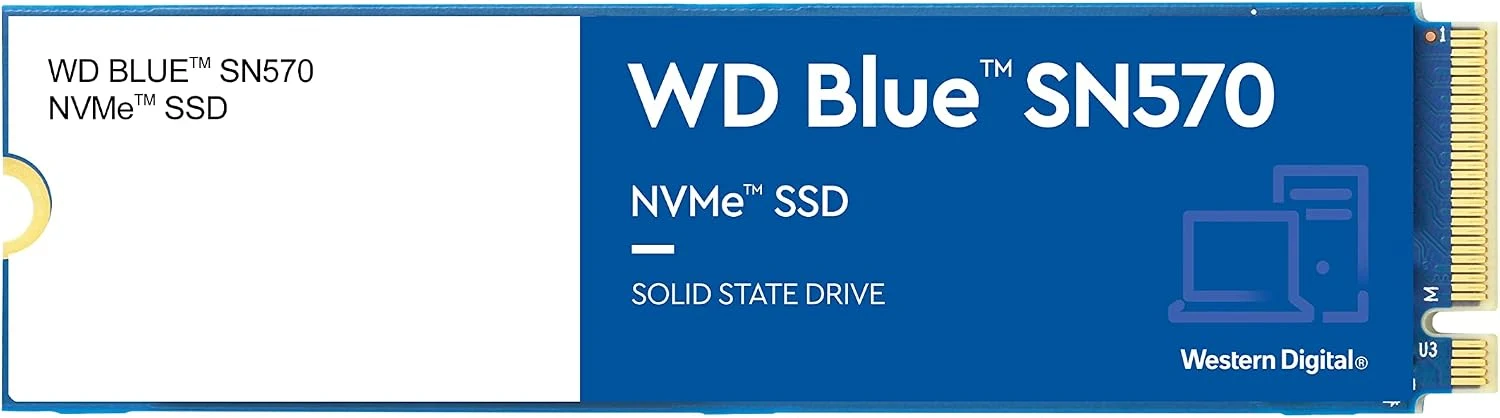
M.2 does not settle compatibility
Product images: the verified retailer gallery and any original manufacturer illustration credited in the sources. These are not personal test photographs.
Related reading
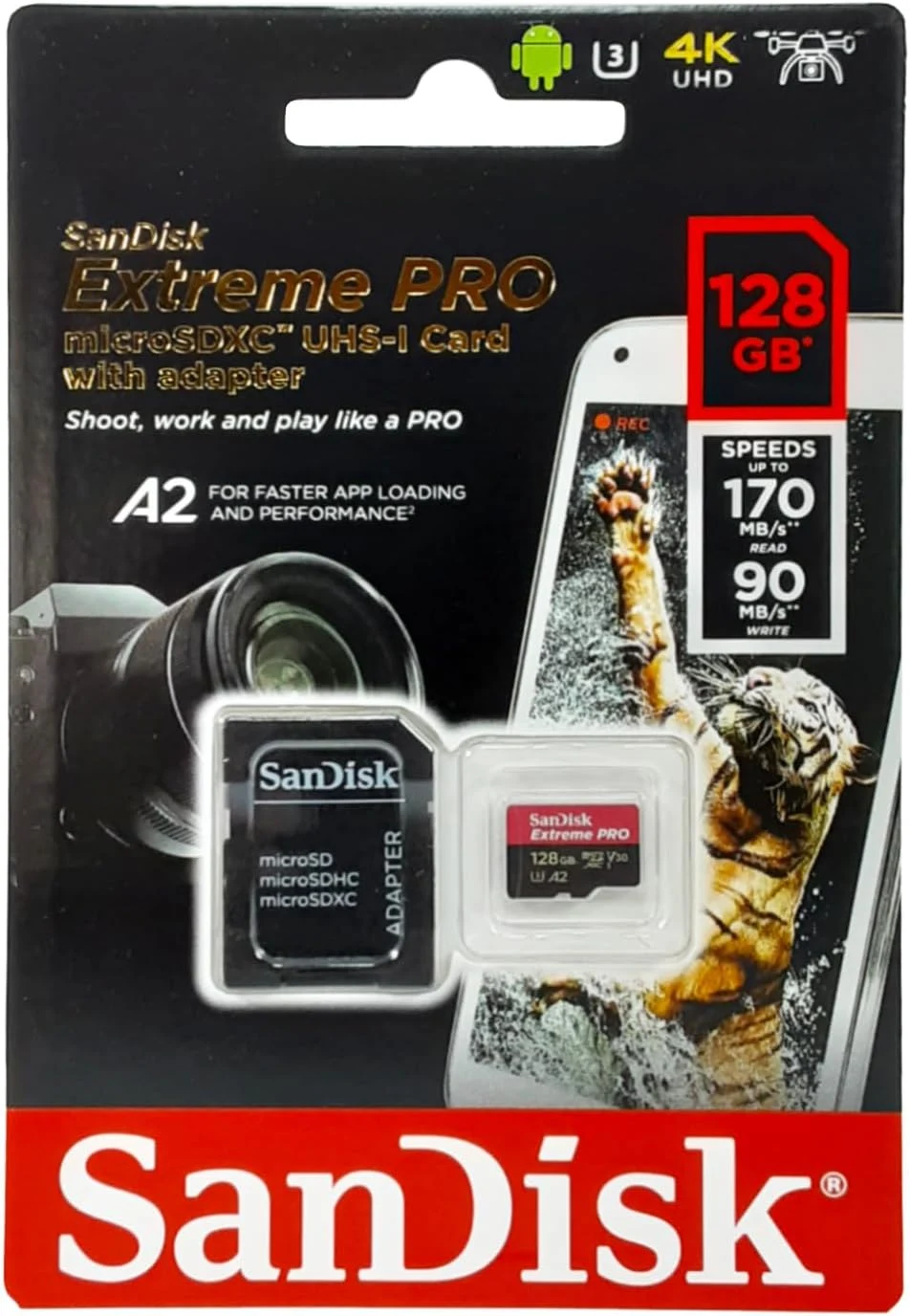
Western Digital’s SN570 product brief identifies the NVMe interface and M.2 2280 format. The listing here is the 1TB WDS100T3B0C. I would match that full model against the motherboard or laptop documentation rather than infer support from the appearance of an empty socket.
A SATA M.2 slot is not automatically an NVMe slot. Physical length, mounting position and any manufacturer restrictions also matter. I would want those points clear before dismantling the machine, with the right screw or mounting parts available. An upgrade should not depend on balancing a drive temporarily in a space it was not designed to occupy.
The PCIe generation also belongs in the comparison. The SN570 is a Gen3 product. A newer host can often support older interface generations within its documented limits, but that does not make this drive a Gen4 performer. Conversely, buying a more expensive drive for an older limited link may add less useful speed than the label suggests.
Capacity is the part I would notice first
One terabyte can make an older machine easier to organise, particularly when the previous drive forces constant deletion. I would estimate the operating system, actual projects, local media and temporary working space together. The capacity should fit the coming routine, not merely today’s nearly full directory.
For a development computer, repositories are only one part of the picture. Toolchains, downloaded dependencies, containers and build output can occupy much more room than the source files. I would identify which of those can be recreated and which data needs an independent backup before moving it to the new drive.
I would also avoid using free space as a substitute for organisation. Naming the important working folders and keeping backup inclusion understandable can matter more than the difference between two plausible SSDs. The useful result is a computer whose storage remains easy to recover, not simply a larger number in its system information.

Related reading
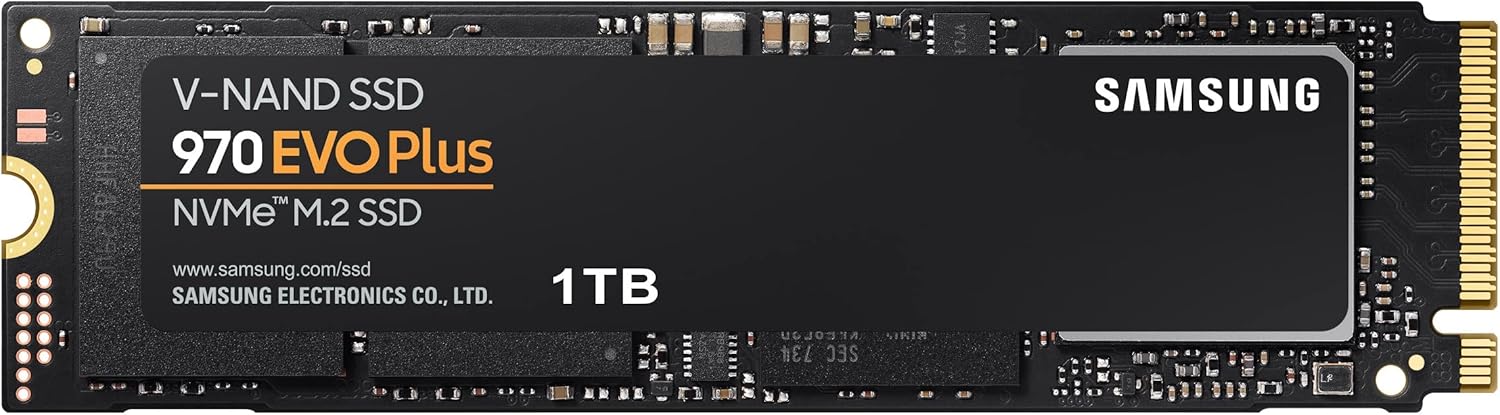
Everyday use and long writing are different
The manufacturer publishes maximum transfer figures for defined conditions. I would not convert them into a personal claim about opening an IDE or finishing a build. Application responsiveness depends on the whole computer and the software’s activity, while a large sequential copy asks a different question.
A drive used mainly for normal applications and project files can have a different priority from one repeatedly receiving enormous exports. If long writing is the main job, I would compare evidence for that sustained workload rather than choose from the first short benchmark bar. I would also check the actual capacity being tested, because a family can behave differently across sizes.
The installation environment matters as well. A laptop’s existing thermal arrangement and a desktop slot beside another warm component create different conditions. I would follow the host’s instructions for pads, covers and cooling rather than assume that a bare drive’s appearance explains its behaviour inside the machine.
The upgrade needs a way back
Before migration, I would make a separate recoverable copy and keep the old drive intact until the new system is checked. A successful clone message is not the same as confirming that the correct disk boots and the expected files open. That final check is part of the upgrade, even if the copying tool makes the first stage easy.
I would also know how to reach recovery media and any needed encryption keys. Replacing a drive can expose assumptions that stayed hidden while the old system continued to work. Recording those details before beginning is less stressful than discovering that the only useful instruction sits on the drive being removed.
Western Digital’s endurance and warranty table identifies the SN570 by model. I would read current warranty terms for the country and seller, keeping the distinction between hardware coverage and data recovery clear. A replacement drive cannot recreate an unbacked project.
An enclosure is another product choice
The SN570 can be considered for a compatible NVMe enclosure, but then the enclosure’s connection and heat management become part of the system. I would not expect an ordinary USB link to expose every internal transfer claim. I would also confirm the supported drive type, because not every M.2 enclosure accepts the same protocol.
Related reading
For a finished portable drive, I would compare the Samsung T7 Shield. For a compatible internal PC that needs more capacity and a Gen4 option, I would compare the SN770 2TB, including its separate firmware history. Neither comparison should ignore the host or the total delivered cost.
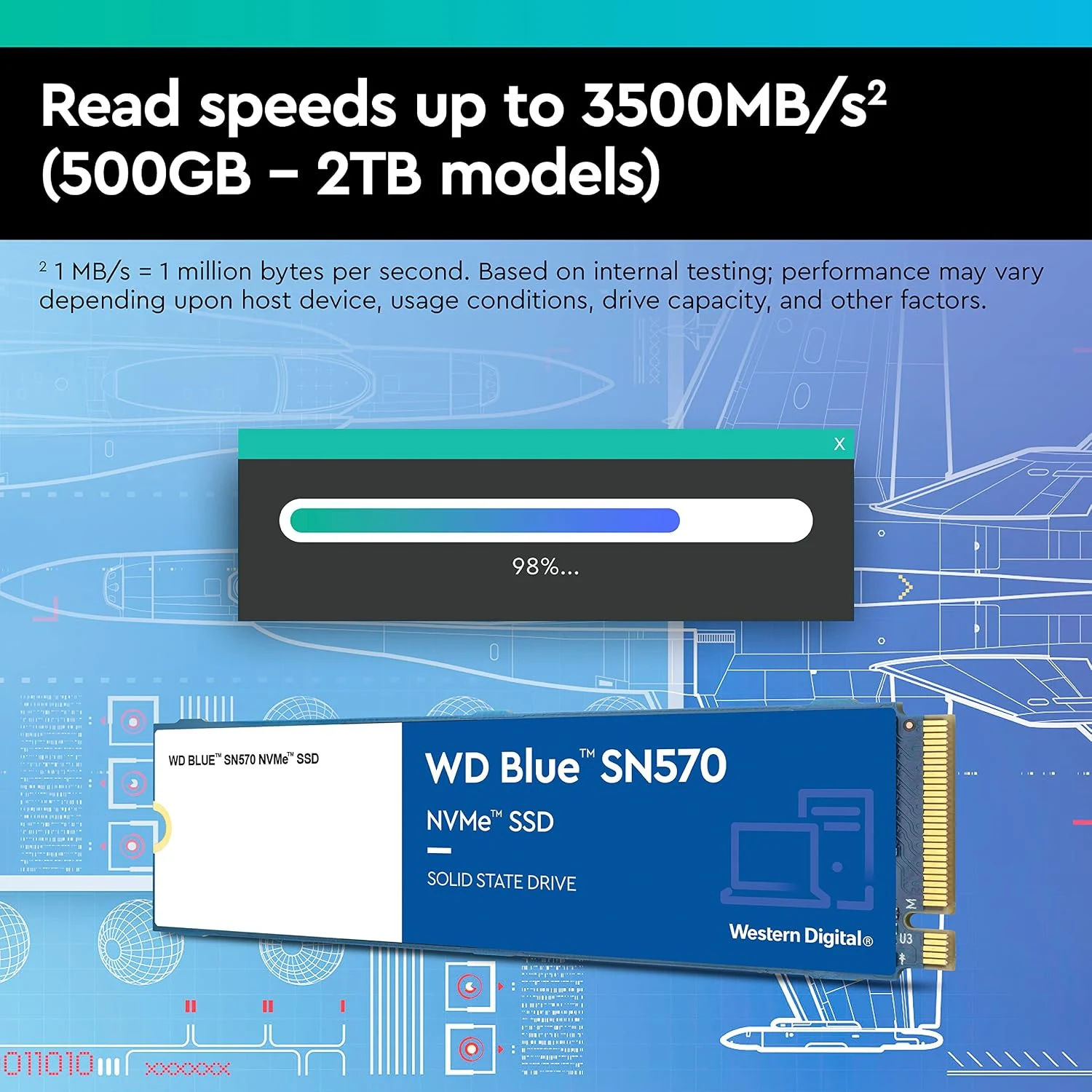
My verdict is positive when this older everyday model has the right price and fit. I would choose the SN570 1TB for an understandable upgrade, with capacity planning and recovery given as much attention as the speed label. I would choose another product when the workload, interface or current offer points elsewhere. The sensible SSD is the one that improves the actual computer without making ownership harder to explain.
What worked
A compatible older PC can gain useful internal capacity without buying an interface class it cannot use.
What bothered me
The Gen3 design and sustained-write questions need a different comparison from a short maximum-speed figure.
Who should not buy it
The Gen3 design and sustained-write questions need a different comparison from a short maximum-speed figure.
Alternatives I would consider
WD_BLACK SN770 2TB. I would compare the larger Gen4 option when the host and working set justify it, including its firmware guidance. Read my WD_BLACK SN770 2TB review.
Samsung T7 Shield. I would choose a finished portable drive when enclosure and carrying convenience belong in the purchase. Read my Samsung T7 Shield review.
Evidence and sources
Specifications are attributed to the linked documentation. Images: Amazon product gallery. These are not personal test photographs or measurements.
Features, compatibility and rated figures from the maker are manufacturer information. My opinions are identified in the review.
Conclusion
Worth considering when its current offer beats suitable newer choices; familiarity alone is not a price advantage.
WD Blue SN570 NVMe SSD, 1TB, WDS100T3B0C
Amazon US · US
Check price and availability: WD Blue SN570 NVMe SSD, 1TB, WDS100T3B0C at Amazon USAffiliate link. As an Amazon Associate I earn from qualifying purchases.
One email a week with practical Mac workflows, useful comparisons and honest tech recommendations.