The Corsair Force MP600 is a good reminder that a product family name is not a complete specification. I would consider the original 1TB model for a compatible internal upgrade, but I would keep its full part number in view. Several other drives share MP600 in their names, and their size, performance or cooling arrangements can be different.
Quick verdict
I would consider it for a compatible desktop where the exact drive and cooling arrangement fit.
Best for: I would consider it for a compatible desktop where the exact drive and cooling arrangement fit.
Main benefit: It provides a clear Gen4 NVMe upgrade path for a system that can use it.
Biggest drawback: The MP600 name covers different products, and the cooling assembly can complicate physical fit.
Corsair Force MP600 1TB SSD
Amazon US · US
Check price and availability: Corsair Force MP600 1TB SSD at Amazon USAffiliate link. As an Amazon Associate I earn from qualifying purchases.
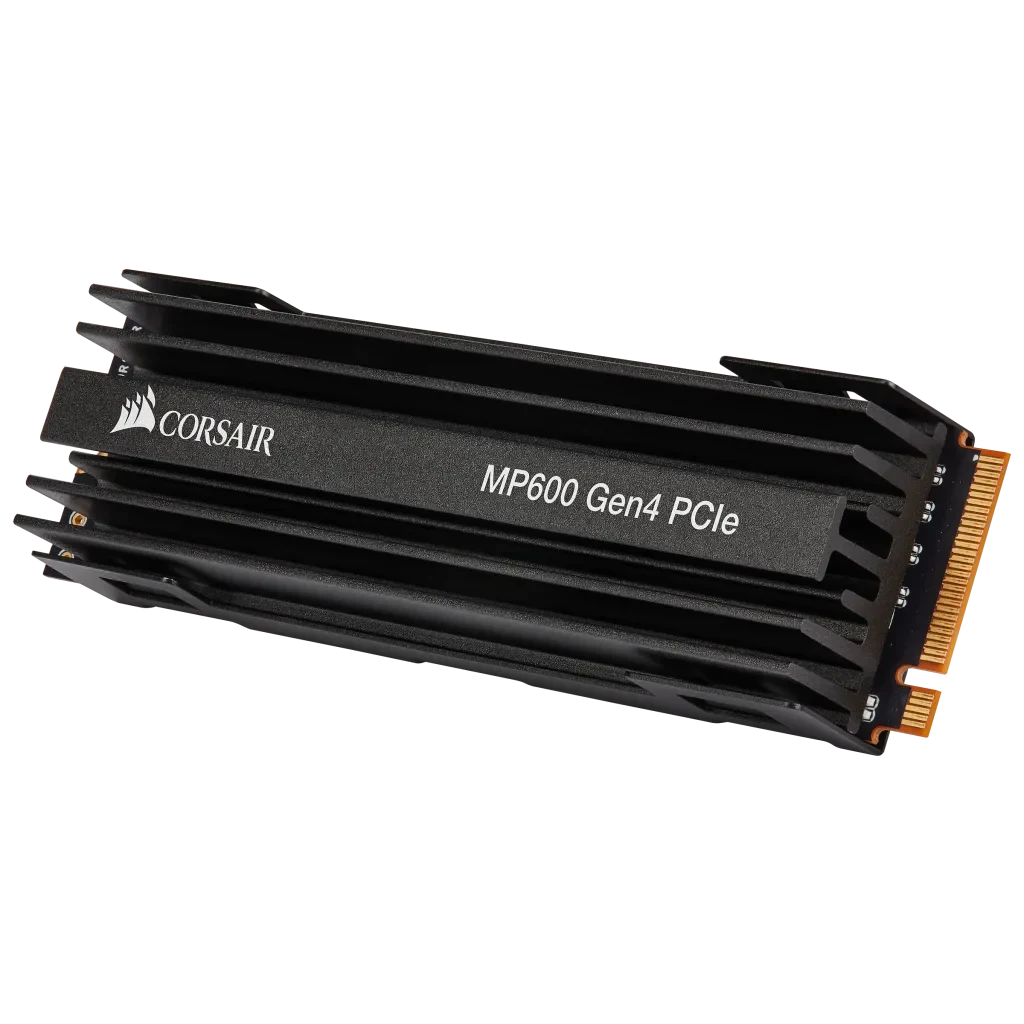
Reviewed version: Corsair Force Series MP600 1TB Gen4 PCIe X4 NVMe M.2 SSD, Up to 4,950 MB/s (CSSD-F1000GBMP600)
Compatibility: Original CSSD-F1000GBMP600, 1TB M.2 2280 PCIe 4.0 x4 NVMe. Do not substitute specifications from MP600 Pro, Core, Mini or other family variants. Check heatsink clearance.
Review context: I assess a compatible internal storage upgrade, cooling, long transfers, capacity headroom and a recoverable system migration.
I like the straightforward role of fast internal storage when it serves a real workload. My recommendation here is conditional on physical fit, a suitable NVMe slot and a current offer that still makes sense beside newer drives. I would not buy an older model merely because a familiar name once represented a high-end storage choice.
Identify the drive before comparing numbers
Corsair’s original product information identifies CSSD-F1000GBMP600. The linked listing is the 1TB Force Series version. I would not transfer details from MP600 Pro, Core, Mini or another similarly named product into this decision. The suffix is useful information, not clutter.
Related reading

The manufacturer describes a PCIe 4.0 x4 NVMe drive in M.2 2280 form. I would check that exact combination against the computer’s documentation. M.2 describes the physical arrangement, while the storage protocol and slot capabilities determine whether the drive is suitable. A familiar-looking socket is not enough to establish the whole connection.
For a motherboard with several sockets, I would identify which slot offers the intended connection and what it shares with other ports. That can affect both installation and the rest of the system. I prefer resolving the layout before opening the computer rather than discovering a resource conflict after the old drive has already been removed.
Cooling can become a fit problem
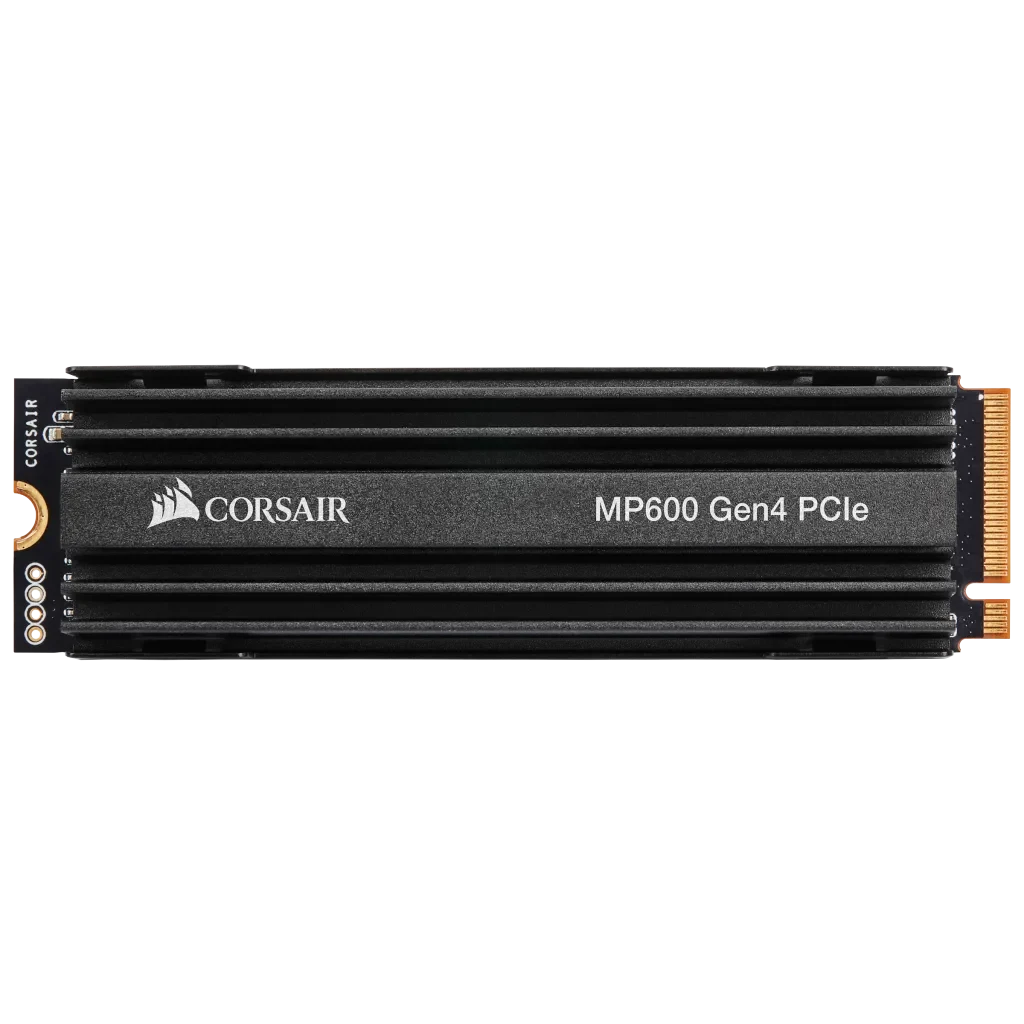
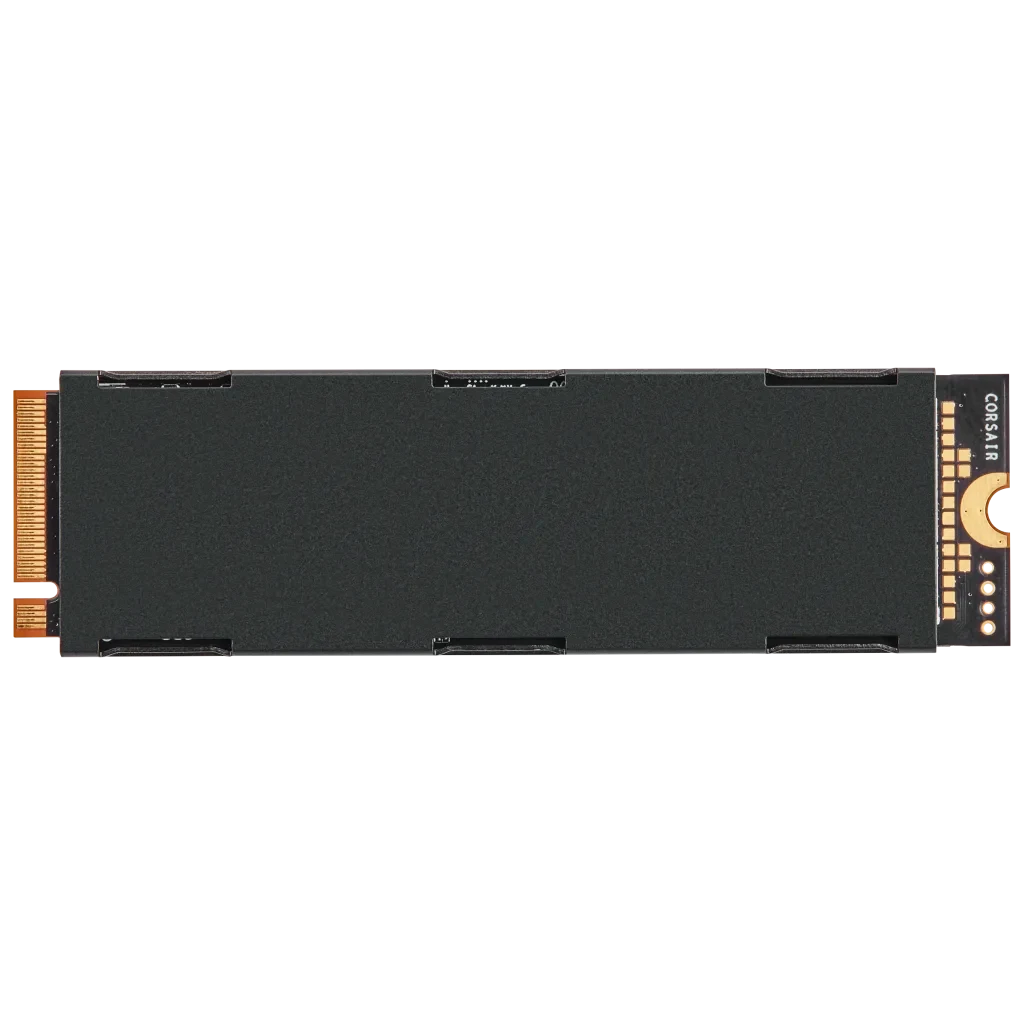
The original Force MP600’s cooling arrangement deserves attention. I would compare its physical height with the space around the chosen socket and any motherboard cover. A drive can be electrically compatible while the complete assembly does not fit the intended position. This matters especially in laptops and compact systems.
I would use the manufacturer’s instructions before changing or removing cooling parts. An aftermarket assumption about a similar SSD is not a substitute for the guidance for this exact drive. Thermal contact, clearance and the system’s own heatsink design should work together rather than compete for the same space.
For a desktop, I would also consider the surrounding heat sources. A socket near a graphics card can experience different conditions from another location on the board. I would assess the full case airflow and workload instead of treating the presence of a heatsink as proof that temperature can never affect a long transfer.
Peak speed is not the complete working day
Corsair publishes sequential transfer maxima for the model. I treat those as manufacturer claims, not measurements from this review. A continuous file transfer, a directory full of small files and a project compilation stress storage in different ways. A larger peak number cannot predict the duration of every task.
Related reading

I would first identify what is slow on the existing system. A build limited by the processor or a download limited by the network will not automatically become much faster because the SSD changes. The useful upgrade addresses a real wait. That is more persuasive to me than replacing a working drive simply to improve a benchmark screen.
Long writes also deserve a separate look. Cache behaviour, temperature and available space can affect the experience after a short burst. I would compare the actual data movement I need, such as copying media or rebuilding a large workspace. A drive should suit that complete operation rather than only its first few moments.
Capacity and recovery deserve equal attention
One terabyte can be enough for a focused machine, but operating systems, games, containers and project artefacts consume it differently. I would estimate the working set and allow room for growth. If capacity is already the main limitation, a larger suitable drive may bring more daily value than another 1TB performance option.
I would keep warranty and endurance terms tied to the exact capacity and model. They help compare products, but they are not a calendar predicting the life of an individual drive. Important files still need an independent backup. A warranty replacement does not restore the latest project changes or the only copy of a photograph.
For a system migration, I would prepare recovery media and confirm a usable backup before starting. I would then verify that the new installation boots and the important applications work before clearing the old disk. That gives the upgrade a practical route back. The successful outcome is a working, recoverable computer, not merely a faster empty volume.
Related reading

What would make me choose it
I would compare the SK hynix Platinum P41 in the same internal 1TB role, using its exact specification rather than a family-wide headline. I would choose a larger drive when capacity is the real need. I would look for another physical format when the system cannot accommodate this assembly properly.
My assessment is positive for a correctly matched desktop upgrade at a sensible current price. I would check the full part number, clearance and seller support together. The Force MP600 earns consideration when its actual capabilities fit the machine and the workload, rather than because a broad product name makes several different drives appear interchangeable.
The product images come from the selected listing and identified manufacturer materials. My assessment uses the linked product information and the buying decisions explained here. Specifications are manufacturer or retailer claims; the conclusions are my own editorial judgement.
What worked
It provides a clear Gen4 NVMe upgrade path for a system that can use it.
What bothered me
The MP600 name covers different products, and the cooling assembly can complicate physical fit.
Who should not buy it
Someone needing a short M.2 drive, SATA storage or guaranteed laptop clearance.
Alternatives I would consider
SK hynix Platinum P41 1TB. I would compare its exact 1TB specification and physical arrangement for the same internal role. Read my SK hynix Platinum P41 1TB review.
A larger compatible NVMe drive. I would choose capacity first when the working set is already close to 1TB.
Evidence and sources
The linked product documentation and exact retailer listing support the product details. Images: Manufacturer product images. These are not personal test photographs or measurements.
Corsair original Force MP600 1TB information
Selected Amazon product listing
Image source: Corsair Force MP600 1TB SSD — manufacturer product images
Features, compatibility and rated figures from the maker are manufacturer information. My opinions are identified in the review.
Conclusion
Worth considering only against the current price of the exact original 1TB model and suitable alternatives.
Corsair Force MP600 1TB SSD
Amazon US · US
Check price and availability: Corsair Force MP600 1TB SSD at Amazon USAffiliate link. As an Amazon Associate I earn from qualifying purchases.
One email a week with practical Mac workflows, useful comparisons and honest tech recommendations.