A fast internal SSD is attractive when it removes a real wait. I would look at the SK hynix Platinum P41 for a compatible computer that spends time reading project files, unpacking large archives or moving working data. I like the directness of an internal drive: once installed correctly, it becomes part of the machine rather than another cable on the desk.
Quick verdict
I would choose it for a compatible NVMe upgrade where fast local storage and a clear cooling plan are useful.
Best for: I would choose it for a compatible NVMe upgrade where fast local storage and a clear cooling plan are useful.
Main benefit: A single-sided M.2 2280 design and PCIe 4.0 interface fit a straightforward performance upgrade.
Biggest drawback: Peak transfer claims do not predict compile times, sustained writes or the limits of an older host.
SK hynix Platinum P41 1TB SSD
Amazon US · US
Check price and availability: SK hynix Platinum P41 1TB SSD at Amazon USAffiliate link. As an Amazon Associate I earn from qualifying purchases.
Reviewed version: SK hynix Platinum P41 1TB PCIe NVMe Gen4 M.2 2280 Internal Gaming SSD, Up to 7,000MB/S, Compact M.2 Form Factor - Internal Solid State Drive with 176-Layer NAND Flash
Compatibility: 1TB M.2 2280 NVMe PCIe 4.0 x4 SSD, model SHPP41-1000GM-2. Confirm the host supports NVMe and the physical length; it is not an M.2 SATA drive.
Review context: I assess a desktop or compatible laptop upgrade, development workloads, thermal planning and data migration.
This review concerns the 1TB model. I would not borrow endurance or capacity figures from the larger version just because the product family shares a name. My recommendation is positive for the right NVMe upgrade, but I would begin with the computer’s slot and workload before looking at the biggest transfer number.
M.2 describes the shape, not the whole connection
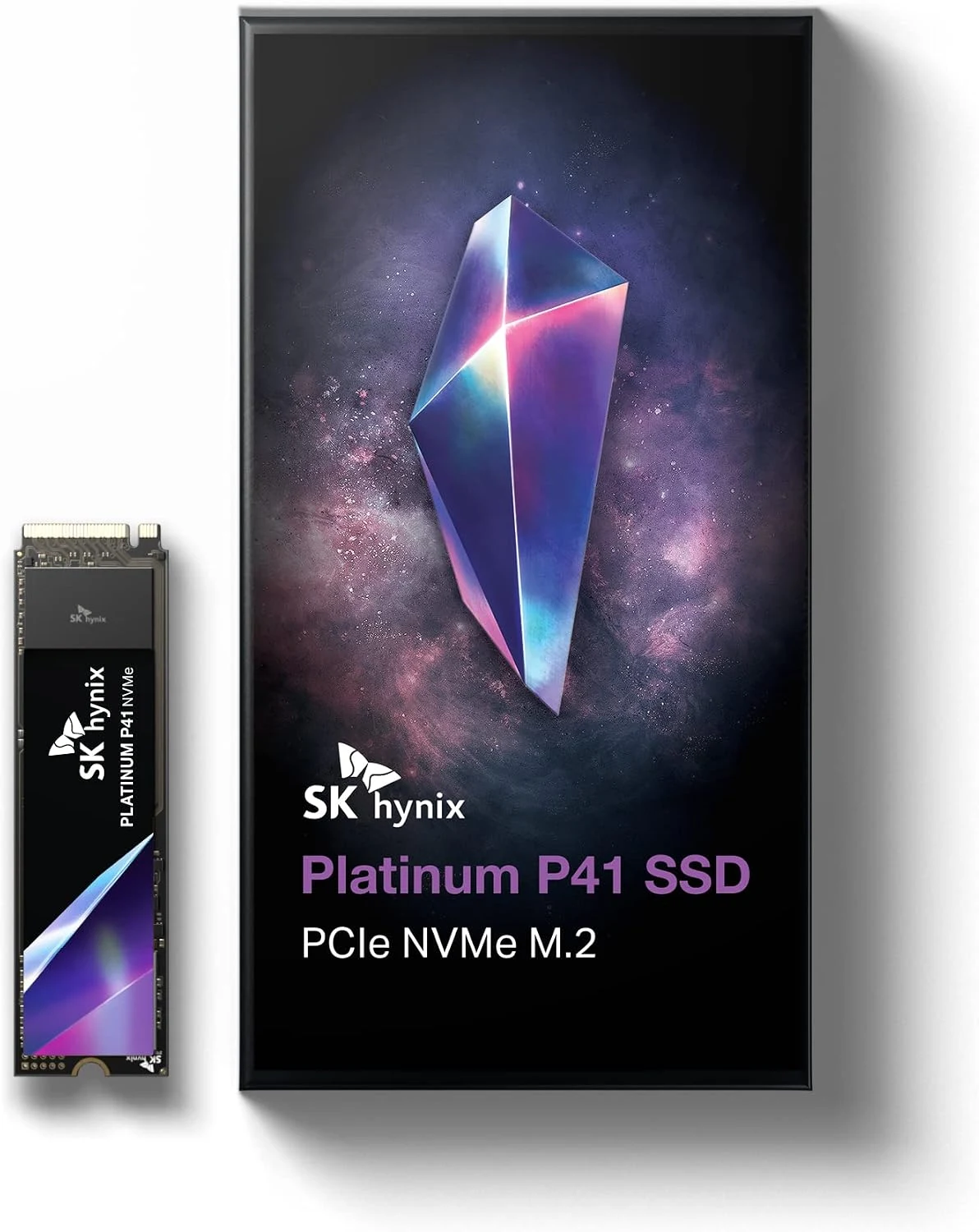
SK hynix lists the P41 as a single-sided M.2 2280 drive using PCIe 4.0 NVMe. That gives me the first compatibility questions: does the machine accept the length, support NVMe in that socket and provide the intended PCIe connection? A slot that takes a similar-looking card is not enough evidence by itself.
Related reading

I would use the computer or motherboard manual to identify the correct socket. Some boards share resources between ports or offer different capabilities in different positions. Installing the drive in the first place it fits can leave performance on the table, or conflict with another device. A few minutes with the slot diagram is worth more than guessing from the connector.
For a laptop, I would also check the service procedure, clearance and any required thermal material. The single-sided form can be helpful, but it does not establish compatibility with every laptop. A sealed computer without a replaceable drive is a different situation entirely. I would confirm that this is an allowed upgrade before ordering an internal SSD.
The headline speed is one kind of workload
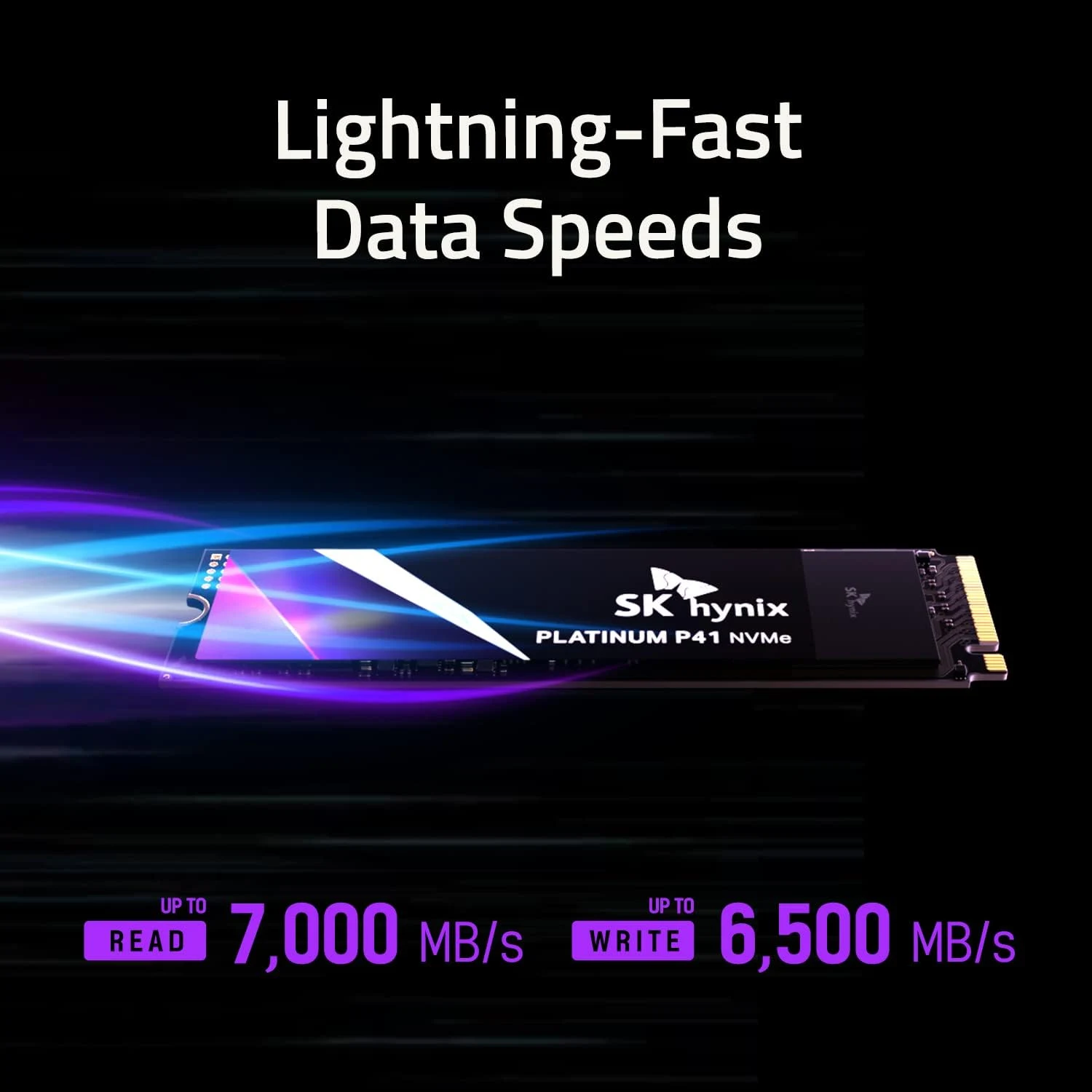
The manufacturer publishes sequential transfer maxima. I treat those as specification claims, not measurements from this review. Large continuous transfers are different from opening thousands of small files or compiling a project whose slowest stage is the processor. A faster storage label cannot identify the bottleneck on its own.
For development work, I would first observe where the wait occurs. Reading dependencies, linking, indexing and running tests can stress different parts of a system. If the current drive is already adequate and the processor stays busy, replacing it may make little difference to the longest task. I would not promise a fixed reduction in build time from a storage specification.
Capacity headroom also matters. A drive containing the operating system, repositories, containers and build artefacts can fill surprisingly quickly. I would estimate the working set and leave room for growth rather than treat 1TB as automatically generous. If capacity is already the problem, a larger suitable drive may be a more useful purchase than a faster one of the same size.
Cooling belongs to the installation
An internal SSD works inside the computer’s thermal environment. I would check the recommended cooling arrangement and ensure that any motherboard cover, pad or heatsink fits correctly. A drive under a hot graphics card faces a different situation from the same model in a well-ventilated location.
Related reading

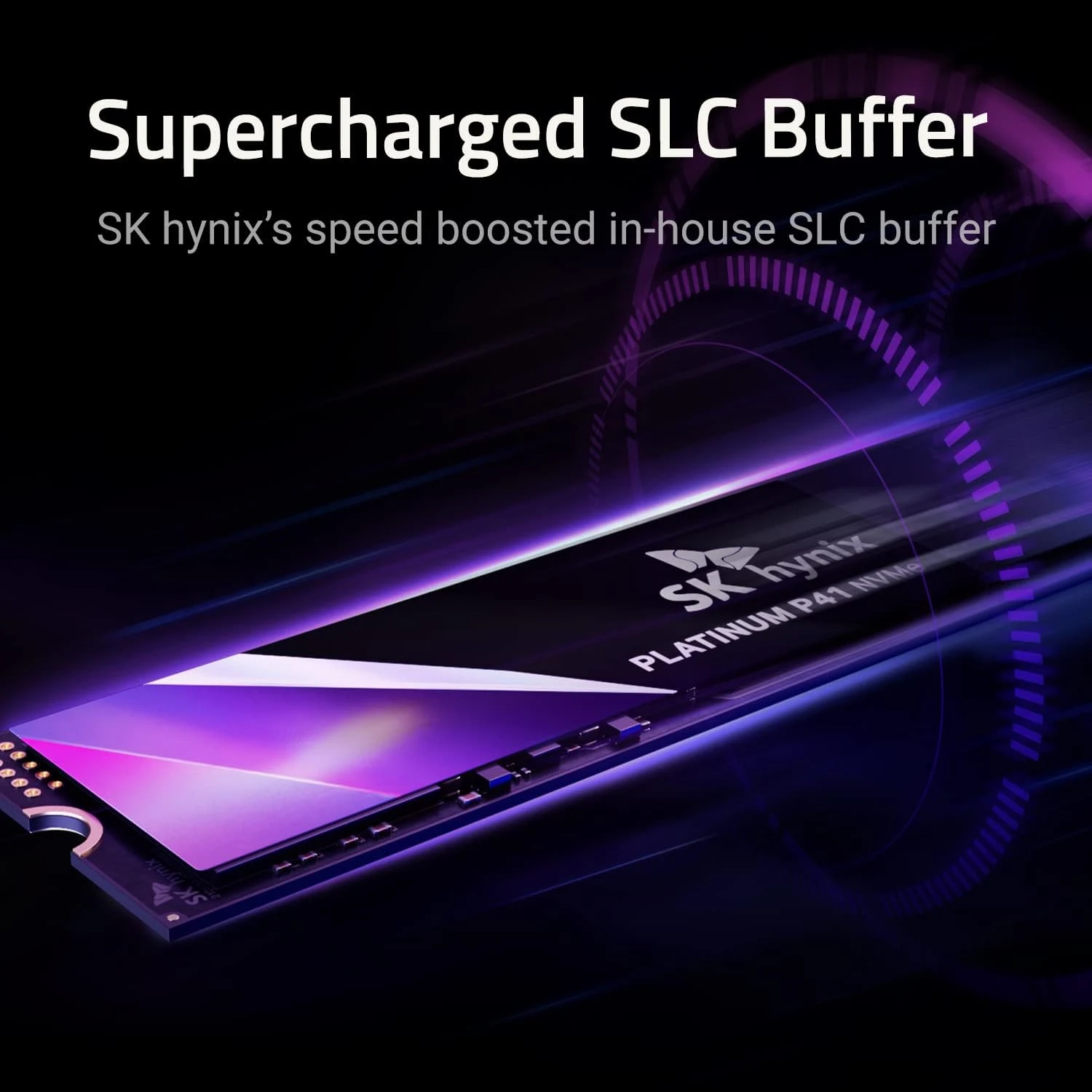
I would pay attention to extended transfers rather than only a brief benchmark. Caching and temperature can change how a long write behaves. My buying question is whether the storage remains suitable for the real workload, not whether a short demonstration reaches a number once. That is particularly relevant for repeated project copies, large media folders or virtual-machine images.
I would avoid stacking cooling parts without checking the installation instructions. The correct pad contact and physical clearance matter. An attractive aftermarket heatsink can become a problem in a narrow laptop or under a motherboard cover. The complete fit is more important than choosing the largest piece of metal available.
Endurance figures need the exact capacity
The family specification separates the capacity options. That is important because a number advertised for the largest drive should not silently become the rating for this 1TB version. I would use the exact capacity’s warranty and endurance terms when comparing offers. Those terms are a way to understand the product, not a forecast of the date it will fail.
I would keep an independent backup regardless of the warranty. A replacement drive does not recover the latest source changes or family files. For an operating-system migration, I would prepare recovery media and confirm the backup before starting. The software used to clone or reinstall the system is a separate part of the upgrade plan.
After migration, I would check boot behaviour and the important applications before erasing the old drive. That gives me a route back if the copy missed something. I prefer that deliberate sequence to making the old disk disappear immediately because the new one feels fast. The successful upgrade is a working, recoverable computer rather than a benchmark result.
Related reading

How I would compare the offer
I would compare the Corsair Force MP600 in the same internal role, paying attention to its exact version and cooling arrangement. I would choose a portable SSD instead if the purpose is moving work between computers. The P41 is most appealing when it stays installed in one compatible machine and the workload benefits from capable local storage.
My overall view is positive with those conditions in place. I would check the current 1TB offer, the seller’s warranty route and the host manual together. Its value is a well-matched upgrade with room to work and a safe migration plan, rather than the assumption that a faster sequential specification makes every part of development faster.
The product images come from the selected listing and identified manufacturer materials. My assessment uses the linked product information and the buying decisions explained here. Specifications are manufacturer or retailer claims; the conclusions are my own editorial judgement.
What worked
A single-sided M.2 2280 design and PCIe 4.0 interface fit a straightforward performance upgrade.
What bothered me
Peak transfer claims do not predict compile times, sustained writes or the limits of an older host.
Who should not buy it
Someone needing a SATA replacement, an external USB drive or capacity well beyond 1TB.
Alternatives I would consider
Corsair Force MP600 1TB. I would compare its exact model, cooling arrangement and current price for the same internal-storage role. Read my Corsair Force MP600 1TB review.
Crucial X9 Pro 2TB. I would choose external storage when moving files between computers is the real requirement. Read my Crucial X9 Pro 2TB review.
Evidence and sources
The linked product documentation and exact retailer listing support the product details. Images: Amazon product gallery. These are not personal test photographs or measurements.
Features, compatibility and rated figures from the maker are manufacturer information. My opinions are identified in the review.
Conclusion
Worth considering when the exact 1TB model competes well with current drives and the host can use its capabilities.
SK hynix Platinum P41 1TB SSD
Amazon US · US
Check price and availability: SK hynix Platinum P41 1TB SSD at Amazon USAffiliate link. As an Amazon Associate I earn from qualifying purchases.
One email a week with practical Mac workflows, useful comparisons and honest tech recommendations.