An older computer can benefit from a sensible upgrade without needing the newest possible interface. That is the role I would consider for the SK hynix Gold P31 1TB. I like choosing a drive around the machine that will use it, rather than paying for a larger headline number that the host cannot deliver.
Quick verdict
I would consider it for a serviceable compatible laptop where a Gen3 NVMe drive remains a sensible current purchase.
Best for: I would consider it for a serviceable compatible laptop where a Gen3 NVMe drive remains a sensible current purchase.
Main benefit: Its focused M.2 NVMe role can suit an older compatible machine without buying an unused faster interface.
Biggest drawback: An older host, capacity limits and present-day pricing can matter more than the drive’s original efficiency reputation.
SK hynix Gold P31 1TB SSD
Amazon US · US
Check price and availability: SK hynix Gold P31 1TB SSD at Amazon USAffiliate link. As an Amazon Associate I earn from qualifying purchases.
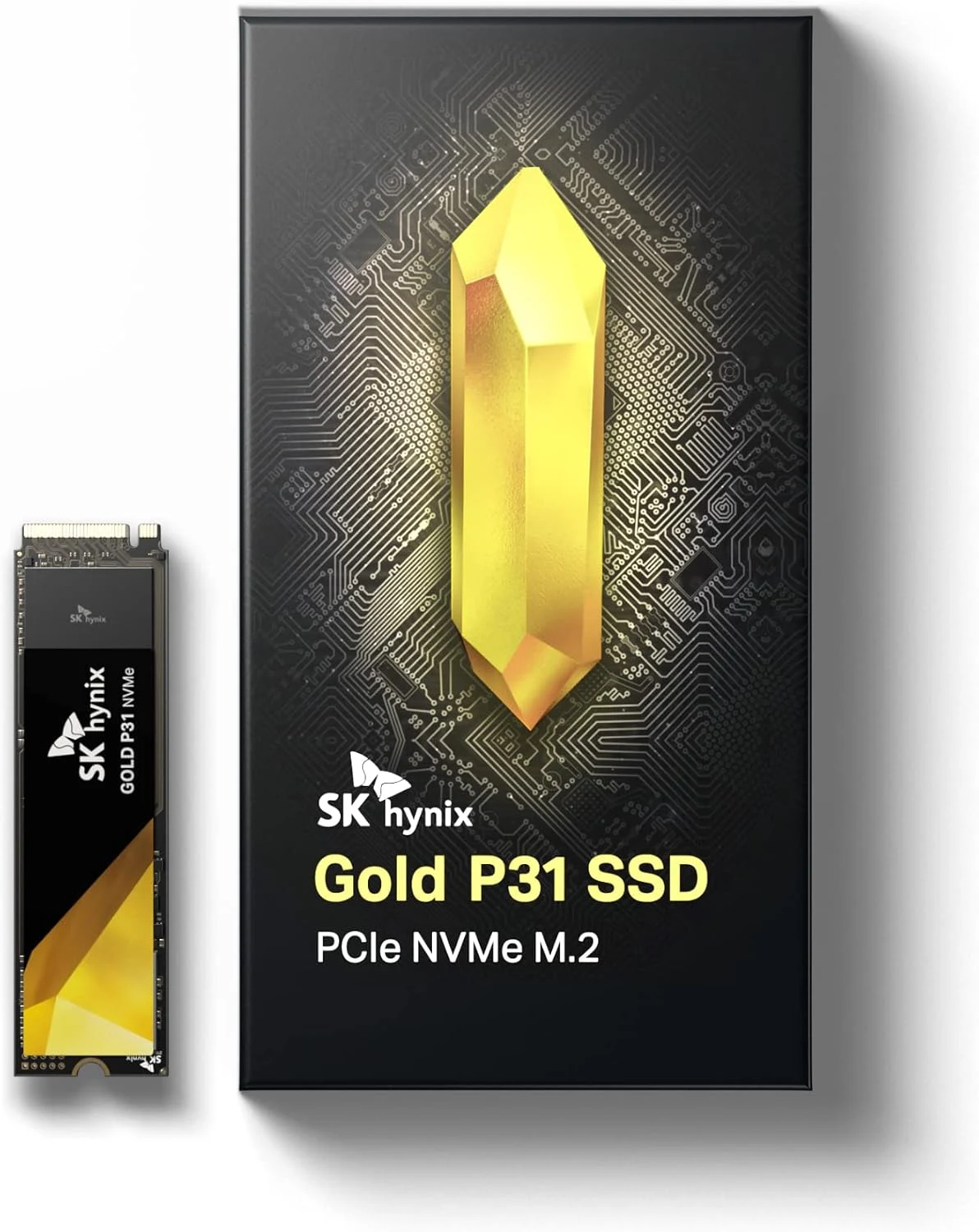
Reviewed version: SK Hynix Gold P31 1TB PCIe NVMe Gen3 M.2 2280 Internal SSD, Up to 3500MB/S, Compact M.2 SSD Form Factor SSD, Internal Solid State Drive with 128-Layer NAND Flash
Compatibility: SHGP31-1000GM-2, 1TB M.2 2280 PCIe 3.0 NVMe. Not an M.2 SATA drive and not the required internal expansion format for PS5. Verify laptop serviceability and clearance.
Review context: I assess a compatible laptop upgrade, workload bottlenecks, thermal fit and recoverable migration.
My recommendation depends on the current offer and the exact laptop compatibility. This is the 1TB PCIe 3.0 NVMe model, not a SATA drive or another member of the brand’s range. I would begin with the service manual, available capacity and a migration plan. The age of a product is neither a reason to reject it automatically nor a reason to ignore newer alternatives at the same price.
The socket needs the right protocol
SK hynix’s Gold P31 announcement identifies the product’s NVMe role, while the selected listing identifies the exact 1TB version. I would check the laptop’s supported protocol and physical length before ordering. M.2 shape alone is not enough to establish compatibility with an M.2 SATA-only socket.
Related reading

I would also confirm that the machine has a replaceable storage device. Some modern laptops do not offer an ordinary internal SSD upgrade path. A service procedure, supported slot and adequate clearance need to exist before the purchase makes sense. I would not open an unfamiliar computer on the assumption that every thin laptop contains a removable card.
For a desktop, I would identify the correct slot and any shared-resource restrictions in the motherboard documentation. The same careful approach applies even when the physical installation is easier. A drive should be selected for a known connection, rather than placed wherever a similar connector happens to be available.
The workload should explain the upgrade
I would first identify the actual problem with the current storage. A nearly full volume, slow random access and a processor-limited application are different issues. Replacing a working SSD does not automatically shorten every compile or make a network download arrive faster. The upgrade should address a wait that storage actually contributes to.
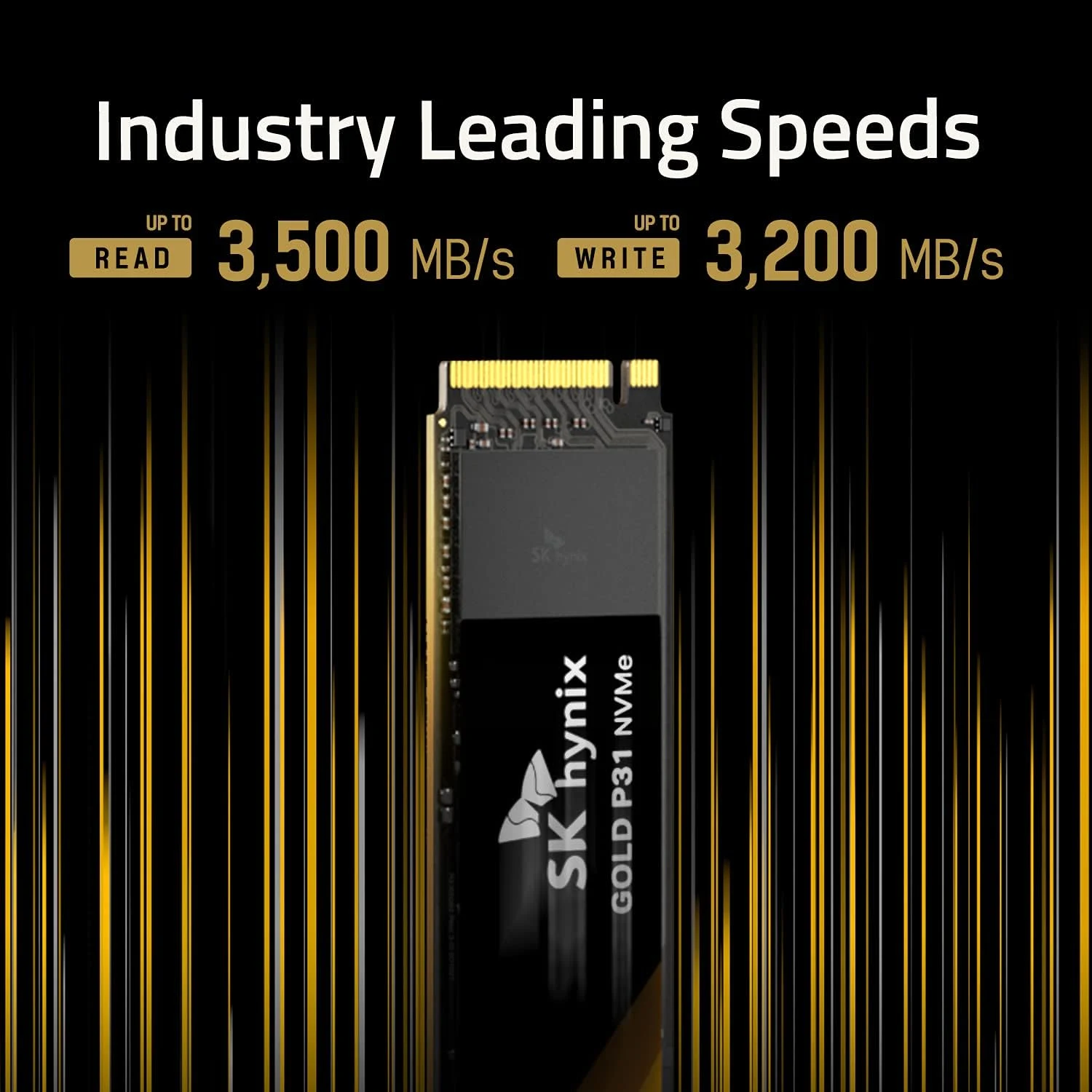
The manufacturer and listing publish performance claims. I treat those as capability information, not measurements from this review. A large sequential copy is different from opening many small files or resuming a virtual machine. I would compare the drive’s intended role with the workload rather than make a fixed promise about application speed.
For a Gen3 host, a suitable newer drive may still be worth comparing, depending on compatibility and price. I would not pay more for the older model solely because a previous review praised it. The useful purchase is the one that fits now, with a clear seller and warranty route, rather than a historic favourite chosen without checking the current market.
Thermal fit is a system question
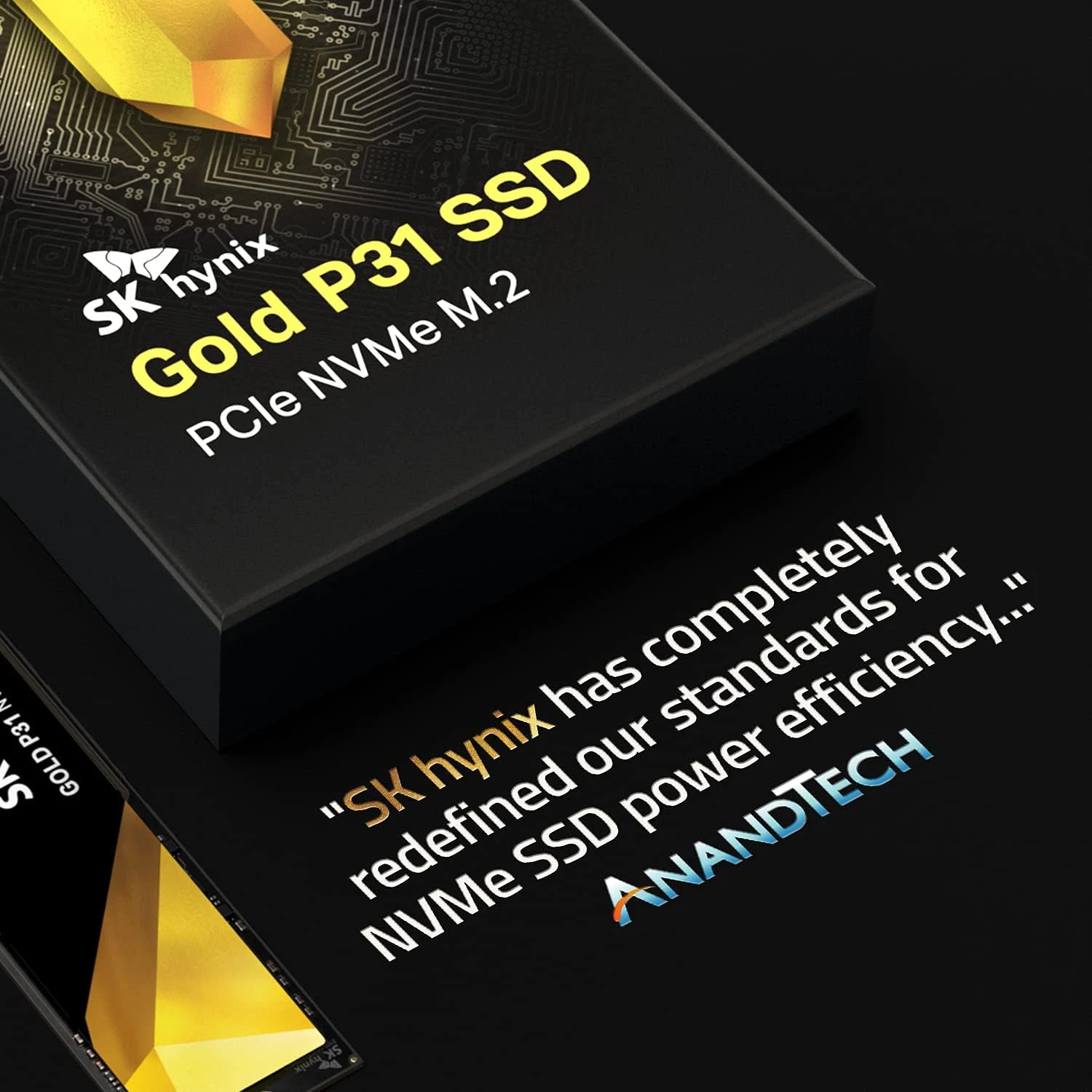
The Gold P31 has been marketed around efficiency. I would not turn that claim into a measured temperature or battery-life result for a particular laptop. The computer’s cooling arrangement, workload and internal environment still determine the installed experience.
Related reading

I would follow the service instructions for any thermal pad, cover or shield. Adding an oversized heatsink to a thin laptop is not an automatic improvement. The correct contact and clearance matter, and the machine may be designed around a particular physical arrangement. I would keep the installation within that supported design.
Long transfers deserve different expectations from a brief demonstration. Cache behaviour, temperature and free space can affect sustained work. If the laptop regularly writes large images or media folders, I would choose with that complete operation in mind. A drive should remain useful throughout the task rather than only reach an attractive peak once.
Capacity is often the more useful upgrade
One terabyte can be enough for a focused working machine, but repositories, containers, media and application caches grow differently. I would estimate the active working set and leave room for new work. If the current problem is lack of space, a larger compatible drive may be more valuable than another 1TB option with a better reputation.
I would keep endurance and warranty comparisons tied to the exact capacity. A family-wide maximum can refer to the largest version rather than this model. Those terms help compare products but do not predict when an individual drive will fail. Important files need an independent backup regardless of the endurance label.
For migration, I would verify the backup and prepare a recovery route before changing the installed drive. I would then confirm booting and important applications before erasing the original. A successful copy is not the whole upgrade if the machine cannot recover when a hidden dependency appears. Keeping the old drive intact briefly can provide a useful way back.
Related reading

Where I would choose the P31
I would compare the Platinum P41 when the host supports its interface and the current price is sensible. I would choose more capacity when the working set justifies it. I would not buy the P31 as a PS5 internal expansion drive; that is a different requirement from upgrading a compatible laptop.
My assessment is positive for the right serviceable machine at the right price. I would check the full part number, host manual and current seller terms together. The value is a clean, recoverable storage upgrade that suits the computer I actually have, rather than an older specification treated as either automatically obsolete or automatically the best choice.
The product images come from the selected listing and identified manufacturer materials. My assessment uses the linked product information and the buying decisions explained here. Specifications are manufacturer or retailer claims; the conclusions are my own editorial judgement.
What worked
Its focused M.2 NVMe role can suit an older compatible machine without buying an unused faster interface.
What bothered me
An older host, capacity limits and present-day pricing can matter more than the drive’s original efficiency reputation.
Who should not buy it
Someone needing SATA storage, a non-replaceable laptop upgrade or a PS5 internal expansion drive.
Alternatives I would consider
SK hynix Platinum P41 1TB. I would compare the newer interface when the host supports it and the price makes sense. Read my SK hynix Platinum P41 1TB review.
A larger compatible NVMe drive. I would choose capacity when a1TB working set is already becoming tight.
Evidence and sources
The linked product documentation and exact retailer listing support the product details. Images: Amazon product gallery. These are not personal test photographs or measurements.
Features, compatibility and rated figures from the maker are manufacturer information. My opinions are identified in the review.
Conclusion
Only worthwhile when the exact 1TB offer compares favourably with suitable current drives.
SK hynix Gold P31 1TB SSD
Amazon US · US
Check price and availability: SK hynix Gold P31 1TB SSD at Amazon USAffiliate link. As an Amazon Associate I earn from qualifying purchases.
One email a week with practical Mac workflows, useful comparisons and honest tech recommendations.