Not every USB drive needs to become a portable workstation. Sometimes the job is a small collection of documents, an installer or files for equipment that expects an ordinary USB-A stick. I can see a place for the SanDisk Cruzer Glide 16GB in that narrow role. I would be much less enthusiastic about choosing it for large media transfers simply because the name is familiar.
Quick verdict
I would shortlist it for the focused role described here.
Best for: A known device or small file set that specifically suits this capacity and connection.
Main benefit: The retractable connector suits a deliberately small USB-A file-transfer role without a separate cap.
Biggest drawback: Sixteen gigabytes and USB 2.0 are narrow limits for modern large-file work.
SanDisk Cruzer Glide, USB 2.0, 16GB, SDCZ60-016G-B35
Amazon US · US
Check price and availability: SanDisk Cruzer Glide, USB 2.0, 16GB, SDCZ60-016G-B35 at Amazon USAffiliate link. As an Amazon Associate I earn from qualifying purchases.
Reviewed version: SanDisk Cruzer Glide, USB 2.0, 16GB, SDCZ60-016G-B35
Compatibility: A supported USB-A host and the required file system and capacity. Do not rely on old bundled encryption software without current support checks.
Review context: I assess small file shuttles, connector handling, older-software claims and keeping a separate copy.
I like the simplicity of a retractable connector and a modest, clearly labelled file shuttle. The limitations are just as important: this is the 16GB USB 2.0 model. Its age and capacity should shape the buying decision. I would not pay a current premium for it without a specific compatibility or handling reason that another small drive does not answer.
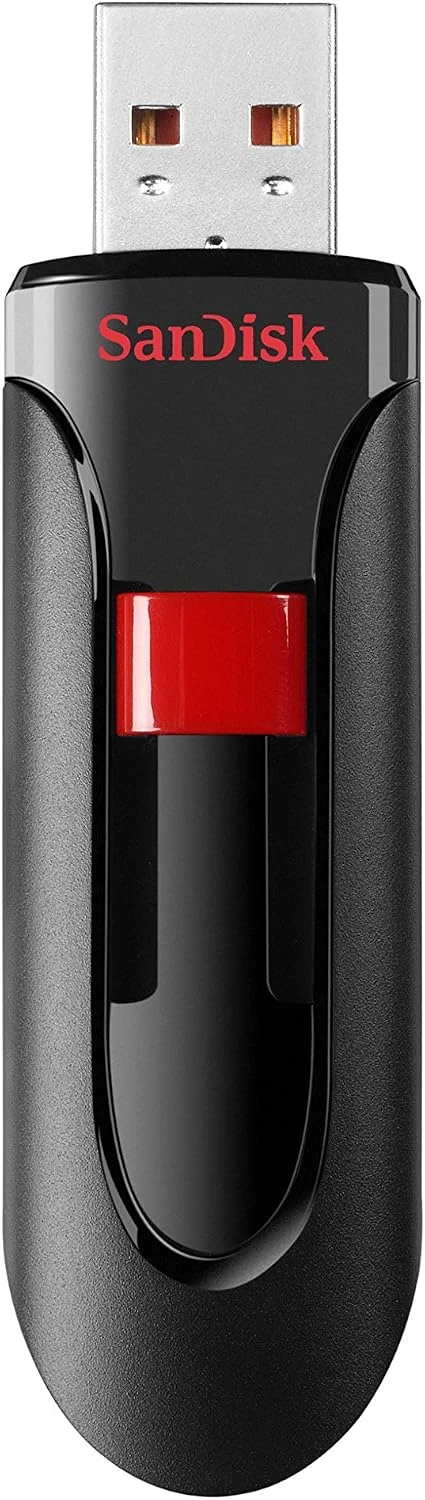
The exact model sets expectations
Product images: the verified retailer gallery and any original manufacturer illustration credited in the sources. These are not personal test photographs.
Related reading
SanDisk’s Cruzer Glide USB 2.0 page describes the sliding design and this older product family. The selected retailer listing identifies a 16GB SDCZ60 package. I would confirm the capacity and connection on the order rather than assume a similarly named USB 3.0 version is the same purchase.
USB 2.0 is an interface limit, not a result from a timed copy I have completed. The useful expectation is a modest transfer role. I would not promise that a particular folder will finish within a fixed time, because file size, file count, host and the actual flash implementation all influence that result.
For equipment with a strict supported-drive list, I would follow the equipment’s guidance. A newer or larger drive is not automatically better if the device cannot use its format or capacity. That is one of the few reasons I would deliberately look at a small older design rather than default to the largest inexpensive stick available.
Sixteen gigabytes is a choice about content
A small drive becomes easier to live with when its purpose stays clear. I would use it for one named collection rather than let it become a mystery mixture of installers, old documents and files whose source nobody remembers. A simple label can make it more useful than a much larger unorganised drive.
The advertised capacity is not all available as a user’s file space. Formatting and the difference in capacity units affect what the operating system shows. I would leave enough room for the actual task and avoid making the last available space part of the plan.
A video collection or a modern development environment can quickly make this the wrong size. I would not solve that by continually deciding which important file to remove. If the regular working set is larger, a more appropriate capacity is the clearer purchase. The small drive is useful because the job is small, not because squeezing the job into it is enjoyable.
The sliding connector changes handling
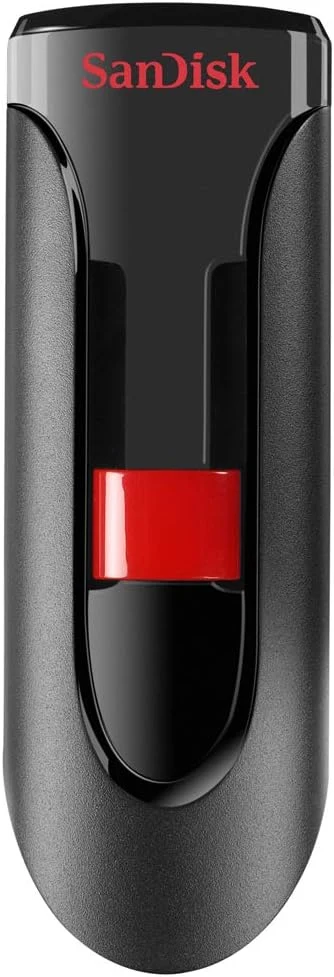
The retractable design avoids a separate cap to lose. I like that practical benefit for a stick carried between a desk and a bag. I would still check that the slider holds the connector in the intended position and that there is enough room around the host’s socket for the body.
Related reading
A USB drive should be disconnected by its body rather than pulled sideways through another cable. I would also avoid leaving it in a laptop where a bag can press against it. The connector can retract for carrying, but it does not disappear while the drive is plugged in.
For a computer with only USB-C, an adapter adds another small object. That may be acceptable for a known older device, but it weakens the convenience argument for buying this drive as a universal modern spare. I would compare the whole connection rather than just the stick’s price.
Software promises need current support
SanDisk’s older data sheet mentions SecureAccess software. I would treat that as historical product information, not proof of a currently supported security workflow. Before relying on bundled software, I would check the maker’s present support and migration guidance.
For confidential files, the important requirement is an encryption arrangement the intended computers can actually open and maintain. A password-protection phrase on old packaging should not decide that by itself. I would prove the recovery route with non-sensitive test material before depending on it for something that cannot be recreated.
The ordinary file system deserves a deliberate choice too. A drive moving between several devices needs a format they support, and some equipment imposes file-size or partition limits. I would choose for the actual hosts, then keep that purpose clear rather than reformat the stick casually every time it moves.
A file shuttle is not the archive
I would keep the original or another verified copy when carrying files on this drive. It is small enough to lose and ordinary enough to be left in another computer. Those are practical limits of the role, not a criticism unique to one flash model.
A simple copy should end with checking the expected files and safely disconnecting according to the host’s guidance. For an installer or appliance update, I would also verify that the file comes from the appropriate official source. The drive carries data; it does not make the data trustworthy.
Related reading

What I would compare
For regular modern transfers, I would compare the SanDisk Ultra Flair 128GB. For a low-profile attachment to a fixed port, I would compare the Ultra Fit. The physical shape and intended capacity matter more than treating every SanDisk stick as a faster revision of this one.
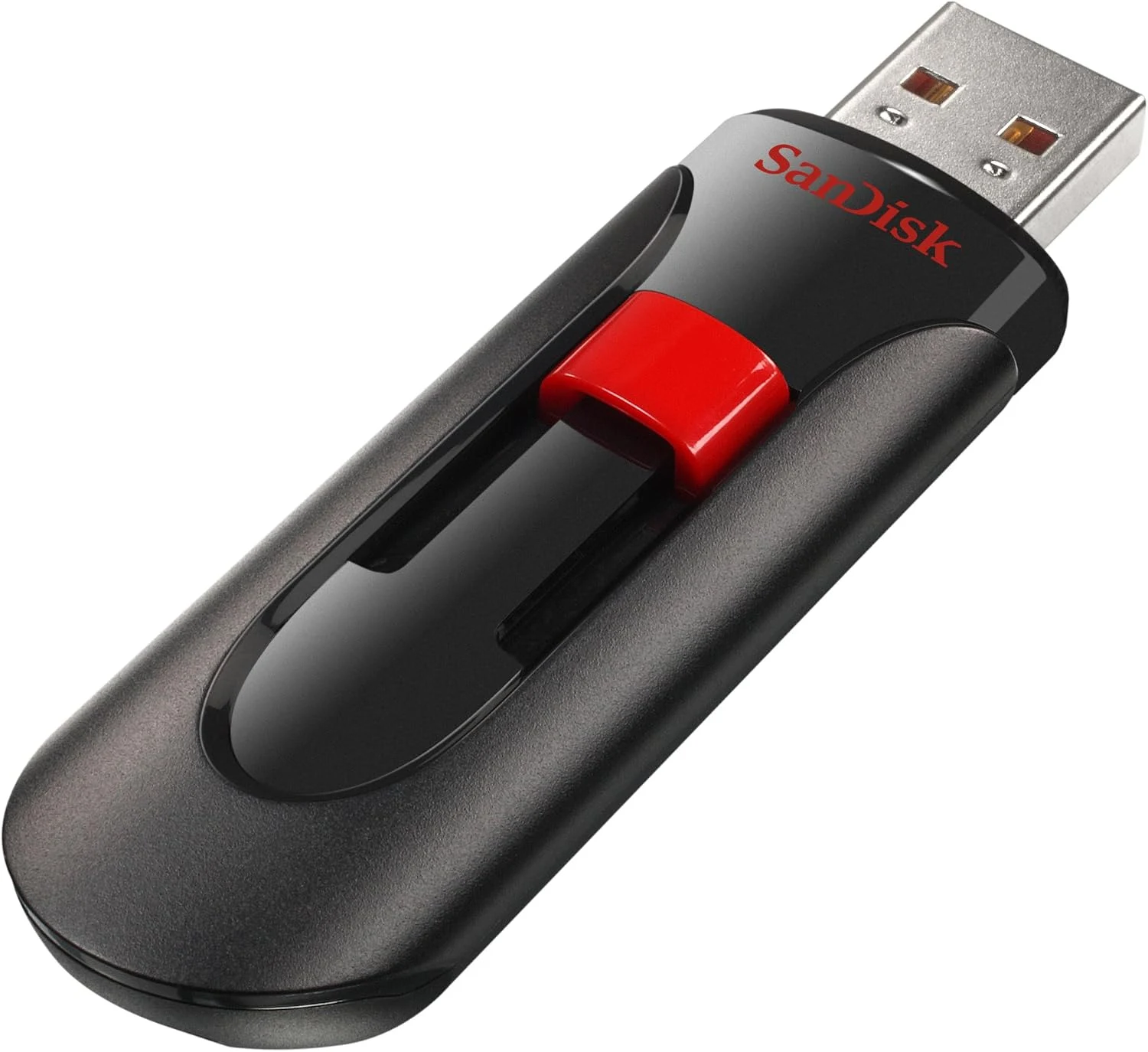
My verdict is positive for a deliberately small task, with a strict value condition. I would choose the Cruzer Glide 16GB when its older connection, capacity and handling fit a known device or file set. For large or frequent copies, I would buy a better-matched modern drive. Keeping the job narrow is what lets this simple product remain useful.
What worked
The retractable connector suits a deliberately small USB-A file-transfer role without a separate cap.
What bothered me
Sixteen gigabytes and USB 2.0 are narrow limits for modern large-file work.
Who should not buy it
Sixteen gigabytes and USB 2.0 are narrow limits for modern large-file work.
Alternatives I would consider
SanDisk Ultra Flair 128GB. I would compare a larger modern file shuttle for regular transfers. Read my SanDisk Ultra Flair 128GB review.
SanDisk Ultra Fit. I would choose the low-profile role when the drive must stay close to the port. Read my SanDisk Ultra Fit review.
Evidence and sources
Specifications are attributed to the linked documentation. Images: Amazon product gallery. These are not personal test photographs or measurements.
Features, compatibility and rated figures from the maker are manufacturer information. My opinions are identified in the review.
Conclusion
Worth buying only for that defined role and a competitive current offer; frequent large transfers justify another model.
SanDisk Cruzer Glide, USB 2.0, 16GB, SDCZ60-016G-B35
Amazon US · US
Check price and availability: SanDisk Cruzer Glide, USB 2.0, 16GB, SDCZ60-016G-B35 at Amazon USAffiliate link. As an Amazon Associate I earn from qualifying purchases.
One email a week with practical Mac workflows, useful comparisons and honest tech recommendations.