A desktop hard drive still makes sense when the useful question is how to keep a collection of files without paying for SSD capacity throughout the machine. I would consider a Seagate BarraCuda 2TB for a defined secondary-storage job. I would be much more careful if the plan involves constant rewriting, a storage array or making one drive the only home for important files.
Review context: I assess secondary desktop storage, SMR workload fit, installation and a recoverable backup role.
Quick verdict
I would shortlist it for the focused role described here.
Best for: A supported desktop doing a defined secondary-storage job.
Main benefit: A bare desktop drive can add useful secondary capacity to a suitable existing computer.
Biggest drawback: The ST2000DM008 uses SMR, so frequent rewriting deserves a different comparison from a quiet media library.
Worth the price?: Worth considering for suitable secondary capacity; I would not save money by choosing the wrong recording technology for an array.
Reviewed version: Seagate BarraCuda 2TB, 3.5-inch SATA, ST2000DM008 / ST2000DMZ08 retail package
Compatibility: The exact 3.5-inch SATA model, an appropriate desktop bay and power supply, or a compatible powered enclosure. Confirm the delivered model label.
Seagate BarraCuda 2TB, 3.5-inch SATA, ST2000DM008 / ST2000DMZ08 retail package
Amazon US · US
Check price and availability: Seagate BarraCuda 2TB, 3.5-inch SATA, ST2000DM008 / ST2000DMZ08 retail package at Amazon USAffiliate link. As an Amazon Associate I earn from qualifying purchases.
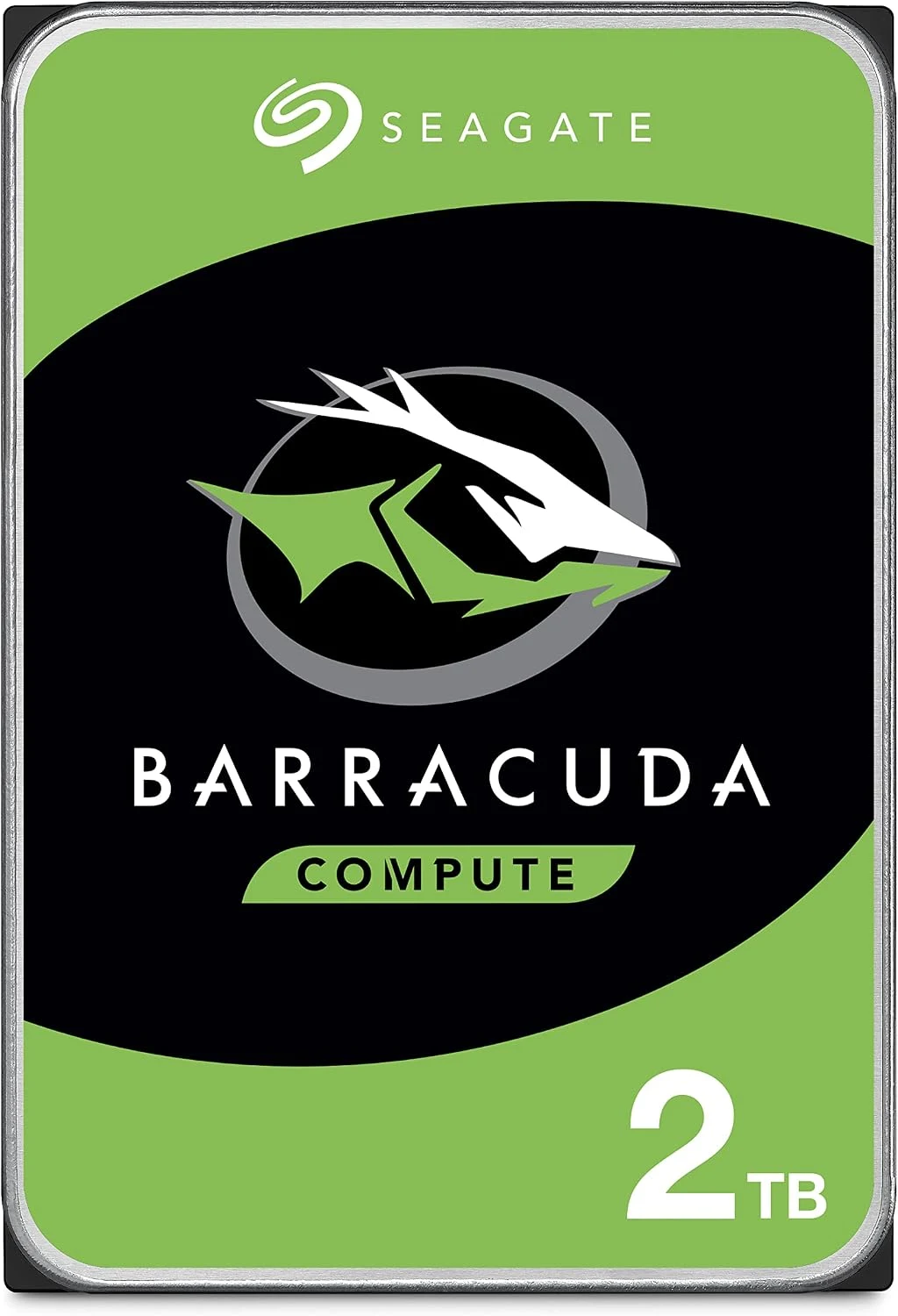
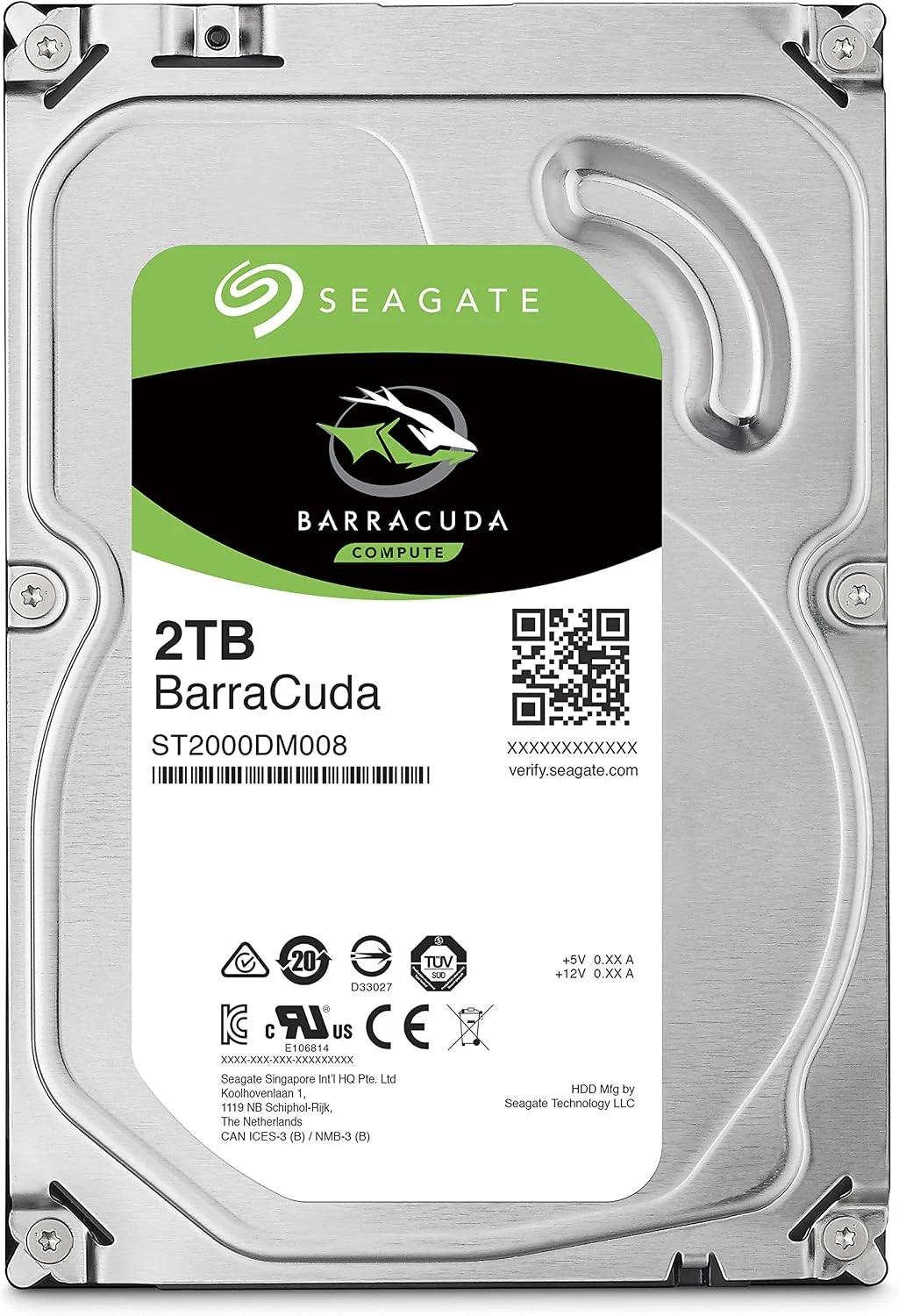
The detail I care about first is the model printed on the drive. BarraCuda is a family name, not one fixed recording technology. For the ST2000DM008 discussed here, Seagate’s documentation identifies shingled magnetic recording, or SMR. That changes the buying conversation more than a large cache number does. I can like the capacity proposition while still choosing another drive for a different pattern of work.
Identify the drive before comparing it
Product images: the verified retailer gallery and any original manufacturer illustration credited in the sources. These are not personal test photographs.
Related reading

Seagate’s BarraCuda data sheet lists ST2000DM008 as a 3.5-inch, 2TB SATA drive using SMR. The table also distinguishes other capacities and models. I would match the complete model number on the selected offer and delivered label rather than borrow specifications from a search result for the broader family.
The product manual is useful for installation details and model-specific operating requirements. I would use it alongside the computer’s instructions. A familiar SATA connector does not settle whether the case has an appropriate bay, power connection, mounting arrangement and airflow.
This also matters when buying an external enclosure. A desktop 3.5-inch drive is not the same as a small bus-powered portable disk. The enclosure must support the physical drive and provide suitable power. I would include that complete setup in the cost rather than compare the price of a bare internal drive with a ready-to-use portable product.
SMR is a workload question
SMR records tracks in an overlapping arrangement. That can support an appealing capacity proposition, but it deserves thought when data is repeatedly rewritten. I would not use a short copy of a few photographs as proof of how the drive behaves during a long sequence of updates. The workload has to resemble the job the drive will actually keep doing.
A secondary media library and a busy storage pool do not ask the same thing from a disk. Reading an established collection is different from continually changing many files while other tasks are waiting. That is why I would keep a drive like this out of a project that explicitly requires CMR unless the system’s documentation says otherwise.
For backups, I would also distinguish a mostly sequential copy from a tool that constantly revises a large existing set. The word backup describes a purpose, not one universal access pattern. Before choosing the drive, I would understand how the backup application writes and cleans up data, and whether the expected completion time has a comfortable margin.
Related reading

Capacity does not remove the need to organise
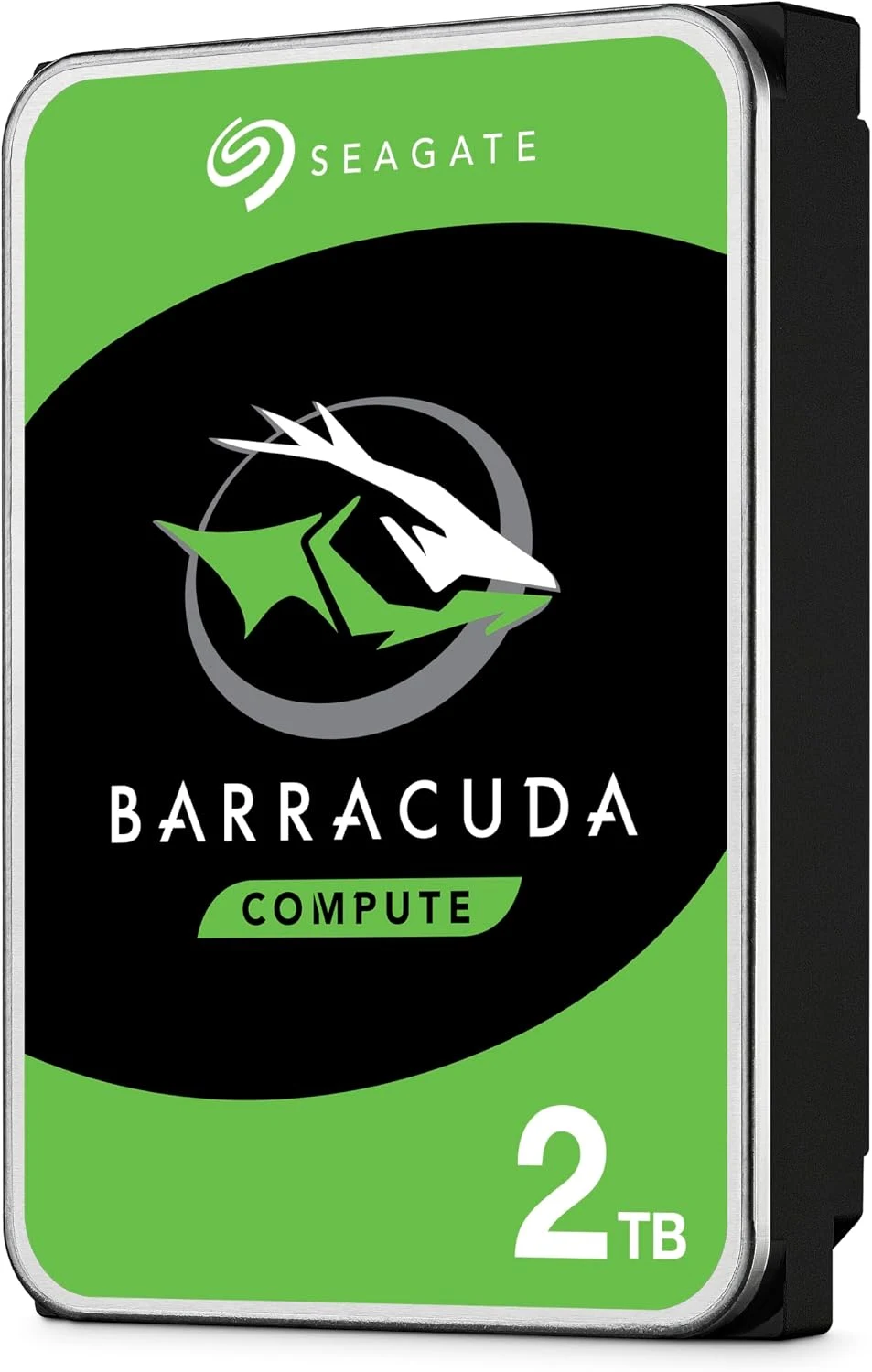
Two terabytes can give a modest desktop library useful room. I would still begin by separating the working system, replaceable downloads and files that matter. That keeps the buying decision tied to what needs protecting. A larger place to put everything is convenient, but it can also make an unclear collection larger without making recovery easier.
Mechanical ownership is different from SSD ownership
A spinning drive brings vibration, movement and sound into the setup. I would install it using the case’s intended mounting method and keep cables clear of moving fans. I would not publish a noise or temperature result from a specification sheet as if it came from my own desk. The documentation establishes limits; the actual enclosure determines much of the experience.
For an external arrangement, I would give the enclosure a stable place and avoid moving it while it is active. A backup disk that hangs from a short cable beside a laptop invites a different risk from one mounted inside a tower. The physical location belongs in the assessment, even when the drive itself is inexpensive.
Monitoring can help reveal a developing problem, but I would not treat a healthy status screen as a promise about tomorrow. The useful protection is another recoverable copy. When an important archive grows, I would prove that a representative file can be restored and opened, rather than stop at the message that a backup job finished.
The alternatives depend on the exact job
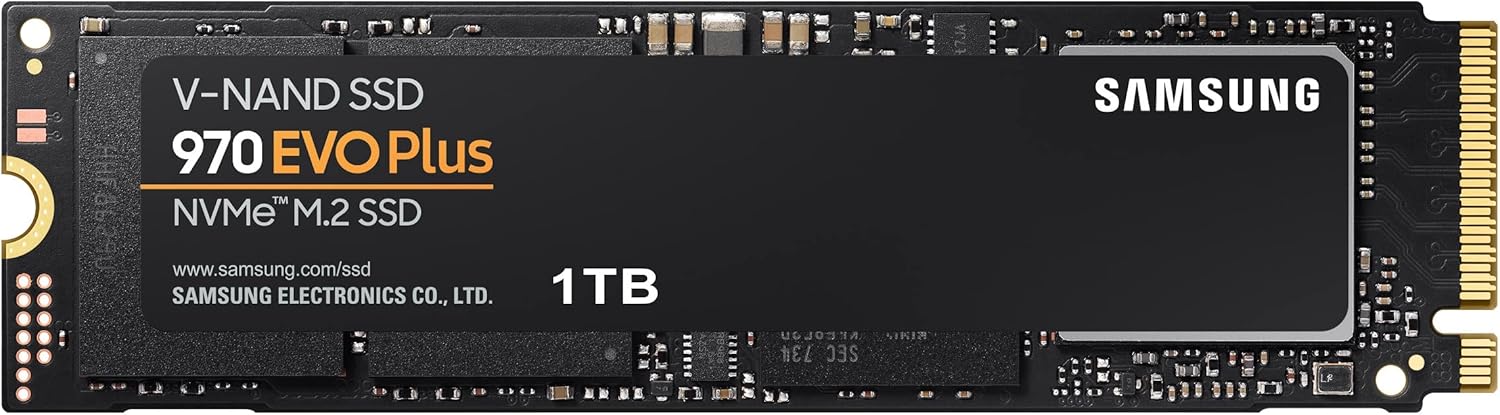
For active projects and frequently changing working files, I would compare a suitable SSD. A Crucial MX500 SATA SSD can make sense in an appropriate SATA system when capacity needs and the current price fit. It changes the balance of speed, sound and cost, rather than simply being a faster version of the same purchase.
For a NAS or an array with stated recording requirements, I would choose a drive model that the storage platform supports and that explicitly meets those requirements. I would not assume every product with desktop storage in its description belongs in a multi-drive pool. The exact compatibility list is more useful than a familiar brand.
Related reading
For a ready-to-carry second copy, I would compare a finished portable disk such as the WD Elements Portable 2TB. That supplies the enclosure and cable arrangement, while keeping the ordinary limitations of a mechanical disk. If I already have a suitable desktop bay and a quiet secondary-storage job, the bare BarraCuda may be the cleaner fit.
My verdict is positive for a narrow, clearly understood role. I would buy the exact 2TB model when secondary capacity matters and its SMR behaviour fits the writing pattern. I would choose something else for workloads that demand a different recording technology or predictable heavy rewriting. The sensible saving is the one that preserves the job, not merely the one that produces the lowest price on a drive label.
What worked
A bare desktop drive can add useful secondary capacity to a suitable existing computer.
What bothered me
The ST2000DM008 uses SMR, so frequent rewriting deserves a different comparison from a quiet media library.
Who should not buy it
The ST2000DM008 uses SMR, so frequent rewriting deserves a different comparison from a quiet media library.
Alternatives I would consider
Crucial MX500 SATA SSD. I would compare an SSD for active projects and frequent changes when its capacity and price fit. Read my Crucial MX500 SATA SSD review.
WD Elements Portable 2TB. I would choose a finished portable disk when the enclosure and carrying arrangement are part of the requirement. Read my WD Elements Portable 2TB review.
Evidence and sources
Specifications are attributed to the linked documentation. Images: Amazon product gallery. These are not personal test photographs or measurements.
Features, compatibility and rated figures from the maker are manufacturer information. My opinions are identified in the review.
My final verdict
I would shortlist it for the focused role described here. Worth considering for suitable secondary capacity; I would not save money by choosing the wrong recording technology for an array.
Seagate BarraCuda 2TB, 3.5-inch SATA, ST2000DM008 / ST2000DMZ08 retail package
Amazon US · US
Check price and availability: Seagate BarraCuda 2TB, 3.5-inch SATA, ST2000DM008 / ST2000DMZ08 retail package at Amazon USAffiliate link. As an Amazon Associate I earn from qualifying purchases.
One email a month: new articles, reviews and the upcoming live webinar + free recording. No spam, unsubscribe anytime.