The LG 27GL83A-B appeals to me because its main role is straightforward: a 27-inch, 1440p gaming display that can also hold ordinary desktop work. I like a product conversation that begins with the resolution, screen size and games actually involved, rather than a long collection of labels without a clear desk in mind.
Quick verdict
I would shortlist it for the focused role described here.
Best for: A fixed gaming-and-work desk whose computer can support the intended QHD modes.
Main benefit: A permanent 27-inch QHD workspace and documented gaming modes give the screen a clear dual-purpose role.
Biggest drawback: HDR10 input and a response-time headline do not establish strong HDR or a measured total-latency result.
LG UltraGear 27GL83A-B, 27-inch QHD IPS 144Hz, black
Amazon US · US
Check price and availability: LG UltraGear 27GL83A-B, 27-inch QHD IPS 144Hz, black at Amazon USAffiliate link. As an Amazon Associate I earn from qualifying purchases.
Reviewed version: LG UltraGear 27GL83A-B, 27-inch QHD IPS 144Hz, black
Compatibility: The exact 27GL83A-B, suitable HDMI or DisplayPort path and supported computer or graphics settings. Verify the complete dock or adapter path and actual selected refresh rate.
Review context: I assess readable scaling, desk depth, stand position, adaptive-sync requirements and the distinction between refresh, response and system latency.
I would shortlist it for someone who wants a permanent QHD screen and can drive the intended game settings sensibly. I would compare the complete current offer with newer monitors before buying. An established model can still meet a useful need, but its age is not a reason to ignore what else the same budget now buys.
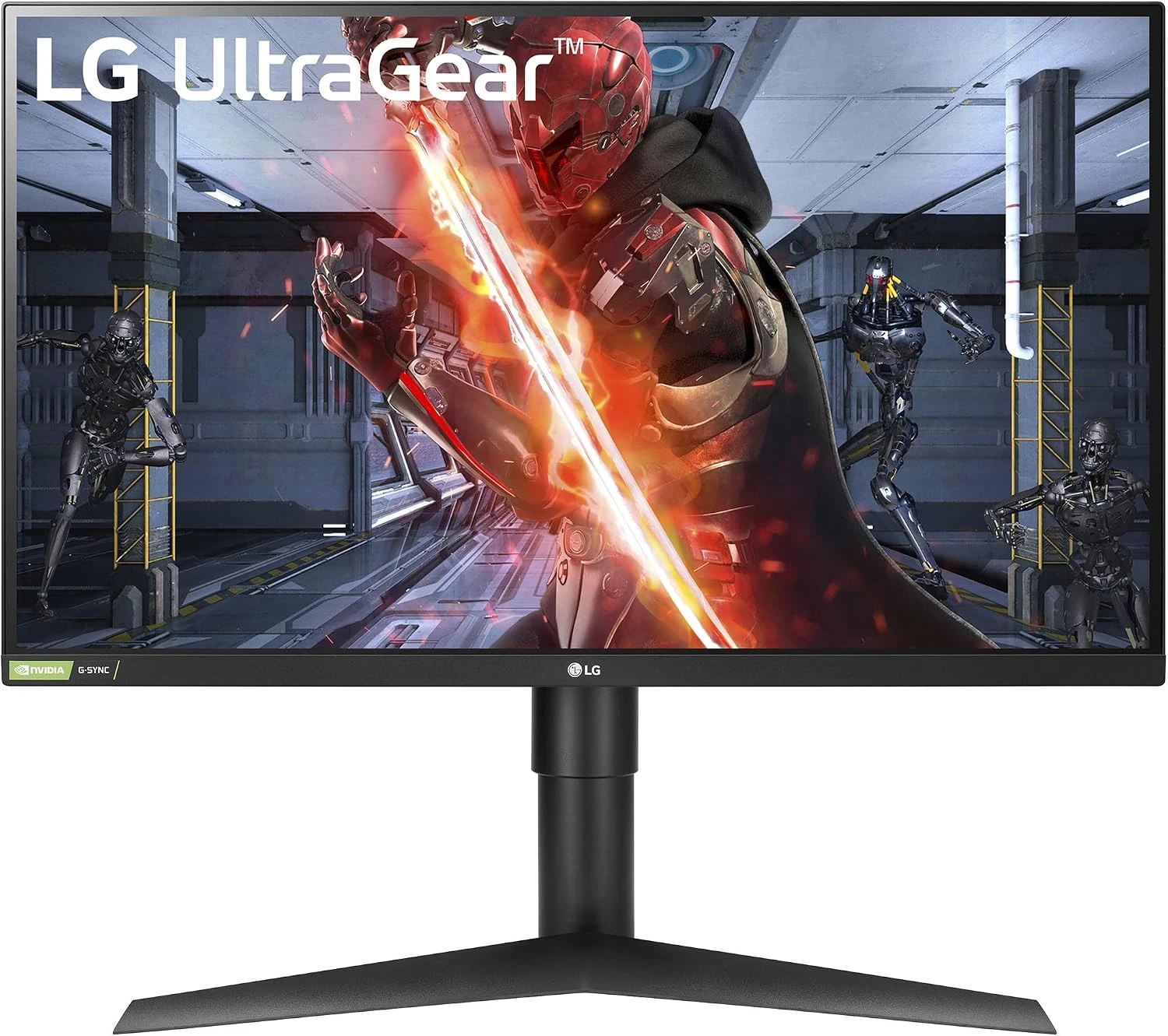
A sensible size for a fixed desk
Product images: the verified retailer gallery and any original manufacturer illustration credited in the sources. These are not personal test photographs.
Related reading
LG’s model information identifies the QHD IPS panel and 144Hz role. Those are manufacturer specifications, not a set of measurements from my own unit. I would begin by deciding whether 27 inches fits the viewing distance and available desk depth.
The 2560 by 1440 workspace can give documents and application windows more room than a basic Full HD desktop. I would still choose comfortable text sizing instead of insisting that every interface element stay tiny. Useful workspace is the amount I can read and use, not just the number of pixels on paper.
Beside a dense laptop display, text will have a different appearance. I would not describe this as a Retina-style replacement simply because it connects to a Mac. For a person whose day is mostly small text, a suitable higher-density display may be the more relevant comparison.
Refresh rate needs the complete path
A 144Hz display is useful when the computer, cable and selected output mode support the intended arrangement. I would confirm the actual refresh rate in the operating system after connecting it. Plugging a monitor in successfully does not prove that it is running in the mode used to justify the purchase.
The game also has its own performance requirements. I would choose resolution and quality settings that suit the computer, rather than expect the monitor to create extra rendered frames. A clear understanding of that division makes the upgrade easier to judge before spending money.
For a laptop through a dock or adapter, I would verify that exact connection chain. Video bandwidth and the supported output modes can differ between ports. A clean direct display route is attractive when it removes uncertainty, especially on a desk already using several accessories.
Adaptive sync is a compatibility question
LG presents the model with NVIDIA G-SYNC Compatible and adaptive-sync support. I would match the graphics hardware, display connection and driver settings to the documented requirements. A logo is the beginning of that check, not proof that every computer and cable combination behaves identically.
I would assess the result in the games that matter to the buyer. A quiet desktop, a fast first-person game and a cinematic title create different demands. The most useful settings are the ones that give a comfortable consistent experience for the actual workload.
Related reading
I am not presenting a measured latency result or a frame-by-frame performance comparison here. Those need appropriate equipment and a defined test. My judgement is about the monitor’s documented position and the decisions needed to obtain its intended mode at the desk.
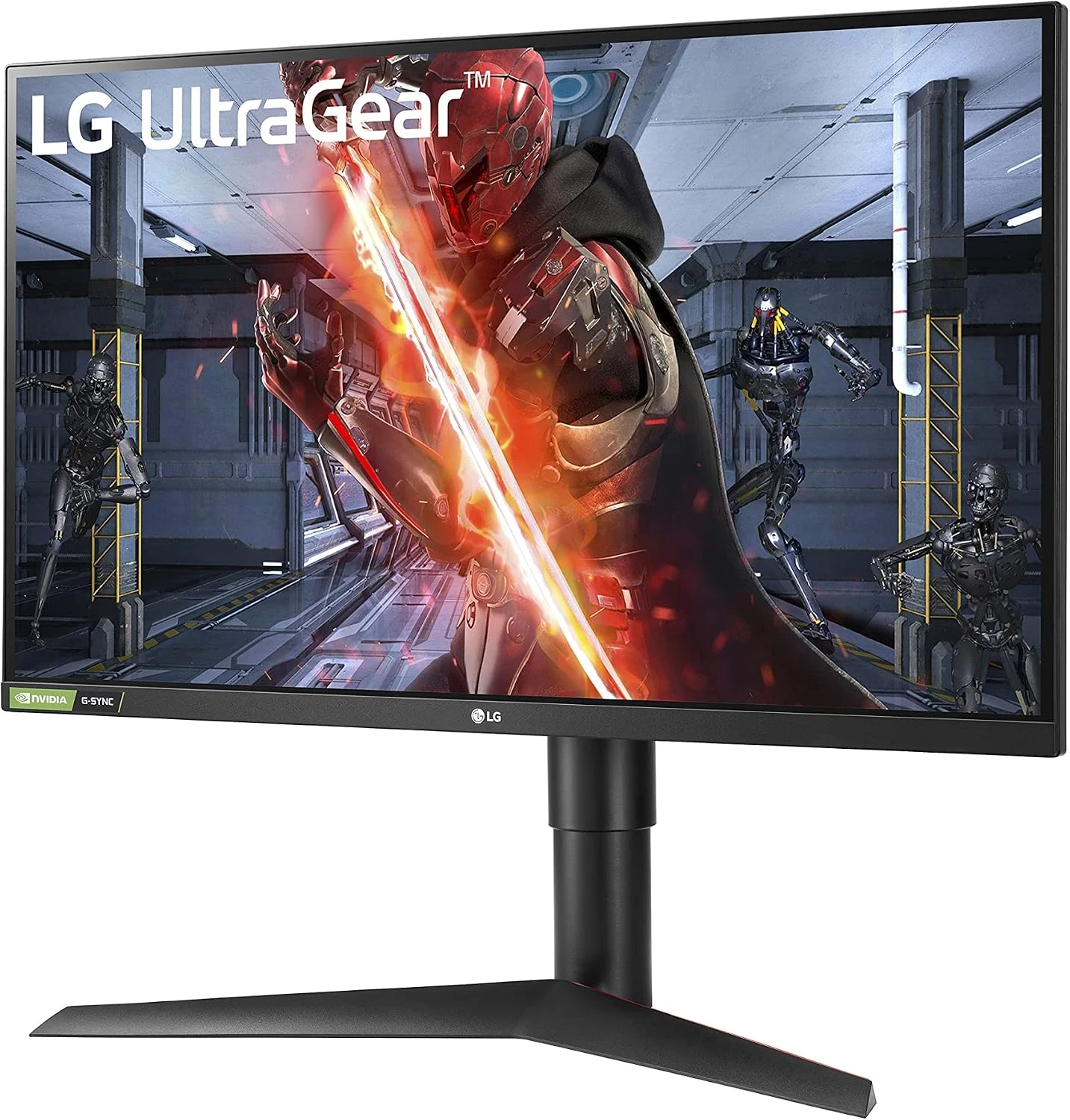
One millisecond is not the whole image
The response-time headline describes a particular manufacturer-specified pixel-transition condition. It should not be treated as a complete measurement of the delay between a hand movement and the final visible result. I would keep response time, refresh rate and the wider computer’s latency separate.
I would compare the available response settings with ordinary movement on screen rather than automatically selecting the strongest mode. A menu setting should improve the visible result, not win because its name sounds fastest. A trustworthy review would support a specific recommendation with actual observations of that unit.
The same restraint applies to HDR10. Accepting an HDR signal does not, by itself, establish a convincing high-dynamic-range picture. I would buy this monitor for its core QHD gaming role and compare dedicated HDR capability separately if that is the main reason for changing displays.
The stand and connections have daily value
Height and viewing position affect every task, including the hours outside games. I would place the screen so that its centre and text suit a natural posture, with room left for the keyboard and mouse. A display that dominates a shallow desk can make otherwise useful specifications less appealing.
The model’s HDMI and DisplayPort connections need to fit the real source devices. I would also plan audio separately instead of assuming that a gaming screen includes the sound system I want. The complete arrangement should make switching from work to a game straightforward.
For another mount, I would confirm the fitting and desk support. An arm can recover space, but its cost and installation belong in the purchase decision.
Related reading
The alternatives I would compare
A newer QHD monitor may offer a better complete package for the current price. I would compare exact supported modes, stand features and warranty rather than compare only maximum refresh rates. Paying more makes sense when the additional feature has a regular purpose.
For travel, the KYY K3 is a different solution entirely. For dense office text, I would compare a higher-resolution fixed display. I would choose the LG when its combination of permanent desk size and ordinary QHD gaming is the actual priority.
My buying decision
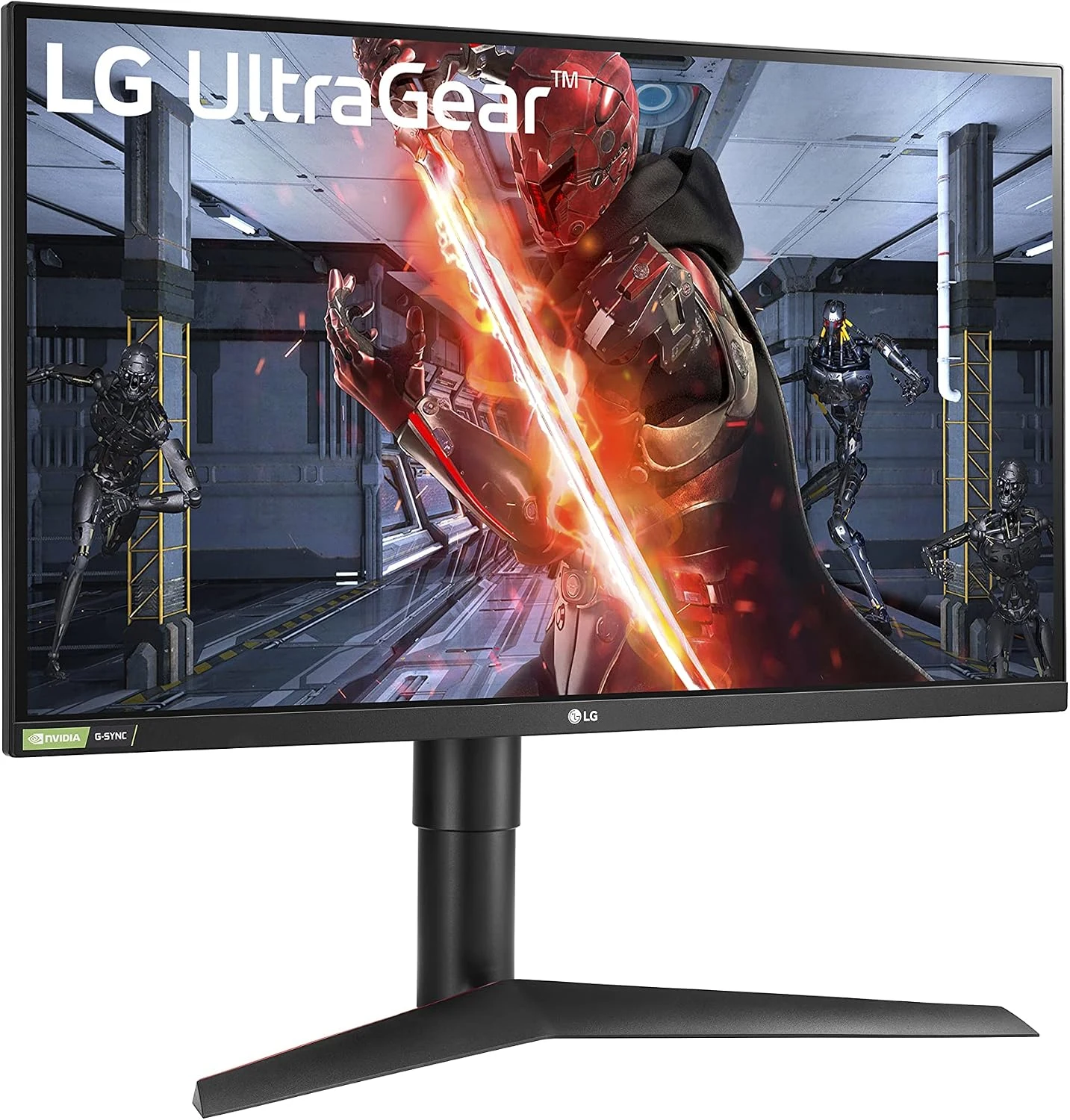
I like the 27GL83A-B as a clearly defined QHD gaming candidate, conditional on a sensible current offer and a verified computer connection. I would buy it for that core role and comfortable desk placement. I would choose something else when strong HDR, denser text or a newer model’s specific capability is the real purpose of the upgrade.
What worked
A permanent 27-inch QHD workspace and documented gaming modes give the screen a clear dual-purpose role.
What bothered me
HDR10 input and a response-time headline do not establish strong HDR or a measured total-latency result.
Who should not buy it
HDR10 input and a response-time headline do not establish strong HDR or a measured total-latency result.
Alternatives I would consider
A newer suitable QHD gaming monitor. I would compare the current complete offer when a specific stand, connection or refresh feature is useful.
KYY K3. I would choose the smaller portable category for regular travel, rather than a permanent 27-inch setup. Read my KYY K3 review.
A higher-density fixed display. I would choose it when small office text is the main reason for upgrading.
Evidence and sources
Specifications are attributed to the linked documentation. Images: Amazon product gallery. These are not personal test photographs or measurements.
Features, compatibility and rated figures from the maker are manufacturer information. My opinions are identified in the review.
Conclusion
Worth considering against current QHD offers; buy its core gaming role rather than an unsupported HDR promise.
LG UltraGear 27GL83A-B, 27-inch QHD IPS 144Hz, black
Amazon US · US
Check price and availability: LG UltraGear 27GL83A-B, 27-inch QHD IPS 144Hz, black at Amazon USAffiliate link. As an Amazon Associate I earn from qualifying purchases.
One email a week with practical Mac workflows, useful comparisons and honest tech recommendations.