I find a portable second screen appealing when it gives one extra task a proper place. Keeping a reference document beside the main work can be more useful than repeatedly hiding and reopening windows on a laptop. The KYY K3 fits that practical conversation better than a promise to recreate a large office desk everywhere.
Quick verdict
I would shortlist it for the focused role described here.
Best for: Ordinary second-screen tasks where a small travel setup has a regular useful role.
Main benefit: A reference document or secondary task can have its own portable Full HD workspace.
Biggest drawback: One-cable operation depends on host video and power support, and this is not a high-density or verified colour-critical display.
KYY K3, grey, 15.6-inch 1920×1080 portable monitor with cover
Amazon US · US
Check price and availability: KYY K3, grey, 15.6-inch 1920×1080 portable monitor with cover at Amazon USAffiliate link. As an Amazon Associate I earn from qualifying purchases.
Reviewed version: KYY K3, grey, 15.6-inch 1920×1080 portable monitor with cover
Compatibility: The exact K3, a supported USB-C video path and cable or Mini-HDMI plus suitable separate power. Verify the computer's external-display limit; the monitor has no built-in battery.
Review context: I assess document layout, readable scaling, host display support, power routing and stable placement using the cover.
The selected model is the grey 15.6-inch Full HD K3 with a cover. I would choose it for ordinary extra workspace and a manageable travel arrangement. I would not buy it expecting the text density of a high-resolution laptop display or the working position of a full-size monitor on an adjustable arm.
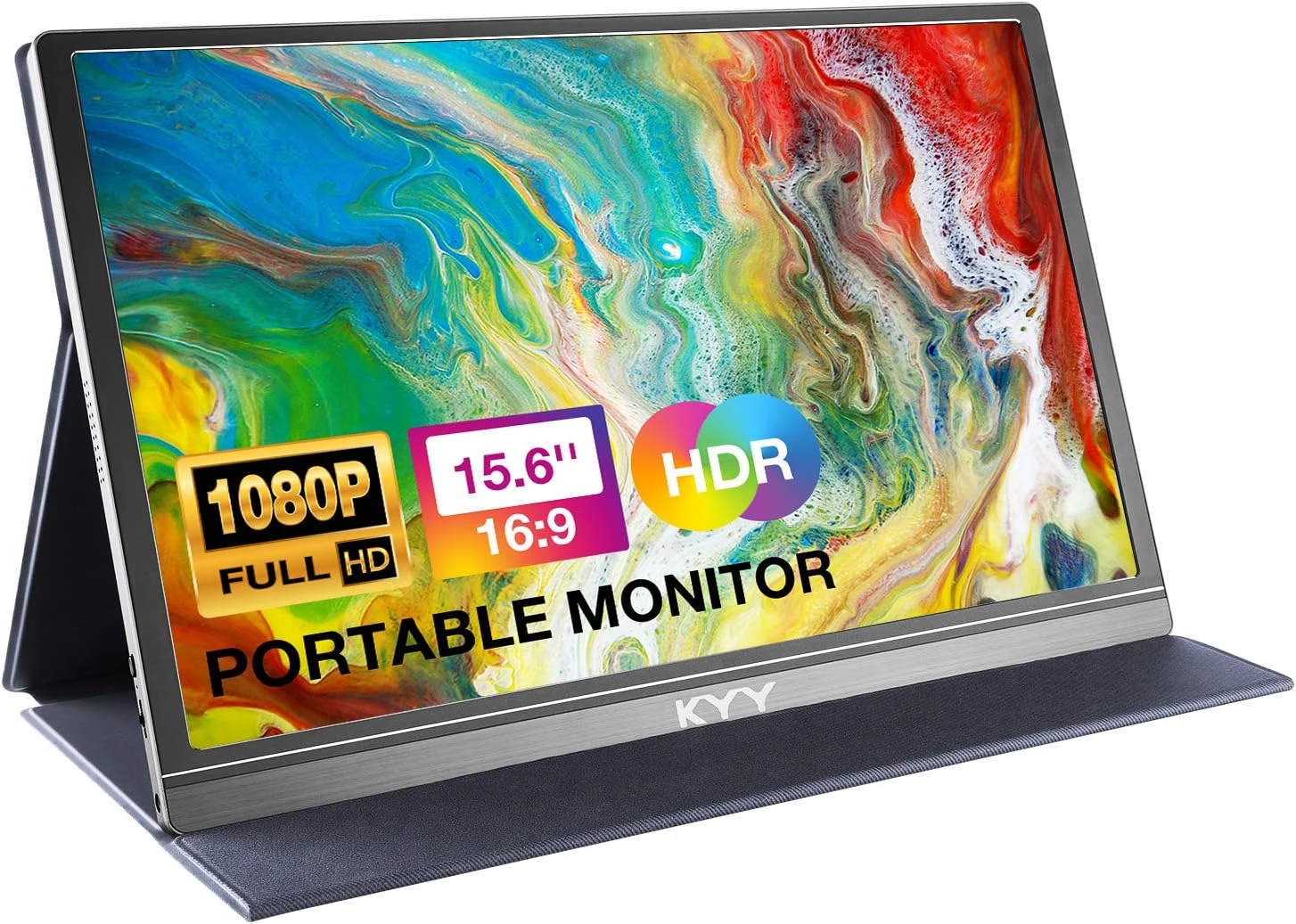
Full HD is a clear starting point
Product images: the verified retailer gallery and any original manufacturer illustration credited in the sources. These are not personal test photographs.
Related reading

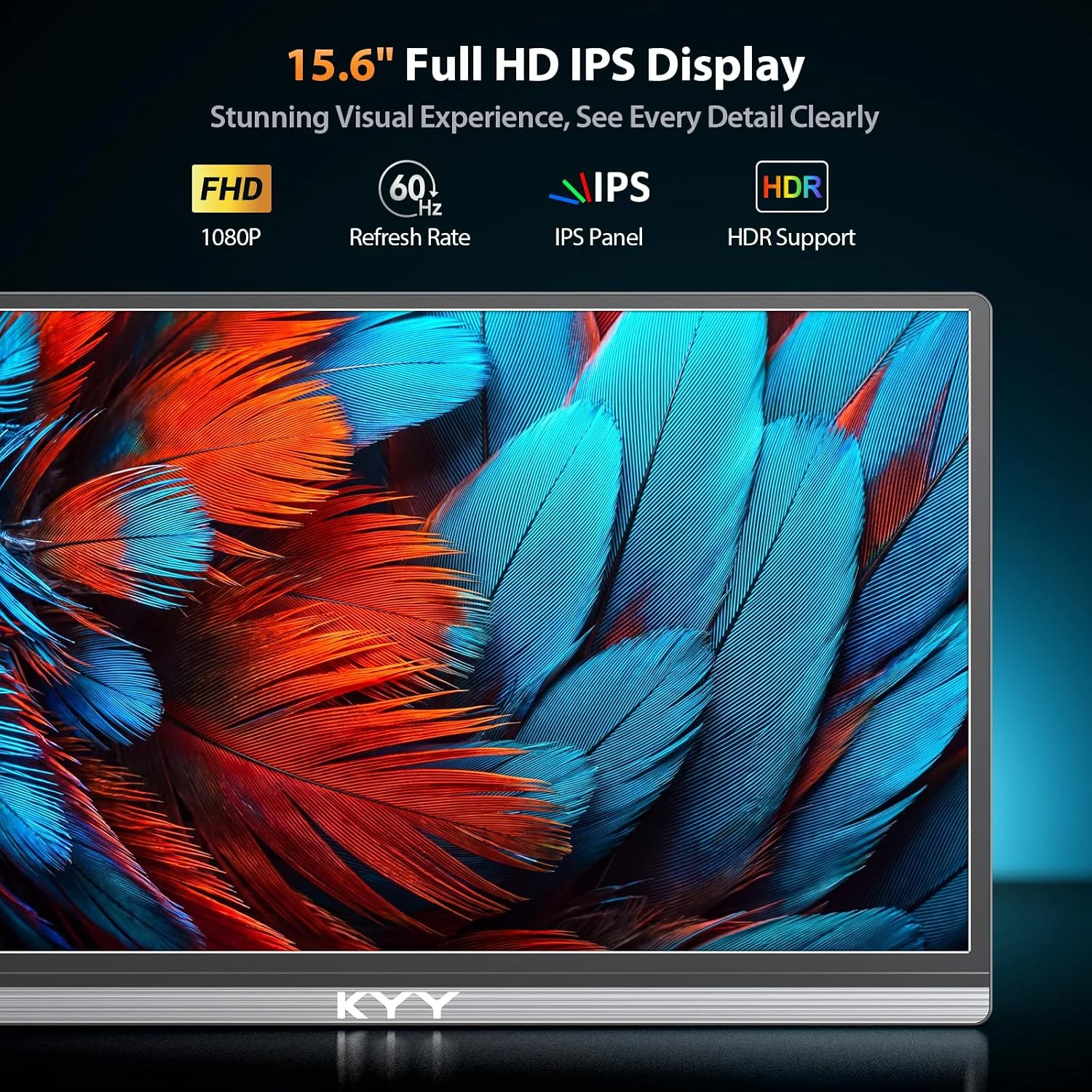
KYY’s K3 information describes a 1920 by 1080 IPS panel at 60Hz. The exact retailer selection remains the grey K3; the manufacturer’s page also presents other colour choices. I would keep the actual ordered model visible rather than borrow specifications from another KYY screen.
That resolution can give a chat window, reference page or preview its own space. It does not mean every application becomes comfortable at its smallest text setting. I would arrange scaling and window sizes according to reading comfort, especially beside a laptop with a visibly denser display.
I would keep important colour decisions on a suitably verified main display. An IPS label or HDR mode does not establish measured colour accuracy. For general documents, that may be a reasonable compromise; for colour-critical work, it changes the decision.
A USB-C socket is not enough
The tempting setup is a single cable between laptop and monitor. That requires the computer’s port and cable to carry the required video signal and suitable power. I would check the host’s actual display specifications rather than decide from the shape of the connector alone.
This matters particularly with a mixed collection of charging leads. A cable that charges a phone successfully does not thereby prove it supports the intended external display route. I would keep a known suitable display cable with the screen instead of relying on whichever lead happens to be in the bag.
I would also check the computer’s external-display limit. Adding another physical connection does not override a host’s supported number of displays. This is a purchase to plan with the exact laptop and any existing dock, not with a general statement that the screen works with computers.
HDMI still needs a power plan
The K3 also offers a Mini-HDMI input. That provides another useful video route, but HDMI should not be confused with a complete power supply for the panel. I would arrange the required USB power and the correct HDMI cable together before considering the travel setup finished.
For a console or other source, I would check the selected output mode and how sound should be heard. A small portable display can make a compact viewing station, while still needing space for its cables and power. A photograph showing only the panel does not represent the complete working footprint.
Related reading
KYY states that this model has no built-in battery. I like that the requirement is explicit, because it prevents an unrealistic idea of a completely independent screen. Away from a socket, the source and power arrangement need enough capacity for the whole intended session.
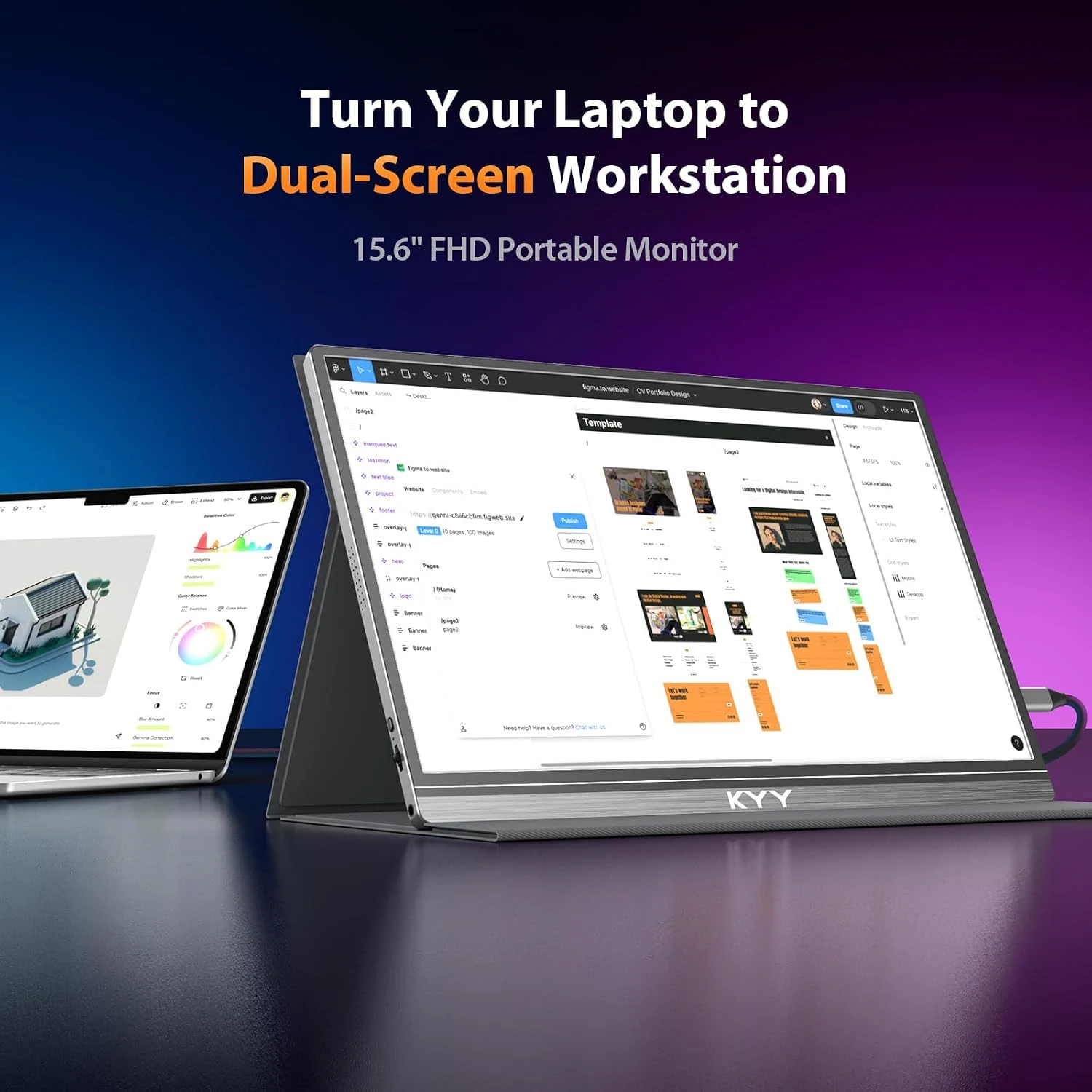
The cover is also part of the desk
The folding cover is attractive because it can protect the panel and support it without a separate large stand. I would still choose a stable surface and check the viewing angle before settling in. A shallow café table and a fixed desk do not offer the same space or support.
The screen’s position relative to the laptop matters too. If one is much lower or farther away, the extra workspace may encourage frequent awkward head movement. I would put the most demanding task on the better-positioned display and use the second screen for something that fits its height.
I would pack the panel so that other objects cannot press against it. Portability is useful when the display remains straightforward to carry and unpack. The cover, cables and any power adapter belong in the size and weight decision, even if the panel alone looks very slim.
Choose one useful second-screen job
For development, I would try documentation or a build view beside the main editor. For writing, I would put source material on one screen and the draft on the other. A clear division is more appealing to me than spreading the same crowded desktop over two small panels.
During a call, the second screen can also hold reference notes, but I would check the camera direction and the shared screen selection. Extra workspace is only helpful if I still look engaged and share the intended window. More visible content should not make a simple meeting harder to manage.
The built-in speakers may suit an occasional task. I would still select the intended sound output explicitly, because connecting a display can change that choice.
Related reading

When I would choose something else
A fixed desk can justify a larger monitor with better physical adjustment. The LG 27GL83A-B represents a different kind of purchase: a bigger permanent workspace rather than a screen that belongs in a travel bag. I would decide which environment receives most of the working time.
I would choose a higher-resolution portable display if small text and detailed work are the main requirement. I would stay with one laptop screen if the extra cables and setup time outweigh the second task’s benefit. Both can be more sensible than buying portability without a regular role for it.
My buying decision
I like the K3 as a focused way to add ordinary Full HD workspace away from a permanent desk. Its value depends on a verified video-and-power route and a useful place to put it. I would buy the complete travel arrangement, not just the thin panel, and keep demanding colour or high-density text work on a more suitable display.
What worked
A reference document or secondary task can have its own portable Full HD workspace.
What bothered me
One-cable operation depends on host video and power support, and this is not a high-density or verified colour-critical display.
Who should not buy it
One-cable operation depends on host video and power support, and this is not a high-density or verified colour-critical display.
Alternatives I would consider
LG 27GL83A-B. I would choose a larger adjustable permanent workspace for a fixed desk rather than pay for portability. Read my LG 27GL83A-B review.
A higher-resolution portable display. I would choose that category when dense text and detail outweigh the simpler Full HD travel role.
Evidence and sources
Specifications are attributed to the linked documentation. Images: Amazon product gallery. These are not personal test photographs or measurements.
Features, compatibility and rated figures from the maker are manufacturer information. My opinions are identified in the review.
Conclusion
Worth considering with a proven host connection; include cover, cables and power in the complete travel decision.
KYY K3, grey, 15.6-inch 1920×1080 portable monitor with cover
Amazon US · US
Check price and availability: KYY K3, grey, 15.6-inch 1920×1080 portable monitor with cover at Amazon USAffiliate link. As an Amazon Associate I earn from qualifying purchases.
One email a week with practical Mac workflows, useful comparisons and honest tech recommendations.