Tag: macos
-

Genius Scorpion M8300: a 58 gram wireless mouse that costs less than a game
A practical review of the Genius GX Gaming Scorpion M8300 wireless mouse, covering weight, sensor steps, Bluetooth and 2.4 GHz modes, battery, the Copilot shortcut, macOS behaviour, and who should buy it at this price.
-

Yoink for Mac: the small shelf that fixes drag and drop
A practical review of Yoink 3.7 for Mac, focused on its temporary drag-and-drop shelf, large files, Spaces and displays, clipboard history, privacy, Handoff, pricing, and who benefits from it.
-

ScreenFloat 2: a screenshot is more useful when it stays in sight
A practical review of ScreenFloat 2 for Mac, focused on floating screenshots across Spaces, OCR, capture and recording, non-destructive markup, the Shots Browser, iCloud sync, privacy, automation, and pricing.
-

Marked 3: the Markdown previewer for people who already have an editor
A practical review of Marked 3 for writers and developers, focused on live Markdown preview, custom processors, proofreading, document statistics, export fidelity, pricing, and how it fits beside a real site build.
-

Loopback 2: the Mac audio utility that turns routing into infrastructure
A practical review of Rogue Amoeba Loopback 2 for podcasts, calls, recording and streaming, focused on virtual devices, application routing, channels, monitoring, latency, reliability, permissions, and pricing.
-
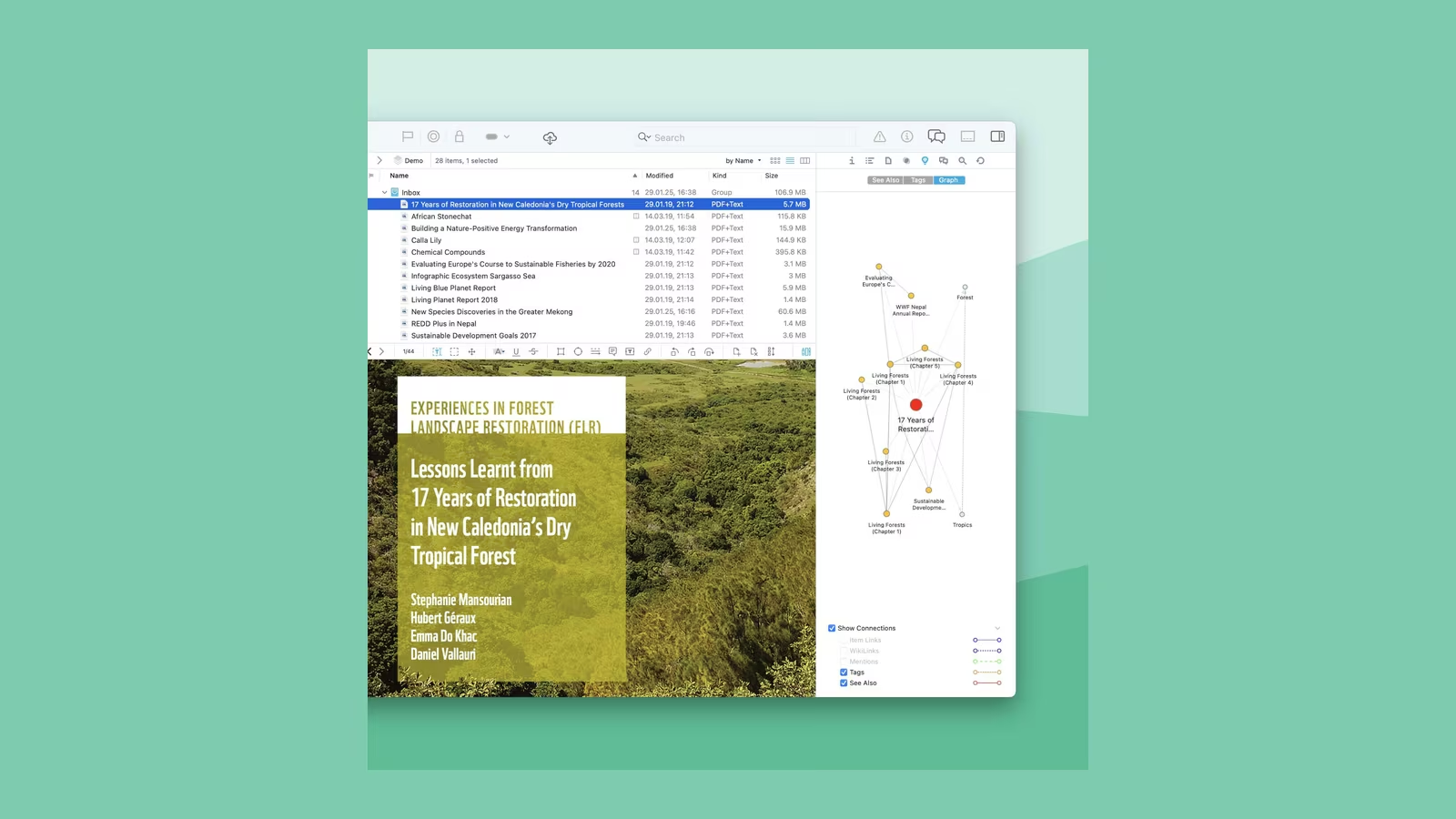
DEVONthink Server 4: a serious document archive with a narrow kind of intelligence
A practical review of DEVONthink Server 4 for large document collections, focused on search, classification, databases, sync, OCR, automation, web access, licensing, and who actually needs the Server edition.
-
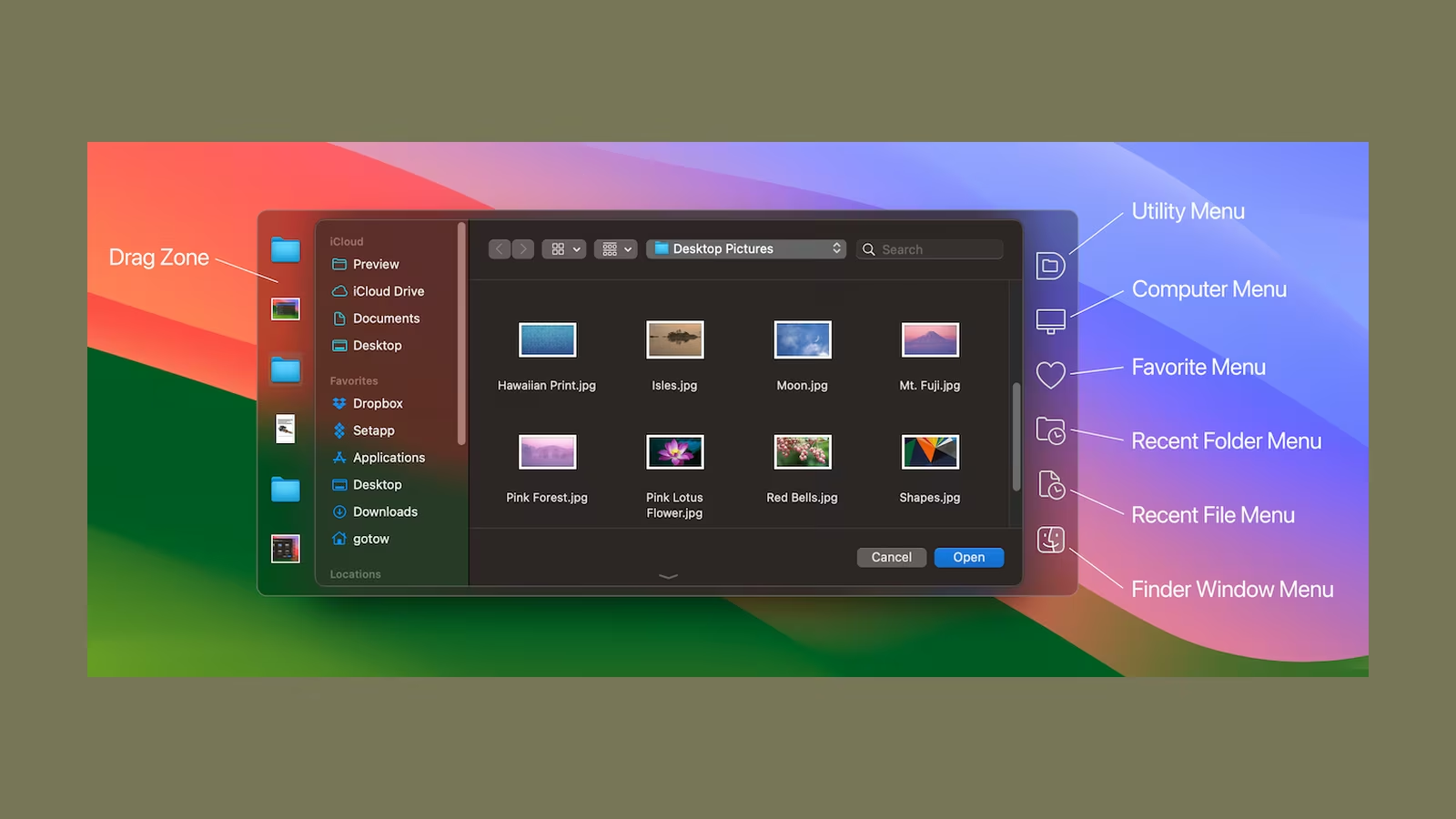
Default Folder X: the Mac utility that fixes Open and Save
A practical review of Default Folder X 6, focused on faster Open and Save dialogs, Finder integration, favourites, recent files, compatibility, permissions, pricing, and who benefits from it.
-

Craft Plus: beautiful documents are the beginning, not the decision
A practical review of Craft Plus for writing and knowledge work, focused on its block editor, cross-device sync, offline access, collaboration, export, pricing, and the trade-off between polish and plain files.
-
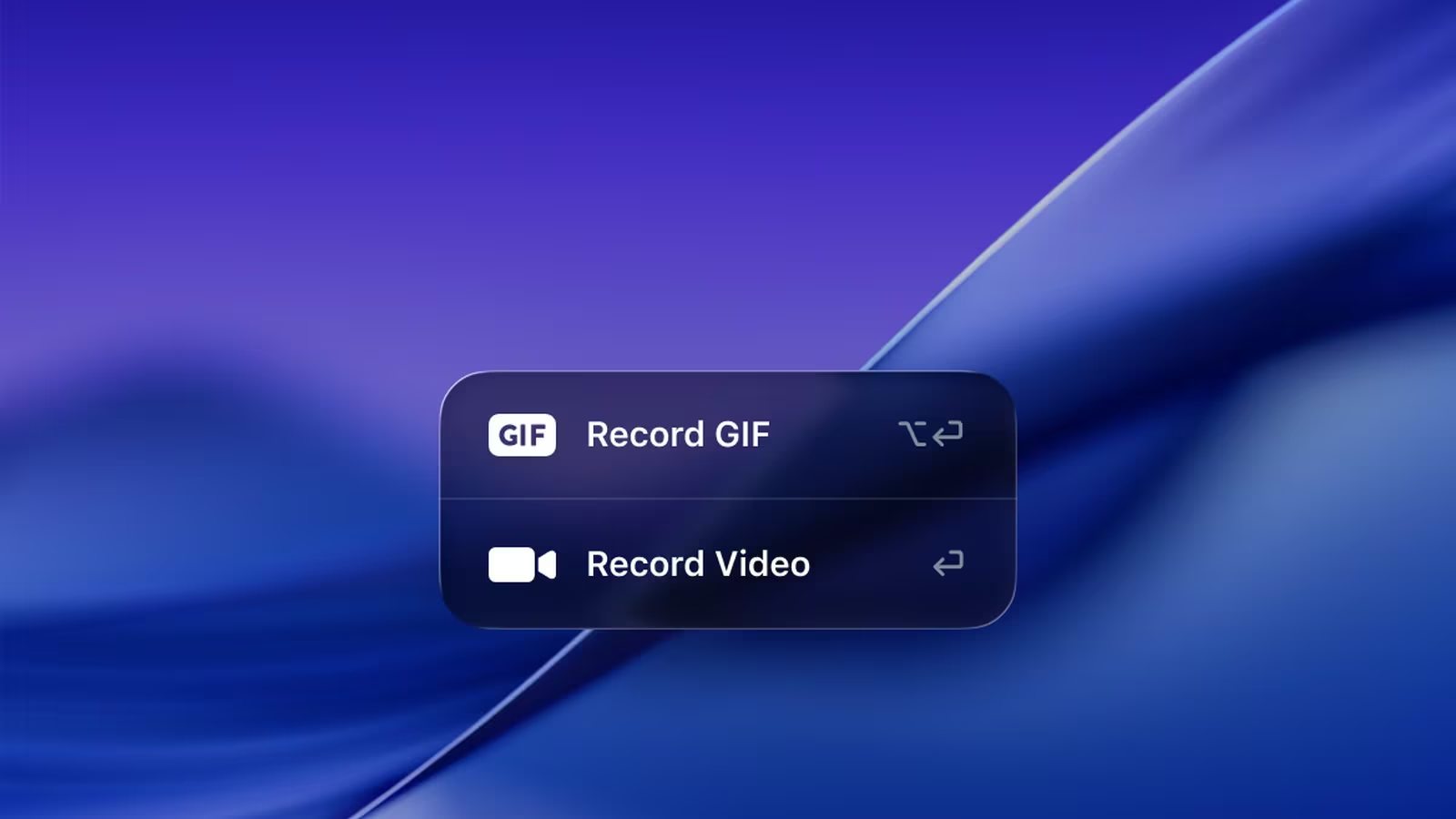
CleanShot X: the screenshot tool I would choose for work, not decoration
A practical review of CleanShot X for developers and technical writers, focused on capture accuracy, annotation speed, screen recording, OCR, sharing, privacy, pricing, and the limits of replacing macOS screenshots.
-

Bartender 6 Pro: a better menu bar, with a larger question of trust
A practical review of Bartender 6 Pro on modern macOS, focused on menu-bar control, the notch, profiles, triggers, permissions, ownership, pricing, and who should install it.
-

Audio Hijack on Apple Silicon: the Mac audio tool I would trust with the awkward jobs
A technical review of Audio Hijack 4.6 on modern macOS, focused on application-level capture, live monitoring, reusable audio chains, system permissions, update risk, and who should pay for it.
-
The Mac Keyboard Shortcuts That Save Real Time, and How to Make Your Own
The Mac keyboard shortcuts that actually save time in 2026, the app-specific ones worth learning, plus how to build custom shortcuts and text replacements yourself.
