Research-based review. Evidence checked on 20 October 2026; no author hands-on measurements are claimed. This current product predates the earlier autumn launch window.
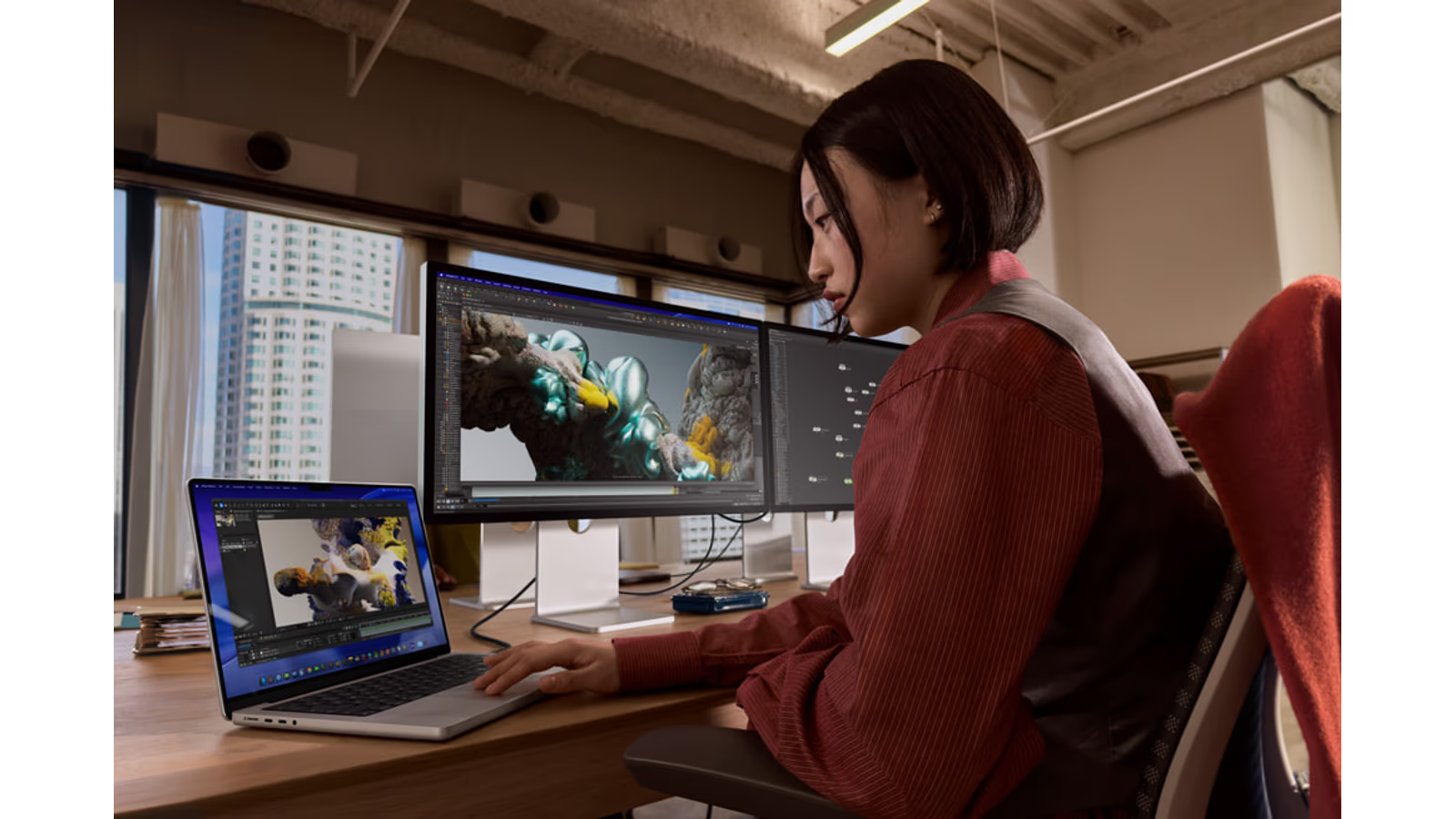
Hero image: Apple Newsroom.
Buying an HDR display is a decision about the whole image path. The source must contain the intended information, the application must handle it correctly and the screen must show it under suitable conditions. A brighter panel cannot repair a missing step earlier in that chain.
That is how I would approach Studio Display XDR. My research suggests it is interesting for a supported Mac workspace that genuinely needs HDR capability or its wider display feature set. It should not be the automatic upgrade for every person who likes the regular Studio Display.
This is a product assessment checked on 20 October 2026. I have not measured the display, calibrated a unit or judged my own HDR material on it. The current March model extends Apple Workbench, with original measurements attributed to their source.
The hardware changes the kind of image it can show
Apple’s launch information describes a 27-inch 5K mini-LED display with up to 2,000-nit peak HDR brightness and 120Hz refresh. Those capabilities distinguish XDR from the regular model. The conditions attached to the brightness claim remain part of the specification.
The practical question is whether the work uses them. HDR video review, supported visual production and ordinary desktop work make different demands. A buyer should identify the benefit before deciding that the larger feature set is worth the price.
Related reading
Do not treat a bright demonstration as the entire experience. Text, darker scenes, interface elements and normal room lighting all deserve attention. The screen needs to suit the long sessions between the moments chosen to show its maximum capability.
Local dimming has a visible trade-off
RTINGS’ original XDR testing found strong HDR brightness and useful local dimming, while noting haloing around bright objects. It also reported motion blur despite the 120Hz refresh capability. Those observations are important because a feature specification and the resulting image are related but different evidence.
Mini-LED controls groups of backlight areas. That is different from assuming every bright pixel is independently lit. A high-contrast object can therefore be a useful part of a demonstration. Look at the kind of scene you actually edit or watch, rather than only an image selected to flatter the display.
This is not a claim that one trade-off makes the whole panel unsuitable. It is a reason to match evidence with the intended task. A strong HDR workspace and a fast competitive gaming display can lead to different priorities.
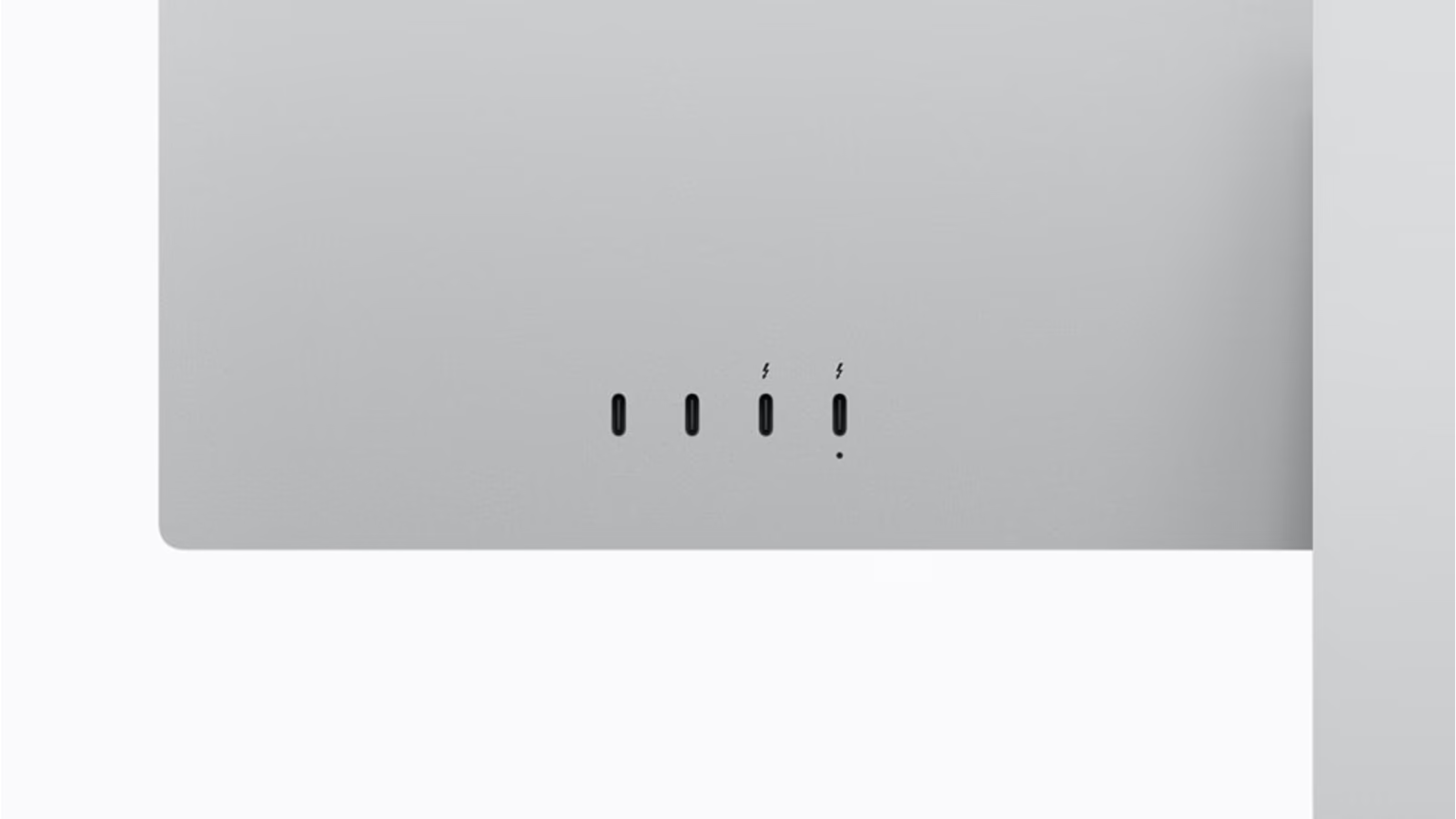
Official Apple product image. Image source.
One hundred and twenty hertz is not the whole motion story
Refresh rate describes how often the screen can receive a new image. It does not independently describe how quickly each transition appears. That is why response testing matters alongside the headline. A number alone cannot establish how a moving object looks.
For a buying trial, use the motion that matters to the work. It may be a timeline, a game or an ordinary interface interaction. Keep the source and output settings clear, so a comparison does not quietly change several things at once.
I would also separate motion preference from HDR need. Someone can value the extra refresh capability without needing maximum HDR brightness, or need HDR while caring less about fast gaming. The correct purchase follows those priorities rather than bundling them into one vague definition of professional.
Check the host before paying for a capability
Apple’s compatibility table lists supported Macs and software, with some older chips limited to 60Hz. It also distinguishes iPad Pro M5’s 120Hz support from other supported iPads at 60Hz. Compatibility with the display does not mean every host provides the same mode.
Identify the exact Mac model and operating-system version. Then verify the intended resolution and refresh combination with the correct connection. This is especially important if the display is being purchased before a future computer upgrade.
An adapter or dock should not be assumed to remove a host limitation. Check the complete route. A display can be a long-lived purchase, but the current experience still depends on what is connected today.
Related reading
HDR needs a deliberate software path
Use a source that is actually intended for HDR and an application configured for that work. Then select an appropriate display mode and output route. This is a workflow principle, not a report of a grading test completed for this review.
Keep an SDR check in the delivery plan when that is part of the brief. A striking HDR preview does not establish how every recipient will view the result. The audience’s device and application remain outside the display sitting on your desk.
For important work, preserve the settings and a reference sample. If the software or display configuration changes later, that sample gives the change something concrete to be checked against. Repeatability matters more than the attractiveness of a single demonstration.
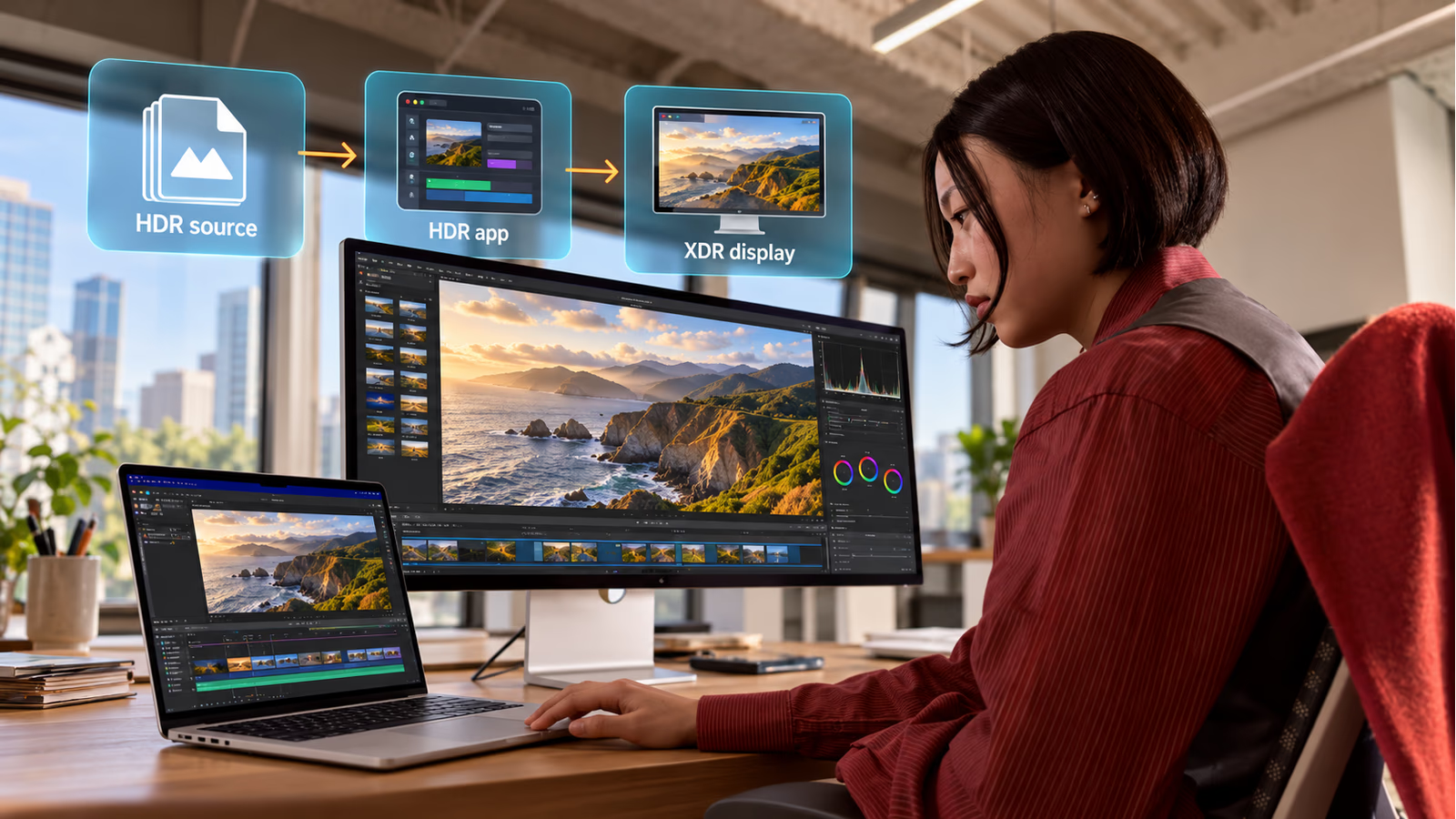
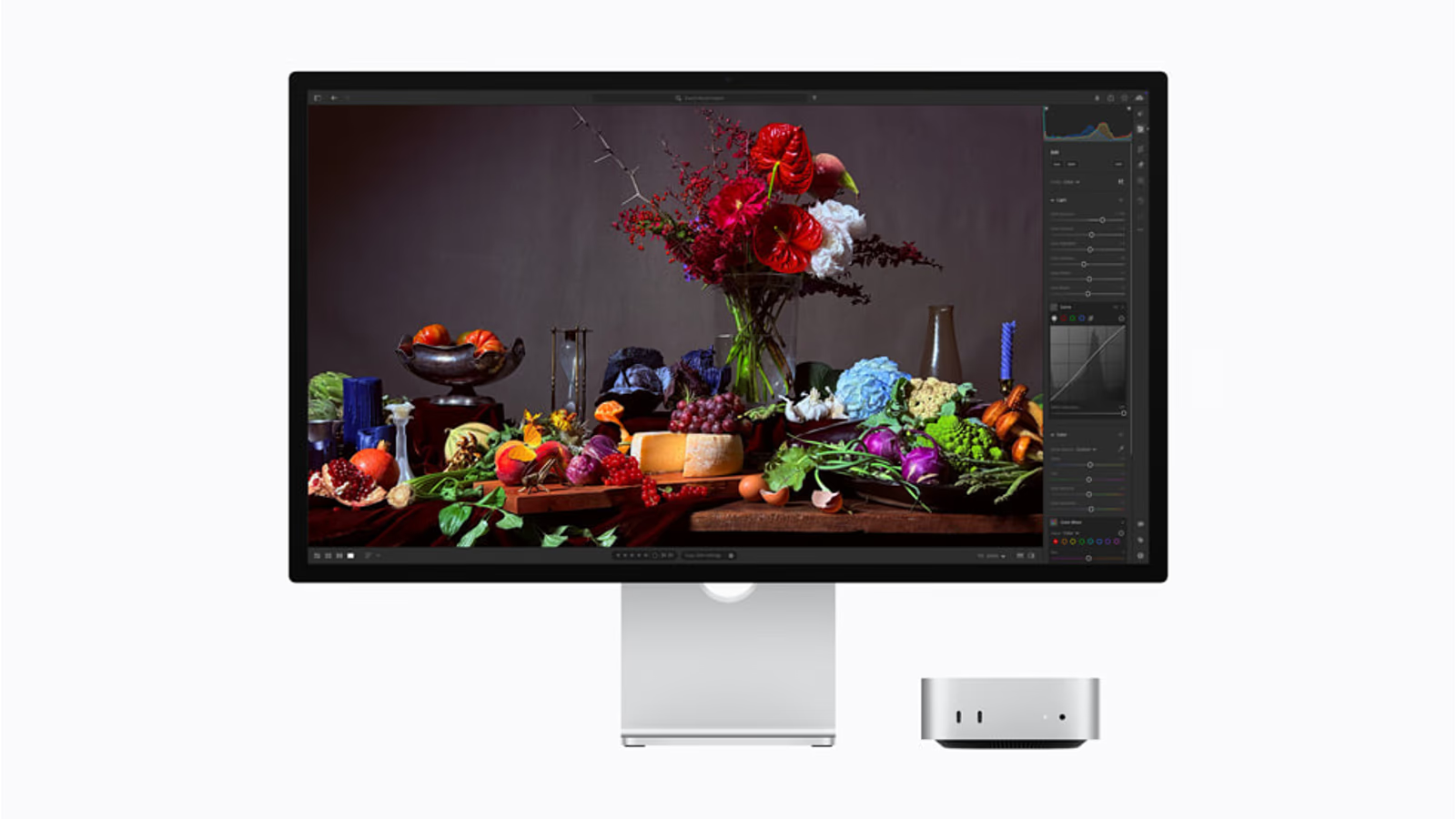
AI-generated conceptual explanation; overlays are not actual product features or test results. Image source.
Reference modes support a process
Apple’s reference-mode guidance explains the role of defined display settings. Use the mode appropriate to the target and understand what it controls. A named preset is a useful starting point, not proof that every surrounding condition is now correct.
The viewing room still matters. Reflection, ambient light and the position of another viewer can change the judgement made from the screen. A careful workflow should make those conditions understandable rather than letting them vary without notice between sessions.
The original RTINGS test also found calibration considerations in white balance and gamma. That is another reason to evaluate a unit and workflow instead of treating an expensive display as a permanent exemption from checking the image.
Stand, surface and desk are part of the decision
The display needs a position that works through a long session. Check the stand or mounting version before purchase and compare it with the available depth and height at the desk. A technically capable panel can still be awkward in the wrong physical arrangement.
Choose standard or nano-texture glass around actual light conditions. Try a relevant demonstration if possible and read the care requirements. An upgrade that solves a real reflection problem is easier to justify than one chosen simply because it is the premium option.
Also consider the equipment around the screen. Built-in camera, microphones and speakers may simplify one workspace while duplicating preferred tools in another. Count their value according to the role they will actually play.
A useful trial includes an ordinary day
Bring text, a familiar image, a difficult dark scene and representative motion. These are proposed trial materials, not samples measured in this article. They help keep the evaluation broad enough to include both demanding work and routine use.
Check the host mode during the trial. Confirm that the system is delivering the setting you intend to judge. Otherwise a comparison can become an argument about a display while actually measuring a cable, software or compatibility limitation.
Related reading
Spend time on the boring tasks too. A monitor is present during email, notes and file management as well as a final review. The purchase should feel sensible across that entire pattern rather than only during the scene that motivated it.
Price the capability you will use
Apple’s German March launch reference starts XDR with a tilt-and-height-adjustable stand at €3,499 including VAT. This is historical launch pricing, not a current Amazon quote. Check the selected surface and mounting option when comparing today’s complete configuration.
For a production desk, identify which repeated task needs the capability and how the display will be checked. For a personal setup, preference is a valid reason, but it should remain distinct from a claim that the work cannot be done without XDR.
The affiliate option below is a clearly labelled Amazon.com search for Studio Display XDR. It does not substitute an older Pro Display XDR or the regular Studio Display as if the names described the same product.
My research recommendation
Studio Display XDR deserves investigation when a supported host and a defined image workflow can use its capabilities. The independent motion and local-dimming findings should remain part of that decision, alongside the headline brightness and refresh figures.
I would buy it for an identifiable image task or a clearly valued display experience, after checking the complete route. The most convincing upgrade is one whose benefit can be demonstrated in the work, then repeated when the impressive demo is over.
Affiliate offer · Amazon.com
As an Amazon Associate I earn from qualifying purchases. How affiliate links work.
Search Amazon.com for Studio Display XDR
This opens a product search, not a verified listing. Check the exact generation and configuration on Amazon. No Amazon price or stock is quoted here.
More from this collection
One email a week with practical Mac workflows, useful comparisons and honest tech recommendations.