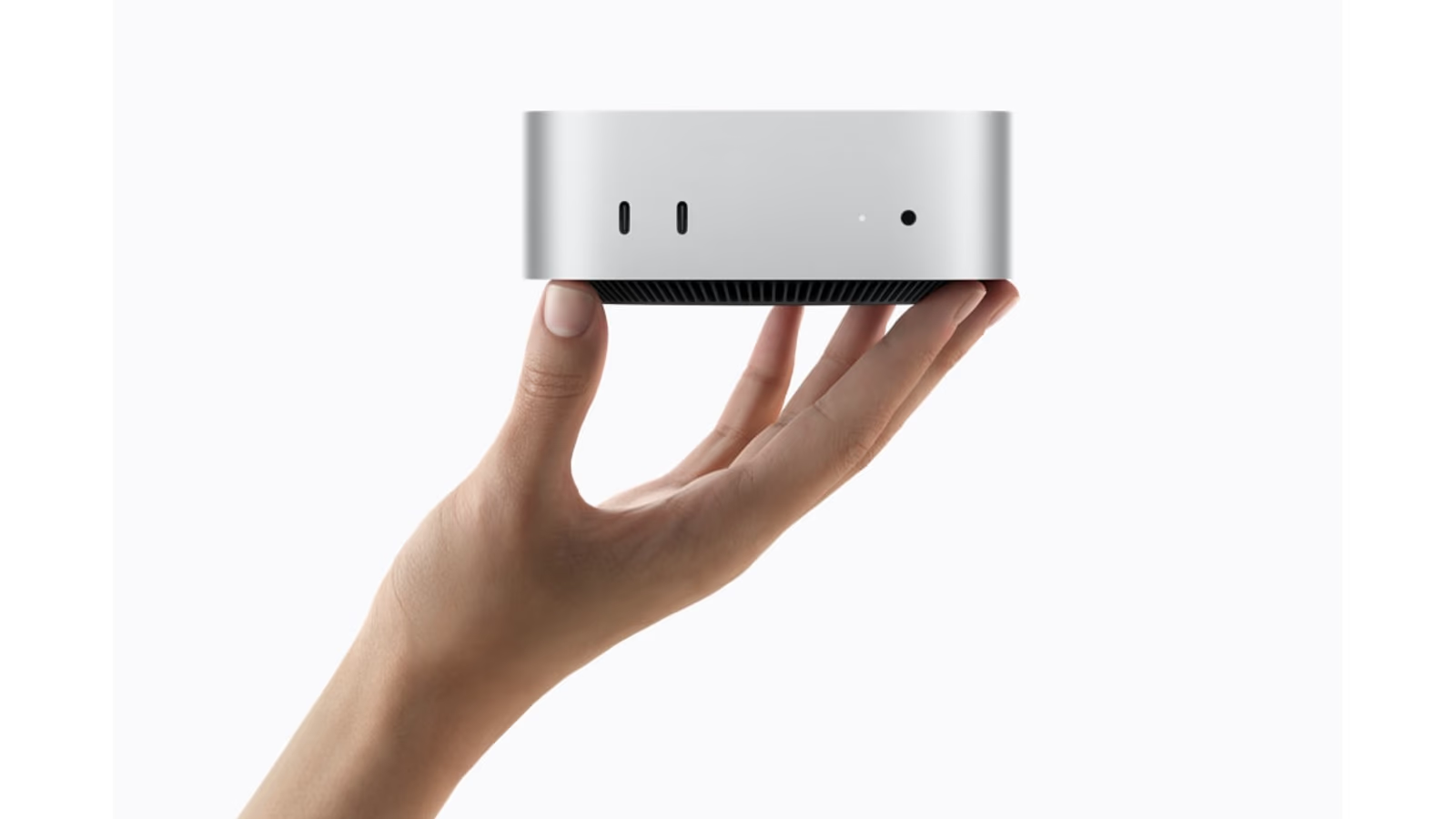
Hero image: Apple Newsroom. Official product image converted to a 16:9 AVIF canvas.
The difficult choice in the new Mac mini range is the name on the chip. M6 sounds newer. M5 Pro sounds more serious. Neither name tells you which computer will finish your work sooner, or which one leaves enough money for a good screen and a proper backup.
My research points to a clear starting point: choose M6 for a compact everyday Mac with room for creative work. Move to M5 Pro when you can name a repeated task that needs its extra capacity. Buying the more expensive model simply to avoid regret is an expensive way to choose a computer.
This review is based on Apple’s specifications and published independent testing, checked on 20 October 2026. I have not tested either machine myself. That matters especially for noise, sustained performance and reliability: a product photograph cannot answer those questions.
A small desktop still needs a complete desk
The mini’s greatest practical strength is easy to understand. It lets you keep the display, keyboard and pointing device you like while changing the computer behind them. A good monitor can serve several generations of desktop hardware. That makes the purchase feel less wasteful than replacing an entire setup because one part has become slow.
It also changes the budget. An attractive computer price can become a much larger bill after adding a display, camera, microphone, storage and adapters. Someone moving from another desktop may already own everything. Someone buying their first Mac may own almost nothing. Those two buyers should not compare the same starting price as if it represents the same finished system.
Related reading

Apple’s German launch announcement puts M6 at €1,049 and M5 Pro at €1,999, including VAT. These are launch prices checked for this article, rather than current shop offers. The €950 gap is large enough to deserve a specific reason.
The useful difference between M6 and M5 Pro
According to Apple’s technical specifications, M6 starts with 16GB of unified memory and reaches 32GB. M5 Pro starts with 24GB and reaches 64GB. This is shared working memory for the system, applications and graphics. It is a more useful purchasing clue than the number after the letter M.
For a browser, office work, coding and occasional editing, the entry chip deserves serious consideration. A faster single task is valuable when the day consists of hundreds of short actions. For larger projects, several demanding apps or local models, the ability to keep more work in memory can matter more than making one short action slightly faster.
The wrong question is whether M5 Pro is better. It offers more resources, but resources only help when software uses them. Ask whether your current work is waiting for calculation, running short of memory, reading a slow drive or simply using an inefficient workflow. Those problems can feel similar while requiring quite different purchases.
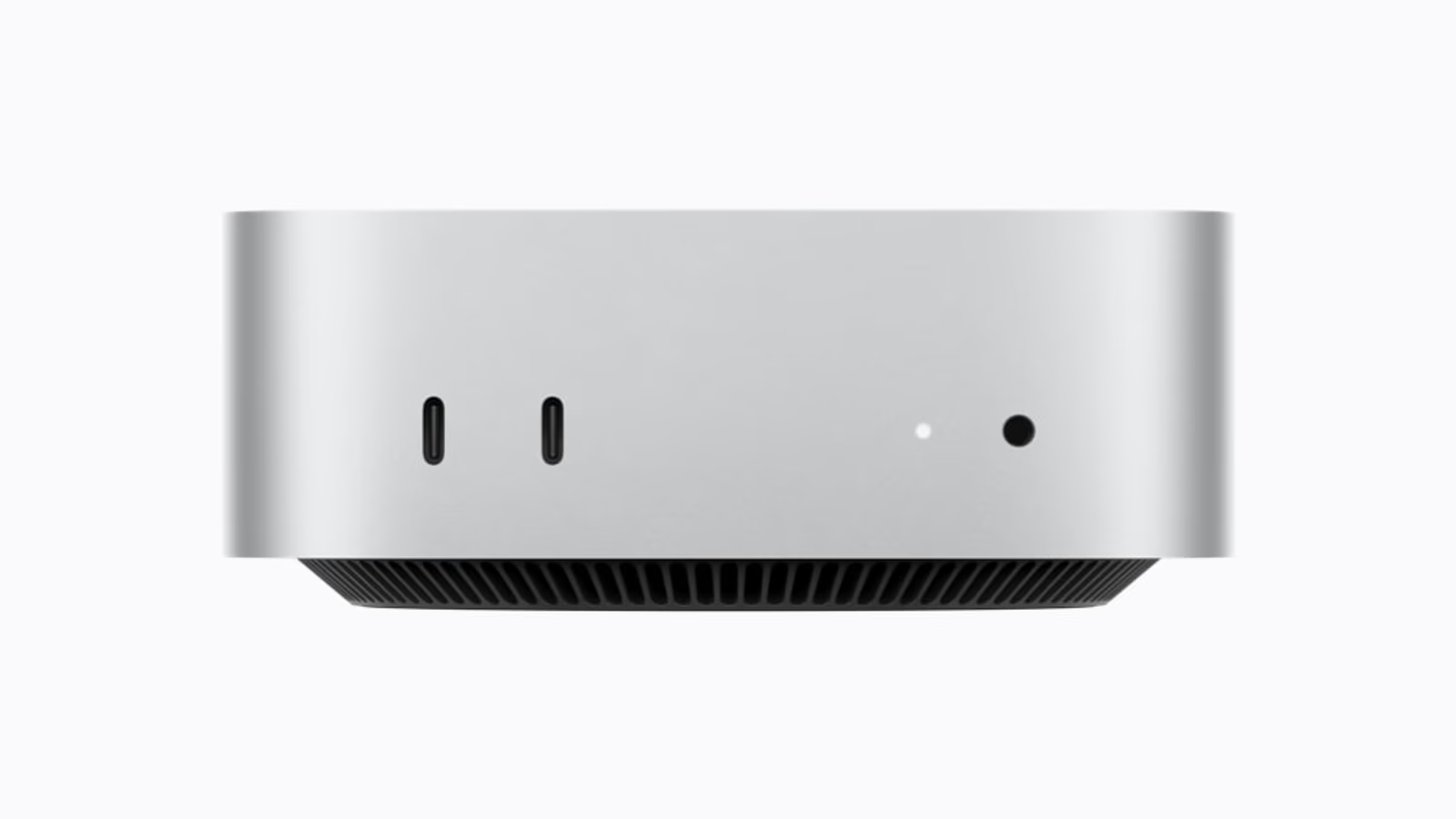
Official product image: Apple Newsroom. Converted to 16:9 AVIF without stretching the product.
What the independent tests actually tell us
MacStadium tested several M6 and M5 Pro configurations. M6 led its single-core result by about 9%, while the top tested M5 Pro led the multi-core result by about 35%. That is a useful warning against treating the newer chip name as an automatic winner.
The same report used different memory and storage configurations, and its Xcode project needed a deployment-target adjustment. Treat its results as evidence for those tested systems. They are not a promise that your project will show the same percentage, and they say nothing direct about the speed of a particular local language model.
There is another practical limit. A benchmark that runs for a short time does not describe an afternoon of mixed work. It can identify a strength, but it cannot decide how often you will use it. My buying advice therefore begins with the workload and uses benchmark results to check the explanation, rather than letting a score choose the machine.
Ports are part of performance
The launch documentation confirms three rear Thunderbolt 4 ports on M6 and Thunderbolt 5 on M5 Pro. Both have front USB-C ports, but those front connections are USB 3. A USB-C connector describes a shape; it does not promise the same speed on every socket.
Related reading
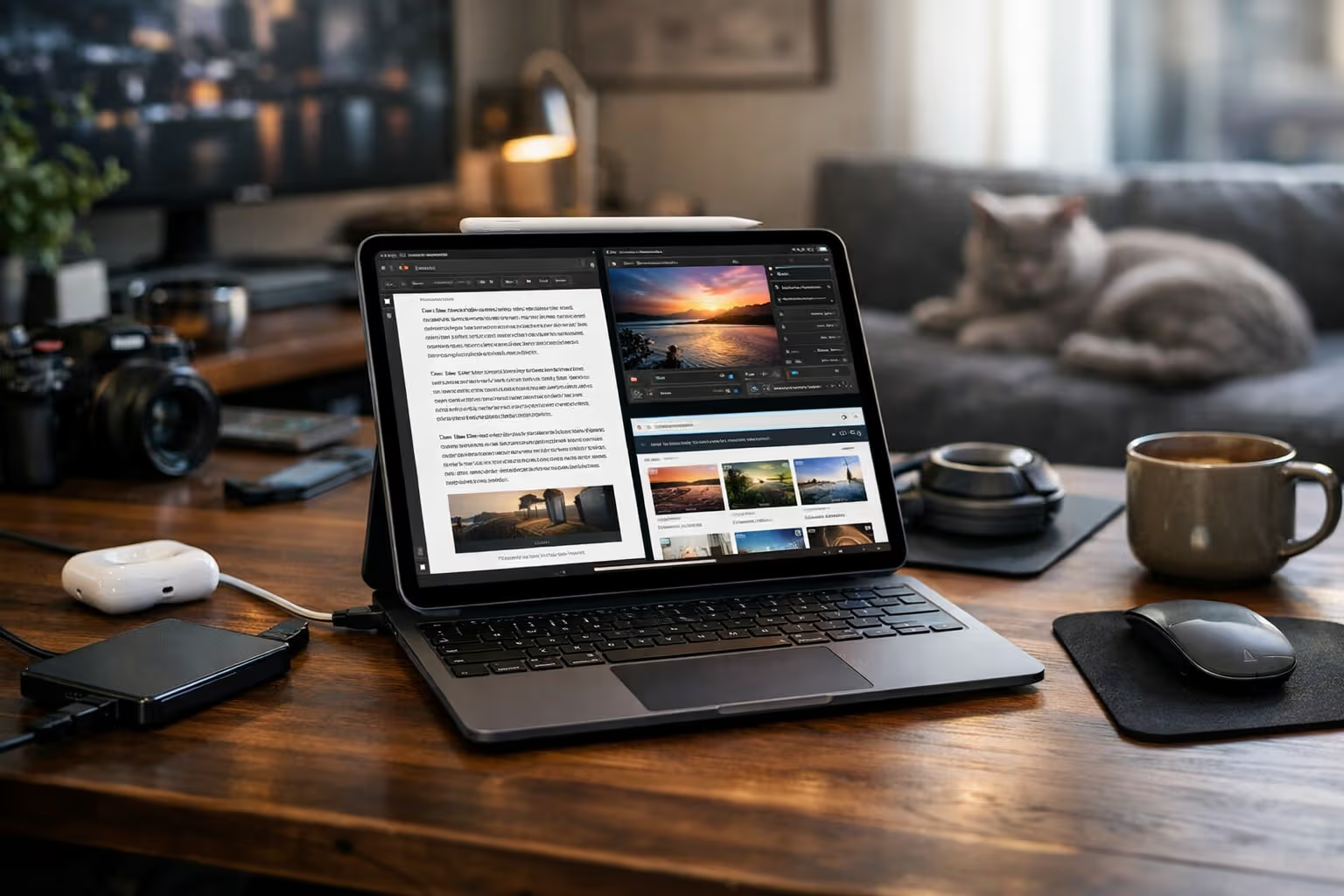
That distinction matters when a fast external drive becomes part of daily work. Put the working media drive on an appropriate connection. Leave a convenient front socket for less demanding devices. Before buying a dock, list everything you will connect and check the bandwidth the dock shares between those devices.
A tidy desk should also be a recoverable desk. Label the working drive and backup drive clearly. Avoid making one little hub the place where every essential device competes for bandwidth and power. The best port layout is one you can understand quickly when something stops working ten minutes before a deadline.
Three buyers, three different decisions
A student learning software development has a strong reason to start with M6. The machine can be part of a balanced setup that includes a comfortable display and a dependable backup. If the course later involves large virtual environments or unusually heavy builds, that becomes a concrete reason to revisit memory and processor choices.
A freelance editor has a different calculation. If waiting for exports regularly delays delivery, time has a business cost. But the editor should first try representative footage, effects and output settings. The camera format, editing application and storage arrangement are all part of the test. A simple timeline may never expose the advantage that made the expensive configuration attractive.
A home developer exploring AI should decide which models and tools are actually interesting before choosing the memory ceiling. Downloading a model is easy. Running it alongside a browser, editor and a long conversation is a more demanding job. The cheapest machine can become poor value if it excludes the experiment you bought it to do.
| Your repeated task | A sensible starting direction |
|---|---|
| Everyday work and lighter creative projects | M6, with a balanced desk budget |
| Large working sets or sustained parallel jobs | Compare M5 Pro configurations |
| An unknown future hobby | Start with a small real project before paying for headroom |
Storage deserves its own decision
The internal drive is the easiest part of a configuration to underestimate. Apps, caches and active projects arrive gradually. A computer that feels spacious on the first day can become a housekeeping exercise later. Leave enough room for the work you expect to keep active, rather than planning to operate permanently at the edge of capacity.
External storage can make excellent sense for a desktop. It can also create a fragile arrangement if the catalogue, original media, cache and backup are scattered without a plan. Decide which files live on each drive and how another person could recover the project if you were unavailable. That simple question often exposes a missing backup.
An external SSD is not extra RAM. When memory pressure is the problem, attaching more storage does not provide an equivalent fix. Likewise, paying for more RAM does not rescue a slow network share. Look at the limiting resource instead of treating every upgrade as a general speed purchase.
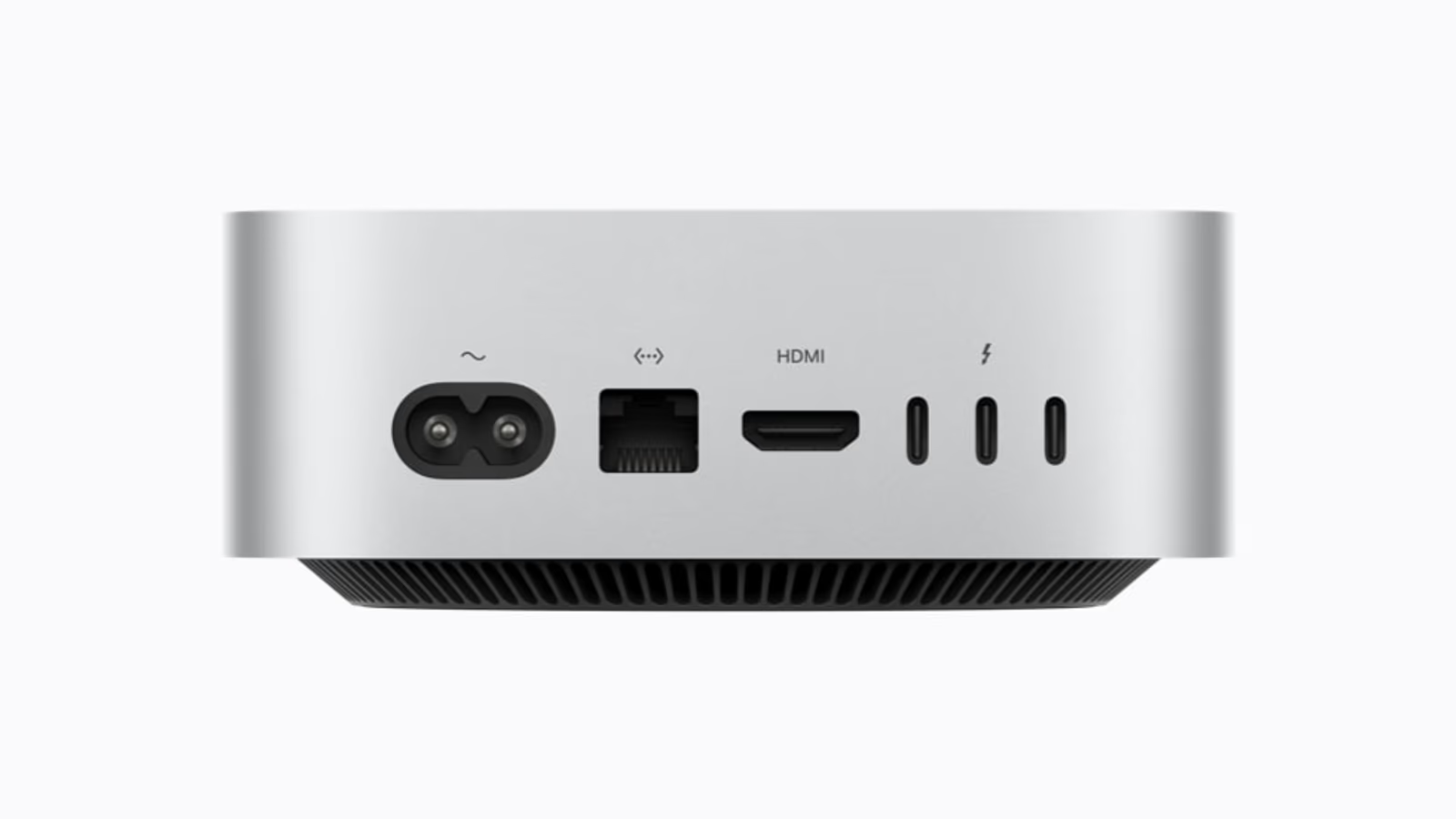
Official product image: Apple Newsroom. Converted to 16:9 AVIF without stretching the product.
What I would check before keeping one
I would bring a normal project, rather than a specially chosen demo. Open the apps usually left running. Complete a common task and one unusually difficult task. Note waiting time, memory pressure and any extra hardware needed. Repeat the same process on the alternative configuration if a shop or trial arrangement makes that possible.
Related reading

I would also check the boring details: whether the display wakes reliably, whether the microphone works through the chosen dock, and whether backup recovery is clear. These are proposed buying checks, not tests I have completed for this review. Their purpose is to turn a promising specification into evidence about a particular desk.
For an existing Apple silicon owner, I would be slower to upgrade than for someone replacing an old or unreliable machine. A computer does not become less useful because a new model appears. An upgrade earns its place when it removes a real restriction, reduces a recurring delay or makes an important new workflow possible.
My research verdict
The new Mac mini looks strongest when treated as a flexible workstation component. M6 is the sensible first option for a broad range of people. M5 Pro is the more interesting choice when larger memory needs or repeatable parallel work justify the step up. Neither recommendation requires pretending that one chip wins every task.
At these euro prices, I would protect the whole setup before chasing the highest configuration. A clear display, reliable storage and a comfortable workspace affect every session. Extra compute affects the parts of the session that need it. That is where the purchase should begin.
This is the opening of the Mac mini Workbench series. The next parts examine video editing, photography and local AI separately. Each asks a more useful question than “is it fast?”: what would stop you doing the work you actually want to do?
Continue reading
One email a month: new articles, reviews and the upcoming live webinar + free recording. No spam, unsubscribe anytime.