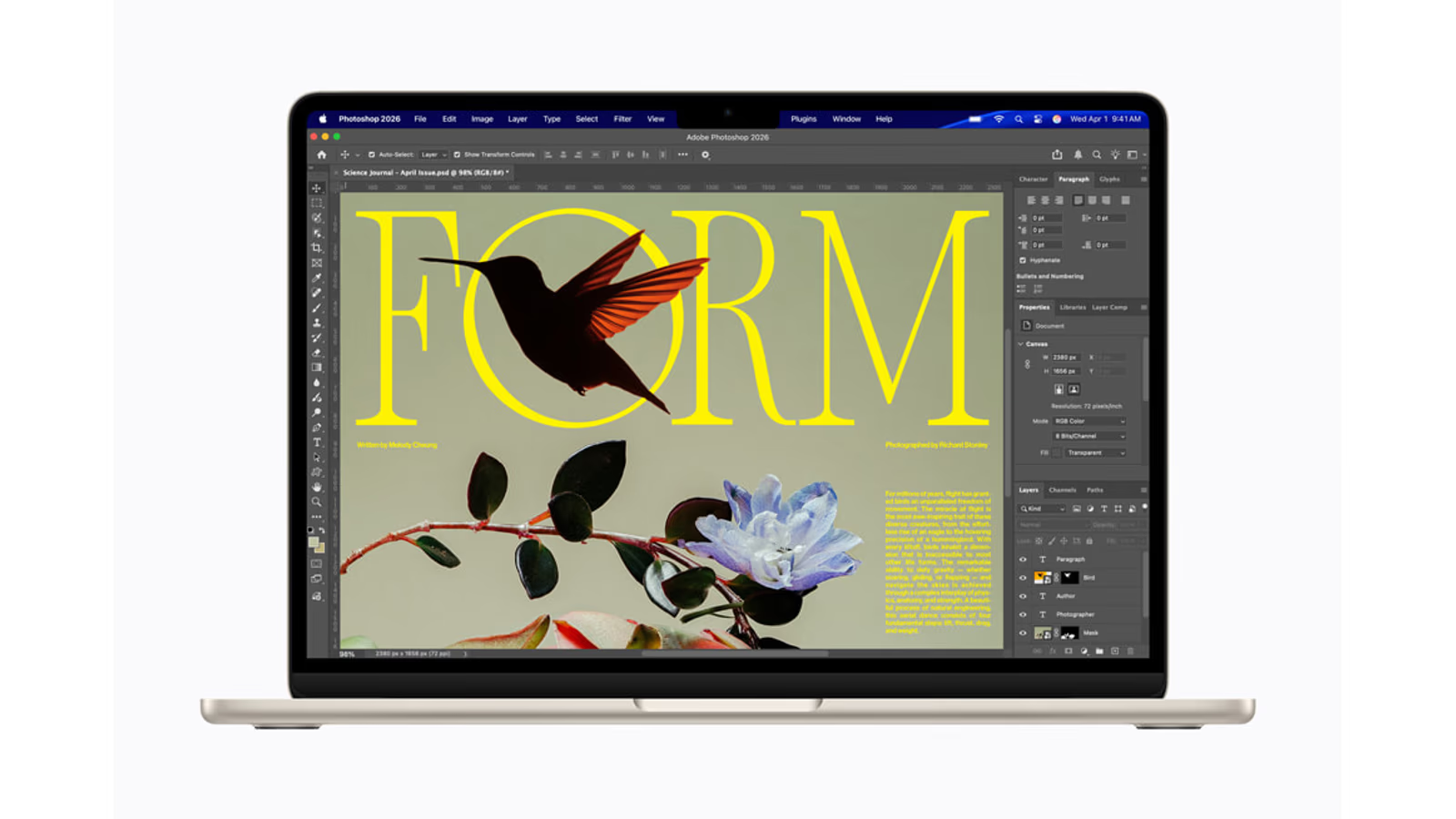
Research-based review. Evidence checked on 20 October 2026; no author hands-on measurements are claimed. This current product predates the earlier autumn launch window.
Hero image: Apple Newsroom.
A laptop can be powerful enough for the work and still be the wrong object for the day. If it stays home because it feels inconvenient to carry, part of the purchase has failed. The MacBook Air M5 is interesting because its main argument begins with ordinary use rather than maximum performance.
My research puts it near the front of the comparison for writing, study, software work and mixed creative tasks. A MacBook Pro needs a specific reason: a port, display capability, larger working set or sustained job that the Air does not handle well enough. Professional work alone is not a description of that reason.
This review uses Apple documentation and original published testing checked on 20 October 2026. I have not tested the laptop myself. It extends the Apple Workbench series with a current March model, rather than presenting it as an autumn launch.
The useful upgrade is a more complete starting point
Apple’s launch announcement gives the M5 Air 512GB of starting storage, with 13-inch and 15-inch choices. That is a meaningful part of the everyday configuration. Space for applications and active work can matter more often than a small difference in a short benchmark.
Related reading
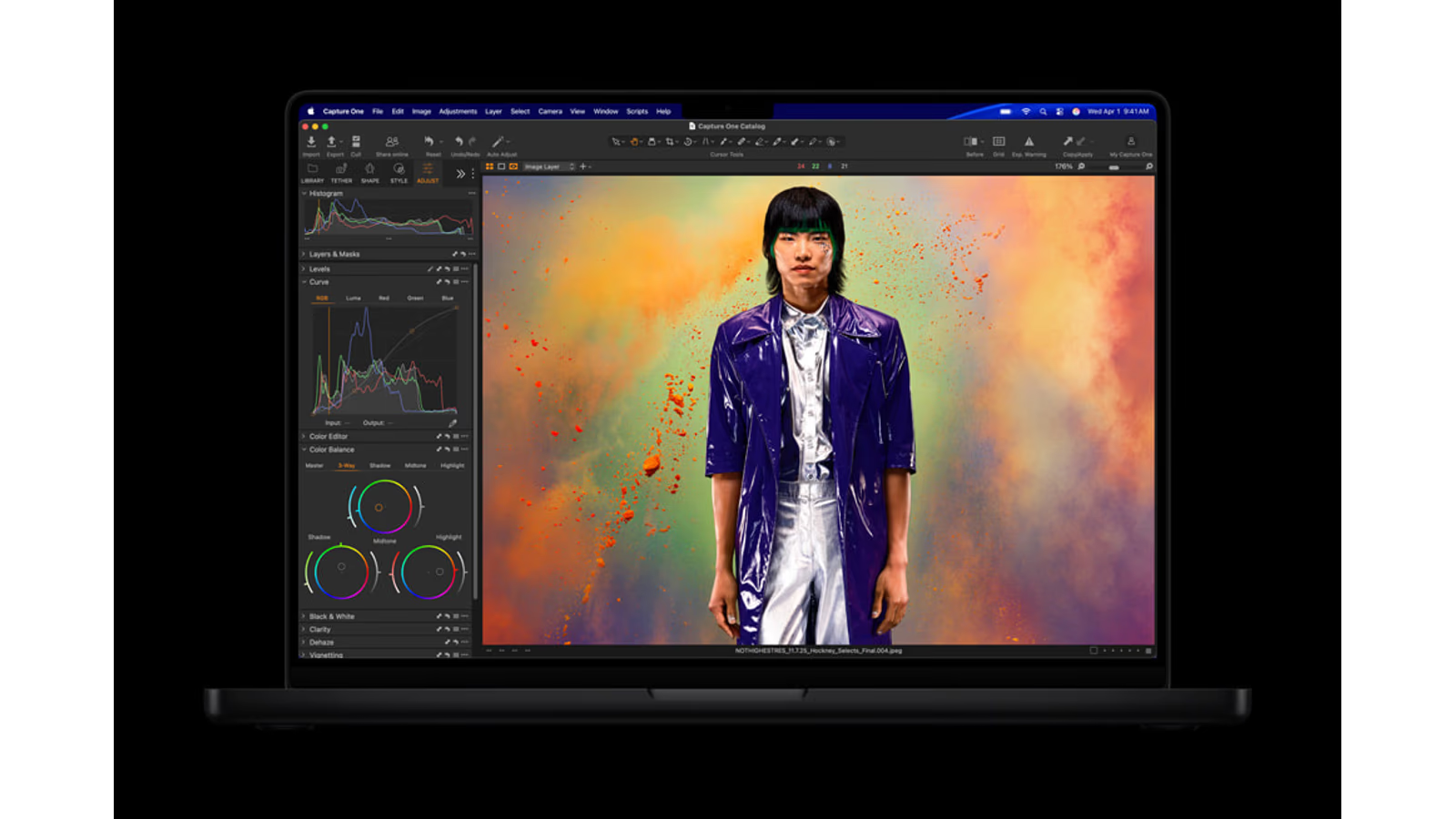
Think about what needs to remain available away from the desk. A document library, a small photo project and a development environment can turn a minimal drive into a regular cleanup task. More storage does not make every operation faster, but enough working room can make the computer easier to live with.
The right starting configuration should support a normal session without requiring an external drive for every small action. External storage remains useful for larger projects and backup. It is less convenient when a portable computer depends on another object before it can begin ordinary work.
What the original performance testing says
Ars Technica’s M5 Air review found roughly twice the M1 Air’s performance in several multi-core and graphics tests, with smaller gains over M4. It also documented the difference between short work and sustained loads in the fanless design. Those findings belong to its tested configuration and methods.
The buying implication is straightforward. Replacing an older or restrictive machine can feel more meaningful than moving from the immediately previous generation. A benchmark improvement is most useful when it removes a repeated wait or enables a job that the current computer cannot handle comfortably.
Do not turn a collection of test gains into one multiplier for your whole day. Opening a document, compiling a project and processing a long export use the system differently. Identify the task that matters, then look for evidence close to that task.
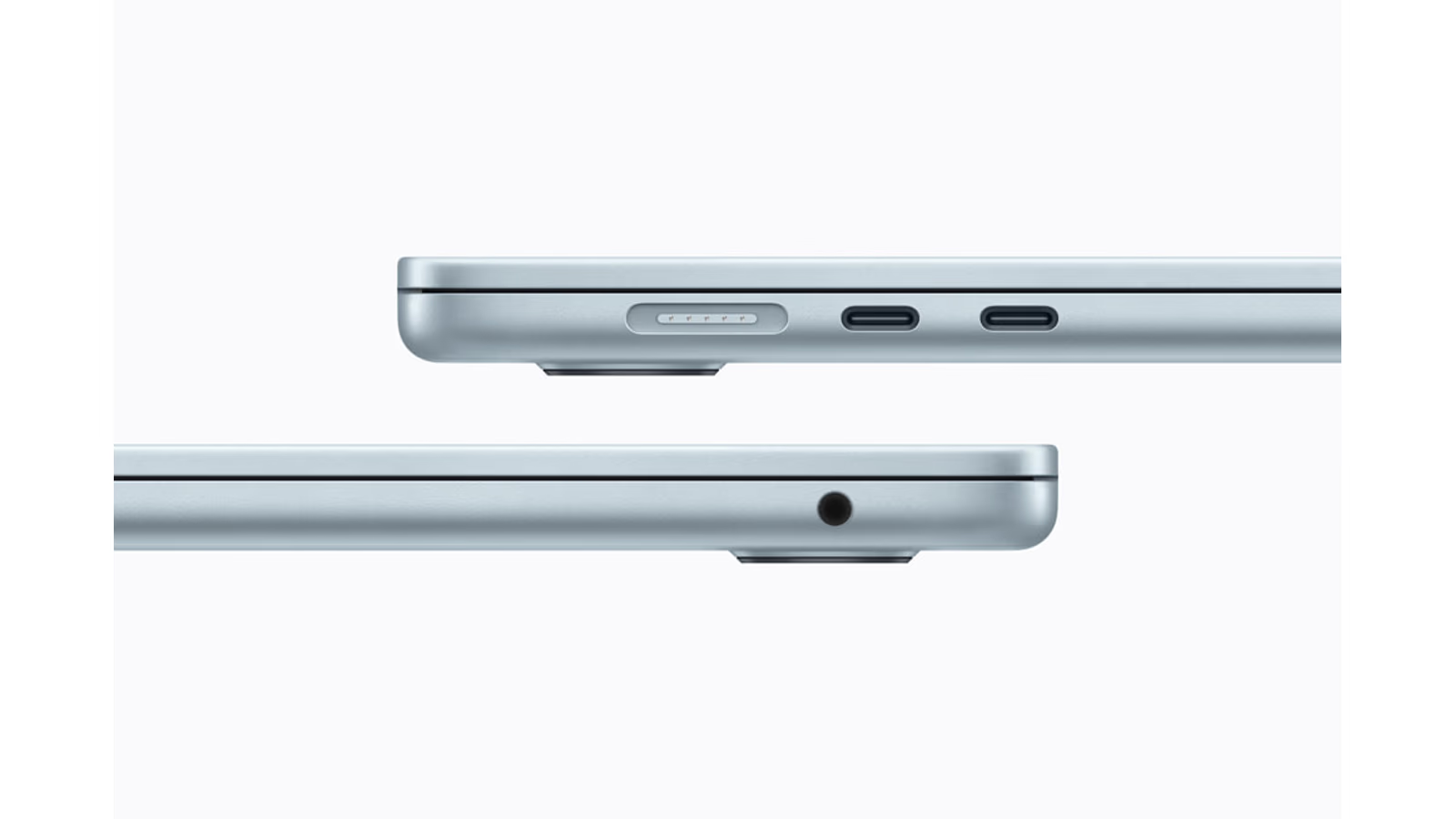
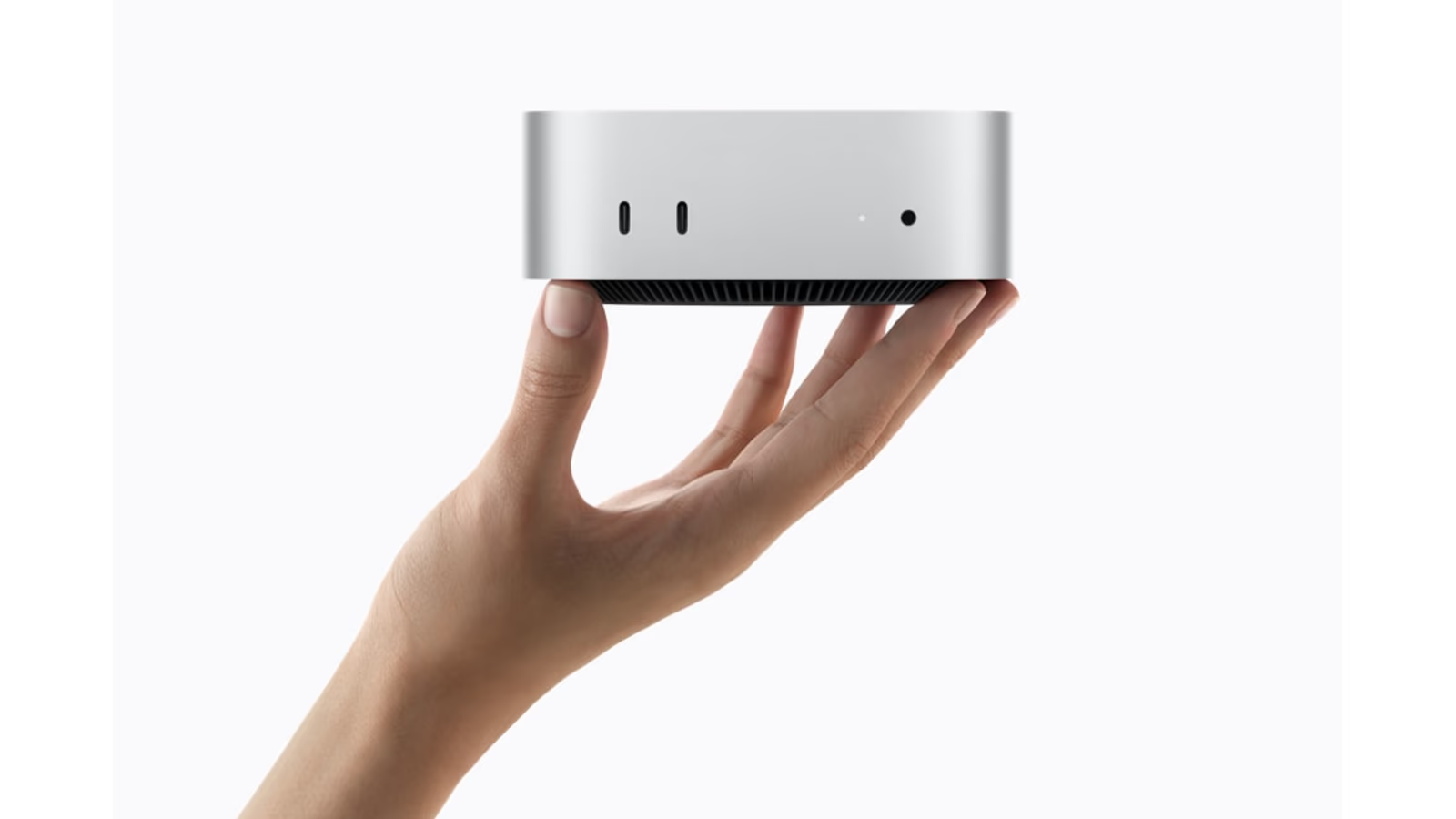
Official Apple product image. Image source.
Fanless is a design choice with consequences
The absence of a cooling fan is attractive for a quiet workspace. It also means the system manages prolonged heavy work differently from a laptop with active cooling. Neither observation makes the design universally better or worse. The important thing is how long the demanding part of your work lasts.
A short calculation followed by reading or writing is a different pattern from a long batch that keeps several parts of the chip busy. If the second pattern is normal, compare it directly with a suitable Pro. If it is occasional, decide whether the wait matters enough to change the entire laptop purchase.
I would use a representative project for that comparison. Keep the application version, input and output settings fixed. Observe both the interactive part and the long processing stage. This is a proposed buying check, not a test I have completed on the M5 Air.
Choose the size where the laptop will work
The larger Air offers more room for documents, panels and side-by-side work. The smaller one is easier to place in a limited workspace. Try the actual app layout and the physical size together. A beautiful empty desktop does not show how much room your work needs.
Consider the bag, train table, sofa and shared desk that make up the ordinary week. Those places are part of portability. The computer should be comfortable enough to use where the work happens, rather than only on the generous desk shown in a launch image.
Related reading
If most work happens on an external display, the smaller built-in screen may be an acceptable trade. If the laptop is the only screen for long sessions, the larger option may repay its physical size every day. Choose the screen independently from the temptation to buy the highest chip tier.
Memory is room for the whole session
The technical specifications list 16GB of starting unified memory and options up to 32GB. Shared memory supports the system and applications, including graphics work. Decide around the combined working session rather than one carefully isolated application.
A browser, editor, communication tools and a creative app can all remain open together. Testing only the lightest task can hide that reality. Bring the ordinary working set into a trial, then add one difficult representative project to see where the system begins to feel restricted.
For local AI, choose the intended model and context before choosing memory. A model file is only part of the footprint. A smaller prepared tool may be useful on the Air, but an AI label does not establish that every desired model fits or responds comfortably.
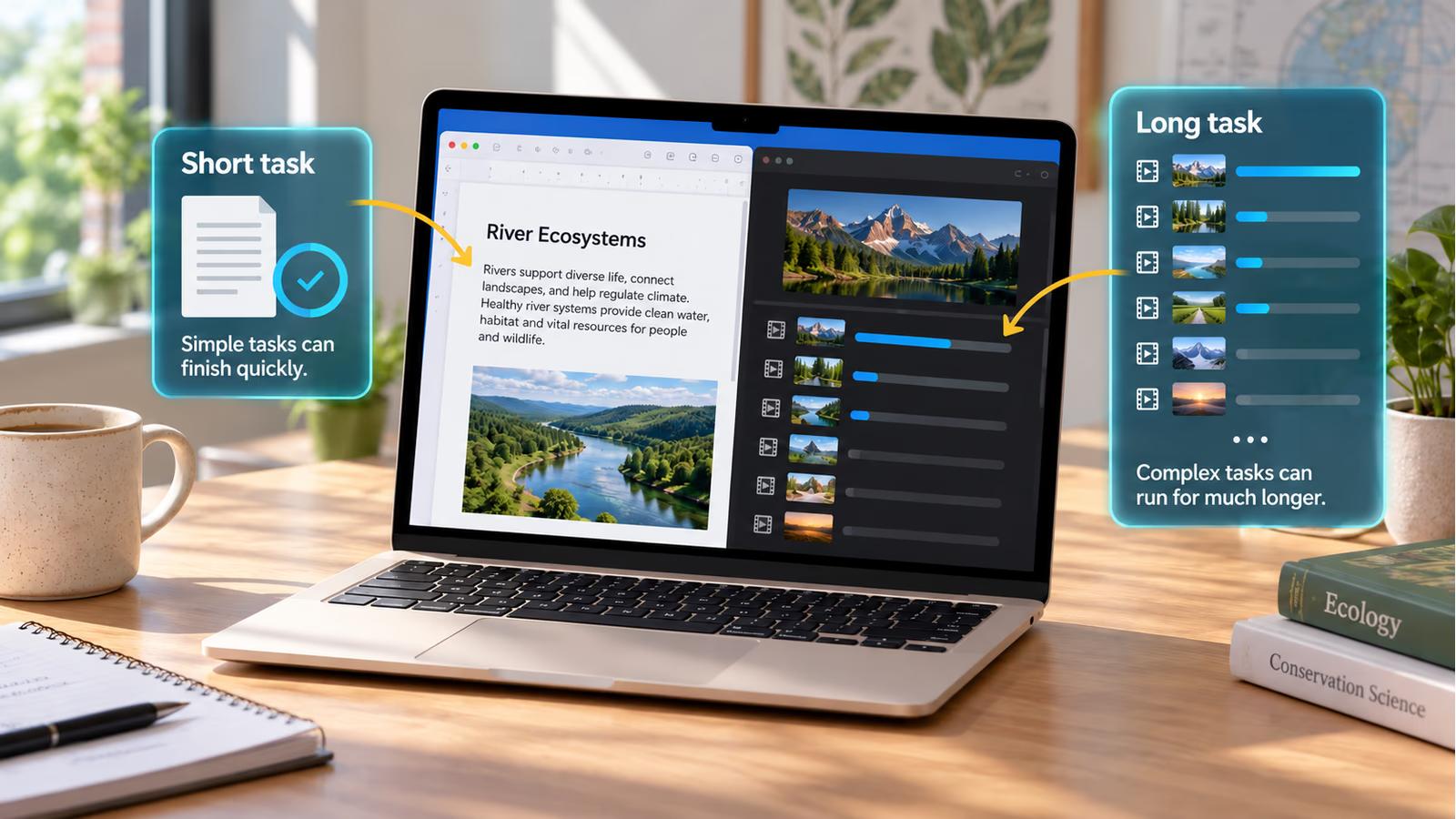
AI-generated conceptual explanation; overlays are not actual product features or test results. Image source.
Ports decide how much kit travels with you
Apple lists MagSafe, two Thunderbolt 4 connections and support for two external displays. Check the exact display combination and software requirements in the specification. A supported socket does not automatically establish every dock and monitor arrangement you might want to attach.
List the devices that must work while travelling. A card reader or presentation connection may require an adapter. Decide whether that is a small occasional inconvenience or a repeated reason to compare a Pro with the required port built in.
Keep the mobile kit simple enough to check quickly. A laptop that needs several tiny accessories before an ordinary meeting can lose some of its appeal. The best arrangement is the one that supports the real day with a clear, recoverable path when something is forgotten.
Battery claims need the activity beside them
Apple’s up-to-18-hour figure is a manufacturer claim under specified conditions. It is not a promise about compiling, editing or local model use. I have not measured those workloads on this laptop, so this review does not turn that headline into an invented working-day result.
For a practical trial, use realistic brightness and the applications normally left open. Include the external devices that will travel with the machine. Record what the session involved and how much battery it used. Repeat an unusual result before drawing a conclusion.
Then map charging opportunities. A dependable break near power can make one system entirely suitable, while a day away from sockets changes the calculation. Mobility is the relationship between work, battery and the route through the day, not one number considered alone.
Related reading
Price the complete laptop arrangement
Apple’s German March launch figures began at €1,199 for the smaller model and €1,499 for the larger, including VAT. These are historical launch references, not current checkout or Amazon prices. Refresh the actual configuration price when making the purchase.
Add the accessories genuinely needed, then compare the complete arrangement with alternatives. An apparently small step between base models can change after memory, storage and required adapters are included. Avoid comparing a complete configuration with a headline entry price.
An existing M4 owner has a different decision from someone replacing an older machine. Start with what currently fails. If the present laptop already supports the work comfortably, a new generation can be interesting without creating a useful reason to spend.
My research recommendation
The M5 Air deserves the first trial for a broad range of mobile work. Choose enough memory and storage for a normal session, then use a real project to test the difficult part. Move to Pro when a named capability or repeated delay justifies the step.
Its strongest case is a laptop that is pleasant to take along and capable enough when opened. That combination is worth investigating without pretending it wins every performance test. The affiliate option below points to the verified 15-inch M5 listing, with its exact memory and storage stated clearly.
Affiliate offer · Amazon.com
As an Amazon Associate I earn from qualifying purchases. How affiliate links work.
View MacBook Air 15-inch M5, 16GB / 512GB on Amazon.com
The linked listing was checked for the named model and configuration. No Amazon price or stock is quoted here.
More from this collection
One email a week with practical Mac workflows, useful comparisons and honest tech recommendations.