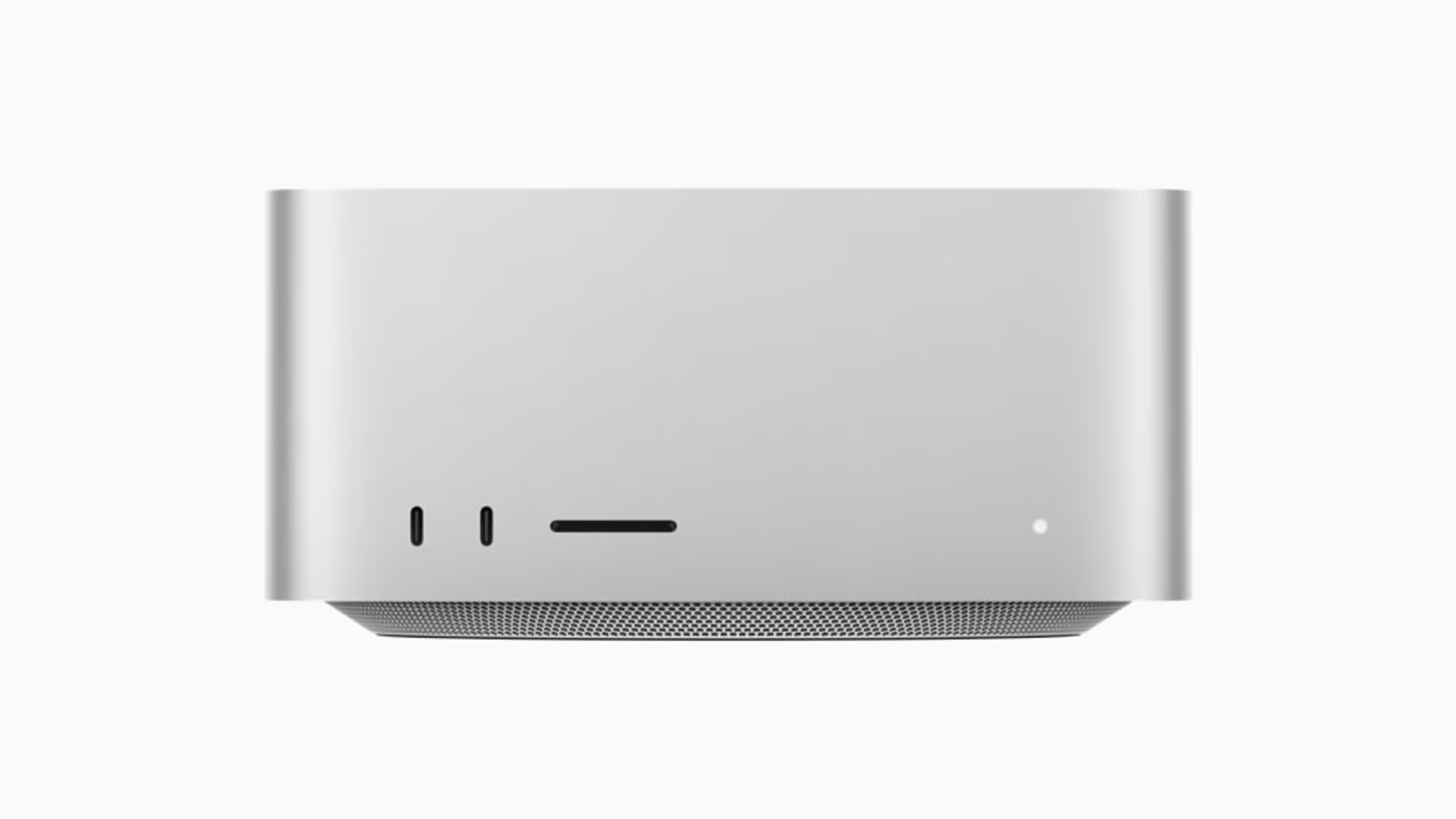
Hero image: Apple Newsroom. Official product image converted to a 16:9 AVIF canvas.
The most interesting thing about the new Mac Studio is not the biggest configuration. It is the distance between a machine that already handles serious work and a machine built for unusually large jobs. That distance costs real money. It should solve a real problem.
My research suggests M5 Max is the starting point for many creative desks. M5 Ultra becomes compelling when a specific workload needs its larger memory options or wider processing resources. Buying Ultra because the work is “professional” skips the question that matters: which part of that work will actually benefit?
This is a research review, checked on 20 October 2026. It combines Apple’s documentation with published original testing. I have not used these machines, measured their noise or timed my own projects. Recommendations below are conclusions from the evidence, rather than a report of personal ownership.
A workstation should earn the desk space
The Studio sits in an interesting place. It is a dedicated desktop with no display attached to the purchasing decision. That can suit a working environment where the monitor, audio equipment and storage already have a longer life than the computer. It can also tempt a buyer into spending heavily on the box while leaving the rest of the setup weak.
Apple’s German launch prices begin at €2,999 for M5 Max and €6,599 for M5 Ultra, including VAT. They are launch figures checked for this article, not live retail quotes. The €3,600 difference deserves a better explanation than wanting the best.
Related reading
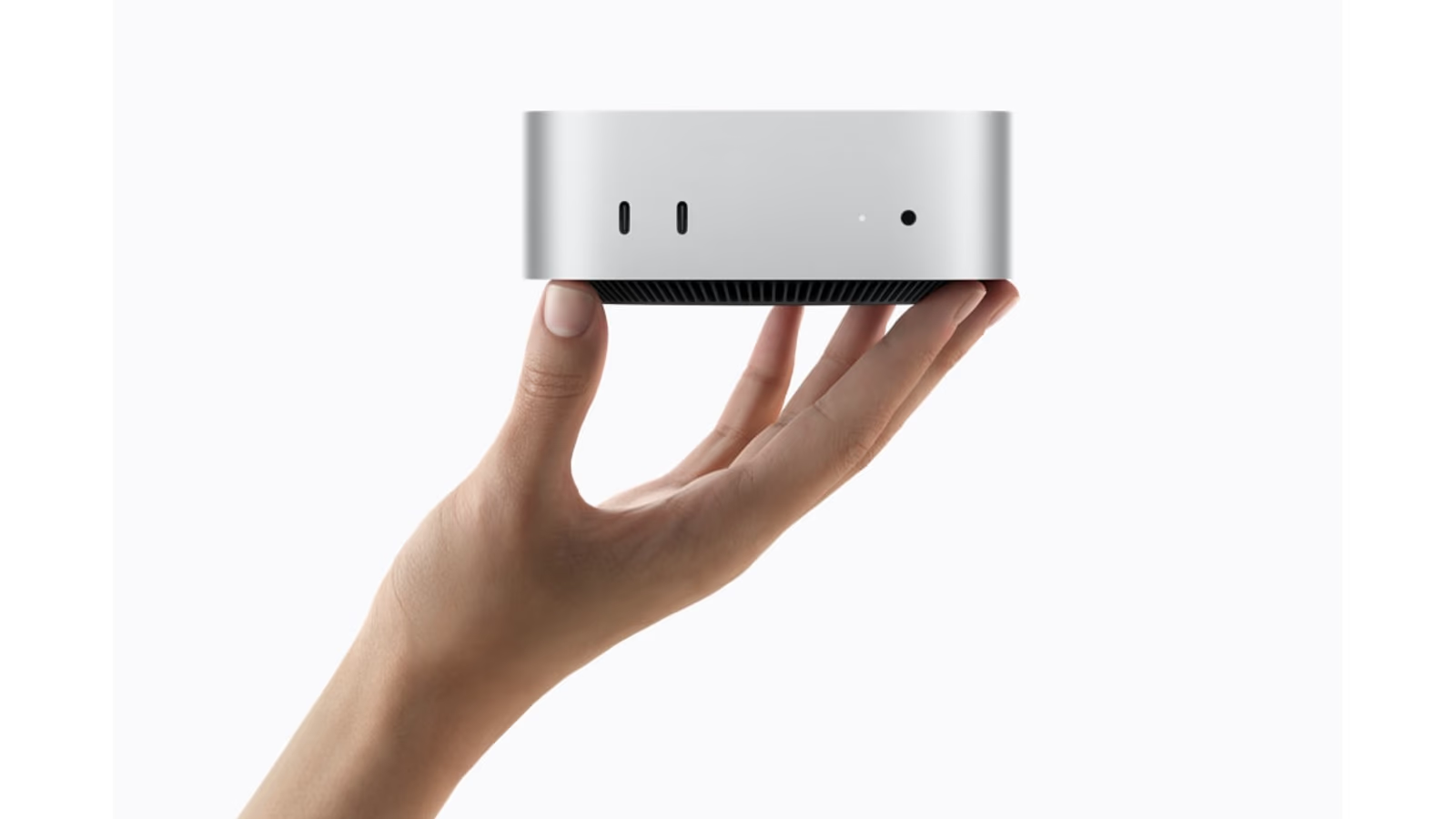
For a business, the explanation might be fewer blocked working hours. For a researcher, it might be a dataset that otherwise cannot remain in memory. For a photographer, it might not exist at all. A purchase can be technically impressive and still be the wrong allocation of a limited budget.
Capacity is the important dividing line
Apple’s specifications list M5 Max configurations up to 128GB of unified memory and M5 Ultra options up to 512GB. The highest Ultra memory option has later availability than the first shipping machines. A review of a smaller configuration cannot establish how that later option behaves.
Those numbers describe different possibilities, rather than a simple good-to-best ladder. A project that comfortably fits within a smaller configuration does not become more creative because unused RAM is available. A project that cannot fit may be impossible to judge using a short CPU benchmark. Start by understanding the size and shape of the work.
There is also a difference between owning a large workspace and keeping it organised. An oversized machine can hide inefficient habits for a while. It cannot replace version control, an asset plan or a clear handover. I would rather have a slightly smaller workstation with a reliable process than a much larger one whose projects only its owner understands.
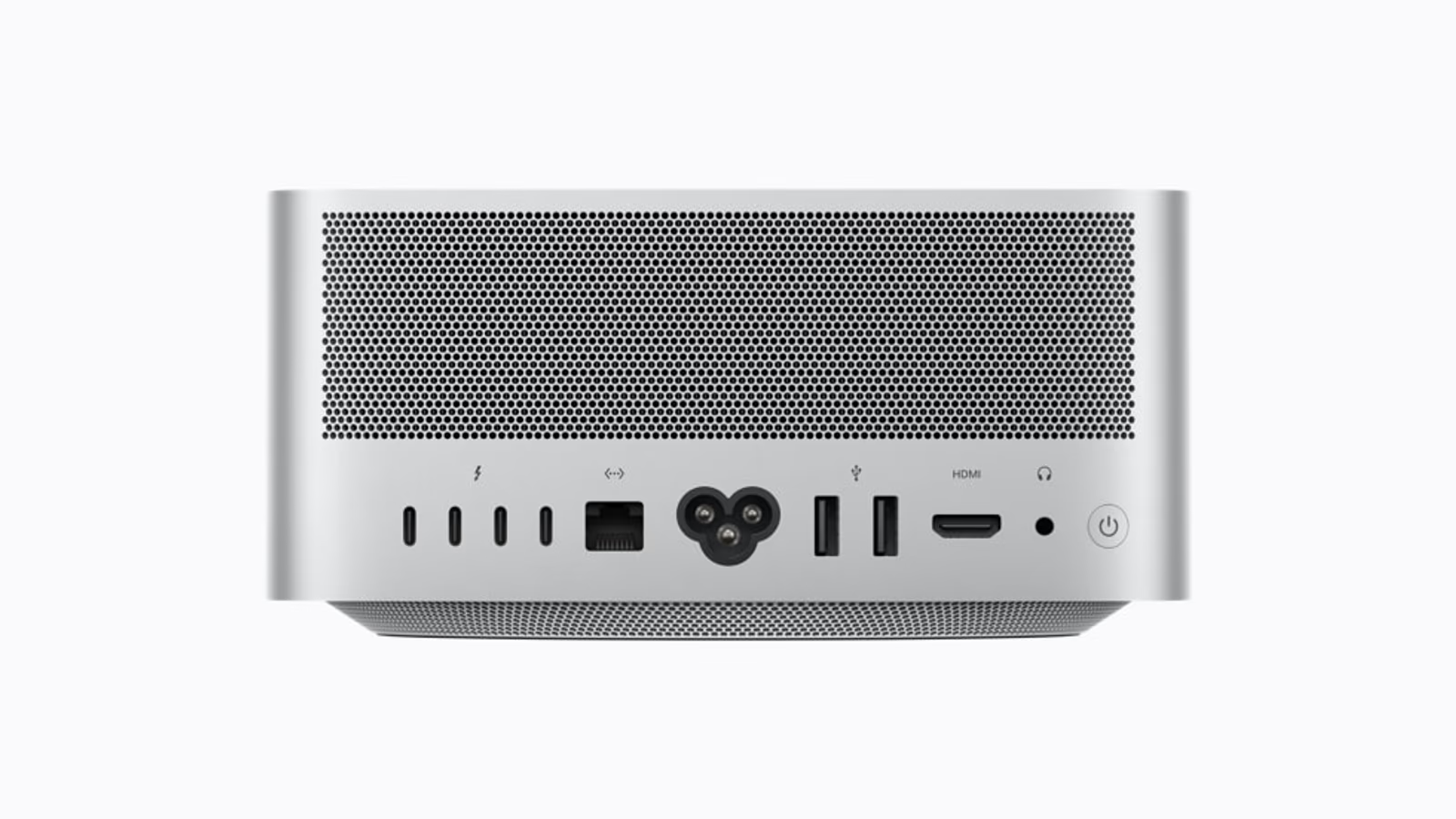
Official product image: Apple Newsroom. Converted to 16:9 AVIF without stretching the product.
Why the largest chip does not win everything
PetaPixel’s original M5 Ultra testing found little Photoshop benefit over M5 Max. Its demanding test machine used 256GB, not the later 512GB option. That is useful evidence against choosing a computer from the memory maximum alone.
The explanation is straightforward. Applications contain many kinds of work. Some tasks can be split between many processing units. Others depend on a smaller number of fast operations, data movement or a particular software path. A bigger resource pool helps most when the application has work ready to use it.
This is why an overall benchmark score needs company. Read the individual task results, the software version and the tested configuration. Then ask whether the strongest result resembles your job. A spectacular result for an effect you never use should carry less weight than an ordinary result for the adjustment you make hundreds of times a week.
The practical appeal of built-in connections
The launch information and specifications show a workstation with rear Thunderbolt 5, Ethernet, HDMI and USB-A, plus a front SD card slot. The front USB-C connection type differs between Max and Ultra. Check the specific model instead of assuming every visible connector offers the same capability.
Related reading

For a permanent creative desk, this can reduce the number of small adapters that become part of daily life. The benefit is not only speed. A card reader that is always in the same place and a display connection that stays connected can make a workspace simpler to operate and easier to explain to someone else.
Still, built-in ports are not a storage strategy. A fast network connection cannot make a slow storage server fast. A capable cable cannot remove a bottleneck inside a shared dock. Draw the path from source media to working storage to backup. That path is part of the workstation, even when some of it lives in another room.
The value calculation I would actually use
Suppose a paid task finishes sooner on the larger machine. That only creates value if the saved time can be used. An overnight export that already completes before morning may have little business impact. A render that blocks a live review session may have much more. These are examples of a decision method, not measured Studio results.
I would record how often the blocked task occurs, who waits for it and whether a cheaper workflow change removes the wait. Then I would compare that annual cost with the purchase difference. Avoid filling the calculation with optimistic assumptions about work you might do. Use work that already happens or a project with a real plan.
For a home enthusiast, enjoyment is a valid reason to buy powerful hardware. It simply deserves a different label from necessity. There is no need to invent a business case for a hobby. Being honest about that distinction makes it easier to choose a configuration that feels good after the excitement of ordering has passed.
| Situation | Where I would begin |
|---|---|
| Mixed creative work that fits comfortably in memory | M5 Max |
| A measured capacity limit in a large project | Compare the relevant Ultra configuration |
| Several people waiting on repeated processing | Test that exact job and its queue |
| A vague plan to become more demanding later | Keep part of the budget available |
Silence and speed need separate evidence
It is easy to look at a large desktop enclosure and assume it must remain quiet. That is not a measurement. Fan behaviour depends on the workload, room and microphone position. For anyone recording speech or music at the same desk, acoustic evidence should be part of a final buying decision.
I would also separate short bursts from sustained jobs. A quick demonstration can show responsiveness while revealing little about a long render or repeated AI requests. Run the representative job long enough to see the part of the day that matters. Keep software versions and power settings consistent when comparing alternatives.
Neither of those checks has been completed by me for this article. They remain useful questions to ask of a retailer demonstration, a return period or a trustworthy original test. Naming the missing evidence is more helpful than filling the space with an attractive claim about effortless performance.
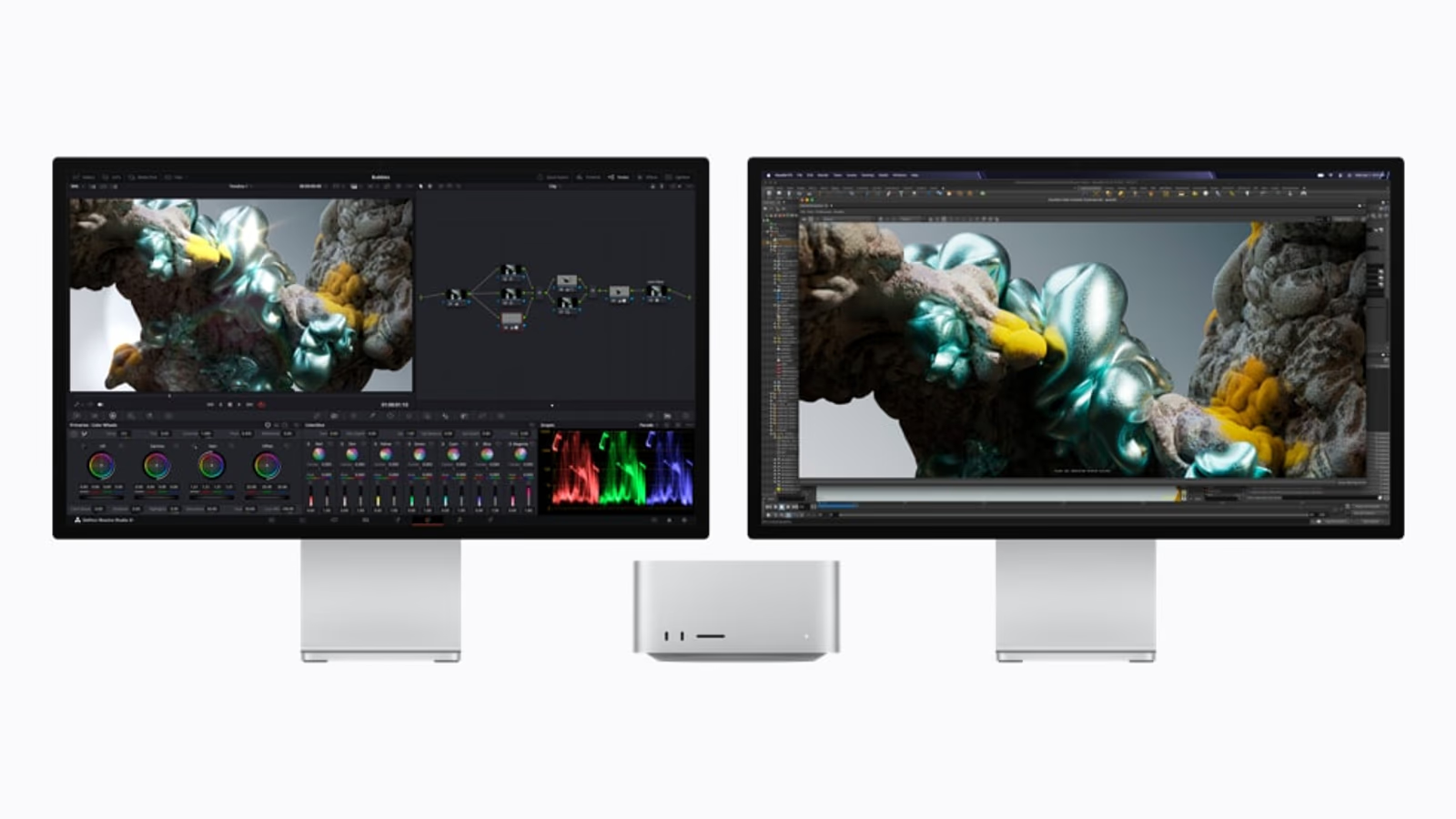
Official product image: Apple Newsroom. Converted to 16:9 AVIF without stretching the product.
Do not forget the work around the work
A workstation purchase often starts with export speed and ends with a collection of practical surprises. A plug-in may need an update. A shared drive may become the slowest part of the process. A display profile may differ from the old system. Plan the move while the existing machine still works, rather than during a deadline.
Related reading
Keep a known project as a reference. Preserve its original media, application version and output settings. After migration, check that the result is correct before celebrating a shorter completion time. A fast output with the wrong colour, missing font or broken effect is not a successful upgrade.
Backup and recovery deserve the same care. A second copy of a project is useful only if it contains the required assets and can be opened elsewhere. Try a restore while the cost of failure is small. The more valuable the workstation’s output becomes, the less sensible it is to treat recovery as an optional accessory.
My research verdict
The Mac Studio is appealing because it offers substantial desktop resources without making the display part of every upgrade. M5 Max looks like the sensible reference point. M5 Ultra should be selected for a proven need, especially a large working set or processing task that scales well on the tested software.
I would resist a generic “future-proof” recommendation. Future software may use hardware differently, and future projects may never arrive. Buy enough room for a believable plan, then judge the machine by the work it can help complete now. That is a stronger case than paying for a badge.
The Mac Studio Workbench series continues with separate articles on video, photography and local AI. Those jobs can reach very different conclusions about the same hardware. That is exactly why a workstation deserves more than one overall score.
Continue reading
One email a month: new articles, reviews and the upcoming live webinar + free recording. No spam, unsubscribe anytime.