The first thing to know about the Ring Video Doorbell Wired is that it will probably silence the doorbell you already have. Some owners seem to learn this only after they have fitted it. The small doorbell camera, sold on Amazon as the 2021 release, runs from your home’s doorbell wiring and has a low price. The price of entry is that your old indoor chime stops ringing, and a good part of the value sits behind a monthly plan.
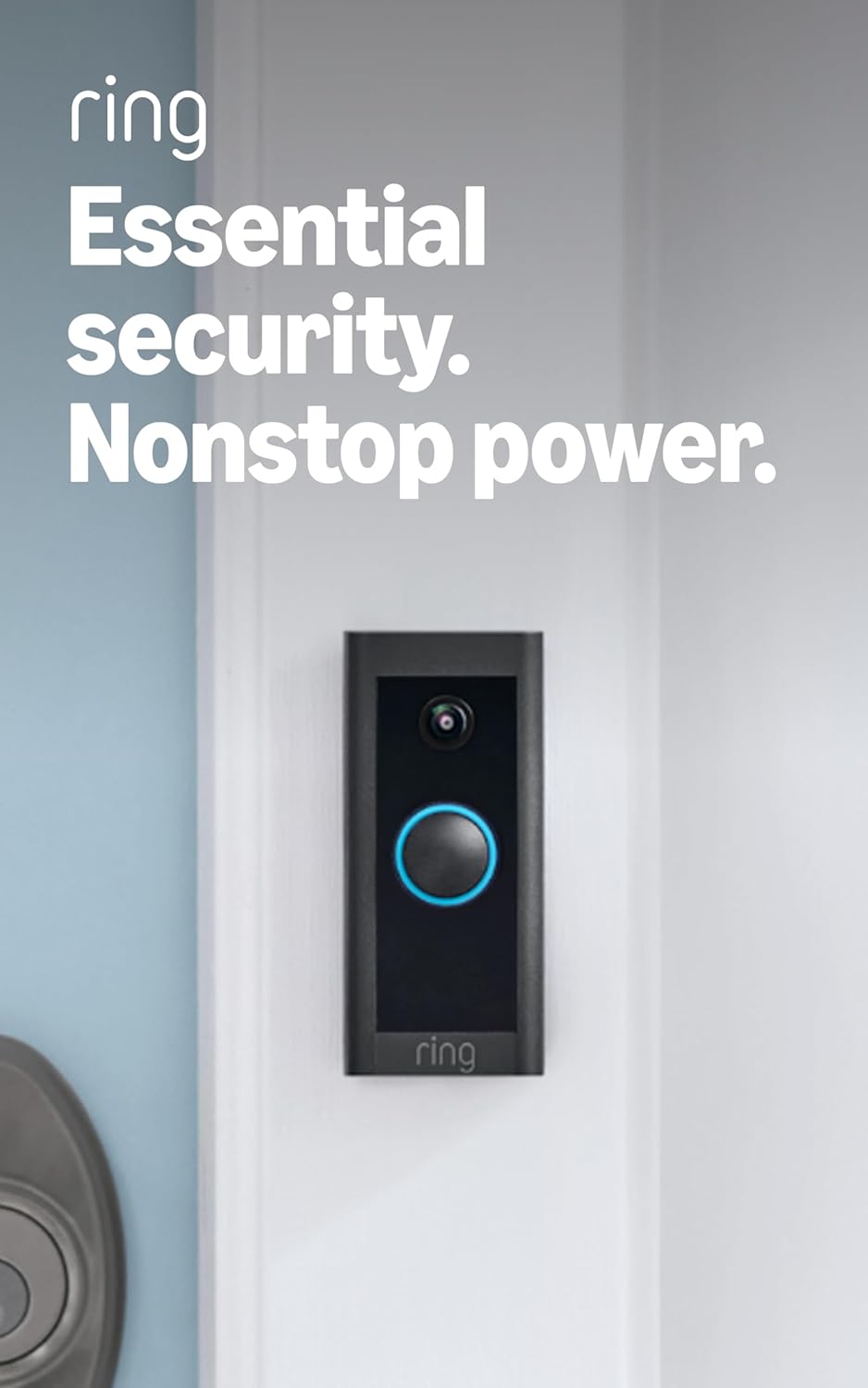
Product image from the Amazon listing.
My short view: it is a fair deal for a home with suitable wiring and an owner who accepts the running cost. It is a bad surprise for anyone who wanted a free camera that plugs into an old chime.
Your Chime Goes Quiet
This is the point every careful review raises. PCWorld explained that you “install a jumper cable that bypasses its chime function.” Digital Trends said the included wire “renders your mechanical chime inoperable.” Tech Advisor listed the same point as a drawback and said you will need a Ring Chime or an Amazon Echo to hear the doorbell indoors.
Related reading

Owners have asked Ring to confirm this, and the answers are firm. In a 2021 community thread, one owner with a working 15-year-old chime asked why he should bypass it. A Ring staff member replied: “The Doorbell Wired is not compatible with any chime kit.” Another owner skipped the jumper, found everything seemed fine, and asked if it was really needed. The staff answer was “Yes, the Jumper Cable is absolutely necessary when using the Doorbell wired.” Staff added that skipping it could be unsafe and told him to cut power to the circuit until it was fitted.
A separate owner post from February 2021 says it plainly: “The Ring works fine but the chime doesn’t sound off.” Nobody replied to that post, which tells you how confusing this can be for a new owner.
So budget for an indoor alert. If you already have an Echo speaker, your extra cost may be nothing. If you have neither an Echo nor a Ring Chime, add one to your shopping list, or you will rely on your phone. A bundle with a chime exists, so check which listing you are buying.
Check the Wiring Before You Order
You need a working low-voltage doorbell circuit, or a plan for one. Ring staff in that thread gave the requirement as a transformer that meets 10-24 VAC, and said the doorbell can be wired directly to such a transformer. Ring’s install guide tells you to verify compatibility first “to avoid damaging your devices.” It also offers a Plug-In Adapter as another way to power the doorbell, for homes where that suits better.
The same guide says to cut power at the breaker or fuse box before you start, and warns that “installation by a qualified electrician may be required in your area.” Please take that seriously. A community member in the jumper thread warned another owner against bridging the high-voltage input wires, saying it “will be dangerous.” A doorbell transformer has a mains side and a low-voltage side. If you cannot tell which is which, pay someone who can.
Being inside the voltage range may not end the story either. In a thread from a UK owner, a doorbell measured 11 to 12 volts at the front door but kept showing a flashing blue light instead of completing setup. It connected without trouble at the chime box inside the house. The thread does not show how that ended. If your transformer sits near the bottom of the range, or your wires are long and old, I would test it before you fix everything to the wall.
When the wiring is right, the job looks easy. Tech Advisor estimated about 20 minutes with power already in place. Digital Trends also found setup very easy, apart from some trouble removing the cover to reach the screw holes. PCWorld warned that mounting on clapboard siding needs a separate accessory, and its reviewer had to make his own.

Product image from the Amazon listing.
What You Get Without Paying
The doorbell does work with no plan. It just works as a live camera with no memory.
Related reading

Tech Advisor listed what stays free: doorbell-press alerts, live view and two-way talk. PCWorld was blunter, saying that without a subscription “you’ll only be able to see a live stream from the camera.” If nobody is looking at the phone when someone calls, nothing is saved. Ring Protect adds recording, clip sharing and richer notifications with an image. PCWorld gave the launch pricing as $3 a month per camera, with 60 days of cloud storage.
Ring’s prices can change, so check today’s figure before you decide. Then multiply it by the number of years you expect to keep the doorbell. That number, more than the sticker price, is the real cost of this product. A doorbell camera that you do not pay for will tell you that a parcel was stolen only if you happened to be watching.
There is also no way around the cloud for recordings. PCWorld described recording as cloud storage under the plan, and I found no sign of a local storage option on this model. Tech Advisor also points out there is no continuous recording. The camera records events, and the Snapshot Capture feature is the closest thing to a constant record.
Picture and Motion Alerts
For the money, reviewers were content. The camera records in 1080p with a 155-degree view, according to Digital Trends, which scored that view as narrower than most rivals. PCWorld found daytime video sharp and night vision good for the price, with weaker results at dusk and dawn before the night mode starts. Tech Advisor said direct sun can darken faces, but found the video clear enough in daylight to identify visitors.
Motion zones get real praise. PCWorld describes drawing up to three irregular zones, and Tech Advisor says you can exclude a road or pavement. After setting them up, Tech Advisor’s reviewer saw few false alerts, with notifications arriving “a second or two” after detection. PCWorld was less kind about People Only mode, which needs the plan, saying it has “never been all that reliable at ignoring non-person movement.”
Two-way talk has very little lag, by Digital Trends’ account, but you and the visitor cannot talk over each other. There is no package detection either.

Product image from the Amazon listing.
When It Drops Offline
The wired power should mean no charging, and that is a real benefit over battery models. It also means the doorbell depends on two things at the door: stable power and good Wi-Fi. Tech Advisor lists a reliable Wi-Fi signal at the door as a requirement.
Some owners do struggle. In a June 2021 thread, an owner of the new wired model said it dropped offline after each restart, even though it sat about 10 feet from the router, while older Ring devices further away stayed online. Switching the router to 2.4GHz and changing channels did not help. Another owner reported the same issue months later, and no fix was posted.
Related reading

I found no measure of how common this is, and a forum thread collects the unlucky ones by nature. Since the doorbell runs from your wiring, I would also assume it stops during a power cut. With no internet, you should expect no alerts and no live view, because the whole service runs through Ring’s app and cloud. I found no owner who tested those cases in detail, so please treat this as a sensible assumption. If your home has frequent outages, this is a weak security camera.
Cheap Up Front, and Honest About It
I think Digital Trends had a point when it called this strong value, as long as you buy it with open eyes. It suits an owner with a compatible transformer, an Echo already in the house and a willingness to pay for the plan. In that home it gives you a small doorbell camera with useful motion zones and no battery to charge.
Skip it if you want to keep your old chime, if you refuse to pay a subscription for recordings, or if your Wi-Fi is weak at the front door. Skip it too if the wiring makes you nervous and you will not call an electrician.
If your wiring checks out and the monthly cost makes sense to you, the Ring Video Doorbell Wired is a fair low-cost option. This is an affiliate link. As an Amazon Associate I earn from qualifying purchases.
One email a month: new articles, reviews and the upcoming live webinar + free recording. No spam, unsubscribe anytime.