The price on the box is the start of the bill, and it might not be the end of it. The original Blink Video Doorbell has no storage of its own. Blink’s own help page says so in plain words: “the Video Doorbell has no way to store clips by itself.” Everything people like or hate about this doorbell flows from that one line.
Detailed owner posts are few, so most of the experience below belongs to reviewers who lived with one.

Product image from the Amazon listing.
Three Ways to Own It
You can run this doorbell in three quite different setups, and reviews often disagree because they describe different ones.
Related reading

The first is the doorbell alone, on batteries, with no extras. It rings your phone and that is about all. Livingetc’s 2024 review says that without the Sync Module, or wiring, you only get Event Response mode, which lets you view live only within 60 seconds of a notification. You would also need a paid plan to keep any clips.
The second adds a paid Blink plan. Reviews from 2022 list $3 a month or $30 a year for one device, and $10 a month or $100 a year for several. A 30-day trial of the bigger plan comes with a new doorbell, according to Blink. Prices like these move, so check them before you buy.
The third adds a Sync Module 2 and your own USB stick. Clips then save locally with no monthly fee. Blink confirms this on its help page, and Reviewed mentions drives up to 256 GB. This is the route that makes me interested, because it is rare at this price. BGR gave $50 for the doorbell, or $85 with the module.
There is a catch in that third setup, and Tech Advisor found it. Without a subscription, opening Live View stops the Sync Module from recording. So at the moment you look at your door, local recording pauses. Tech Advisor also notes that viewing clips from a USB stick can mean moving the stick to a computer. I would not call this a deal breaker, but “no monthly fee” does come with some small print.
Check what your listing includes before you pay. Bundles with and without the module have been sold side by side, and BGR even treats the module as a must. Digital Trends calls it optional. Both are right, depending on which setup you want.
How Fast the Alert Reaches You
Speed is where reports split the most. Digital Trends liked it a lot, saying the doorbell “alerts at the first hint of motion and opens quickly,” without the 10 to 15 second wait that reviewer saw on other doorbells. Nobody published a stopwatch test that I could find, so that is a comparison from one home.
Other experiences were rougher. Reviewed saw the doorbell miss obvious motion at times, or catch only the middle or end of an event, and Live View sometimes failed after tapping through an alert. Livingetc had irregular notifications at first, for both motion and button presses, though that settled down over time.
Tech Advisor offers a likely clue. Its reviewer saw slow links between the app and the camera, along with delayed audio, while a Wi-Fi extender was accidentally off. Once the extender came back, the trouble stopped. A battery doorbell on a weak Wi-Fi signal has no spare margin, so test the signal at your front door before you install anything. Blink’s help page lists a minimum upload speed of 2 Mbit/s, and I would treat that as a floor.
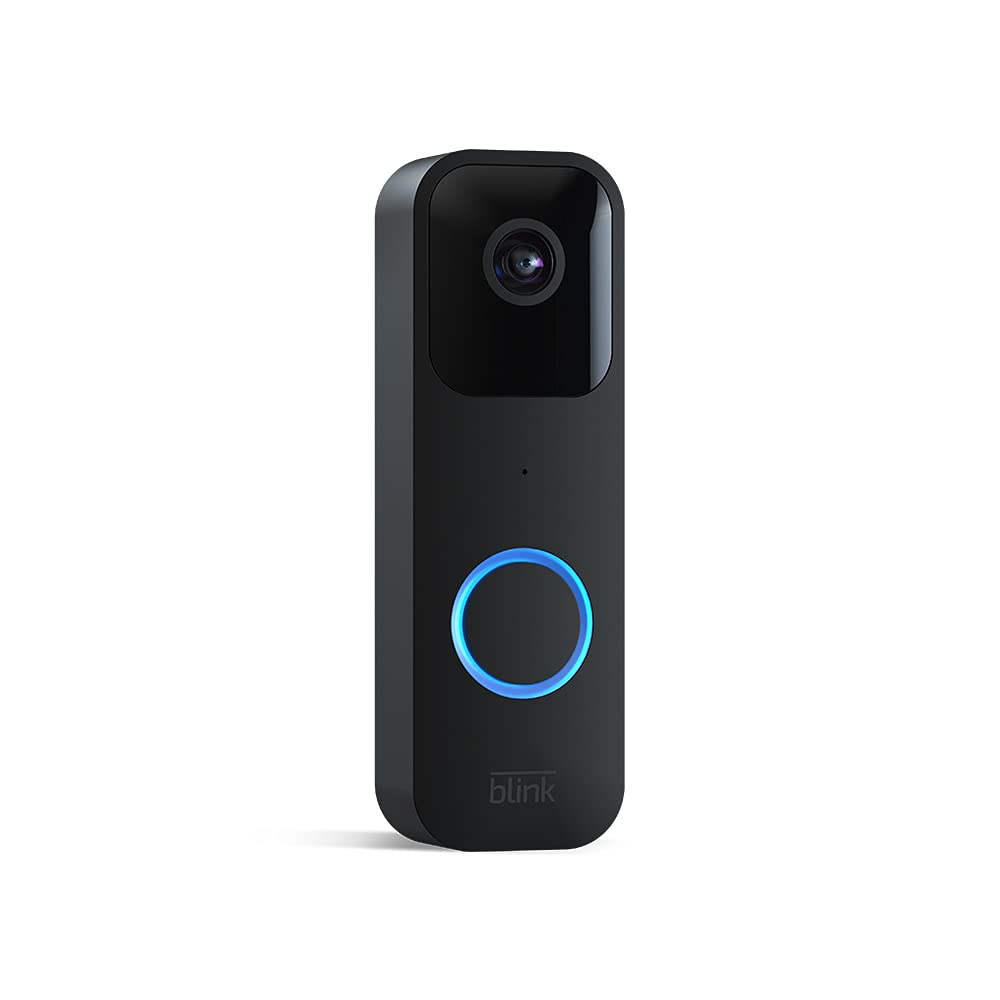
Product image from the Amazon listing.
Related reading
Picture Quality, Day and Night
This is a 1080p doorbell, and Tech Advisor lists its view as 135 degrees across and 80 degrees down. That reviewer called it tight. Faces were clearly visible by day, yet the view was too narrow to check for parcels on the doorstep. If packages are your main worry, that detail alone may rule it out.
Position matters too. Tech Advisor got better results by mounting it at the side of the door with the angle bracket, because the first spot turned visitors into silhouettes against the sun.
At night, opinions differ again. Reviewed found the black and white infrared image mostly sharp up close, though the reviewer looked washed out. Tech Advisor says night mode tends to overexpose faces. BGR says night footage looks good, and notes that you can change the infrared strength. I would try turning that strength down if faces glow.
Wiring It Does Less Than You Think
Many buyers assume that wiring a doorbell means no more batteries. With this model, that is false. Blink says that even when wired, the doorbell is “always powered by size AA, 1.5 volt, lithium non-rechargeable batteries.” The first generation takes two, and Blink warns against rechargeable cells.
So why wire it at all? Mainly so that your indoor chime rings. Your chime system needs to supply 16 to 24 volts AC, and below that the doorbell falls back to Event Response mode. Livingetc’s point about wiring suggests that it also unlocks Live View when you have no module. Blink rates the batteries at up to two years with default settings and normal use when paired with a Sync Module, and real results will depend on how busy your street is.
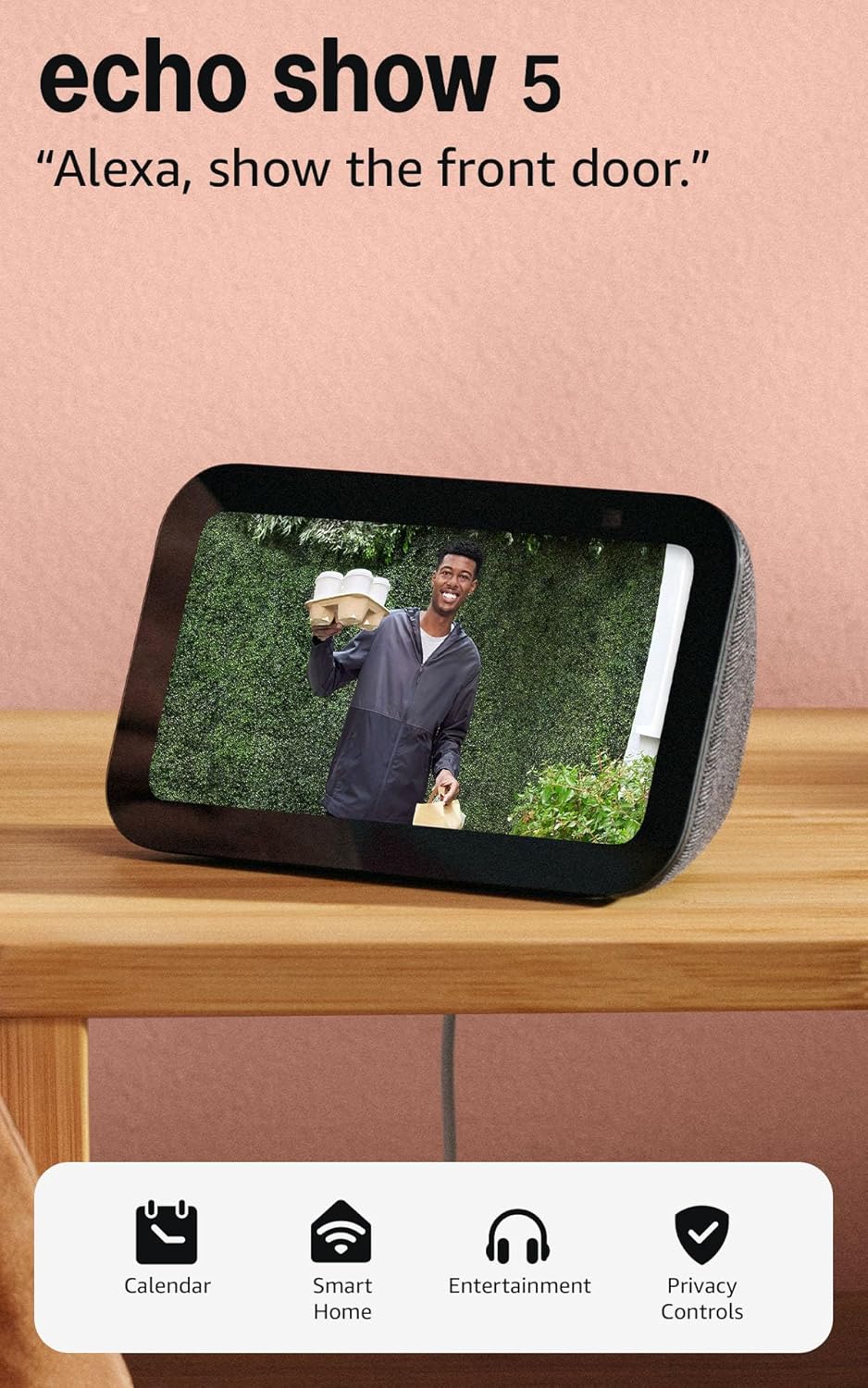
If you rent, or have no doorbell wires, the battery option is the main appeal. There is no chime in the box, however. Tech Advisor’s reviewer got a phone alert and a sound at the door only, and used Echo speakers to announce visitors, after removing and adding the device again in the Alexa app to fix the name. Blink also says third-party wireless chimes will not work.

Product image from the Amazon listing.
When the Power or Internet Goes Out
Blink is honest about this one. Its help page answers “No” to whether the doorbell works in a power outage, and it ties that to Wi-Fi. Without Wi-Fi, notifications stop, and motion events are not recorded until the doorbell reconnects. The button still plays a sound at the door. If your chime has lost power, the sound comes from the doorbell and not from the chime.
That makes this a poor security device in the strict sense. A dead router means no alerts and no clips, even with a USB stick plugged into the module.
Related reading

Better Doorbells Exist, but They Cost More
Reviewers tend to land in the same place, with different levels of warmth. Digital Trends called it a fantastic first doorbell. BGR said yes for anyone on a budget. Reviewed was cooler, answering “maybe, but only if you have very specific needs on a tight budget,” and pointed readers to options like the Ring Video Doorbell Wired. Livingetc thought it a solid low-cost start that did not impress, and suggested Ring if you can spend more.
I lean toward the cooler side. Missed motion is the worst thing a doorbell can do, and it is the complaint I would worry about most.
Fine for a Rented Door, Weak for Real Security
I would buy this for one type of home: a rental or a flat with no doorbell wiring, where a simple phone alert and a look at the visitor are enough, and where the Wi-Fi at the door is strong. I would add the Sync Module 2 and a USB stick from day one, because that is the setup that avoids a monthly fee.
Skip it if you want to watch for parcels, if you need clips you can rely on every time, or if you expect wiring to end battery changes.
If that rented door is yours, the Blink Video Doorbell is a cheap way to find out whether a video doorbell suits you, as long as you check what the listing includes first. This is an affiliate link. As an Amazon Associate I earn from qualifying purchases.
One email a month: new articles, reviews and the upcoming live webinar + free recording. No spam, unsubscribe anytime.