The third Echo Show 5 is a bedside clock that talks, and I think that is the honest way to judge it. Treat it as a small tablet and it will annoy you. Treat it as an alarm clock with a voice assistant and a screen for the weather, and it starts to make sense.
Where a claim rests on little, I will say so.
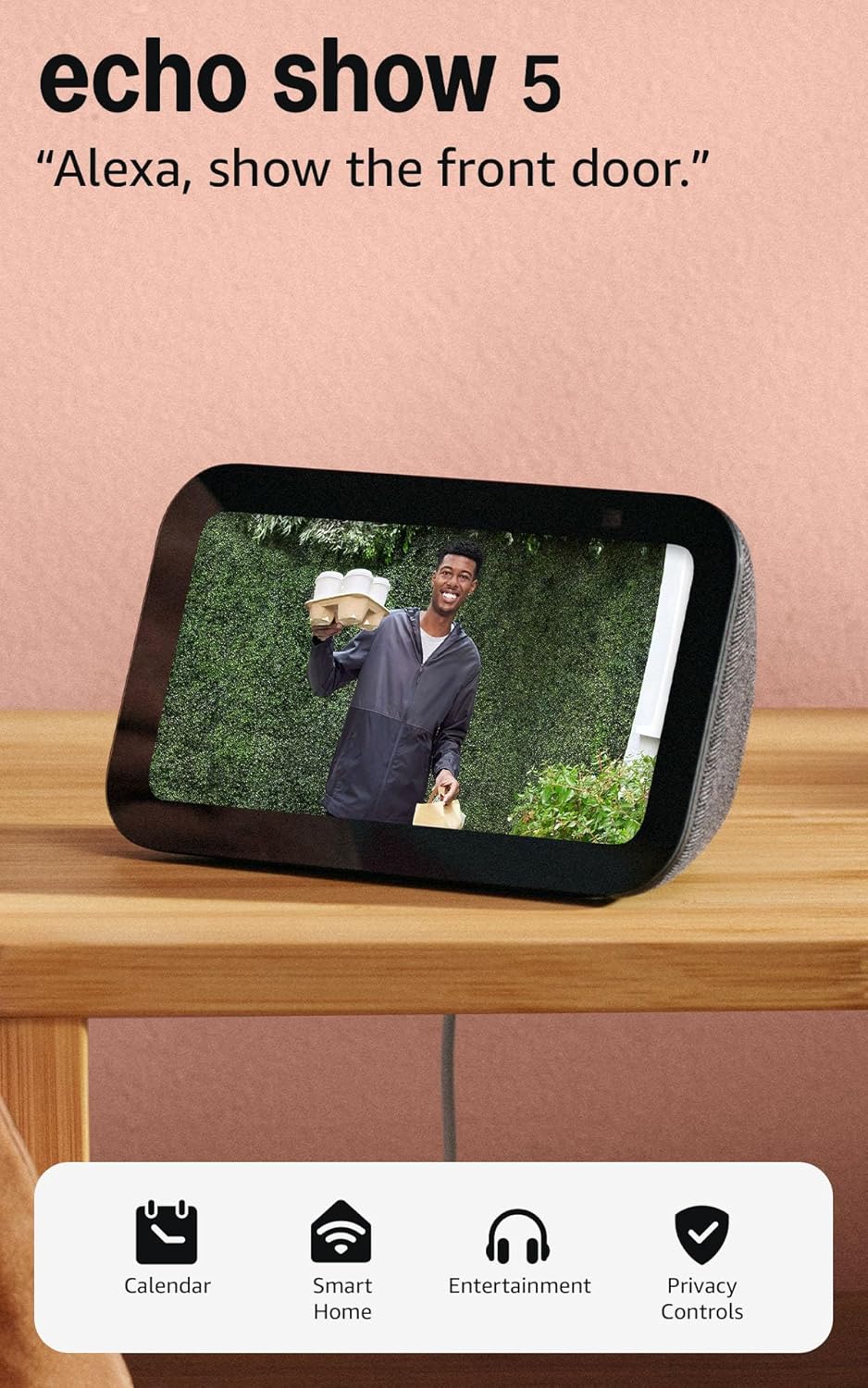
Product image from the Amazon listing.
Amazon announced this model on May 17, 2023 with a release date of May 31 and a price of $89.99. Most of the changes sit inside the case. There is a new MediaTek processor that Amazon said is 20 percent faster, an AZ2 chip that handles some voice requests on the device, a reworked microphone array, Matter support and a claim of twice the bass. The 5.5-inch, 960 x 480 screen and the 2 MP camera carried over.
AFTVnews called that a fairly minor update, and the other reviews agree.
Related reading

Speed is the sore point
Amazon’s 20 percent number has not saved this device from complaints about lag.
Expert Reviews found that the display “often lags” and that touch input could get bad enough that it needed a restart once. Smart Home Compared, which collects owner reports, calls it the slow one in the Echo Show line. Owners there describe laggy menus and delayed responses to voice and volume, with occasional freezes. Some say the delay is seconds, while others claim minutes. I would treat the minutes with doubt until someone describes it in more detail, but the direction is clear.
Voice seems better than touch. Tech Advisor says it “responded reliably when I said the wake word”, and the reviewer had no complaint about Alexa’s response time. So the pattern looks like this: ask for a timer and you are fine, but poke through menus and you will wait.
If you plan to control it by voice, this hardly matters. If you want to tap through camera feeds, it matters a great deal. Smart Home Compared reports that Blink and Tapo camera views load slowly, and that video in general is weak outside Prime Video.
The ads you did not ask for
This is the complaint I would weigh most before buying a screen for a bedroom.
Sponsored themes and ads are switched on by default, according to Smart Home Compared, including spoken product promos when you swipe. You can turn most of them off, but you have to do it one setting at a time across insights, themes and background rotation. Owners there report far fewer ads afterward. Some Best Buy reviewers point to the Home Content settings for the same job.
Not everyone gets away clean. One Best Buy reviewer says ads kept appearing after turning everything off. Treat that as a single report. Neither Expert Reviews nor Tech Advisor discusses ads at all, which is a gap in the professional coverage.
My advice is to set aside fifteen minutes on the first day and go through Home Content item by item. Then decide whether what is left is something you can live with.
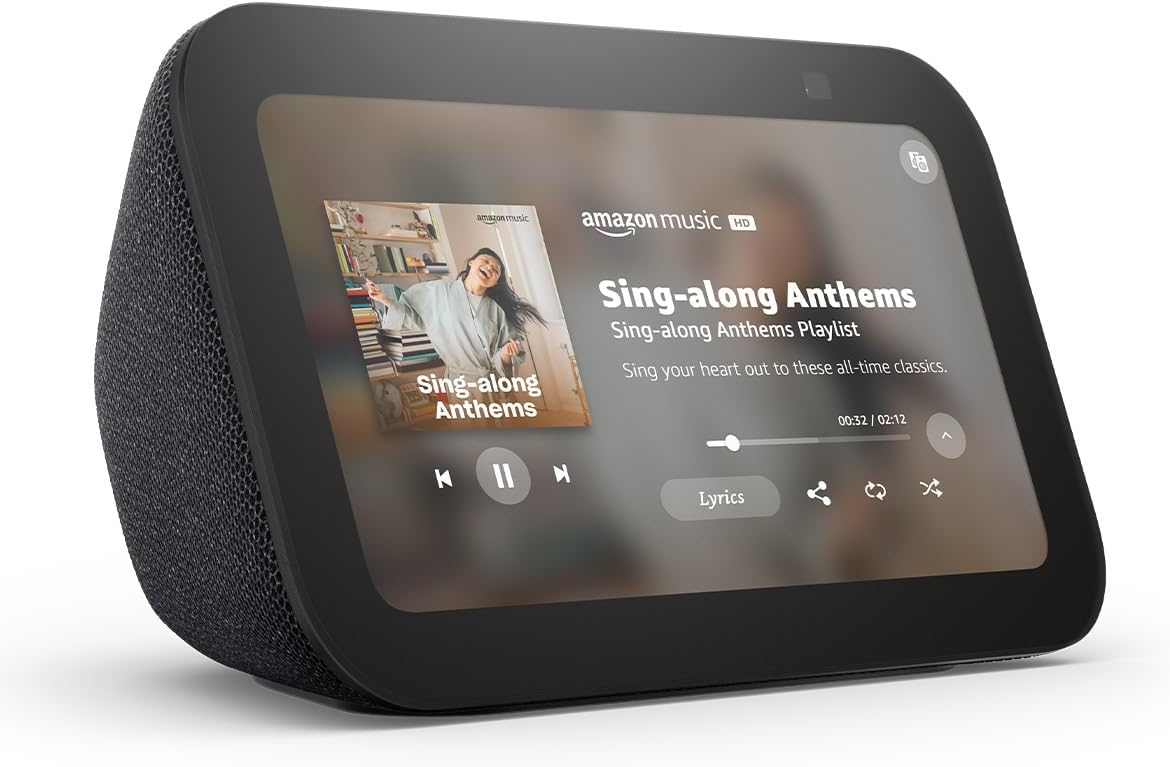
Product image from the Amazon listing.
Small speaker, fair expectations
The bass claim is real in a limited way. Tech Advisor found more bass and clearer voices than the second generation, and added: “No-one would say it sounds impressive but it does have more bass.” Expert Reviews says it “isn’t going to win any awards” and that the Echo Show 8 is clearly stronger.
Related reading

Some Best Buy reviewers call the sound good for the size. That fits a bedside job. It will play a podcast while you get dressed, wake you up gently and read out the news. Music fans should look at a larger speaker.
Streaming is thin too. Expert Reviews says Netflix was not available on this device, and that asking for other services could send you to Prime Video instead. Tech Advisor says YouTube works only through the browser. A 5.5-inch screen is not a great place to watch films anyway, but do not buy this hoping for a tiny kitchen TV.
Calls and the camera shutter
The camera is the weakest part of the hardware and the best part of the privacy story.
At 2 MP it is unchanged from the model before. Expert Reviews previously called that camera “middling”, and Tech Advisor says it works for video calls and basic checking in, but that its tilted angle shows mostly ceiling if the device sits low. So put it near eye level if you plan to make calls. On a nightstand, you will mostly give your family a view of your lampshade.
The physical shutter is the feature I like most. You slide it across and the lens is covered, with no software involved. Tech Advisor makes the obvious point: “Since it’s designed for bedroom use, it’s good there’s a shutter.” Expert Reviews also praises it, and for a camera near your bed it is the least you should accept.
Keep in mind what the shutter does not do. It blocks the camera and nothing else. The microphones are a separate matter, and the device depends on Amazon’s servers for almost everything you ask it to do. If an always-listening device in your bedroom bothers you, a shutter will not fix that feeling.

Product image from the Amazon listing.
What it needs from your home
This device needs the internet to be useful. Smart Home Compared marks local control as no, and warns that a product without local control stops answering during an internet outage. So your voice commands, routines and smart home control all depend on a working connection and on Amazon’s servers. If an alarm absolutely must go off, I would not make this your only clock until you have tried it with the Wi-Fi switched off.
Routines are the good news. For a small display, this is a tidy place to run a morning routine or a bedtime lights-off command. Matter support is listed as a bridge or controller, while Zigbee and Thread are not supported. If your home is built around Zigbee sensors, you will need another hub. HomeKit and Google Home are out too, so this belongs in an Alexa home.
Setup is usually simple, though Tech Advisor mentions that a colleague could not finish it because of an unexplained account error. That is one report, and I mention it only so you know to try again if it happens.
The night behavior is a real plus. Tech Advisor says the screen dims further at night, so it is less likely to disturb your sleep, and Amazon says the display was tuned for this. For a bedside device, that may matter more than a faster chip.
Related reading

Which generation should you get
Both Expert Reviews and Tech Advisor came to the same conclusion. Tech Advisor says it “isn’t worth upgrading to from an older model”, and that a discounted second generation is better value. Expert Reviews says the improvements are not worth the extra money at full price, and that this model dropped sharply during Prime Day.
I agree with both. The only reasons to pick this over its older sibling are Matter and a bit more bass. Those are small gains. If you already own one, keep it.
A Bedside Clock First, and Only on Sale
Here is my opinion. The third Echo Show 5 is a decent smart alarm clock with a shutter you can trust and a screen that behaves at night. It is a poor tablet, a weak video screen and a slow touch device, and it comes with ads you must work to reduce.
Buy it if you already live in an Alexa home and want voice control, a clock and the weather beside your bed. Wait for a sale, since discounts on this line have been deep. Skip it if you want smooth touch control, want real video, use Zigbee or HomeKit, or do not want Amazon’s microphones in your bedroom. If you need a kitchen screen for recipes and calls, spend more on a larger Echo Show.
At a sale price, the Amazon Echo Show 5 (3rd Gen) is a reasonable bedside companion, as long as you give it that first fifteen minutes in the settings. This is an affiliate link. As an Amazon Associate I earn from qualifying purchases.
One email a month: new articles, reviews and the upcoming live webinar + free recording. No spam, unsubscribe anytime.