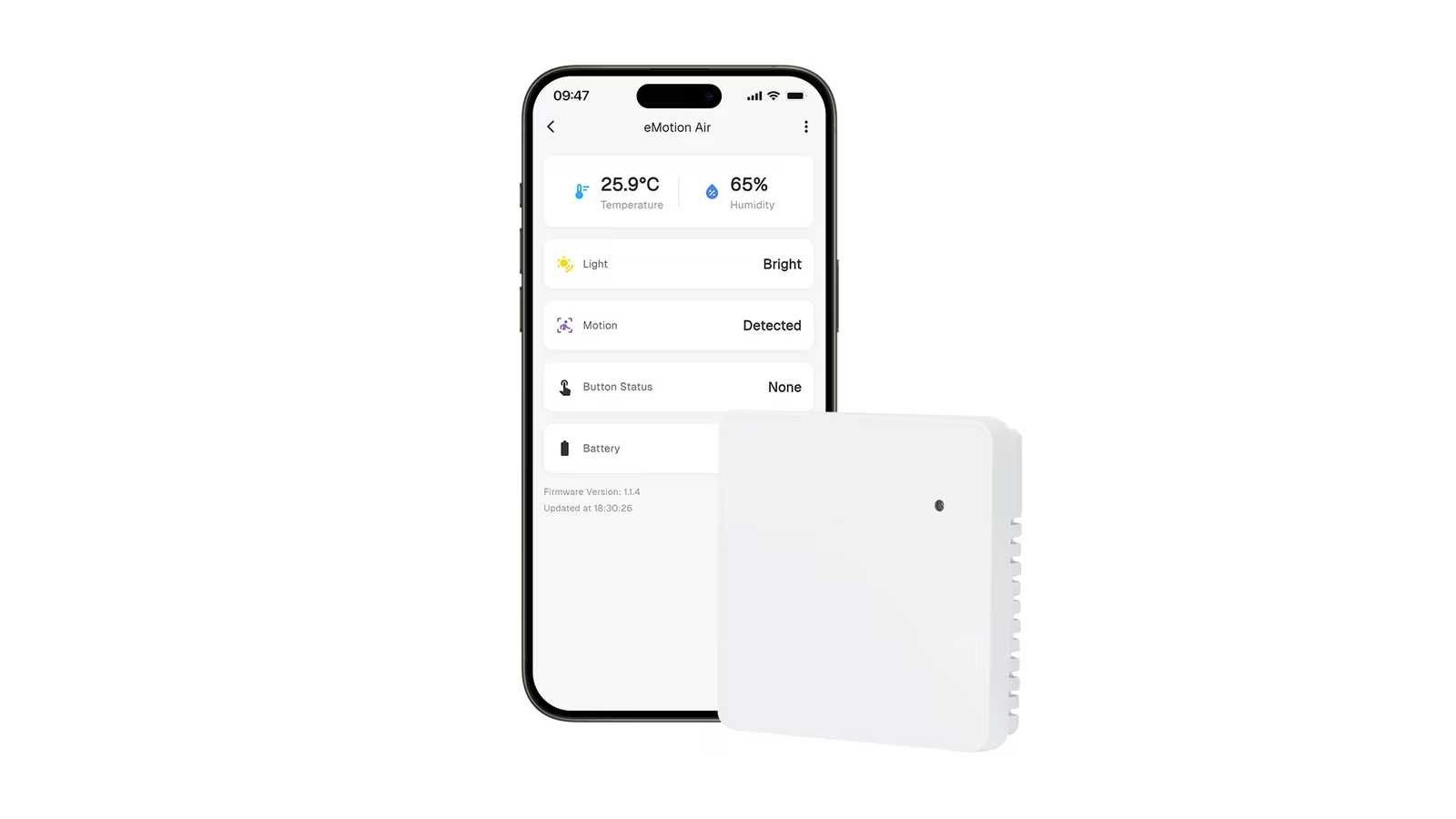
The Govee H5074 has no screen. That single fact separates it from the better known H5075, and it shapes everything else about owning one. All you get is a small plastic puck with a sensor and a Bluetooth radio, so every reading has to reach you through a phone, a computer or a home server.
Owner evidence is thin, and I will tell you where the gaps are. I am interested in one use: a small sensor beside a home server or a NAS, keeping an eye on temperature and humidity.

Product image from the Amazon listing.
What the Puck Promises
Retailer listings make claims for accuracy and Bluetooth range, and the range figure differs from one listing to the next. Those are seller claims, and range is the one to doubt. You do not need lab accuracy to spot a hot closet.
Related reading

The sensor stores its own data. The GoveeBTTempLogger project says most of these devices hold 20 days of history, and its sample output from an H5074 shows about 28,800 data points. That lines up with one reading a minute for 20 days, since 20 days have 28,800 minutes. So you don’t need a phone nearby all the time. If you come back within that window, you can pull the record down.
I need to warn you about a trap. Many reviews and listings merge this sensor with the H5075, which has a display and its own specs. If a review talks about reading the numbers on the front, it is talking about the other model.
The Best Owner Report I Found
Wim, who wrote GoveeBTTempLogger, has run several Govee models and says on his blog: “I’ve liked the H5074 the most because of its compact size.” He reports that its CR2477 lithium battery “seems to run for close to two years without replacement.” He also found it held up surprisingly well inside his freezer and outdoors on a balcony railing.
That is a strong result. A freezer and a balcony are much harsher than a shelf beside a server. If a tiny sensor survives those, a warm corner of a closet should not worry it.
One caution is that this owner is not a typical buyer. He writes his own software and is talking to the sensor with his own code. His report tells us a lot about the hardware and little about Govee’s phone app.
The battery choice has a small downside. A ShopSavvy summary of feedback on this listing says the CR2477 can be hard to find in local shops. It is a thick coin cell and not the common CR2032, so I would order a spare at the same time. On a two-year cycle, this will not be a frequent chore.

Product image from the Amazon listing.
The Radio Quirk That Matters for Home Assistant
Here is the most useful technical point in this review, and few buyers will hear it from a retailer.
Most Govee sensors put their readings straight into the short Bluetooth message they broadcast. The H5074 does not. Wim explains that it “only sends the data in a secondary response,” so “a host running in active mode is required to get the data from the H5074.” In plain words, your computer has to ask for the rest of the message each time. A purely passive listener may miss the temperature.
Related reading

Home Assistant’s Govee Bluetooth documentation lists the model and confirms the point: “H5074 Hygrometer Thermometer (Active scans required).” The integration works locally with no cloud account, which I like for a home server, and which should matter during an internet failure.
Active scanning has a cost. Wim notes that this is unfortunate in a noisy Bluetooth environment, since “the host itself is adding to the Bluetooth noise.” If you run many Bluetooth devices at once, this model is a slightly poorer neighbor than the sensors that just broadcast. For one or two pucks in a house, I doubt you would notice.
An older community integration for Home Assistant shows how people have read these sensors over the years: it listens to broadcasts that arrive roughly once per second and averages them over a set period, 60 seconds by default. It also warns that a restart of the host device may be required if no data shows up, which hints at how fussy Linux Bluetooth setups can be. Be ready to spend an evening on it if you are new to this.
The Phone App, and What Is Still Unknown
Evidence is weakest here. The ShopSavvy summary, which is a roll-up that names no individual owners, describes useful daily high, low and average data and custom alerts. It also lists real complaints: small, cluttered widgets, and widget readings that can go stale until you open the full app. The same summary mentions that there is only one mounting hole.
Keep one thing in mind about alerts. This is a Bluetooth sensor with no Wi-Fi. With only the phone app, an alert depends on your phone being in range. If you are at work and your server closet overheats, a phone in your pocket across town will know nothing. Only a home server or a Govee gateway that stays within radio range could tell you. I found no clear owner report on how the app behaves over a long gap, or on whether any feature sits behind a paid plan, so I can’t say more about those.
I also found no report on how the sensor and app respond to an internet outage. On the logic of the design, the sensor should keep logging to its own memory, because it runs on a battery and needs no network. Home Assistant’s local connection should keep working too. But I found no owner who has tested that for this model.

Product image from the Amazon listing.
Placement Around a Home Lab
Range is the claim I would treat most carefully. Some buyers say range drops depending on where you put the sensor, and that matches common sense. Any listed range has to be an open-air number. A server rack is a metal box full of electrical noise, and I found no owner who measured the signal from inside one.
My suggestion is plain and it costs nothing. Before you stick the puck anywhere, leave it in the spot for a day and see if your host keeps getting readings. If the signal is weak, move the sensor to the front of the rack, or add a Bluetooth receiver nearer to it. Place it in the air path you care about, near the intake or exhaust, and away from the direct heat of a power supply, or you will measure the wrong thing.
Related reading
For accuracy, the only independent word is one buyer who compared it to a manual thermometer and found a match. Another buyer simply called it not reliable. With so few details, I would not rely on the readings for anything sensitive. For watching trends in a closet, they should be plenty.
A Tiny Logger for People Who Own a Home Server
I like the H5074 for people who already run Home Assistant or a small Linux box and want a cheap, quiet, local sensor. For that buyer, the lack of a screen is a benefit, because the puck is small and easy to hide, and the data goes straight into graphs you already look at.
Skip it if you want to glance at a number on a shelf, since that is what the H5075 is for. Skip it if you want alerts while you are away and have no always-on host at home. And if you are running a room where humidity truly matters, such as a wine cellar or a musical instrument store, get a sensor with published test results.
For a home lab with Bluetooth in range, the Govee H5074 Bluetooth Thermo-Hygrometer is an easy thing to try, provided you confirm the model number on the listing and accept that its readings need a host. This is an affiliate link. As an Amazon Associate I earn from qualifying purchases.
One email a month: new articles, reviews and the upcoming live webinar + free recording. No spam, unsubscribe anytime.