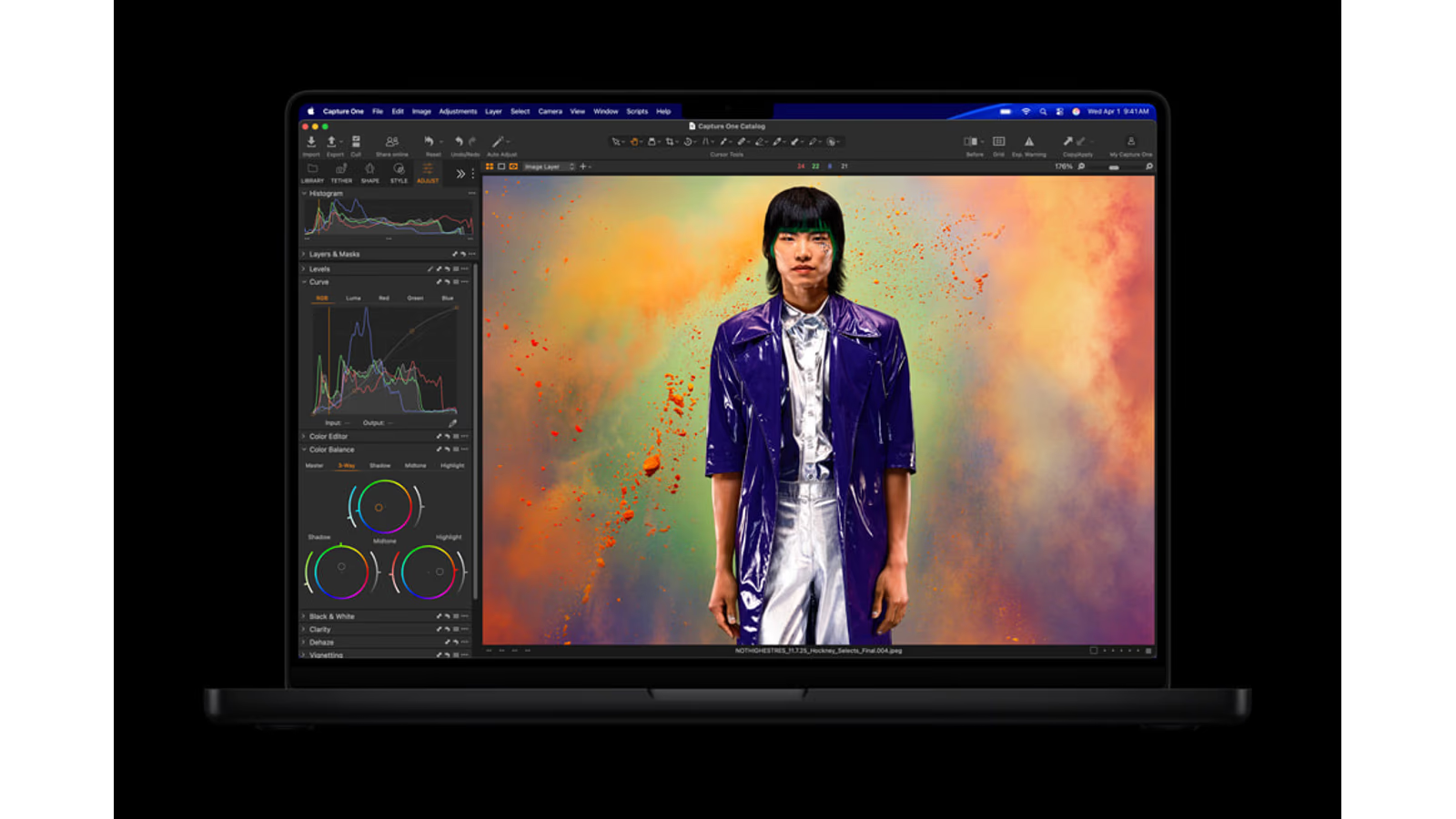
Hero image: Apple Newsroom. Official product image converted to a 16:9 AVIF canvas.
A powerful laptop has to solve two problems at once. It needs to finish demanding work, and it needs to remain useful when the desk disappears. The MacBook Pro becomes easier to judge when those questions stay together. A desktop benchmark alone cannot tell you whether a computer fits the way you travel and work.
My research points to M5 Pro as the sensible starting point for a broad professional workload. M5 Max earns its price when a specific graphics task or memory requirement makes the difference useful. Choosing a larger screen is a separate decision. A large laptop and a large chip do not automatically solve the same problem.
This is a research review of the current M5 Pro and M5 Max models, checked on 20 October 2026. They were introduced in March, outside this series’ two-month launch window. I include them because the requested MacBook branch needs a current starting point. I have not tested these laptops myself.
The price is for a complete working object
A desktop comparison can make an expensive laptop look unreasonable until the screen, keyboard, pointing device, camera and battery enter the calculation. Those are things a mobile worker needs in one object. Their value depends on whether the computer actually leaves the desk, and how much work happens away from mains power.
Apple’s German launch prices start at €2,499 for a 14-inch M5 Pro and €2,999 for the 16-inch version. M5 Max starts at €4,199 and €4,499 respectively, including VAT. These are checked launch figures, rather than today’s retailer offers.
Related reading
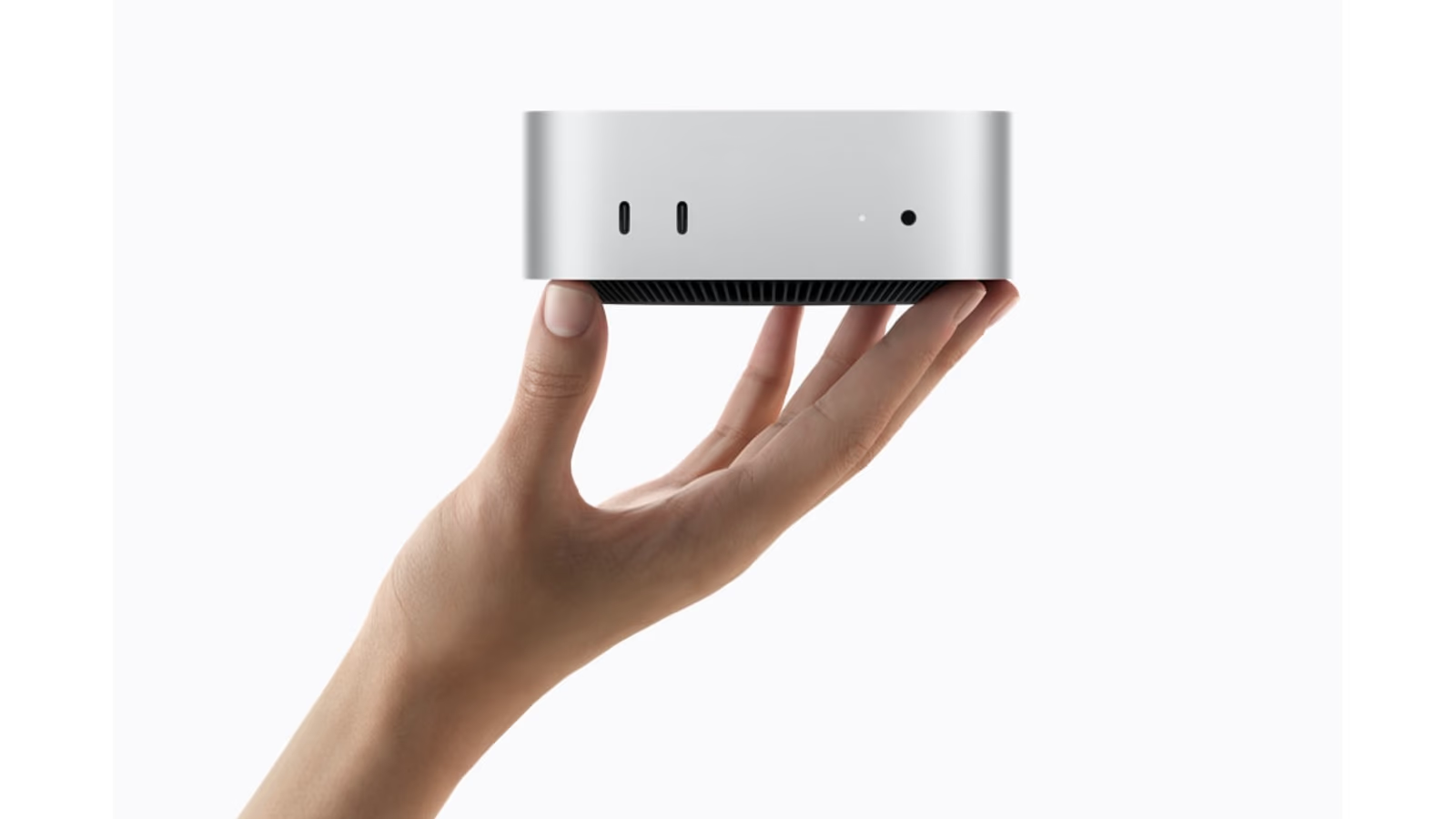
For someone working mainly at one desk, a desktop and existing display may offer a better balance. For someone editing during travel or showing work directly to clients, the complete laptop can remove enough friction to justify the price. The useful comparison is the whole working arrangement, not just the processor label.
Pro or Max is a software question
Apple’s specification page lists different CPU, GPU and memory configurations within both families. The top M5 Max reaches 128GB of unified memory. That is a capacity option, not a statement that every creative person needs it. Select the actual configuration before comparing two prices or two benchmark charts.
The main trap is using “professional” as a workload description. A developer, photographer, sound editor and motion designer may all earn their living with a laptop while stressing different parts of it. The right upgrade for one can sit mostly unused in another. Start with the application, project size and repeated wait that you want to improve.
There is also a difference between a machine that can run a job and one that makes the job pleasant. A background task that occupies nearly all available resources can leave little room for everything around it. Keep some margin for normal multitasking. Headroom is most useful when it has a clear purpose.
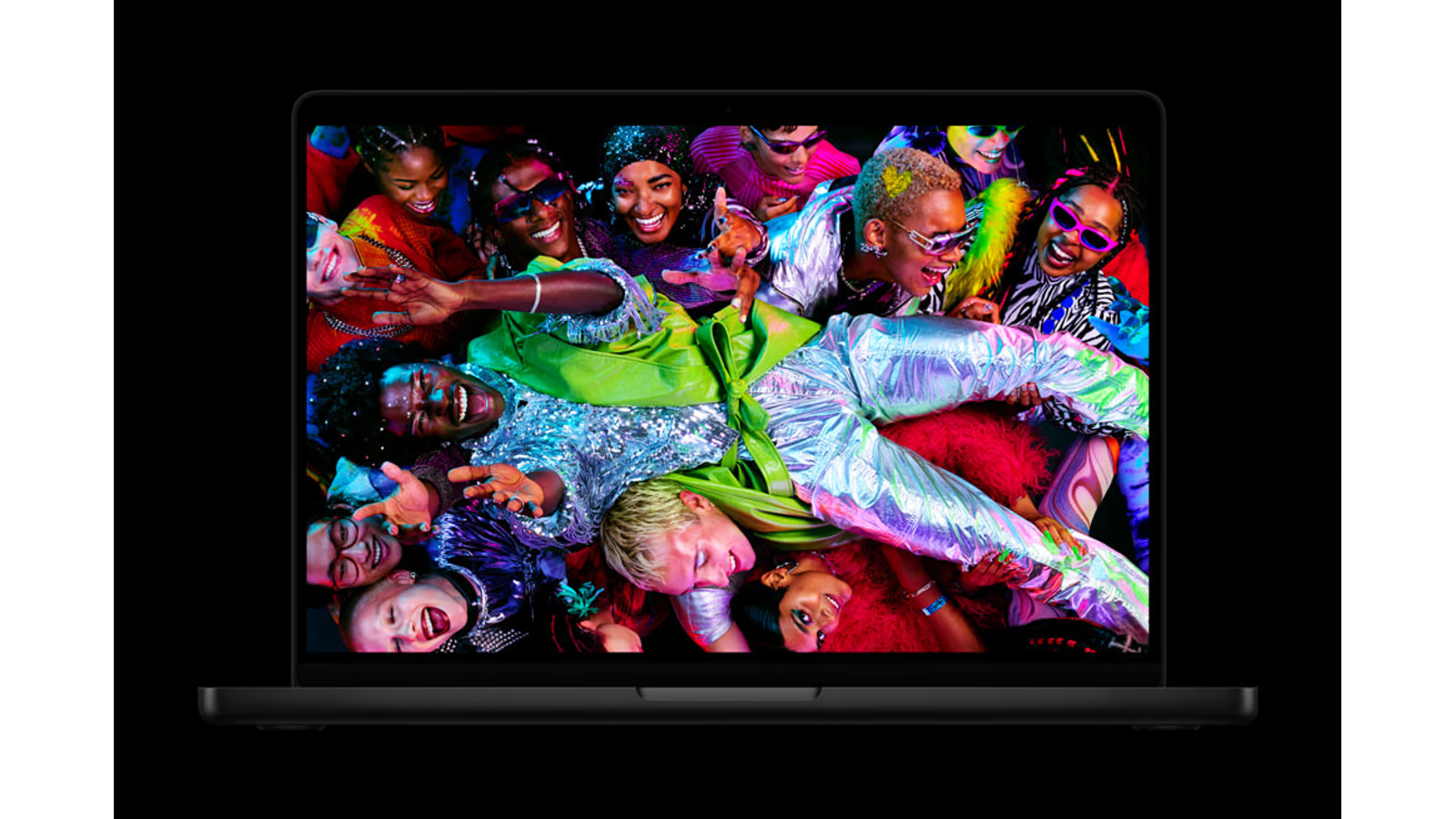
Official product image: Apple Newsroom. Converted to 16:9 AVIF without stretching the product.
What original creative testing contributes
PetaPixel’s M5 Max review found strong Photoshop performance, while some older Ultra desktops remained ahead in Lightroom. That is a more useful finding than calling a laptop a desktop replacement without naming the task. Different creative tools do not reward hardware in identical ways.
The tested software version is part of that evidence. Application updates can change GPU use, AI features and export behaviour. Results from a previous release should not be combined casually with newer charts. A benchmark is a documented experiment, not a permanent property of the computer printed on the lid.
For this article, I use that testing to support a cautious conclusion: M5 Max can be a serious creative laptop, but it does not make every desktop irrelevant. If the job is important enough to drive an expensive purchase, test a representative project in the application you will actually use.
The display changes the daily experience
The launch documentation identifies the Liquid Retina XDR display and its reference modes. It is a mini-LED display, not an OLED touchscreen. The distinction matters when comparing actual strengths and limitations rather than collecting attractive panel labels.
Related reading
For visual work, a larger editing area can be more useful than a small difference in export speed. Timelines, tool panels and side-by-side images all compete for space. But the larger computer also needs a place in the bag, on a train table and in a small workspace. Choose the size where you expect to use it.
Reference modes help establish a controlled display state. They do not make the light in every room consistent or guarantee that a client’s uncalibrated screen will match. For colour-critical work, the environment and delivery target remain part of the process. A capable built-in screen is a tool for that process, not a way around it.
Battery claims need the workload attached
A manufacturer’s video-playback claim should never be read as a promise about editing, compiling or local AI. Those jobs use the system differently. Screen brightness, connected drives, network activity and background software can all change the result. This review does not include an independently measured runtime for my own workload.
I would make a mobile buying test from a normal working session. Disconnect mains power, set a realistic brightness, connect the devices normally carried and complete a representative task. Record the duration and battery change. Repeat the same process on another model if possible. A consistent test is more informative than comparing unrelated runtime headlines.
The working day also includes charging opportunities. A laptop that needs power during a predictable lunch break may suit one person perfectly and fail another on location. List those opportunities before paying for maximum capacity. Mobility is about the route through the day as much as the size of the battery.
Ports can save more time than a score
The current Pro machines include Thunderbolt 5, HDMI, an SD card reader and MagSafe, according to Apple’s specifications. For a photographer or editor, integrated connections can simplify an otherwise messy mobile kit. They still need suitable cables and devices. A fast socket cannot improve the speed of a slow card or drive.
At a desk, a dock can make arrival and departure pleasant. Away from the desk, too many small dependencies create a different problem: one forgotten adapter can stop a presentation or import. Keep a short list of the connections that must work without a dock. Pack for those first.
I would also check power delivery before relying on a single-cable arrangement. Displays and docks have different capabilities, and a demanding workload may expose a limitation that light office work does not. This is a setup check to perform, not a problem established by my testing of these models.

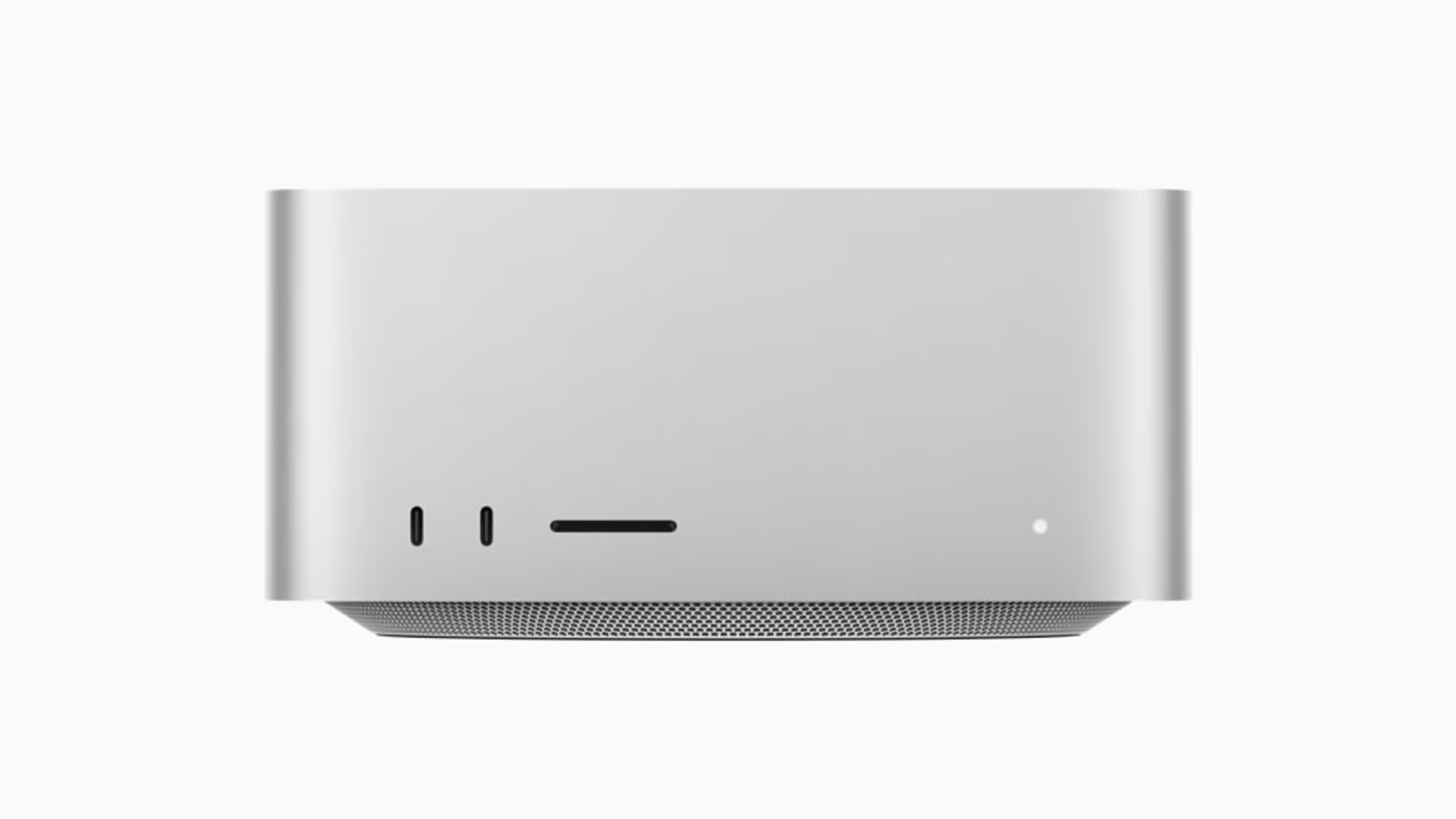
Official product image: Apple Newsroom. Converted to 16:9 AVIF without stretching the product.
Configuration choices I can defend
For mixed work with occasional creative projects, I would investigate M5 Pro first. Spend on enough memory for the real working set and enough storage for a useful mobile project. A laptop that depends on an external drive for every small task loses some of the simplicity that made a laptop attractive.
Related reading

For sustained graphics-heavy work, I would compare M5 Max using the exact application and project type. Do not assume that a model name describes every configuration equally. Also check how much of the work happens plugged in. A mobile workstation often spends its heaviest sessions near power, and that is a perfectly reasonable use case.
For a buyer whose main needs are writing, learning and general browsing, I would ask whether a Pro is necessary at all. The current Air or another lighter Mac may deserve consideration. This article does not benchmark those alternatives, so that is a direction for further comparison, not a claim that they match Pro performance.
| Priority | Decision to make first |
|---|---|
| Frequent travel and short working spaces | Screen size and carrying comfort |
| Large creative projects | App support and working memory |
| Repeated GPU-heavy processing | A relevant Pro-versus-Max test |
| Mostly permanent desk work | Whole-system desktop comparison |
My research verdict
The MacBook Pro’s strongest argument is the combination of capable hardware and a complete mobile workspace. M5 Pro is the starting recommendation I can defend for many users. M5 Max needs a more specific reason, such as a measured graphics limit or a working set beyond the smaller configuration.
I would choose the screen size independently, then choose memory and storage around real projects. The best configuration is one you can explain without repeating a marketing slogan. It should make an ordinary working day easier, including the moments between the demanding tasks.
This opens the MacBook Pro Workbench series. Separate video, photography and local AI articles will examine the same laptop from different angles. The series is designed to continue as hardware and software change, with the research date kept visible so that an old conclusion does not quietly become a current claim.
Continue reading
One email a month: new articles, reviews and the upcoming live webinar + free recording. No spam, unsubscribe anytime.