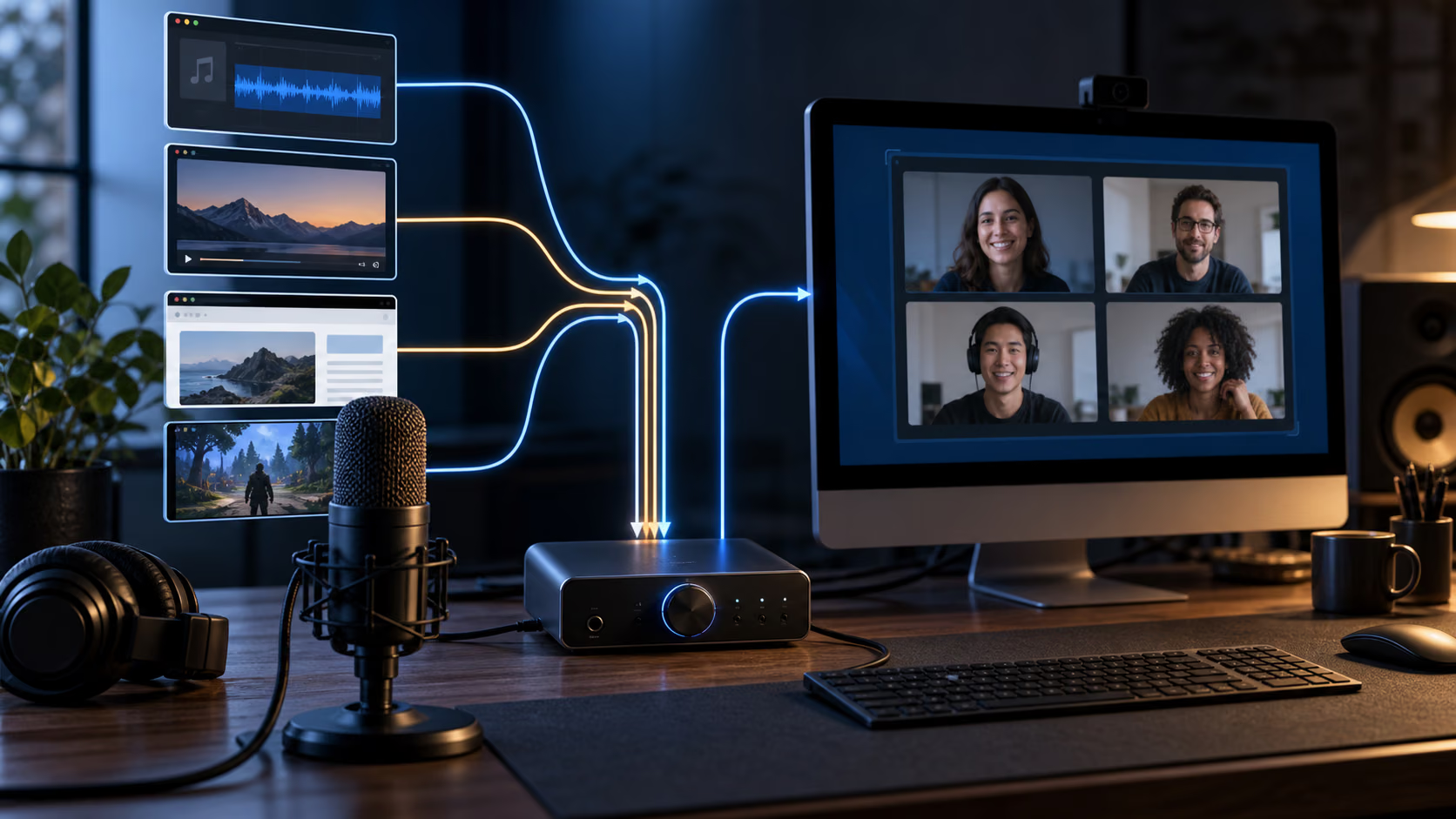
Audio routing on the Mac is easy until one application needs to hear another. A microphone appears in every recording menu. The output of a browser, music player or remote call usually does not. Add a second microphone, a soundboard and separate monitoring, and the system’s friendly audio controls stop being enough.
Loopback solves this by creating virtual audio devices. To Zoom, OBS, Logic or any other application, a Loopback device looks like ordinary hardware. Behind that device, the user decides which applications and physical inputs feed each channel, how loud they are and where the result can be monitored.
The concept is technical. The product’s achievement is making it visible. Sources sit on one side, output channels on the other and virtual wires show the route. It feels less like editing an aggregate device and more like looking at a small patch bay.
That clarity is important because audio failures are unforgiving. A beautiful recording with an empty voice track cannot be repaired later. Loopback should be judged as infrastructure: by how clearly it represents the route, how predictably it survives change and how easy it is to verify before pressing Record.
A virtual device is the right abstraction
Applications already know how to select microphones and audio interfaces. Loopback uses that established model instead of requiring special support in every destination. Build a device called Podcast, Meeting or Screen Recording, then select it wherever an input is requested.
The source of that device can be one application, several applications, physical inputs or another virtual device. A podcast route might combine a USB microphone, a remote call and a soundboard. A screen recording route might include the microphone and only the application being demonstrated, leaving notification sounds out.
This persistence is the real benefit. The route has a name and can be reused. Without it, a complex session is rebuilt through application settings every time, often under the pressure of people waiting on a call.
Names should describe outcomes. Input 3 or Virtual Device 2 will be meaningless six months later. Interview with remote guest is much easier to select confidently. If an application remembers the last input, the name may be the only warning that it is pointing at the wrong route.
Application capture is more precise than system audio
Capturing the entire Mac output is convenient but indiscriminate. It can include notification sounds, a browser tab that starts playing or private audio from another application. Loopback can use specific applications as sources, which narrows both noise and privacy risk.
This matters in technical demonstrations. The viewer should hear the software being explained and the narrator, not every sound the Mac happens to produce. It also matters on calls, where routing a music player to participants should not send the meeting’s own return audio back into itself.
Related reading
Application-level routing still needs a policy. Decide whether the source should capture every process associated with the app and how newly launched instances are handled. Browsers are especially complicated because several tabs and helper processes may share one application identity.
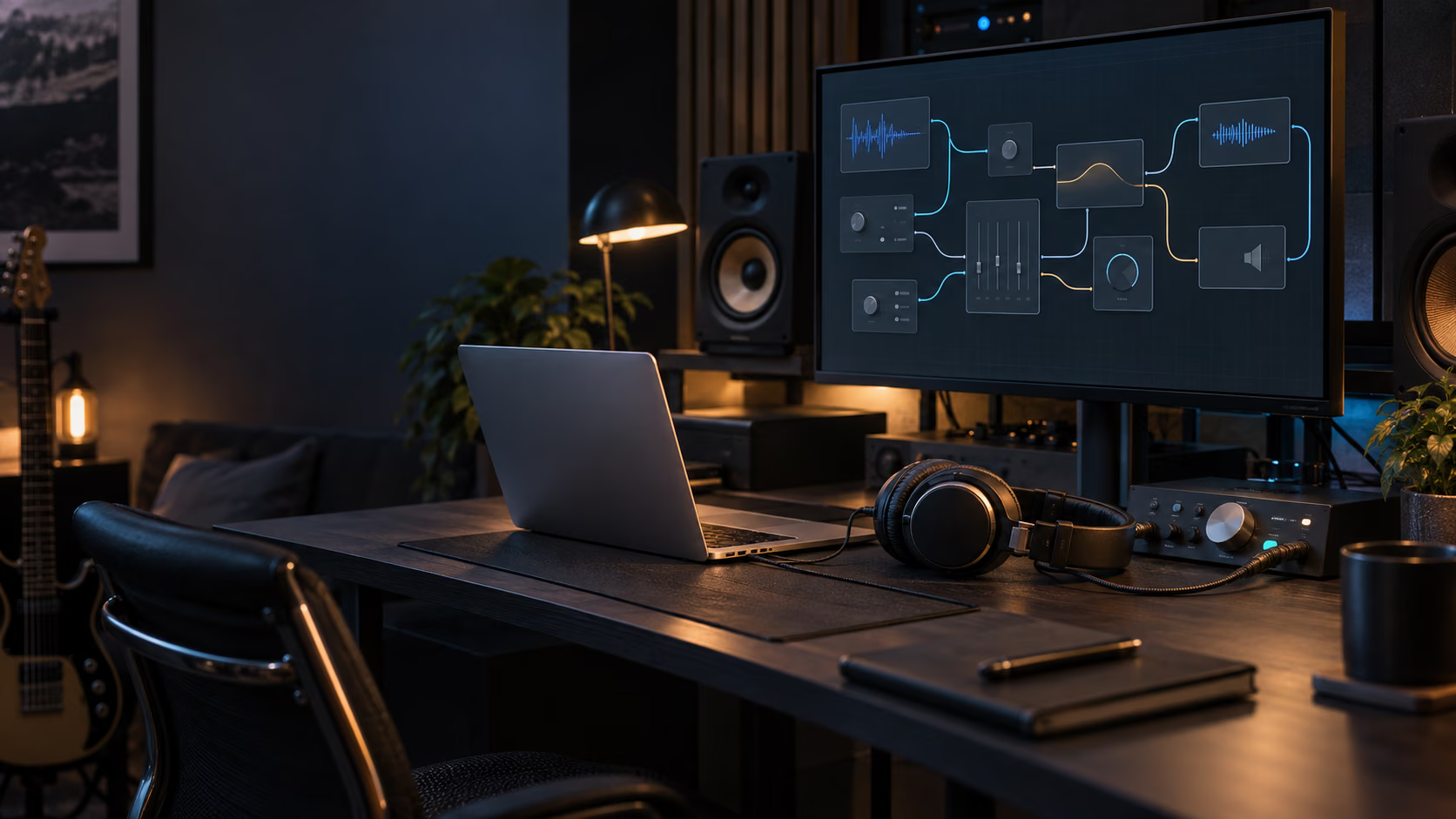
Test with the actual software before a live session. Play the wanted source, then deliberately trigger an unwanted system sound. Record a short file and listen back through headphones. The routing diagram is evidence of configuration, not proof of captured audio.
Channel mapping is where simple setups become powerful
A stereo virtual device is enough for many calls. Production workflows may need separate channels so the microphone, remote guest and effects can be recorded independently. Loopback supports devices with up to 64 channels and lets users map sources manually.
Multichannel routing preserves options. If every source is mixed into one stereo pair before recording, relative levels and processing cannot be changed later. Separate tracks allow repair, editing and a clean mix after the conversation.
The cost is complexity. Applications label channels differently, and a route that looks logical in Loopback may appear as a long anonymous input list elsewhere. Create a test recording that identifies each source verbally or with a distinct tone, then confirm the destination maps it to the intended track.
Use only the channels required. A 16-channel device for a two-person call increases the chance of selecting the wrong pair without creating useful headroom. The cleanest route is the smallest one that preserves the necessary separation.
Monitoring prevents configuration by hope
Loopback can send some or all of a virtual device to a physical output for monitoring. This lets the operator hear the route while another application receives it. Per-source and monitoring volume controls help construct a usable confidence mix.
Monitoring is also where feedback begins. If a microphone reaches speakers and those speakers reach the microphone, the loop can become loud immediately. Remote-call audio routed back into the same call creates echo even when the physical room is quiet.
Headphones are the safe default for any route containing a live microphone or communications app. Begin with monitoring disabled, add one destination and one source at a time, then raise levels carefully. Keep a physical mute or output control within reach.
The monitored signal may not be identical to the recorded result if the destination performs its own gain control, noise suppression or channel conversion. Always make a destination recording. Hearing audio locally confirms one branch of the route, not the whole chain.
Latency belongs to the complete path
Every digital audio path buffers samples. At 48 kHz, a 128-frame buffer represents about 2.67 milliseconds. Input hardware, Loopback, the destination application, output hardware and any network call can each add buffering. The total determines whether live monitoring feels natural.
I do not have a controlled loopback measurement that supports publishing one latency figure for every Mac and route. The number depends on hardware, buffer settings, sample rate, source application and destination. A claim such as almost no latency is not a substitute for measuring the actual chain.
For spoken calls and recording, moderate latency may be irrelevant when the speaker monitors directly from the interface. For software instruments or live performance, a few extra buffers can matter. The route should therefore be designed around the tightest latency requirement.
To measure, send an impulse through the complete path, record both original and returned signals, and calculate the sample offset. Repeat at several buffer sizes. Do not infer Loopback’s contribution from a round trip that also includes unknown application processing.
If low-latency microphone monitoring matters, use the audio interface’s direct-monitor path and keep the virtual route for recording or transmission. That avoids sending the performer’s own voice through unnecessary software.
Sample rate mismatches deserve attention
Virtual and physical devices may operate at different sample rates. macOS Core Audio can convert between them, but hidden conversion adds complexity and can produce drift or quality problems in long sessions if devices do not share a stable clock.
Set a deliberate project rate, commonly 48 kHz for video and many call workflows, then check the physical interface, Loopback device and recording application. Audio MIDI Setup is useful for inspecting the system view even when Loopback controls the route.
Combining independent USB devices is more difficult because each has its own clock. Loopback can present them together, but it cannot turn inexpensive oscillators into one physical clock. Long recordings should be tested at realistic duration, not for thirty seconds.
Listen for clicks, gaps and gradual timing movement. Record each source separately when possible. If the session is critical, a single multichannel hardware interface remains easier to reason about than several unrelated USB devices.
Related reading
Device identity is the quiet failure mode
Applications remember selected audio devices by name or identifier. After a reboot, sleep cycle, macOS update or missing interface, a destination may fall back to the built-in microphone. The interface can still look normal while the wrong signal is being recorded.
Loopback’s virtual device provides a stable endpoint, but its physical sources can still disappear. A USB interface disconnected at login, a Bluetooth device that reconnects late or a renamed source changes the route’s state.
Before important work, verify from the destination application. Confirm that the correct Loopback device is selected, every source meter moves and a short recording contains every intended channel. Then test recovery: unplug a referenced interface, reconnect it and inspect whether the route restores automatically.
No audio utility should encourage skipping a preflight. The best one makes the preflight obvious and short.
Nested devices are useful and dangerous
Loopback can include one virtual device inside another. This supports modular routing: a reusable microphone chain can feed separate Meeting and Recording devices, or a shared application mix can be consumed by several workflows.
Modularity reduces duplication, but it also hides dependencies. Disabling or renaming the inner device can break several routes. A cycle can create feedback or make the signal path difficult to inspect.
I would use nesting only when the shared component is stable and clearly named. Document the dependency in the device names or a short diagram. Keep the top-level devices understandable without opening every nested layer.
For a handful of sources, duplicate the simple route. Audio configuration benefits from local clarity more than abstract elegance. The person troubleshooting five minutes before a call should not need to reverse-engineer a framework.
Loopback and Audio Hijack are complementary
Loopback creates system-wide virtual inputs that other applications can select. Audio Hijack captures and processes audio inside reusable sessions, with recording and effects as first-class blocks. They overlap at the edges but solve different main problems.
Use Loopback when another application needs to receive a combination of sources as if it were a microphone. Use Audio Hijack when the Mac itself should capture, process or record an application. They can work together: an Audio Hijack chain can end in a Loopback pass-through device that becomes available elsewhere.
OBS also performs routing within a streaming or recording scene. If all audio exists only for OBS, its built-in controls may be enough. Loopback earns its place when the same virtual input must appear in Zoom, a browser, a recorder and other ordinary applications.
Aggregate and multi-output devices in Audio MIDI Setup combine hardware endpoints. They do not replace application-specific virtual sources. Trying the free system tools is sensible, but the abstraction is different.
Permissions and the audio component
Capturing application audio requires system integration. Rogue Amoeba uses its Audio Capture Engine, installed with the application, to provide the routing layer. macOS may request microphone or audio-capture permission depending on sources and system version.
Install only from Rogue Amoeba’s official site and approve requests when they correspond to a route being configured. Review access later in Privacy & Security. On a managed Mac, confirm that installing the audio component is allowed before building a workflow around it.
Major macOS releases can change audio internals. Rogue Amoeba has a long record of maintaining Mac audio software, but production machines should still wait for explicit compatibility. Keep installers and notes for the last working configuration.
Uninstalling should include the supporting component if no Rogue Amoeba application needs it. The company’s documentation provides the supported removal path, which is preferable to deleting files from system folders manually.
Trial, compatibility and price
The current Loopback product page lists version 2.5.0 for macOS 14.5 through 27. The free download runs in trial mode with limitations, allowing the routing model to be tested before purchase.
Loopback has historically been one of Rogue Amoeba’s more expensive individual applications. The exact current price should be confirmed in the official store because bundles, upgrades and regional taxes can change the total.
The price makes sense differently from a general utility. Someone who only needs to record system audio once should use a simpler tool. Someone whose paid meeting, podcast or training workflow depends on a stable multi-source input is buying reduced setup risk.
Related reading
Use the trial to build the hardest real device, not a microphone-only demo. Include the communication app, application audio, hardware source, monitoring and destination. Sleep the Mac, restart it and remove a device. If the route remains understandable and recoverable, the purchase has evidence behind it.
Long sessions expose different problems
A route that works for five minutes has not proved that it can carry a two-hour interview. Long sessions reveal clock drift, thermal behaviour, memory growth and the small interruptions caused by devices entering power-saving states. They also create enough material that discovering a silent source at the end becomes expensive.
Run a rehearsal for at least the expected session length. Record every isolated source and the combined device, then inspect the beginning, middle and end. Count discontinuities rather than describing the result as stable. Watch whether the destination’s meters stop briefly when a display sleeps or a Bluetooth device changes state.
Keep the route fixed once the rehearsal passes. Disable automatic application updates and avoid connecting unrelated audio hardware immediately before the session. Record locally on more than one path when the event cannot be repeated. Loopback makes duplication practical, but the user still has to design it.
Storage is another boundary. Multichannel uncompressed audio grows quickly, and the virtual device does not warn that the destination disk is nearly full. Estimate the required space from sample rate, bit depth, channel count and duration, then leave margin for temporary files. Infrastructure succeeds when the uninteresting limits were handled before anyone begins speaking.
Verdict
Loopback is the clearest way I know to make application and hardware audio appear as a reusable input across macOS. The visual wiring model is not decoration. It gives a complicated route a form that can be inspected before the recording matters.
It is overkill for basic screen capture and unnecessary when one application already owns the whole mix. It becomes valuable when several applications need the same combined source, when channels must remain separate or when rebuilding the route for every call is the risky part.
I would buy it for a defined workflow, not in anticipation of one. Build the route during the trial, measure the complete latency if monitoring is sensitive, test missing devices and record a preflight file. Loopback cannot make audio routing simple in the abstract. It can make a specific route visible, repeatable and much harder to get wrong.
Screenshot: Rogue Amoeba.
One email a month: new articles, reviews and the upcoming live webinar + free recording. No spam, unsubscribe anytime.