Readers look easy to buy for and are not. They already own the books they want, and a wrong one just sits on the shelf. The safer gifts remove friction between a person and the next page: a screen made only for reading, access to more titles, fewer interruptions from the phone.
This list has ten picks that are covered on this blog, and it moves from the device to the content. First come two e-readers, then two subscriptions that fill them, then a phone that leaves more room for reading, and finally five books. The first four are research-based assessments from published specifications and service terms, not personal tests. The Mudita Kompakt reached me as a review unit and was my main phone for two weeks. The last five are books I wrote, so what I say about them is an author’s description, not an independent review.
Disclosure: The Amazon links in this guide are affiliate links. As an Amazon Associate I earn from qualifying purchases. The Mudita Kompakt was sent by its maker free of charge for review. AI for Non-Technical People, Prompt Engineering That Gets Results, Turn Your Blog into a Business, Think Different and Small Budget, Big Japan are my own books, and I earn royalties from them.
1. Kindle Paperwhite 11: the quiet default

The obvious place to start is a screen that does nothing except show books. The 2021 Kindle Paperwhite has a 6.8-inch 300 ppi display, adjustable warm lighting, USB-C charging and 8 GB of storage. On paper it suits someone who reads novels on a phone and keeps getting interrupted by it.
It is an older generation, and the Paperwhite name continues on newer models, so check the year and capacity on the listing. The screen is awkward for technical PDFs with fixed layouts, and 8 GB is small for a large audiobook collection.
More detail is in my Paperwhite 11 review, and the reader is on Amazon.
2. Amazon Kindle Oasis: page buttons for heavy readers

Related reading
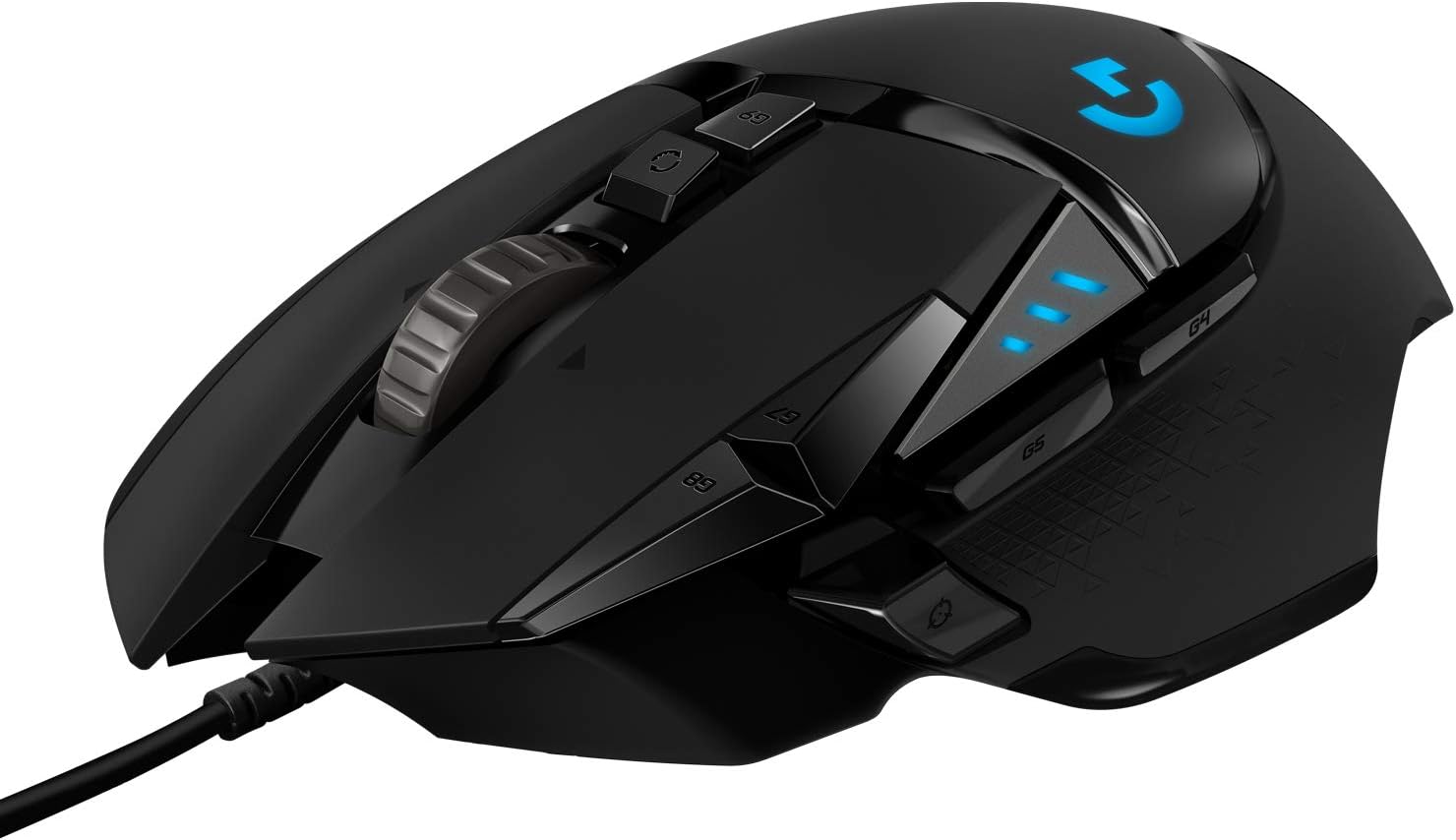
A step up in ambition is the Kindle for someone who reads for hours every day. The Oasis has a 7-inch 300 ppi screen and physical page buttons, which published reviews call satisfyingly clicky. One long-time reader prefers them because tapping a page full of links keeps opening things by accident.
The catches are the price of age. It charges over Micro USB, reviewers found the software dated, and heavy readers report charging far more often than the box suggests. Two generations share the name, and only the 2019 one has the warm light.
The evidence is in my Kindle Oasis review. Confirm the generation on the Amazon listing.
3. Kindle+: borrowing instead of buying
A reader with a device needs something to put on it, and this is the first of two picks I recommend only conditionally. Kindle+ is the new name of Kindle Unlimited. According to Amazon’s published US terms, a member can borrow up to twenty titles at a time from a selected catalogue, and the free Kindle app works without a Kindle.
The condition is the catalogue. It does not include every ebook in the Kindle Store, so it only makes sense if several books the person actually wants are in it. Check five exact titles first. The subscription renews automatically, and borrowed books disappear when it ends.
Read my Kindle+ assessment for that five-book check, and see the current terms at Amazon US.
4. Audible Standard and Premium: books for the commute
The same question in audio has a similar answer: only for a listener with a routine. Audible’s published US terms describe two plans. Standard gives one audiobook selection each month, and those stay accessible only while the membership is active. Premium gives credits, and a title bought with a credit stays in the library after cancelling.
So the choice depends on whether the person replays books. An unused Standard selection does not carry into the next month, ordinary Premium credits expire after twelve months, and both plans renew automatically.
The plans are compared in my Audible review, and the current Standard offer is at Amazon US.
5. Mudita Kompakt: a phone that leaves time to read

Sometimes the best gift for a reader is not more books but fewer notifications. The Mudita Kompakt is a phone with a 4.3-inch E Ink touchscreen, and Mudita sent me one. It was my main phone for two weeks and I enjoyed it: the battery life, the built-in chess, and a physical Offline+ switch that cuts the modem and microphones in hardware.
It is a deliberate step back. The software runs without Google Services, so some Android apps will not work, and E Ink redraws more slowly than a normal phone screen. Give it to someone who has said they want a calmer phone, never as a hint.
My two weeks are described in the Mudita Kompakt review, and the phone is sold by Mudita.
Related reading
6. AI for Non-Technical People: plain English, no code
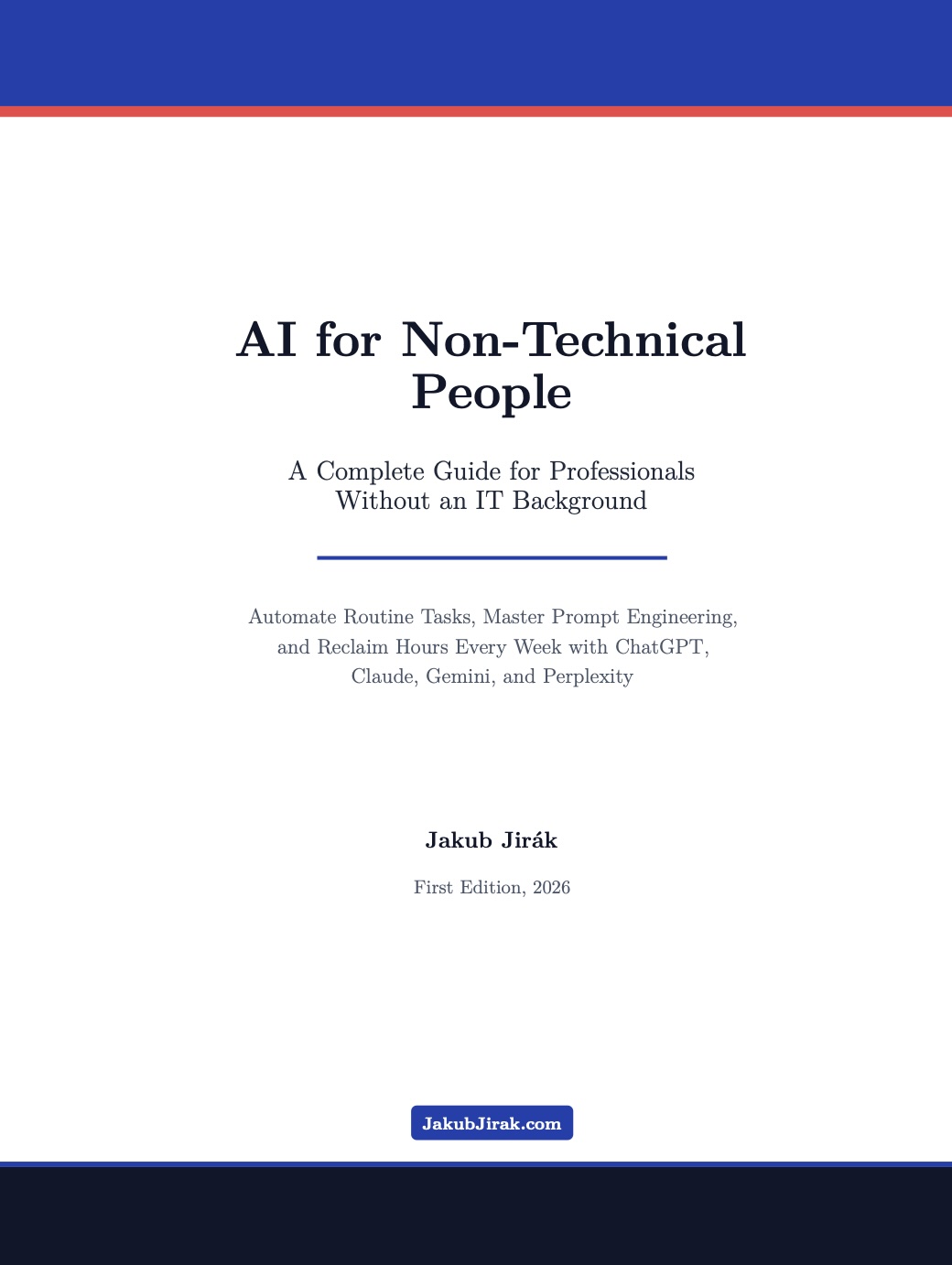
From here on, the gifts are paper and they are mine, so read the next five with that in mind. AI for Non-Technical People is my own book, written in simple English for professionals without an IT background. Its published scope covers the RCGFE prompt framework, which stands for Role, Context, Goal, Format and Examples, plus reusable prompts for eight professional roles.
I recommend it for one case only: a colleague or relative who feels AI is relevant to their job but finds the vocabulary distant. Named tools and plans change after a book is printed, and every output still needs human review. A developer building applications needs a more technical reference.
I explain the intended reader on the book’s page, and it is available on Amazon.
7. Prompt Engineering That Gets Results: for the builder
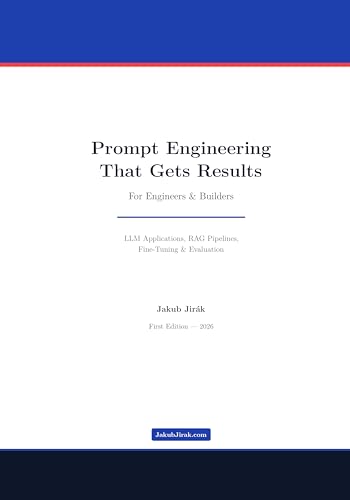
That more technical reference is the next one, and it is also my own book. Prompt Engineering That Gets Results covers LLM applications, RAG pipelines, fine-tuning and evaluation. The idea behind it is that a prompt does not live outside the rest of the application, so wording is treated beside the supporting information and the way answers are checked.
It suits a developer with a real, bounded project and a few representative examples to test against. It is the wrong gift for someone who only wants help writing clearer emails with a chatbot. Models and APIs also keep changing, so official documentation still has a role next to it.
There is more about the scope on my page for the book, and you can order it on Amazon.
8. Turn Your Blog into a Business: honest about income
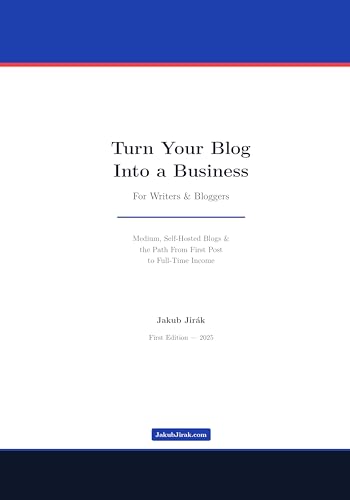
Many readers eventually want to write, which is why the third of my own books is on a reading list. Turn Your Blog into a Business covers Medium, self-hosted blogging and monetisation, and it treats audience value, platform choice and revenue as one decision. I would give it to a friend who is starting a blog.
Please do not give it as a plan for quitting a job. Full-time income is a direction in the subtitle, not a result any book can guarantee, and platform terms and programmes change after publication.
The limits are spelled out on the page about this book, and it is listed on Amazon.
9. Think Different: test automation as a way of thinking
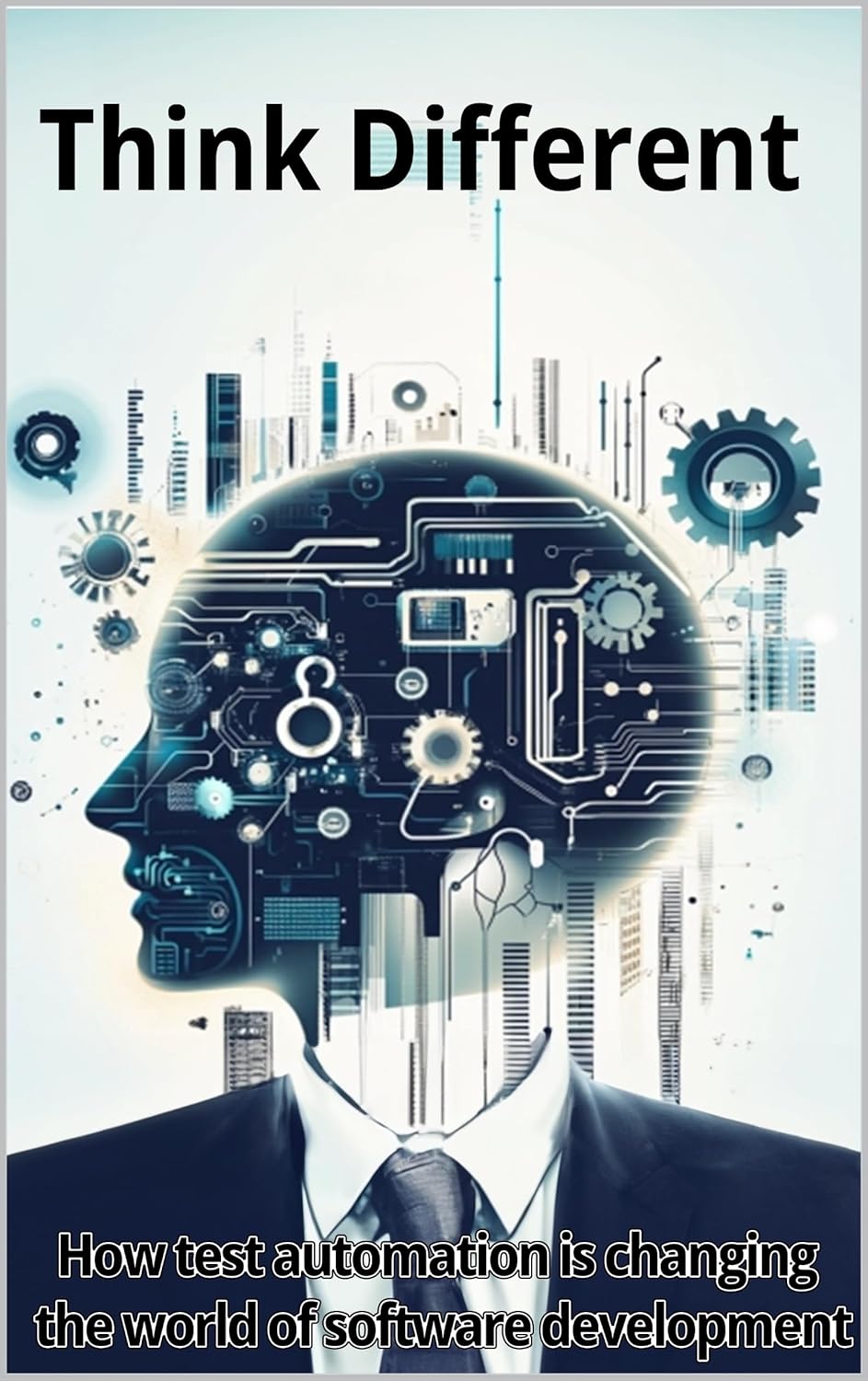
The most specialised title of the five is for people who build software for a living. Think Different is my own book about how test automation changes software development: the feedback people receive, the way a team discusses quality, and the confidence behind a release. It is meant for developers, quality engineers and technical leads.
It is a narrow gift. The book is not a catalogue of frameworks, and its published scope does not promise coverage of any particular tool or version. Give it to the engineer who is starting to shape how a whole team tests.
I describe who it suits on the Think Different page, and the book is on Amazon.
Related reading

10. Small Budget, Big Japan: planning the next trip
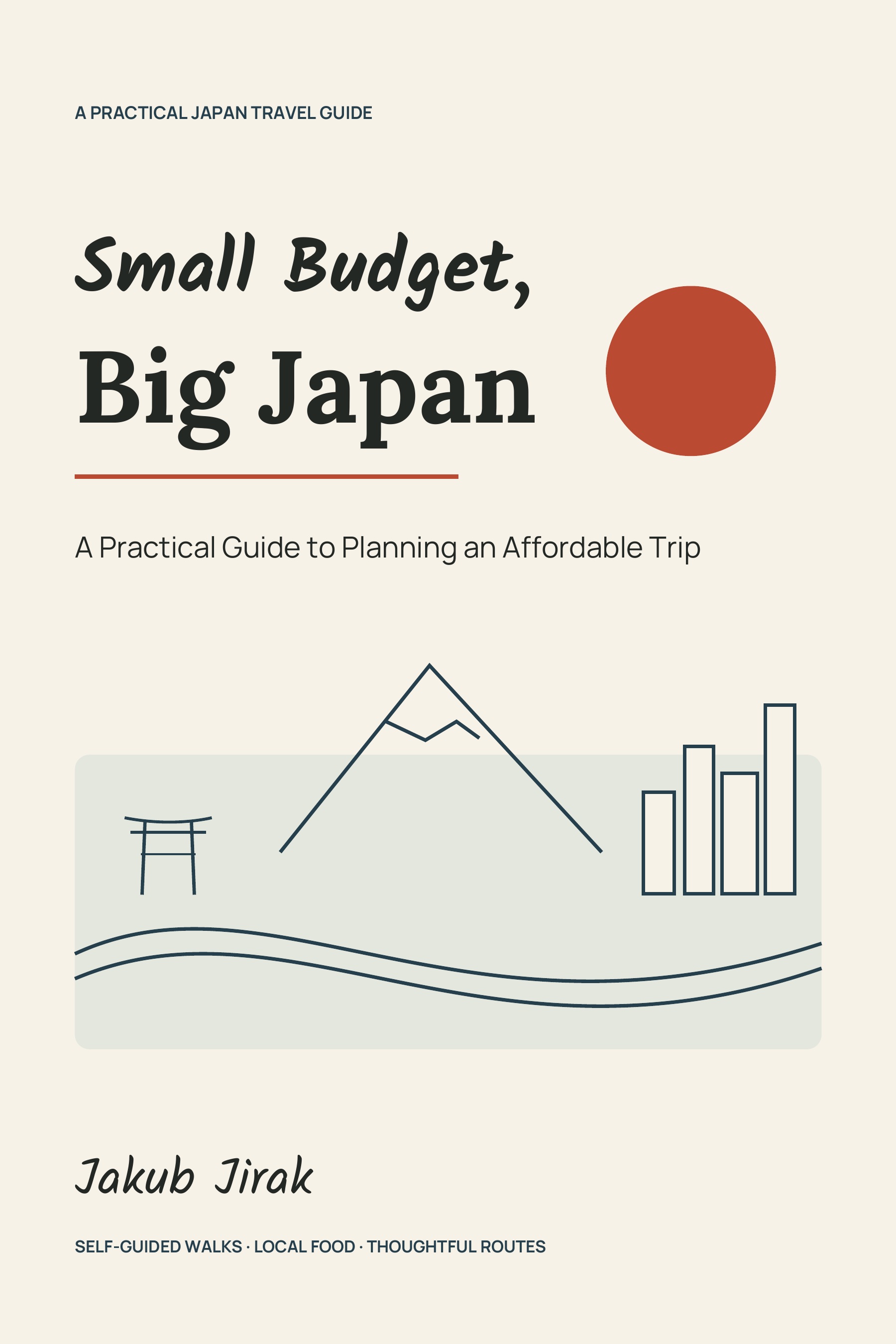
The list ends far from work, with the only one of my own books that belongs in a suitcase. Small Budget, Big Japan is a 290-page black-and-white paperback about planning an affordable trip around whole days, not around free admissions. It has budget models and sections on Tokyo and nearby excursions, Kyoto, Osaka, Hiroshima and Fukuoka.
It fits one reader: someone who is actually planning Japan and is willing to choose a few bases over a map full of pins. Prices, access and transport offers change, the routes are frameworks and not turn-by-turn maps, and it is not a colour photo book.
Sample pages are shown on my page for the guide, and the paperback is on Amazon.
How to choose
Match the gift to how the person reads now. For someone who reads novels on a phone, the Kindle Paperwhite is the safe choice. For a relative who already reads for hours every day and complains about touchscreens, the Oasis is the more personal one. For a commuter, look at Audible, and for someone who samples many books, at Kindle+, but check a few titles together before paying for either. For the friend who keeps saying the phone eats their evenings, the Mudita Kompakt is the bold pick.
My own books each fit one kind of person. For an office colleague curious about AI, the plain-English guide. For a developer, Prompt Engineering That Gets Results or Think Different. For someone dreaming about Japan, the travel guide. One practical note for Christmas: check the delivery date and the return window before ordering, and check the exact model, format and edition on the listing.
More gift guides from this series: for the frequent traveller there is 10 travel tech gifts for people who are always on the move, for young families 10 gifts for babies, kids and new parents, and for players 10 PC gaming gifts that do not need a new graphics card.
One email a week with practical Mac workflows, useful comparisons and honest tech recommendations.