Seven ports on a hub this size sound generous until you read the fine print. The Anker 7-in-1 USB-C Hub, sold as the Anker 341 and listed by Anker under model A8346, runs its HDMI port at 4K and 30Hz. It keeps back 15 watts of your charger for itself, and one of its data ports may run at old USB 2.0 speed. None of that makes it a bad hub. It makes it a hub you should buy with your eyes open.
I found no independent lab test of this model, so most of what follows is what Anker itself says, with a small number of owner reports on top.

Product image from the Amazon listing.
The 30Hz Limit Is the One to Understand
Anker’s product page lists the HDMI port as 4K at 30Hz, on HDMI 1.4. This is the most important line for any MacBook owner with a 4K monitor.
Related reading

At 30 frames a second, the cursor looks heavy and scrolling looks choppy. For a slideshow or a film, that is fine, and most video is shot near that rate anyway. For a full day of work, many people will notice it, and they will not enjoy it. If your external screen is 1080p, the limit matters much less, because a lower resolution needs far less bandwidth. Anker’s page does not spell out a refresh rate for 1080p, so check your own display settings once it is connected.
There is one video output and only one. Anker says that the USB-C ports will not carry a display, and that includes USB-C to HDMI and USB-C to DisplayPort cables. So you cannot add a second screen through this hub, however you try. Your laptop’s USB-C port must also support video output, which all recent MacBooks do but several cheap Windows laptops listed on Anker’s page do not.
If you plan to run a 4K screen at 60Hz for daily work, this is simply the wrong hub. Look for one that states 4K at 60Hz in its specs.
Charging: Read the Numbers Twice
Retailer listings often shout about 100W, and that needs some unpacking. Anker’s page says the input can take up to 100W and that the hub reserves 15W for its own use, leaving up to 85W for the laptop. It also says a 100W charger and cable are required to reach that 85W. The charger is not in the box.
In plain terms, the 15W comes off the top. If the same reserve applies to smaller chargers, a 65W charger may leave closer to 50W for your laptop. For a MacBook Air that should still be plenty. For a larger MacBook Pro under heavy load, the battery may charge slowly or even drain a little. I found no owner who measured this on a specific Mac, so treat that as my arithmetic and not a test result.
Only the PD port charges a laptop. The USB-A ports and the USB-C data port will not charge anything, according to Anker. That point caught my eye, since people often expect to top up a phone from any spare port. Anker also says that tablets and phones may not charge at full speed through the PD port on their original wall chargers, and that an iPad Pro needs an adapter that supports 15V, or 45W.

Product image from the Amazon listing.
The Data Port That Disagrees With Itself
Anker’s two pages do not match. The product page lists the USB-C data port as USB 2.0 at 480Mbps, with 5Gbps only on the two USB-A ports. Anker’s support page lists the same USB-C data port at 5Gbps.
Related reading

That is a tenfold gap, and I can’t settle it. Use the lower number when you plan. In practice, I would keep any external SSD on a USB-A port and use the USB-C data port for slow things like a keyboard or mouse receiver. If you own a fast SSD, remember too that 5Gbps tops out around 500 to 600 MB/s in the best case, and all the ports share one link back to the laptop.
That sharing is the real story of every small hub. Anker’s page does not give a figure for how the bandwidth divides when everything runs at once, and I found no owner test of that. A display, a card reader and a drive all working together will compete, so do not expect full speed from each. The SD and microSD slots are UHS-I, which is fine for most cameras but slower than the faster cards can go.
What Owners Say
Direct owner evidence is small, and mostly positive. On MacRumors, a poster in early 2022 wrote: “We’ve been using Anker Model A8346 hubs with our M1s and haven’t had any issues.” The same poster called the hub “A bit basic but supports pass-through charging.” That is about the fairest one-line summary I found. On retailer pages, one reviewer said HDMI and charging stayed stable, and another said theirs had lasted for years.
The negative side comes mostly through ShopSavvy’s summary of this exact listing. It says some users see HDMI connection problems or unreliable wake from sleep, especially with a Mac mini. It puts screen flicker and HDMI problems at about 9 percent of reviews. It also says full power may not reach every laptop, and it notes the short cable, with no angled connector. I can’t check how ShopSavvy got that 9 percent, so read it as a rough signal only. Still, sleep and wake trouble is a common complaint for hubs of all kinds, and I would test it early.
Heat is an open question. I found no solid owner report of this hub overheating on a Mac, and one buyer said it ran without trouble on a MacBook Air and Pro. I would expect a small hub carrying 85W to get warm, and I would not leave it under a pile of papers.
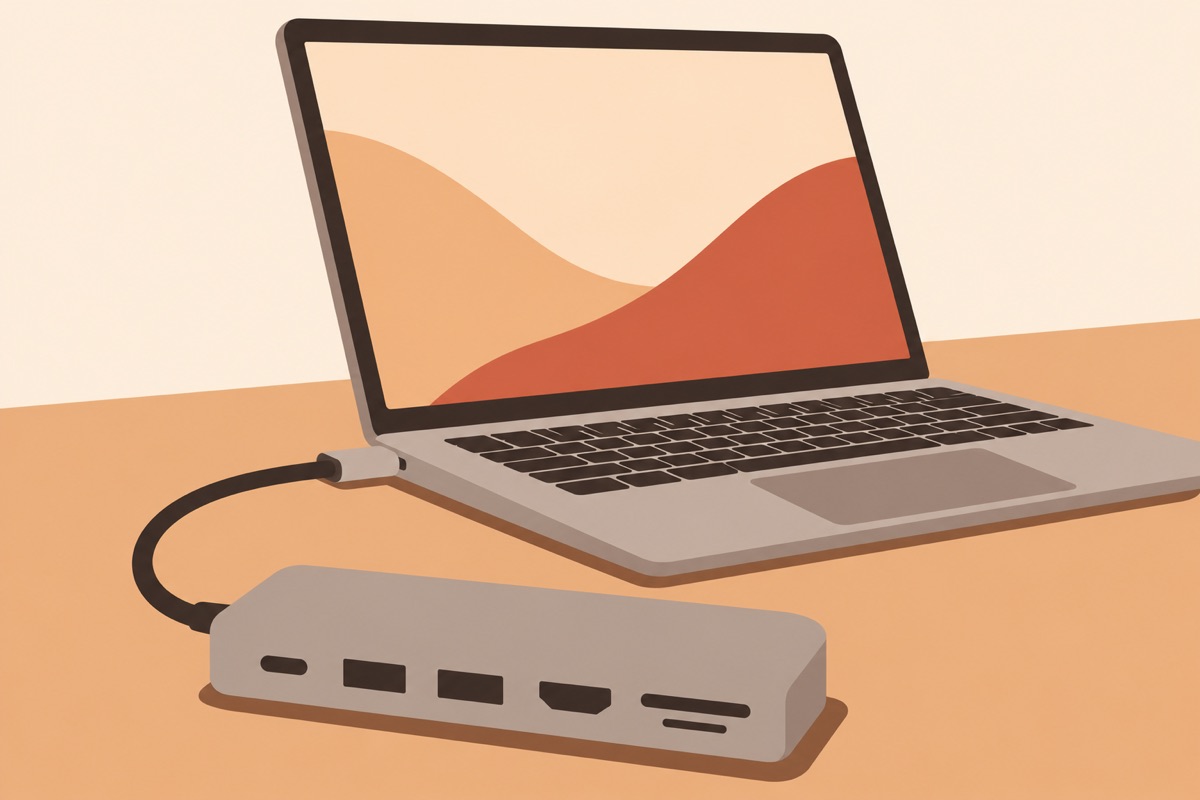
Illustration of this type of product, not a photograph of the Anker 7-in-1 USB-C Hub.
Compatibility Notes Worth Reading
Anker’s page conflicts with itself on Macs too. One list names MacBook Pro models from 2015 to 2018, and another names MacBook Pro 2016 to 2020 and MacBook Air 2018 to 2020. Neither list mentions later Apple silicon models, although the MacRumors poster above used theirs with M1 machines. I read this as an old page that nobody updated. It is one more reason to buy from a seller that accepts returns.
Anker also names a few devices that do not work, such as the Nintendo Switch and Apple’s USB SuperDrive. If you still use that old optical drive, this is a real problem.
Related reading

There is no Ethernet port here, so check the model name carefully. Anker has sold several 7-in-1 hubs under similar names, and at least one of them has Ethernet. Reviews of those models do not apply to this one.
Good Travel Hub, Poor Desk Dock
I like this hub for a MacBook Air owner who works from different places and sometimes needs HDMI for a meeting room, an SD card from a camera, or a USB-A stick from a client. It covers those jobs in one small piece, with a brand that has a real support site.
I would skip it for a permanent desk setup with a 4K monitor, since 30Hz will wear on you. Skip it too if you need two screens, Ethernet, or a fast USB-C data port you can rely on. Those needs call for a powered dock, which costs more and earns it.
If your needs are the travel kind, the Anker 7-in-1 USB-C Hub is a sensible bag accessory, provided you test HDMI and sleep behavior in your first week. This is an affiliate link. As an Amazon Associate I earn from qualifying purchases.
One email a month: new articles, reviews and the upcoming live webinar + free recording. No spam, unsubscribe anytime.