Tag: macos
-
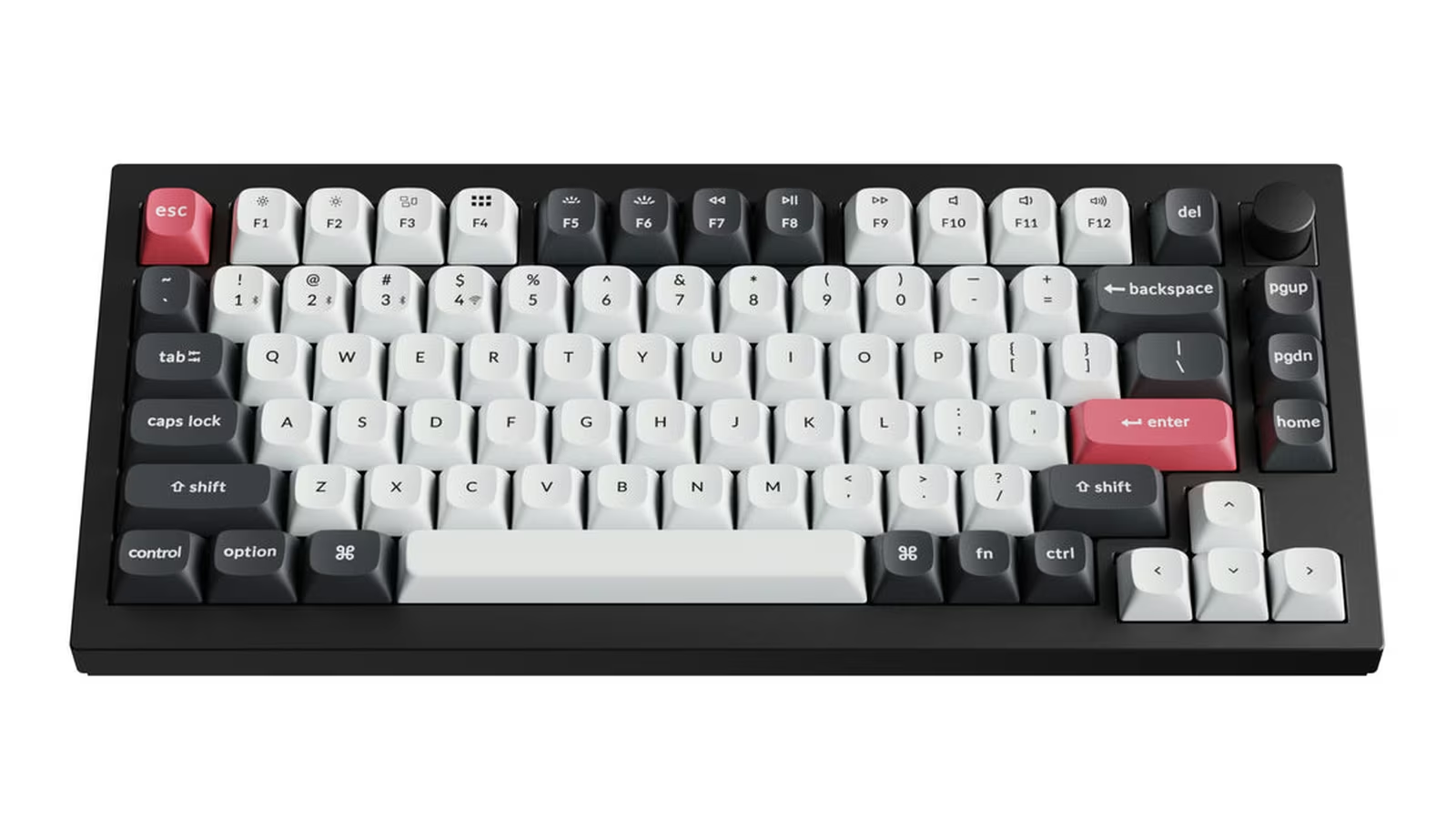
Keychron Q1 HE: Hall effect changes control more than speed
A practical review of the Keychron Q1 HE wireless magnetic keyboard, covering Hall effect switches, adjustable actuation, rapid trigger, latency, Launcher, build, battery, and everyday typing.
-
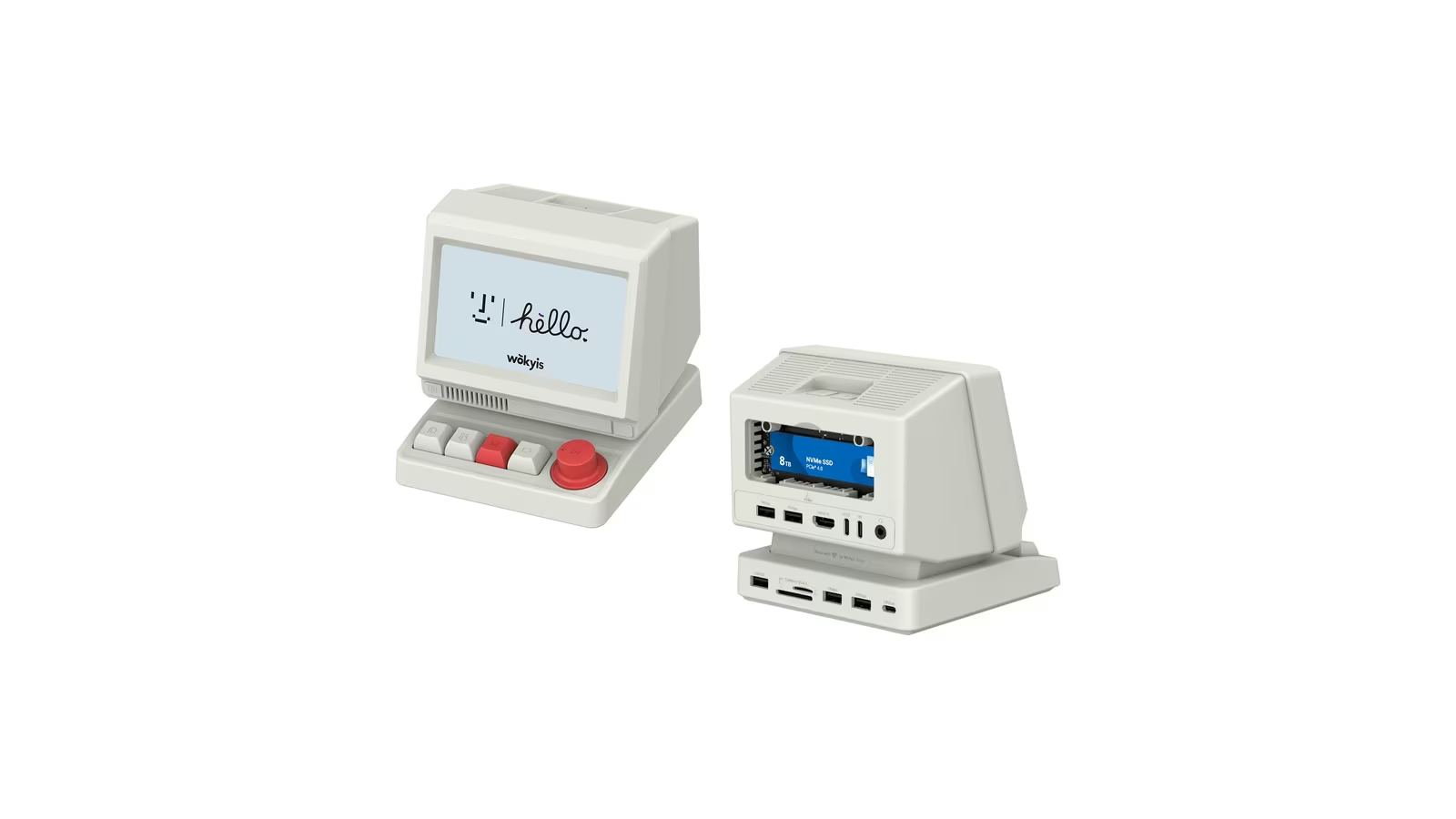
Wokyis i5: a retro Mac case that is really a laptop dock with a 10 Gbps ceiling
A practical review of the Wokyis i5 10Gbps retro docking station for laptops, covering the USB-C host link, 65 W power delivery, the NVMe enclosure speed limit, the 5 inch display, mechanical shortcut keys, port count, macOS behaviour and value.
-
Tuta Mail on the Mac: privacy with a real workflow cost
A practical review of Tuta Mail for Mac, focused on end-to-end encryption, local search, the lack of IMAP, offline access, custom domains, migration, recovery, pricing, and who should switch.
-
How to Speed Up an Older Mac Before You Spend Money Replacing It
A practical guide to reviving a slow older Mac: free up storage, tame login items, read memory pressure, do a clean reinstall, and learn the honest signs that it is finally time to replace it.
-
Where Did My Storage Go? How to Free Up Space on a Mac
How to free up space on a Mac - read the Storage bar, find the real culprits, clear caches and old backups safely, tame Photos, and decode System Data.
-
How to Back Up a Mac the Right Way: Time Machine, Clones, and the 3-2-1 Rule
How to back up a Mac properly - Time Machine for daily recovery, a clone for downtime, an offsite copy for disasters, and what the 3-2-1 backup rule means.
-
Master Spotlight: How to Run Your Whole Mac From the Keyboard
Run your whole Mac from Spotlight: launch apps, do maths, convert currency and units, search with operators, and replace paid utilities, all from Cmd-Space.
-
Switching From Windows to Mac: A Survival Guide for Your First Week
A first-week guide for Windows-to-Mac switchers: the Command-key remaps, Finder versus File Explorer, trackpad gestures, app equivalents, and a day-by-day plan.
-
First Day With a New Mac: 12 Things to Change Before You Touch Anything Else
A practical first-day setup guide for a new Mac in 2026: the twelve macOS settings I change on every machine before I do real work. Trackpad, Finder, keyboard, FileVault, screenshots, and a Time Machine backup you set up before you need it.
-
MCP Explained — Why Your AI Can Finally Use Your Mac Apps
Model Context Protocol (MCP) explained for Mac power users. How to connect Claude Desktop to your filesystem, calendar, and notes with real config examples, plus the security rules you need before installing any MCP server.
-
The Mac Terminal Commands That Unlock Hidden AI Power
Power-user macOS terminal commands for local AI: Ollama CLI flags, Modelfiles, OLLAMA_KEEP_ALIVE, pbpaste one-liners, Simon Willison's llm tool, jq parsing, and shell aliases for AI tasks.
-
The Most Underrated macOS Features That Save Hours Every Week
Discover macOS features you're probably not using. From Shortcuts to Quick Actions, Spotlight tricks to window management, these built-in tools can save.


