Private email is easy to want and difficult to define. A provider can encrypt stored messages while still seeing metadata. End-to-end encryption can protect conversations inside one service while ordinary internet mail remains exposed at the boundary. A beautifully secure protocol can still fail as a daily mailbox if search, offline access or recovery becomes frustrating.
Tuta makes unusually strong design choices. Mail, calendars and contacts live inside its own open-source clients. Search uses a local encrypted index. Tuta-to-Tuta mail is automatically end-to-end encrypted, and an external recipient can receive a protected message through a shared password. The service does not provide IMAP.
That last sentence is the buying decision. Tuta is not a private server behind Apple Mail, Thunderbird or Outlook. It is a complete communication system with its own applications and rules. The privacy gain is real, and so is the workflow cost.
The encryption boundary needs precise language
Messages between Tuta users can be encrypted end to end automatically. The service also encrypts data such as subject lines, contacts and calendars that ordinary PGP-based email setups often leave exposed. Tuta’s current cryptographic design uses modern symmetric and asymmetric methods, including a quantum-resistant hybrid for supported communication.
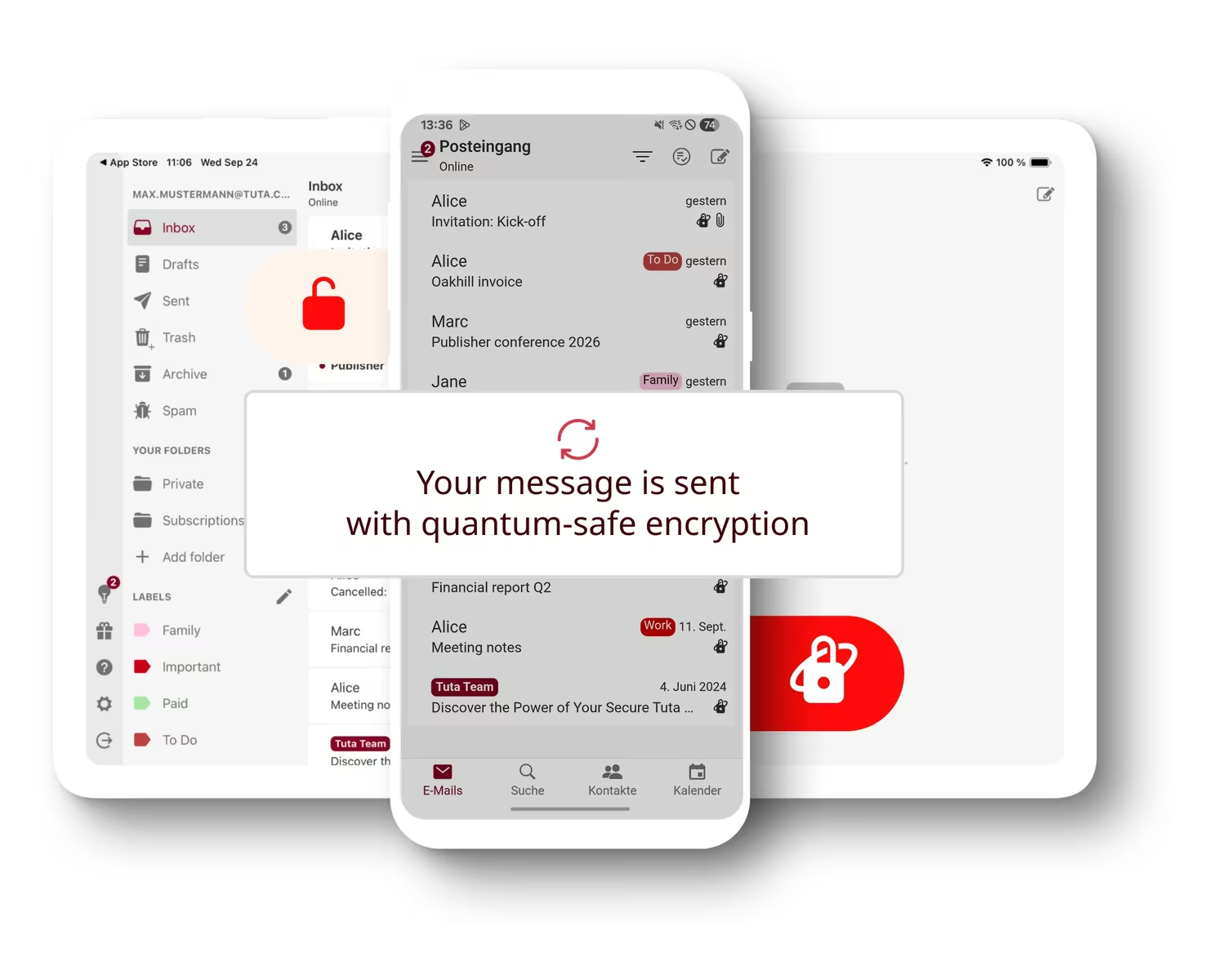
Mail sent to a normal external address still has to travel through the conventional email network unless the sender chooses Tuta’s password-protected delivery. Transport encryption may protect the connection between servers, but the recipient’s provider can generally read the delivered message. That is not a defect unique to Tuta. It is the interoperability limit of email.
Password-protected external mail changes the experience. The recipient opens a secure mailbox view using a shared secret rather than receiving the full content normally. This preserves confidentiality but adds coordination. The password must be exchanged through another channel and stored safely.
I would use this mode for a continuing sensitive conversation with someone willing to participate. I would not make it the default for every invoice, family update or support request. Security that surprises the recipient tends to be bypassed.
Tuta documents the boundary and algorithms on its encryption page. Anyone choosing the service for a regulated or high-risk use case should read the technical specification and obtain independent expert review rather than treating a product label as certification.
No IMAP is a feature and a cost
IMAP lets a mailbox work with many established clients. It also assumes that the client receives mail in a form it can process outside the provider’s end-to-end encrypted data model. Tuta rejects that trade-off and supplies its own desktop, mobile and web applications.
Related reading

The security argument is coherent. The practical consequence is dependency on Tuta’s client. Apple Mail rules, MailMate workflows, Thunderbird extensions and local tools that expect IMAP cannot connect. A user with several accounts may need Tuta beside another mail application instead of seeing one unified inbox.
This is the part to test first. Install the desktop client and use it as the only path to the account for a week. Check keyboard navigation, conversation handling, attachments, notifications, signatures, rules and calendar invitations. If one missing client feature creates daily friction, the encryption architecture will not make that friction disappear.
No IMAP also affects backup and migration. Export has to work through supported Tuta tools rather than a generic mail synchroniser. Current paid plans list EML or MBOX import in desktop clients, with availability depending on plan. Test import and export on a small representative set before moving a primary domain.
Search happens locally for a reason
A provider cannot perform full-text server search over content it cannot decrypt. Tuta builds an encrypted search index on the device and searches there. This keeps search terms and index contents away from the server in readable form.
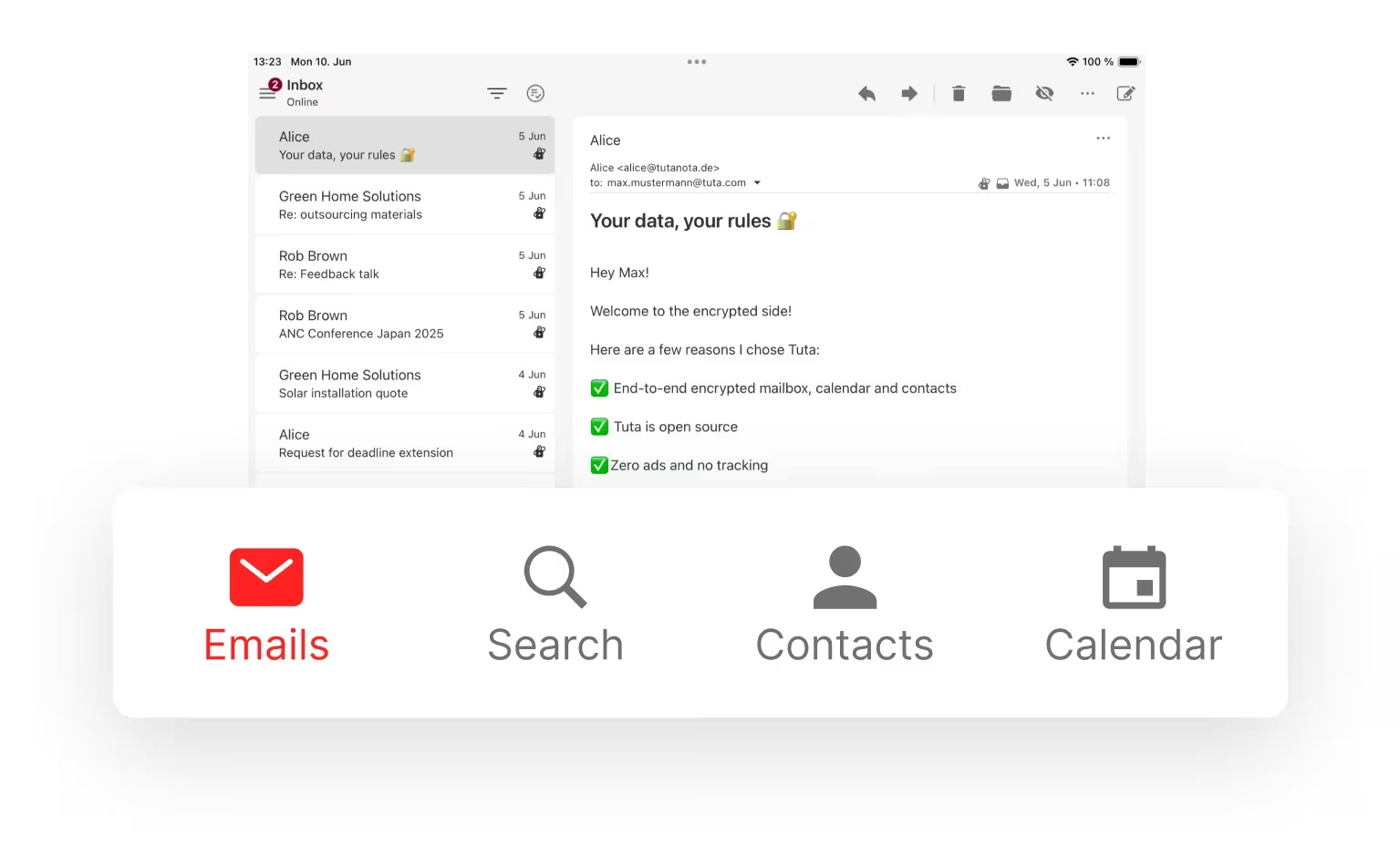
The trade-off moves work and storage to each client. A large mailbox takes time to index, consumes local disk and may need to rebuild after device changes. Search completeness also depends on which messages have been downloaded and indexed.
Tuta’s search explanation describes indexing and local encrypted storage. The concept is good. The personal test should focus on retrieval: prepare known messages across several years, senders, languages and attachment types, then verify which fields find them.
Do not publish one universal latency figure. Mailbox size, hardware, index state and query shape matter. A useful measurement records index size, initial build time and repeated search delay on a stated device. Cold and warm searches should be separated.
Search syntax and filters need to replace habits from the previous client. If finding an old message requires remembering different rules, migration includes a learning cost. That cost may be acceptable, but it belongs in the decision.
Offline mode is selective, not magical
Tuta desktop and mobile clients support offline access to cached mail, calendars and contacts. Paid accounts can choose longer local retention periods, while attachments generally need deliberate download. Messages outside the cached or indexed range are not available without a connection.
The company’s offline documentation explains that already indexed messages are available and that attachments are not cached automatically. This is an honest limitation, but it means a visible message thread can contain a file that remains unreachable on a flight.
Before travel, set the required local period, allow synchronisation to finish and switch the Mac to airplane mode. Open messages from the beginning and end of the range, search for known terms, inspect calendars and download critical attachments. Restart the client while still offline and repeat.
Offline access protects availability only on that device. It does not create an independent open-format backup. The local cache remains part of the Tuta application and encryption model.
For a laptop with limited storage, caching the entire archive may be unnecessary. Choose a period based on real reference needs and keep older records in a separate governed archive if long-term offline retrieval is required.
The desktop client is the centre on macOS
Using Tuta in a browser is convenient for temporary access, but the desktop client provides the intended offline and system integration. It is available across macOS, Windows and Linux, with mobile clients for iOS and Android.
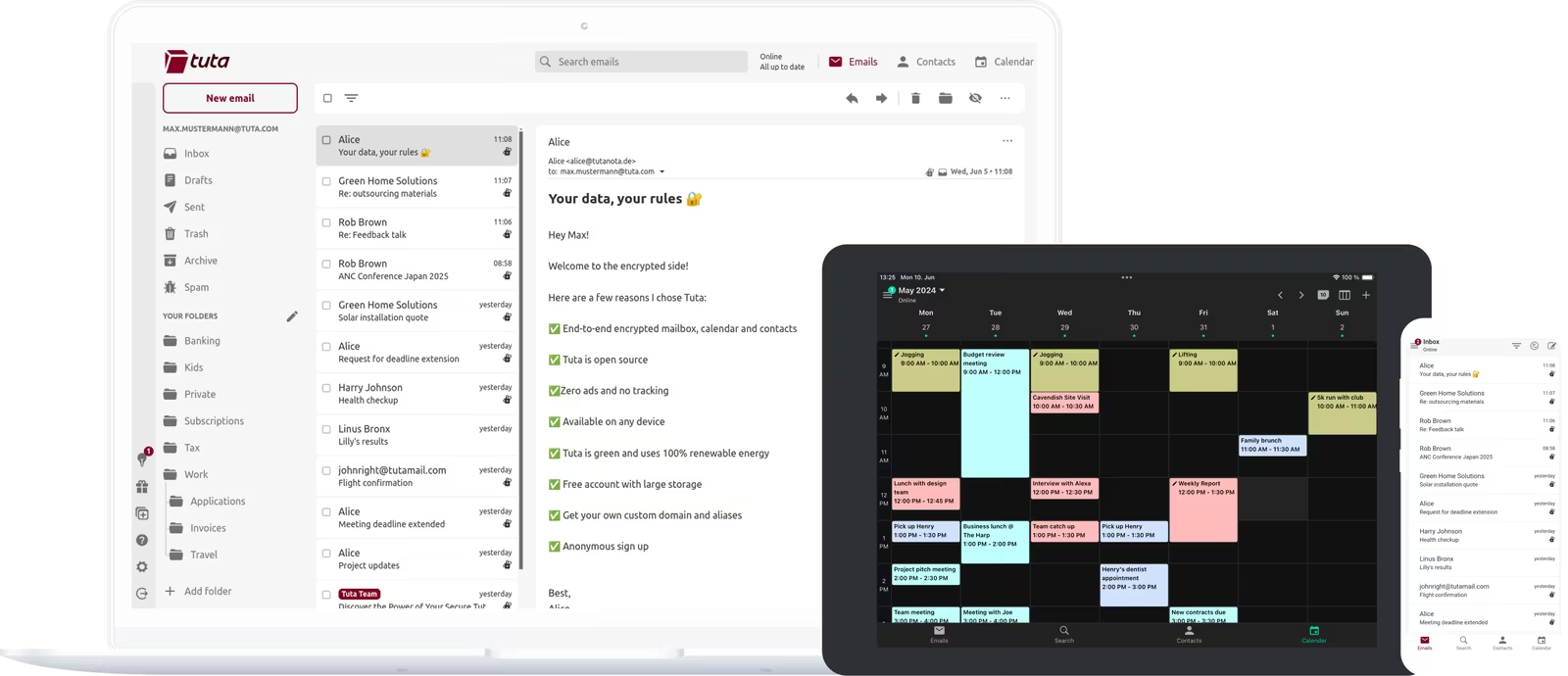
On the Mac, notifications, default-mail links and file handling determine whether the application feels native enough. Test mailto links from the browser, attachment drag and drop, opening common file types, multiple windows and behaviour after sleep. Confirm whether the client starts at login only if immediate notification is important.
The interface is simpler than mature general-purpose mail clients. That can be relief or limitation. A personal mailbox may need folders, labels, search and a few rules. A heavy professional workflow may rely on scripting, shared delegated boxes or intricate local automation that Tuta does not reproduce.
The client is open source, which permits inspection and public scrutiny. That is valuable evidence, not a guarantee that every distributed binary has been independently audited. Tuta states that desktop clients are signed, and macOS should confirm the application identity during installation.
Related reading

Calendar and contacts strengthen the system boundary
Tuta encrypts calendars and address-book data rather than limiting the privacy product to message bodies. This avoids leaking appointment names and contact relationships to the service in the clear.
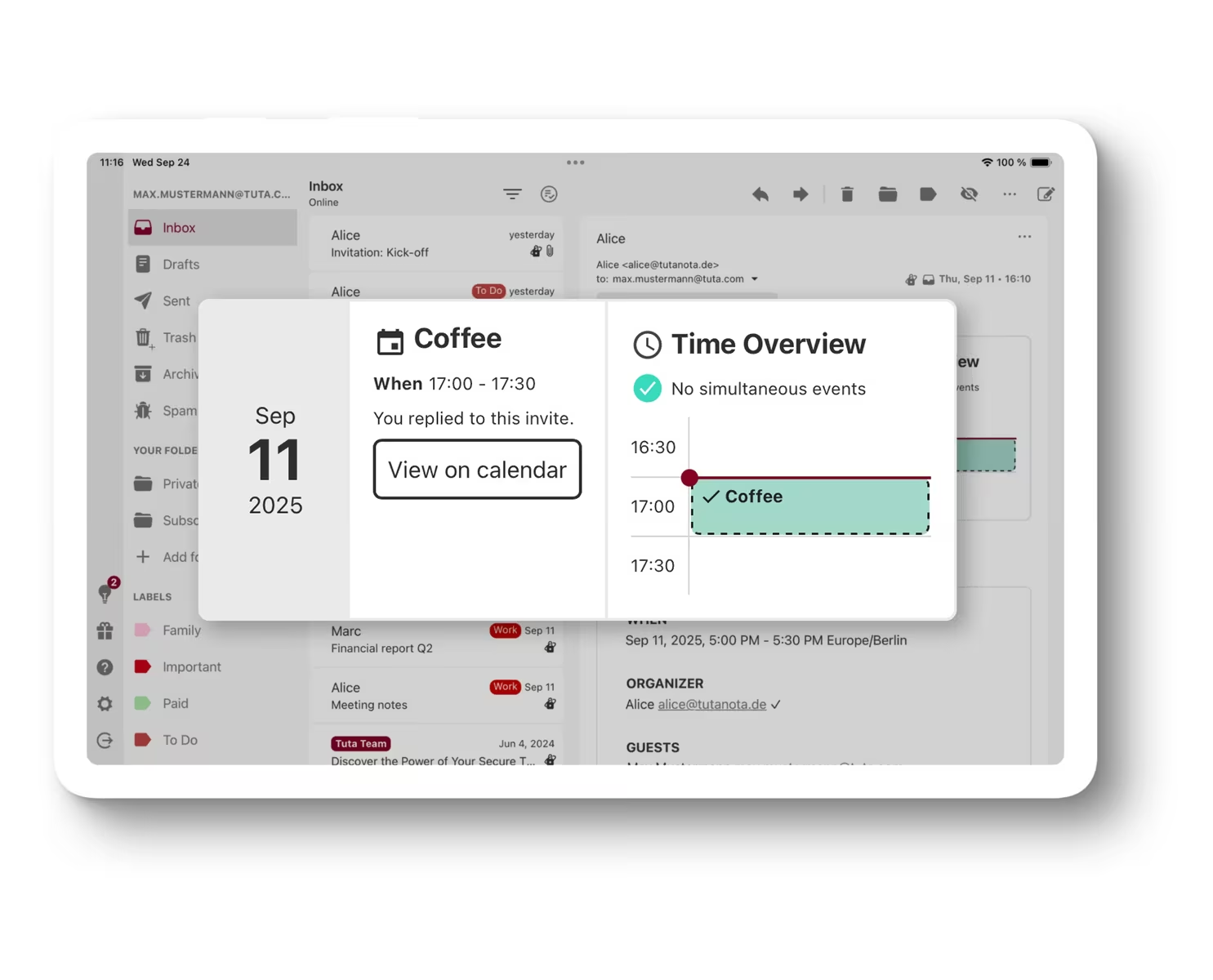
It also places those functions inside Tuta. Users who rely on the native Calendar and Contacts databases should test sharing, invitations, reminders and device integration carefully. A private calendar that does not appear where the user looks for the next meeting can create a different availability problem.
External invitations cross the boundary into ordinary email and calendar systems. Send test invitations to major providers, accept, update and cancel them. Check time zones and recurring events. Encryption does not correct interoperability mistakes.
Family and team sharing is available on paid configurations, but ownership and recovery need clarity. Decide who administers the domain, what happens when a person leaves and whether shared calendars remain accessible. A household account also deserves a recovery plan that does not depend on one person’s memory.
Recovery deserves more attention than login
Strong encryption limits what a provider can recover. That is desirable against unauthorised access and uncomfortable when the authorised user loses credentials. A recovery code or equivalent mechanism can become the only path back.
Store recovery information offline or in a trusted password manager separate from the mailbox. Test the documented recovery flow with a noncritical account before the service holds years of mail. Ensure another trusted person can find the instructions if the account represents a family domain or business.
Enable two-factor authentication, preferably with more than one registered method where supported. Keep backup codes out of the email account they protect. Review active sessions and revoke old devices.
Account recovery is not data recovery. Even with access restored, accidental deletion or a service problem can affect content. Export important records periodically and verify that another tool can open them. The stronger the platform boundary, the more important a tested exit becomes.
Custom domains are the safest migration strategy
Using a personal domain prevents the address itself from being permanently tied to one provider. If Tuta no longer fits, DNS records can point mail elsewhere. The archive may still require export, but future messages follow the domain.
The Revolutionary plan currently includes three custom domains and fifteen additional addresses, while Legend includes ten domains and thirty additional addresses. Catch-all behaviour and alias limits should be confirmed on the current pricing page.
Migration should be staged. Configure the domain, verify SPF, DKIM and DMARC, send in both directions, then lower DNS time-to-live before the final switch. Keep the previous service active until delayed mail and important accounts have been checked.
Do not change the domain and migrate the entire archive on the same evening. Separate identity, delivery and historical data so each failure has a clear cause. Maintain a list of accounts that use the old address for login or recovery.
An address on Tuta’s own domain is fine for testing. A custom domain is the stronger long-term choice for a primary identity precisely because it preserves the right to leave.
Privacy does not eliminate metadata
Email requires routing information. Servers need to know where a message comes from and where it should go. Timing, account activity and network information can also exist even when content and subject are protected.
Tuta reduces exposed content and publishes a transparency report, but no email service makes communication metadata vanish. Recipients can copy, forward or screenshot a decrypted message. An infected endpoint can read information after the user opens it.
Threat modelling keeps claims proportionate. Tuta is a strong fit for reducing provider access, advertising surveillance and bulk server-side content exposure. It does not provide anonymity by default, protect a compromised Mac or control another person’s behaviour.
For high-risk communication, combine the service with updated devices, full-disk encryption, strong authentication and operational advice suited to the threat. Product encryption is one layer.
Pricing should be judged against the whole mailbox
Tuta offers a free plan with 1 GB, one calendar and limited labels. Paid personal plans are Revolutionary with 20 GB and Legend with 500 GB, adding more aliases, custom domains, search, offline support and other features. The site displays regional monthly or annual totals dynamically, so confirm the actual checkout amount rather than relying on an old review.
The free plan is useful for evaluating the interface and exchanging protected messages with another Tuta user. It is not a complete rehearsal for paid offline retention, custom domains and unlimited search. Use a short paid period before moving a critical address if those features decide the purchase.
Related reading

Storage comparisons are misleading when detached from behaviour. Email archives with large attachments can consume 20 GB, but many personal mailboxes grow slowly. Export or inspect the current mailbox size before paying for 500 GB.
I would choose Revolutionary for an individual custom-domain mailbox unless the measured archive and growth justify Legend. Priority support and larger quotas are useful only when they solve a present requirement.
Tuta, Proton Mail and ordinary hosted email
An ordinary provider with IMAP offers the widest client choice and easiest local tooling. Its server generally has more access to content and metadata. Proton Mail also supplies encrypted mail with a bridge for some desktop-client workflows on paid plans. Tuta chooses its own clients and no IMAP or bridge.
That makes Tuta’s model simpler to explain and less flexible to integrate. The better choice depends on whether client freedom or a tighter encrypted system is the priority.
Do not compare only encryption checklists. Compare the exact daily tasks: combined inboxes, search, offline attachments, calendar sharing, domain aliases, import, export and recovery. Send messages between the services and observe what is encrypted end to end versus protected only in transit.
For many people, a well-secured mainstream account with strong authentication is safer than a private account they cannot use consistently. Privacy architecture has value only when the workflow remains sustainable.
Verdict
Tuta Mail is a coherent privacy service because it is willing to reject compatibility that would weaken its model. It is a complete communication system with its own applications and rules, not a private server behind Apple Mail or Thunderbird. The privacy gain is real, and so is the workflow cost.
Why I recommend it
- Encryption beyond the message body. Tuta encrypts subject lines, contacts and calendars, which ordinary PGP-based setups often leave exposed, and mail between Tuta users is end-to-end encrypted automatically.
- Search that stays on the device. A local encrypted index keeps search terms and index contents away from the server in readable form.
- Open-source clients. There are desktop clients for macOS, Windows and Linux plus mobile apps for iOS and Android, and Tuta states that desktop clients are signed.
- A custom domain keeps the exit open. Revolutionary includes three custom domains and fifteen additional addresses, and if Tuta stops fitting, DNS records can point future mail elsewhere.
- A free way in. The free plan, with 1 GB, is enough to evaluate the interface and exchange protected messages with another Tuta user.
Why it may not be for you
- No IMAP, no bridge. Apple Mail rules, MailMate workflows and Thunderbird extensions cannot connect, and several accounts may mean running Tuta beside another client instead of one unified inbox.
- Offline is selective. Only cached and indexed messages are available, and attachments are not cached automatically.
- Encryption stops at the boundary. Mail to an ordinary address can generally be read by the recipient’s provider unless you use password-protected delivery, which needs a secret shared through another channel. Metadata does not vanish either.
- Recovery is largely on you. Strong encryption limits what Tuta can recover, and a recovery code can become the only way back.
- A simpler client. Workflows built on scripting, shared delegated boxes or intricate local automation will not carry over.
I would recommend Tuta to an individual or small group that values reducing provider access and is comfortable choosing a complete encrypted system, on Revolutionary unless the measured archive justifies Legend. Use the desktop client for a week, run it offline, search old messages, export a sample and rehearse recovery before moving a primary domain. If a specialised mail client or open protocol integration is non-negotiable, an ordinary IMAP provider offers the widest client choice, and Proton Mail supplies a bridge for some desktop-client workflows on paid plans.
Image: Tuta.
One email a month: new articles, reviews and the upcoming live webinar + free recording. No spam, unsubscribe anytime.