Very few computer accessories stay on sale in much the same form for so long. The SteelSeries QcK is one of them. A DV Hardware review from August 2007 describes the same basic idea as the pad on this listing: black cloth on a rubber base, 2 mm thick, and cheap. The review scored it 8 out of 10 and called it “one of the better cloth mousepads.” That kind of long life is the best argument for this pad, because a product this simple only lasts if people keep buying another one.
Most of the owner comments I rely on come from customer reviews at the French retailer LDLC, where buyers have been writing about the standard QcK for years.

Product image from the Amazon listing.
The version here is the Medium in black. Other sizes and special editions are separate purchases, so I will mention them only where they help you choose.
Related reading

How Much Desk It Takes
Size is the first decision, and the numbers are a little loose. One LDLC owner gives the size as 31.5 by 27 cm. The 2007 review listed 32 by 28.5 cm. So plan for about 32 cm wide and a little over 27 cm deep, which is about 12.5 by 11 inches, and measure your own space before you order.
That size divides owners in a useful way. One LDLC buyer found it right for “gamer & office use.” Another called it “the perfect size for all activities, not too big, not too small.” A third thought it a bit big for a desk used for office work and gaming. People who play shooters at low mouse sensitivity were less happy: one said they prefer the XXL so they do not slide off the edge during big movements, and another recommended a larger size for very low in-game settings.
For a normal work desk beside a laptop or a full keyboard, this pad will fit. It will not sit under the keyboard as well, so if you want one surface for everything, this is the wrong size. If your mouse moves in small, wrist-based strokes, the Medium is enough. If you move from the elbow or shoulder, go larger now, because a small pad is a daily irritation.
The Surface and the Glide
SteelSeries’ QcK page describes micro-woven cloth at 2 mm thick, with a surface meant for both optical and laser sensors. That page covers the XXL, but the same cloth and thickness are what owners and older reviews describe on smaller sizes.
Owners mostly like the feel. One LDLC review says “super comfortable fabric, glides well and easy to wash.” Another says “the mouse glides very well, it is easy to clean.” One buyer simply wrote that it does the job, as you would expect, and that may be the most honest summary available. Owners who use it for both work and games report years of service: one had used it for two years for both, and another bought it in 2020 and said in 2024 that it was still in use.
Cloth has trade-offs. The 2007 review found tracking less smooth than on plastic pads, though the cloth was more comfortable, and it judged cloth less durable. One LDLC owner said the mouse drags very lightly on the surface and blamed it for shoulder strain, which is unusual but worth weighing if you already have a sore arm.
Sensor trouble appears now and then. One owner warned in 2020 that with some mice the sensor does not work well on it. No model was named. I found no owner report of how a Magic Mouse or other Apple mouse behaves on this pad, so a Mac user should treat that as an open question, and keep the receipt.

Product image from the Amazon listing.
Related reading

The Base Holds, Mostly
The 2007 review said the pad “never slipped away” during use. Most buyers do not mention slipping at all, which usually means it is not a problem. One LDLC owner did say the anti-slip material could be better. A thin pad is light, so a slick glass desk or a very hard swipe may show the limit. On wood or a desk mat I would expect it to stay put.
Plan for a short wait when it arrives. Several LDLC buyers say it ships rolled up and needs a few days to lie flat. Another reported a flattened corner out of the box and blamed a manufacturing fault. Nothing here is serious. If the curl bothers you, leave a few books on the corners overnight.
It Gets Dirty, and You Will Have to Wash It
This is the part owners complain about most, and it goes back to the very first reviews. The 2007 review warned that the cloth “gets dirty easily” and that spills are a problem. LDLC owners agree. One says it collects a fair amount of dust. Another says it gets dirty quickly and loses some glide. A third said it wore out and became rough after about a year, which is the harshest report I found.
A cloth surface takes in skin oil, crumbs and dust, and the glide gets worse as it does. If you eat at your desk, this will happen sooner. Think of the QcK as something you clean, the way you would wash a towel.
The fix is cheap, and SteelSeries has written up the method. Fill a bowl or sink with hot water and add a little hand soap, which it prefers to dish soap because it is softer on fabric. Push the pad under, let it soak, then rinse under the tap until the water runs clear. Let it air dry, ideally in the sun. If you are in a hurry, a hairdryer on its lowest heat setting, held well away, will speed things up, since too much heat can damage the surface.
The same guide says some pads can go in a machine depending on the fabric, but it calls hand washing the safest method. I would follow that. Allow a full day before you put it back on the desk, because a damp rubber base is not something you want on wood.

Product image from the Amazon listing.
Edges and Lifespan
The main physical weak point is the edge. The standard QcK has no stitching around its border. Some owners say the edges fray over time, and one buyer of this size said they wear where the hand rests. I have seen no measure of how long this takes, and the owner reports above of two and four years of use suggest it is far from certain.
If this worries you, SteelSeries sells the QcK Edge, which adds stitching around the border, and retailers pitch that as the answer to fraying. Stitching can stick out a little, though, and a wrist may notice that. For a pad at this price, I would buy the plain one and replace it when it looks tired. Reports of long service are common enough that you should get good value either way.
Related reading
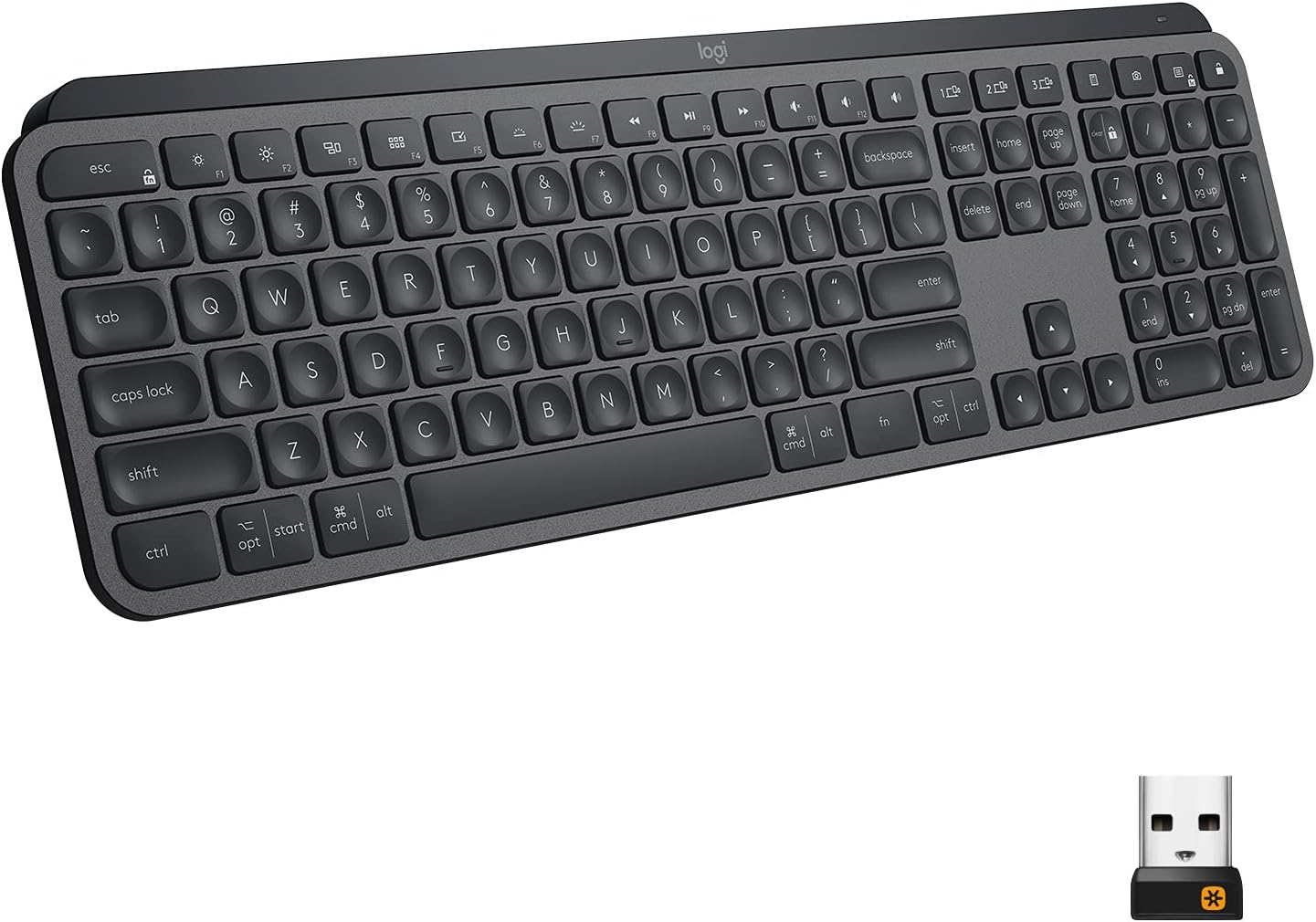
There is also no software to install. It plugs into nothing, so there is no app, firmware or driver for your Mac or PC to fight with, and that is a real point in its favor.
A Plain Pad That Rewards a Little Care
I like the QcK Medium for what it refuses to be. It is a cheap, thin cloth surface that fits a normal desk, and it has years of owner reports behind it. If you work at a desk all day and play games in the evening, it will do both without asking anything of you apart from a wash now and then.
Skip it if you hate cleaning things, if you spill drinks at your desk, or if you want a wipe-clean hard surface. Skip the Medium too if you play at very low sensitivity or want your keyboard on the same mat. Those people should look at a larger QcK.
If you want a simple cloth mouse surface and accept that it will need washing, the SteelSeries QcK Medium is an easy pick. This is an affiliate link. As an Amazon Associate I earn from qualifying purchases.
One email a month: new articles, reviews and the upcoming live webinar + free recording. No spam, unsubscribe anytime.