The Sabrent EC-SNVE has a thin strip of plastic film inside it that can cost you up to a fifth of your speed. One reviewer found this out the slow way, and it says a lot about this product. A tool-free enclosure is simple to build, and the mistakes are simple too.
This is a small case that turns a bare M.2 SSD into an external drive. For a Mac owner the idea is attractive. You pick your own drive, you get a 10 Gbps external SSD, and you can move that drive somewhere else later.

Product image from the Amazon listing.
Owner feedback on this exact model is thin, and I found almost nothing written by Mac owners, so I will say clearly where the evidence stops.
No Screwdriver Needed
The appeal is in the name. There are no screws to lose. The SSD Review calls it “Tool free and no need for the frustration of screwing the SSD in place.” A plastic knob holds the end of the drive, and a button releases an inside latch so the case slides open. Mighty Gadget describes the same design: you press a button at the end, slot the drive in, and “there is a small plastic piece that clips it into place.”
Related reading

Most consumer M.2 drives should fit, but check your drive’s length against the listing. The body is small, at 117 by 32 by 13 mm and 63 grams. There is no fan.
Here is the step you must not skip. The case has a thermal pad, and Mighty Gadget says it “needs the protective strip peeling off.” That reviewer got results 10 to 20 percent below what they expected before noticing it. With the film gone, speed improved. Check for that film before you close the case, and don’t assume the pad is ready to use.
Real Speed on a 10 Gbps Link
This enclosure runs at USB 3.2 Gen 2, which is 10 Gbps. Your fast PCIe 4.0 SSD will not change that. Put a costly drive inside and you will still get about the same result as a cheap one, at least for large files.
SSD-Tester published measured results using this enclosure: 978 MB/s read and 962 MB/s write in AS SSD, and about 1,048 and 1,032 MB/s in CrystalDiskMark. Those are sequential peaks. In the same site’s copy tests the numbers fell to 695 MB/s for a folder of ISO files and 367 MB/s for a folder of program files, because many small files are harder work.
Mighty Gadget’s reviewer said performance stayed “a bit below the theoretical 1.25GB/s limitation of USB 3.2”, which matches.
On a Mac, one buyer reported speeds a little below those Windows numbers. That is one person with one drive, and it is believable. I would plan on something under the Windows peaks and be pleased with anything above that.
The cable can matter too. One buyer got better results with a separate short cable than with the one in the box. Another comment called the included cable short. The SSD Review’s text suggests some cable or adapter may be missing, so check the box contents on the listing when you order. If you want to plug into an older USB-A port, you may need your own adapter.

Product image from the Amazon listing.
NVMe, SATA and a Confusing Listing
This is the point I would double-check before spending money.
Related reading
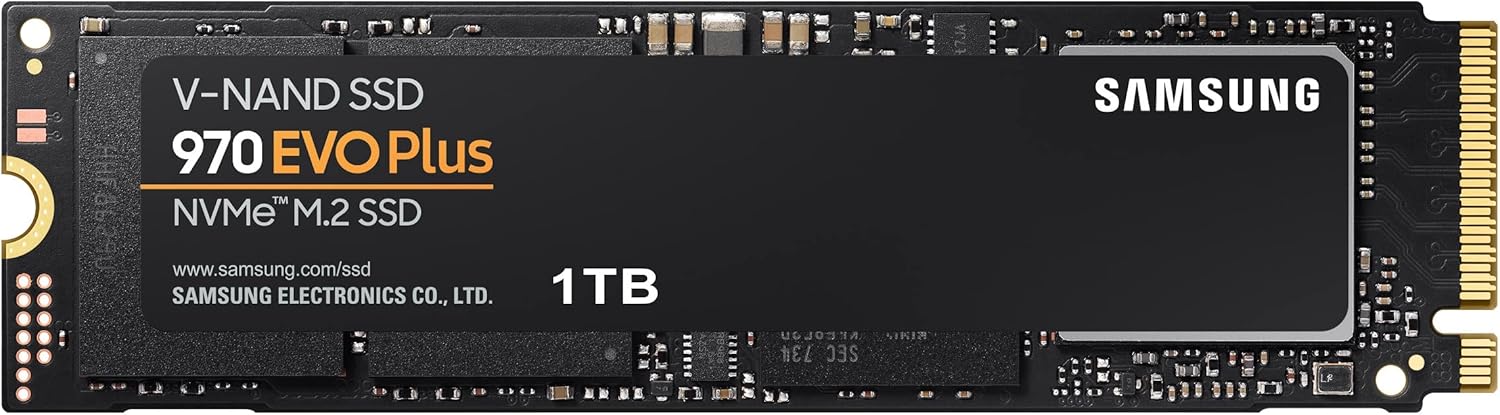
The product name says NVMe and SATA, and The SSD Review says it “works with both NVMe and SATA SSDs.” Mighty Gadget also treats it as an NVMe and SATA enclosure, and the chip reported in it, the Realtek RTL9210B, handles both kinds of drive. However, at least one product description says it does not support SATA M.2 drives. Sabrent sells a close sibling, the EC-TFNE, so that line may be a mix-up.
If you are buying this box to reuse an old SATA M.2 stick, ask Sabrent or check the current listing first. And consider whether you should bother. A buyer’s advice in one retailer comment was not to use a SATA M.2 because it is too slow. The SATA interface will hold such a drive well below what this enclosure can do.
For a new build, buy an NVMe drive and the question goes away.
The materials are described in different ways too. The SSD Review mentions a “solid aluminum top”, while other descriptions say aluminum in general or mention a plastic base. Put together, I believe you get a metal top with a plastic bottom, which is less of a heat sink than “aluminum” suggests. It is still better than an all-plastic shell.
Heat, Drops and the Unknown
I found no measured temperature for this enclosure. One buyer says it doesn’t get that hot. The SSD Review notes the top “contains thermal padding to dissipate heat on the inside”, though it ran no heat test. Mighty Gadget also gives no temperature figures.
So I can’t tell you how a hot PCIe 4.0 drive behaves in here during a long write. My general advice is to pick a cooler, simpler drive. There is no point in paying for speed you can’t use, and a fast drive may simply bring more heat into a small case.
Reliability is the question I care about most for backup use. A useful data point comes from a Tom’s Hardware forum thread from December 2023. The poster’s Samsung 970 EVO kept disappearing from Windows 11 during long writes of 100 GB or more, in three other enclosures, and the drive stayed only slightly warm. Two of those were found to use the same Realtek chip. In the same thread, an owner of this Sabrent, which he says uses that chip too, reported that it worked fine for him.
I read that as mild comfort and no more. It shows that this chip family can show trouble in some boxes, and that this box worked for one person. The advice in the thread still holds for any enclosure: test the SSD in a PC slot if you can, turn off USB power saving, and run a long copy before you trust it.
I found no reports either way on Macs dropping this drive, on sleep behavior or on Time Machine use. That silence does not mean there are no problems. It only means I found no one writing about them.

Product image from the Amazon listing.
Related reading

How I Would Use It on a Mac
Do your first test on a day when nothing depends on it. Format the drive for your Mac, copy something larger than you normally would, and watch for any disconnect. Then eject it, reconnect it and open a sample of the files. If this is for backups, restore a real folder from the backup. No reviewer tried that, and it is the only test that proves a backup works.
Don’t lean on the compatibility text in any listing. Treat your own test as the real answer.
Good Value for a Careful Builder
I like the EC-SNVE for someone who already has a spare NVMe drive, or who wants to pick their own capacity, and who is happy with the limits of a 10 Gbps link. The tool-free design is the real selling point, and SSD-Tester’s numbers show that it delivers its rated speed. Mighty Gadget gave it 80 percent and listed price as its main weakness, noting that cheaper rivals exist.
Skip it if you want a ready-made drive with a warranty on the whole thing, or if you need more than 10 Gbps. Skip it for now if your only plan is to reuse a SATA stick and you can’t confirm support. And for a long-term backup drive on a Mac, I would want more owner evidence than I found here.
For a careful first build, the Sabrent M.2 SSD Enclosure (EC-SNVE) is a fair choice, as long as you peel that film off the pad before you close it. This is an affiliate link. As an Amazon Associate I earn from qualifying purchases.
One email a month: new articles, reviews and the upcoming live webinar + free recording. No spam, unsubscribe anytime.