An old computer with a spinning hard drive is one of the few things in tech you can still rescue cheaply. Swap the disk for a SATA SSD and the same machine starts faster, opens programs faster, and stops making that faint clicking sound. The WD Blue 3D NAND 1TB, model WDS100T2B0A, has been a standard choice for that job for years. It’s a plain 2.5-inch drive, and the plainness is the point.
I have no real owner reports for this exact drive, and the reviews cited here date from around 2017 to 2019, so there are no long-term owner stories behind what follows.

Product image from the Amazon listing.
I think it’s a sensible, boring upgrade for a SATA machine. If your computer has an M.2 slot that takes NVMe, it’s probably the wrong drive.
Related reading
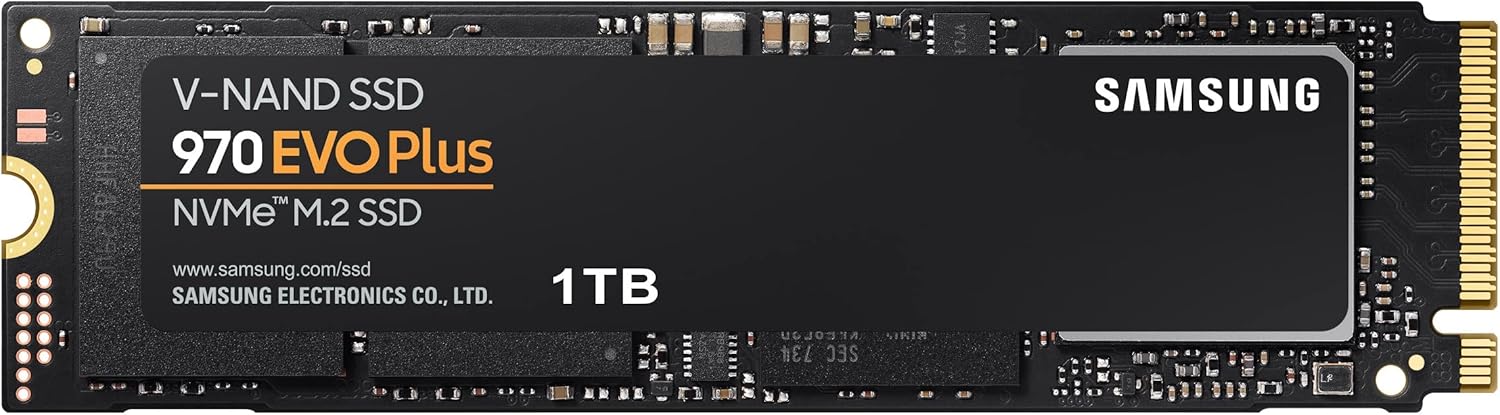
First, the Name Trap
WD uses the word Blue on many drives, including NVMe models that look nothing like this one. This one is the SATA version in the 2.5-inch, 7 mm shape. It fits the bay where a laptop hard drive lives, or a desktop bay with a bracket. An M.2 SATA version of the same family was also sold, according to goldfries, so read the model number on your order. If you need the 2.5-inch drive, look for WDS100T2B0A.
Before you buy, check what your computer has. A laptop with a 2.5-inch bay and a SATA cable is the right home. A newer thin laptop with no bay can’t take it at all. Some older Macs also used a 2.5-inch drive, though I found no reports on how this exact drive behaves in them, so don’t take that as a promise.
What the Tests Found
Pokde gives the fullest picture. Its spec list names a Marvell 88SS1074 controller, 64-layer 3D TLC NAND and 1 GB of DRAM. The DRAM is the part to notice. When you copy a folder full of small files, a cache like this helps the drive stay responsive. The review also lists a five-year warranty.
In that review’s CrystalDiskMark run, the drive reached 562 MB/s read and 532 MB/s write, which matches WD’s claims of up to 560 and 530. Goldfries also found that its results matched the claims and wrote: “It looks like the claims are justified.”
The picture wasn’t perfect. Pokde called the sequential scores in AS SSD “rather disappointing” and pointed to weak results in another benchmark, though it praised 4K random speeds in AS SSD. In real file transfers, the drive beat every SSD that reviewer had tried, apart from its SanDisk twin. Game loading in Overwatch and Battlefield 4 was fast too. The score was 8.8 out of 10, and the verdict was: “This drive is great value for money, with its speed being a nice bonus!”
My reading is simple. On a SATA connection, most decent drives land in about the same place, and this one lands where it should. You will feel the jump from a hard disk far more than any difference between good SATA SSDs. That’s why I would not spend long comparing benchmark charts for an old office PC.
There’s a gap in those tests for a buyer with big files. I found no test of what happens during a long write, for example copying several hundred gigabytes at once. Many SSDs slow down once a fast cache fills, and I can’t tell you how far this one drops or how warm it gets. If that’s your use, treat the 530 MB/s figure as a best case and not a promise.
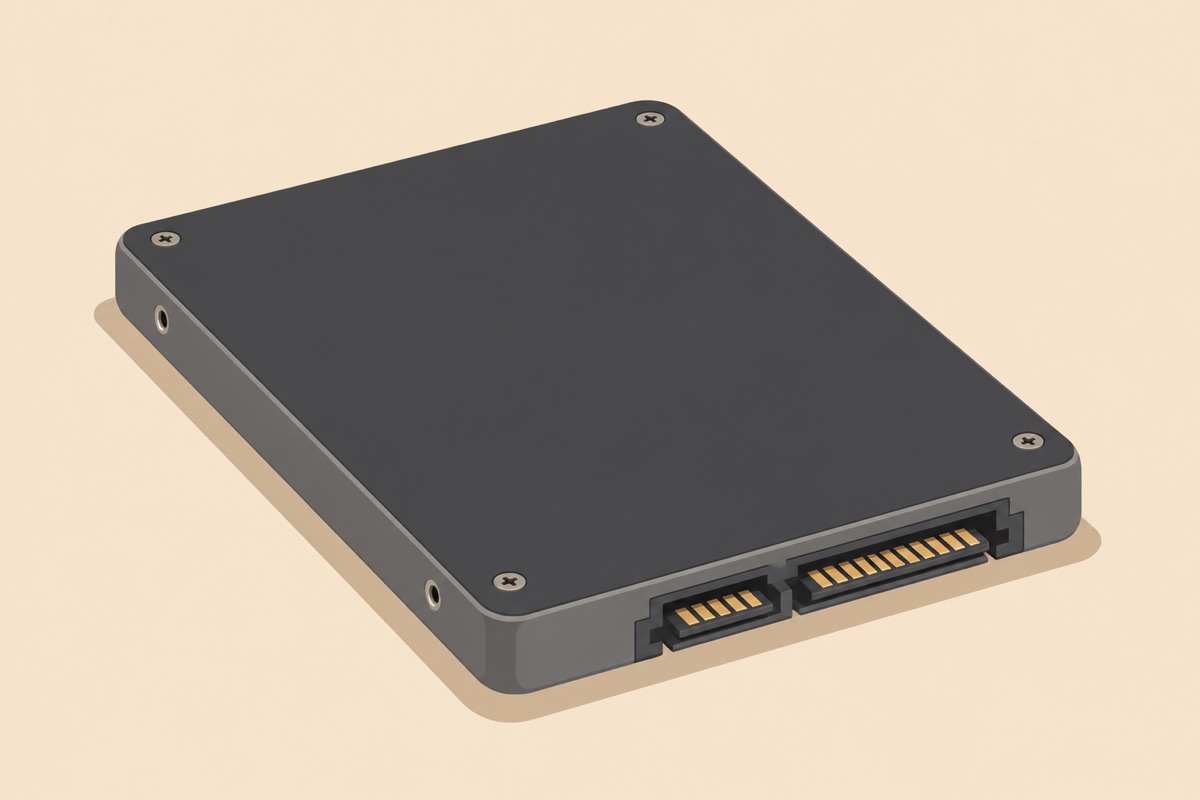
Illustration of this type of product, not a photograph of the WD Blue 3D NAND SATA SSD 1TB.
Related reading

How Long It Should Last
Endurance is where the sources disagree, and I’d rather show you that than hide it. Pokde lists 400 TBW for the 1TB drive. Funky Kit says up to 500 TBW. A Memory4less post, from a store that sells the drive, gives both 400 and 600 on the same page. Please check WD’s current spec sheet, because I can’t settle it from those pages.
Even the lowest number is a lot. Some simple arithmetic: 400 TBW across a five-year warranty works out to about 219 GB of writes every day. A normal work computer writes far less than that. Unless you are running a video workstation or a server with heavy logging, wear isn’t what should keep you up at night.
Which brings me to what should. Any drive can fail, and SSDs tend to give less warning than old hard disks. Keep a backup, whatever brand you buy. I found no owner data on failure rates here, and a high rating from a store tells you nothing specific about your unit. The 1.75 million hour MTTF figure in those reviews is a statistical number, and I wouldn’t read it as a lifespan.
Moving Your Old System Over
Say you want your old disk copied onto the new one. The bundled software covers that for free. Pokde says WD offers Acronis True Image WD Edition for cloning and the WD SSD Dashboard for monitoring. Funky Kit lists the same pair. That’s a real benefit.
What you won’t find is hardware. Goldfries complained that the drive would have been better with screws and perhaps a mounting bay. For a laptop that’s usually fine, since you reuse the old screws. For a desktop with only 3.5-inch bays, you’ll need a bracket. You’ll also need a way to connect the new drive while you clone it, usually a cheap USB-to-SATA cable or an enclosure.
Do the safe thing and keep the old disk untouched for a few weeks after the swap. Test the new system, then test a restore from your backup. A backup that has never been restored is only a hope. Mac owners should remember that Acronis is a Windows-focused tool and may not apply to them, and I found nothing that confirms it for Mac users.
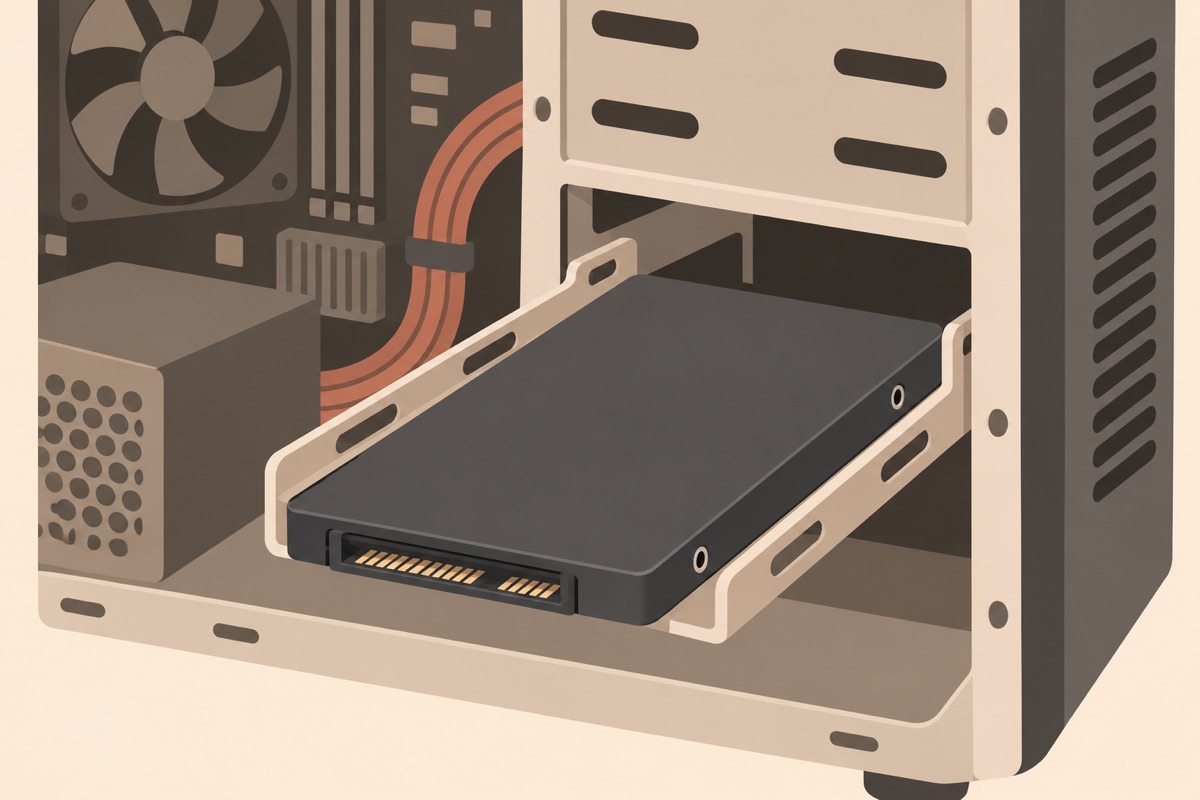
Illustration of this type of product, not a photograph of the WD Blue 3D NAND SATA SSD 1TB.
In an External Box
This drive also has a second job. Put it in a USB enclosure and it becomes a fast portable disk or a backup target. In principle, it suits that role well. A 2.5-inch SATA drive drops into a low-cost enclosure, and you end up with a tough, silent external drive.
I found no test of this drive in an enclosure, so here’s the reasoning only. Your speed depends on the enclosure and port as much as on the drive. A slow USB connection will hold the drive well below its rated numbers, and enclosure heat is another unknown. The drive has no moving parts, and Memory4less repeats WD’s point that this helps protect against damage if it’s bumped or dropped. That’s the real gain over a portable hard disk in a bag.
Related reading

For regular backups, the arithmetic is relaxed too. Writing 500 GB every week adds up to about 26 TB in a year, a small share of even the lowest endurance figure above.
My Verdict for an Older Computer
I’d buy this drive to bring a SATA laptop or desktop back to life, or to build a sturdy external backup. The tests show it meets its speed claims, it came with a five-year warranty and cloning software, and endurance is far beyond what an office machine will use.
Skip it if your computer takes NVMe, since that is the faster route. Skip it too if you want proof of long-write performance or long-term owner reliability, because I can’t give you either.
For a simple upgrade that wakes up an old machine, the WD Blue 3D NAND SATA SSD 1TB is a safe choice, as long as you confirm the exact model and clone from a tested backup. This is an affiliate link. As an Amazon Associate I earn from qualifying purchases.
One email a month: new articles, reviews and the upcoming live webinar + free recording. No spam, unsubscribe anytime.