Crucial prints 3,500 MB/s on the P3, and for the first few minutes of a big copy that number is close to honest. The trouble begins later. This is a drive with two personalities, and which one you meet depends on how much you write in one go.
One warning about the evidence: the best long-write tests were run on the 2TB and 4TB versions, plus one on the 1TB. I say which is which as I go.

Product image from the Amazon listing.
This review covers the plain P3, model CT1000P3SSD8, a PCIe Gen3 drive. The P3 Plus is a different product with Gen4 speeds, and the two are easy to mix up. Crucial’s SATA drives are different again.
Related reading

Fast for 250 GB, Then Something Else
The P3 stores four bits in each flash cell, which is the cheap kind of flash called QLC. QLC is slow to write, so the drive treats part of its flash as a faster cache and takes incoming data there first. When the cache fills, the drive has to write straight to the slow flash while also tidying up what is already there.
SSD-Tester’s page for this exact 1TB model puts that cache at roughly 250 GB. In its long test the cache filled after about 250 GB and speed fell. Across the full 300 GB test file the average was 546 MB/s.
That average hides how far the speed drops. If the first 250 GB went at around 3,000 MB/s, my rough arithmetic says the last 50 GB crawled along at about 100 MB/s. Other tests point the same way. In its test of the 2TB P3 and P3 Plus, Allround-PC saw speeds fall to a little under 80 MB/s once the cache was full, and called the average for writing the whole drive the worst it had measured on an NVMe SSD. PCWorld tested the 4TB version and went below 100 MB/s on its third 450 GB write in a row. Its advice: “This is not a drive you want to pound on continuously.”
So think of it as a fast drive for 250 GB, and then roughly a hard drive. An owner on the TechPowerUp forum describes much the same thing on a 1TB P3, though with a far smaller fast portion. That may be a drive that was already fairly full. Drives like this usually borrow the cache from free space, so I would expect a fuller drive to run out sooner.

Product image from the Amazon listing.
What That Means for Real Files
Here is what the cliff looks like in time. Suppose you copy 500 GB of video from another fast drive. The first 250 GB takes under two minutes. The other 250 GB, at about 100 MB/s, takes around 40 minutes. A 100 GB job finishes before you notice anything, and you will think the drive is wonderful.
So the question to ask is how large your biggest single job is. Most people’s answer is well under 250 GB, and for them this drive feels very quick. Installing a game, editing a photo folder or moving a project of 50 GB should all stay inside the cache, assuming the drive has room and has had time to clear the cache between jobs.
A first full backup is the classic bad case. So is moving a whole media library to a new drive, or filming long sessions straight to disk. The Tom’s Hardware forum has a 4TB owner who started a 1.6 TB transfer in January 2024. It ran fast, slowed to 20 to 100 “mbps” after a few hundred GB, then got stuck. A later copy from a NAS ended in a blue screen. Do not blame the P3 alone for that one. The owner’s replacement Samsung 990 Pro also froze until the owner tested it in another PC, which points to something else in that setup. The early slowdown is the part that matches every other report.
Related reading


Product image from the Amazon listing.
Heat and Enclosures
Long writes usually raise the question of heat, and here the news is unexpectedly good. Allround-PC reported no throttling problem, because the cache runs out before the controller gets hot enough to matter. The drive slows down for a different reason first. A Japanese owner on Kakaku added a small fan as a precaution, but gave no temperatures.
External use is where I have the biggest gap. I found no good owner report of this 1TB drive in a USB enclosure, so the following is reasoning, with no test behind it. A 10 Gbps enclosure tops out near 1 GB/s, so you would lose the headline speed anyway, and that makes the P3’s Gen3 limit irrelevant. The cache cliff stays exactly where it was. The thing that overheats in small enclosures is often the enclosure’s bridge chip, and forum posts about other drives suggest that a poor enclosure can cause disconnects on long copies. For a backup drive that takes a big first write, spend a little more on a metal enclosure, and expect the first backup to take hours.
Please also verify your backups, whichever drive you use. I found no owner report of restoring from this drive after a failure, so I cannot tell you how that goes. Test a restore once, before you need it.
Daily Use and Endurance
For an operating system and everyday programs, owners are content. Kakaku’s reviews of this 1TB model are short and positive: one owner uses it as a C: drive with no trouble, and another says programs and boot times beat their old SATA and hard drive setup by a wide margin. Reads are where the drive does well, and most daily work is reading.
The same page has a less happy corner. In 2024 owners posted that a laptop BIOS did not see the drive after a swap, that an MSI Z390 system would not boot from it, and that one cloned swap failed with a “not present” message. Those are the kind of problems that can come from BIOS settings or cloning as much as from the drive. They still argue for checking your own motherboard or laptop before you buy, and for buying from a seller that takes returns.
The endurance rating is 220 TB written, according to SSD-Tester. That sounds low, and PCWorld did call the ratings low across the range, but it depends on your habits. At 50 GB written every day you would need about 12 years to reach it. The risk is real only if you write heavily every day, as with a video cache or a busy server, and that is a poor fit anyway. Check Crucial’s warranty terms for your region too.
The drive has no DRAM of its own, and uses a slice of system memory in its place. On a modern PC that is fine for normal work.
Related reading
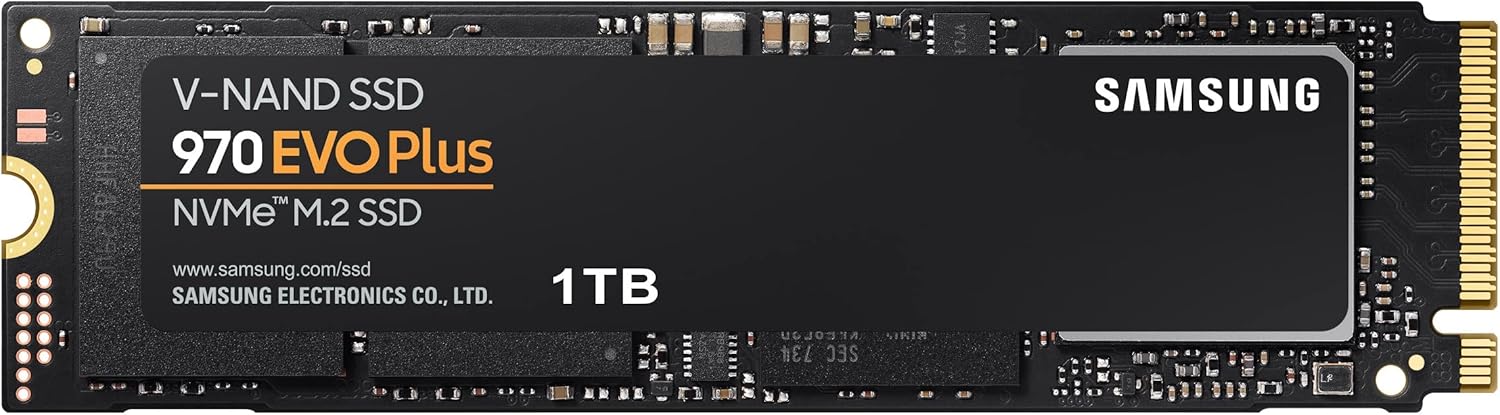
It will not help on a recent Mac. Apple Silicon Macs have no standard M.2 slot, so for Mac owners this would only ever be an external drive.
A Good Second Drive With a Hard Limit
Most reviews treat the P3 as a cheap way to get more room, and I agree. For a game library, or a boot drive in an older PCIe 3 PC that writes modest amounts, it will feel far faster than a SATA SSD or hard drive. The price is the whole argument, though, so compare first. Allround-PC thought it cost too much next to TLC drives such as the WD Blue SN570 at the time of its test, and that kind of gap comes and goes.
I would not buy it for moving hundreds of gigabytes at a time, for video capture, or as the target of huge repeated backups. If your jobs regularly pass 250 GB, a drive with TLC flash will save you hours.
If your writes stay under that line, the Crucial P3 NVMe SSD 1TB is a fair budget pick, as long as you do not expect 3,000 MB/s from start to finish. This is an affiliate link. As an Amazon Associate I earn from qualifying purchases.
One email a month: new articles, reviews and the upcoming live webinar + free recording. No spam, unsubscribe anytime.