The best reason to buy the Roku Streaming Stick 4K is quite ordinary: you want to turn on a television, choose an app and watch something. A small streaming stick can make an older screen useful for longer. It cannot fix weak speakers, a poor panel or a broadband connection that drops every evening. Keeping those jobs separate is the key to judging this Roku fairly.
This review concerns the Streaming Stick 4K in the workbook, ASIN B09BKCDXZC. Roku also sells products with similar names. A Streaming Stick Plus, a Streaming Stick 4K and a Streaming Stick 4K+ should not be treated as the same package. Check the model and the included remote before ordering an older listing. A discounted name is not enough to identify the hardware.
What the stick actually adds
Roku’s setup guide for model 3820 confirms support for HD, Full HD, 4K and HDR, with a voice remote that includes television controls. Its hardware reference identifies the 3820 family separately from newer sticks. Those are useful capabilities for a television whose screen remains good but whose built-in software has become awkward.
My view is that the value comes from replacing the part of the television that ages fastest. You keep the panel, wall mount and sound system. You change the small computer that opens streaming apps. That is a sensible upgrade when the rest of the room already works, particularly if several people need the same straightforward route to their programmes.
There is a catch. Roku gives you access to services; it does not include all the subscriptions those services sell. Before buying, write down the actual apps your household uses and check their availability in your account country. A product page aimed at American buyers may describe channels or promotions that do not apply elsewhere. Buying the right hardware for the wrong region is an avoidable disappointment.
Related reading


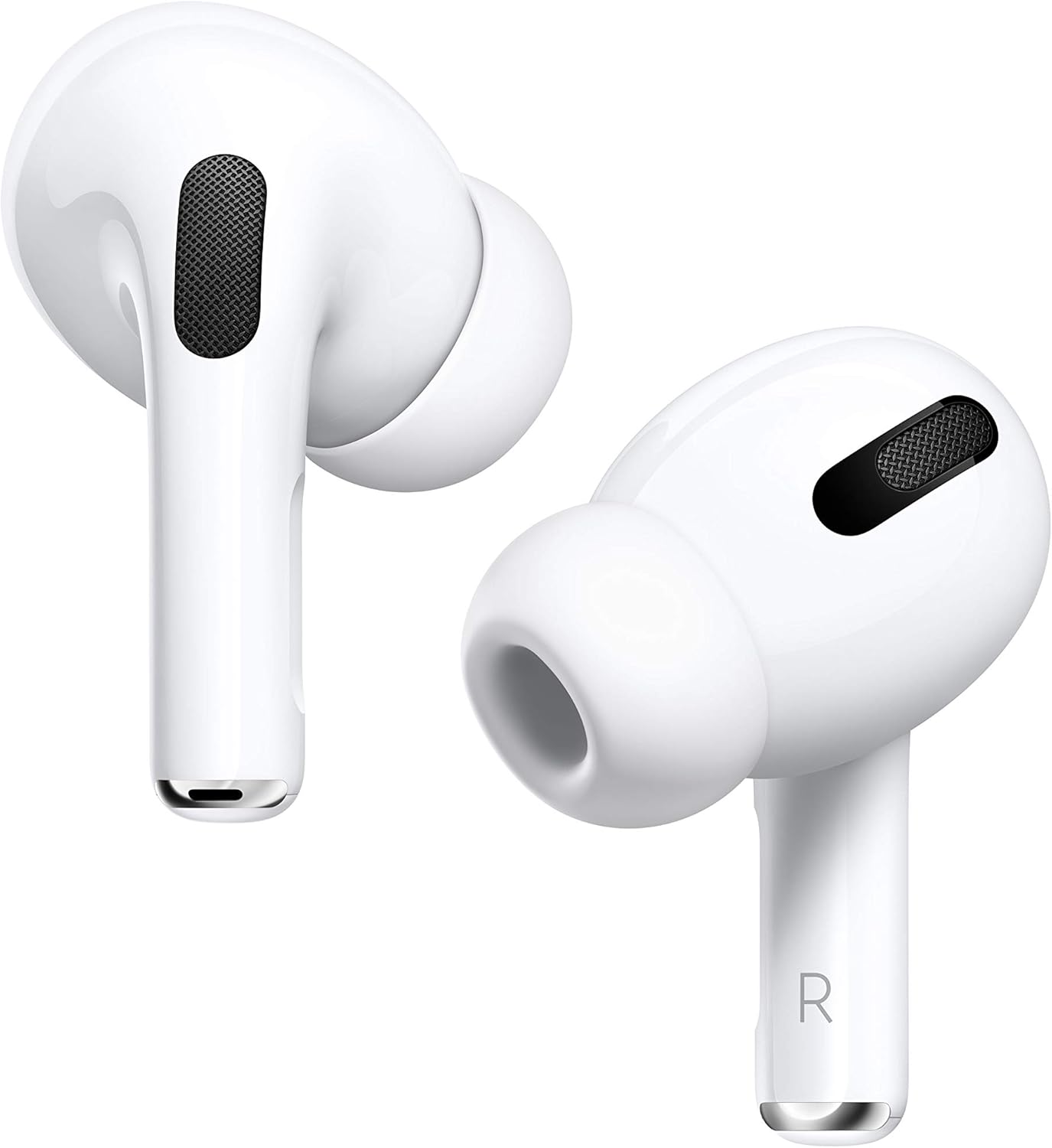
Product photograph: Amazon listing.
Put picture claims in context
The Roku product page lists Dolby Vision and HDR10+ support. That does not mean every film will look better. The television, app, subscription tier and programme must all support the relevant format. A 1080p television will not become a 4K screen because the stick can output 4K.
I would start with automatic display detection and a familiar scene. Look at skin tones, dark areas and subtitles rather than searching for a dramatic demo clip. If highlights look washed out or a film looks strangely dark, check the television’s HDMI input settings and the playback information. Changing random picture options in several menus at once makes it harder to find the real cause.
The same care applies to sound. A format logo on a box is not a promise that an old soundbar will decode it. Check the route from the stick to the television and then to the speakers. If dialogue disappears or the volume changes sharply between apps, simplify the audio settings first. A clean, compatible signal is more useful than a more impressive label that your system cannot handle.
A practical tip is to keep one short test scene in mind after setup. Use it when changing a receiver, television input or audio mode. You will notice a problem faster with something you know than with a different film every time. This is also a better way to decide whether the upgrade improves your evenings than comparing menu screenshots.
Placement matters more than it looks
A stick lives behind a television, which is not always a friendly place for a wireless device. There may be a metal mount, a crowded cable channel and a large screen between it and the router. Roku’s long-range wireless receiver is part of the product’s design, but no wireless feature removes the effect of a difficult room.
Follow the supplied cable instructions carefully. Do not assume an ordinary replacement USB cable is equivalent to a cable that contains a wireless receiver. When buying a used unit, confirm that its original cable and power accessories are present. A cheap incomplete bundle can become a troubleshooting project before you have watched a single programme.
If playback stops, distinguish a weak connection from a slow service. Try another app, run the connection check and note whether the problem happens at the same time each day. Moving a router a little or bringing a mesh point closer may help more than buying a different streamer. Avoid hiding both the router and the stick inside furniture and then judging either from the result.
For power, use the arrangement recommended for the exact model. A television’s USB socket may switch off with the screen. That can change startup behaviour and make updates less convenient. If the television reports insufficient power, address that message rather than repeatedly resetting the stick. Label the power cable when you finish. Behind a wall-mounted screen, that small step can save an annoying search later.
Related reading

The remote is part of the decision
People often compare streaming devices by their processors. In a shared living room, the remote can matter more. Television power and volume controls can reduce the number of remotes on the sofa, provided they work with your particular television or sound system. Test those buttons during setup, before declaring the job finished.
Voice search is useful when typing a long title is tedious. It is less useful if several family members prefer browsing or if the service you want does not participate in search as expected. Treat voice as a shortcut, then keep a reliable route through the normal menus. Nobody should need to learn an assistant’s preferred phrasing just to watch the news.
I also prefer arranging the home screen around the apps actually used. Put the everyday choices near the beginning and remove unwanted channels where possible. This helps visitors and children find the right service without opening several subscriptions by accident. It also makes the box feel simpler without needing to make any claim about how fast its interface is.
Before a holiday rental or a visit to relatives, check how you will control the device if the physical remote goes missing. A phone remote depends on network and setup conditions. It is not a guaranteed rescue for every unfamiliar Wi-Fi network. Keep the real remote with the stick and its cables in one pouch if travel is part of your plan.
Accounts, advertising and travel
An external streamer is another account and another set of preferences to manage. Read the privacy and advertising options during setup rather than pressing through them while the family waits. You may decide the defaults are acceptable, or you may change them. The useful point is to make a deliberate choice once, when the settings are easy to find.
If you are buying this for a parent, set it up with their own account details and a recovery method they can access. Avoid making a living-room appliance depend permanently on your personal email address. Explain how purchases and subscriptions work, especially if payment details are stored. A device is only simple while ordinary problems remain easy for its owner to solve.
Travel is a reasonable use for a small stick, but check the destination before relying on it. Hotel login pages, inaccessible HDMI sockets and region restrictions can interrupt the plan. Bring the power accessories and allow time for the network login. Do not arrive late with an untested stick and expect it to replace the room’s television system immediately.
When leaving a shared television, remove your accounts or reset the device you are leaving behind. When carrying your own stick home, check that you have taken the receiver cable and power adapter as well. These are mundane details, but they determine whether a portable streamer remains convenient on the next trip.
Who gets good value from it
This Roku makes sense for someone who likes their current television and wants a separate streaming platform. It also suits a household that would rather keep apps on a replaceable device than choose a whole television around its software. The argument is strongest when your required services are available and the exact bundle is complete.
It is a weaker choice if your television already runs every required app well. In that case, a second platform adds a remote, a power connection and another account without solving a clear problem. The same is true if the problem is poor Wi-Fi across the whole house. A streaming stick should be bought for the job it can actually perform.
Related reading
Compare the total price with current devices in your country, including shipping, tax and replacement accessories. Old stock is not automatically good value. A slightly more expensive complete product from a seller with clear returns can be the cheaper decision once an incompatible cable or missing remote enters the calculation.
My conclusion is positive but specific. The Roku Streaming Stick 4K offers a sensible way to separate the life of a good television from the life of its apps. Buy it for that practical benefit, after checking the model, country and bundle. The right outcome is a television that becomes easier to use, with fewer evenings spent solving problems behind the screen.
This is a research-based review using the linked product documentation. It does not report personal ownership, measured performance or a hands-on test. The assessment and practical advice are based on the documented design and its limits. Retailer pages can change; confirm the selected model, condition and regional compatibility before ordering.
This article contains an affiliate link. As an Amazon Associate, I earn from qualifying purchases. You can check the selected product through my Amazon link.
One email a month: new articles, reviews and the upcoming live webinar + free recording. No spam, unsubscribe anytime.