Before you ask whether the Redragon K552 is any good, you have to find out which K552 you are getting. The name covers a whole family: red backlight or RGB, blue clicky switches or red linear ones, wired boards with and without swappable switches. Reviews of “the K552” often describe different keyboards, and they disagree in ways that matter for a shared office.
The largest set of owner reviews comes from Best Buy, and every one of those reviews carries a note that the writer received a promotion or a sweepstakes entry for posting it. Keep that in mind when you see all the five-star ratings.

Product image from the Amazon listing.
Which Switch Is in the Box?
This is the first thing to check, and the evidence for this listing is not clear. The Gaming Setup and Switch and Click both described clicky blue switches, a clone of Cherry MX Blue, as the only option on the boards they reviewed. Input’s review got red linear Outemu switches and said a clicky blue option also exists. Best Buy sold a K552-2 with blue switches and red backlighting. Retailer pages tied to this Amazon listing point to more than one version.
Related reading
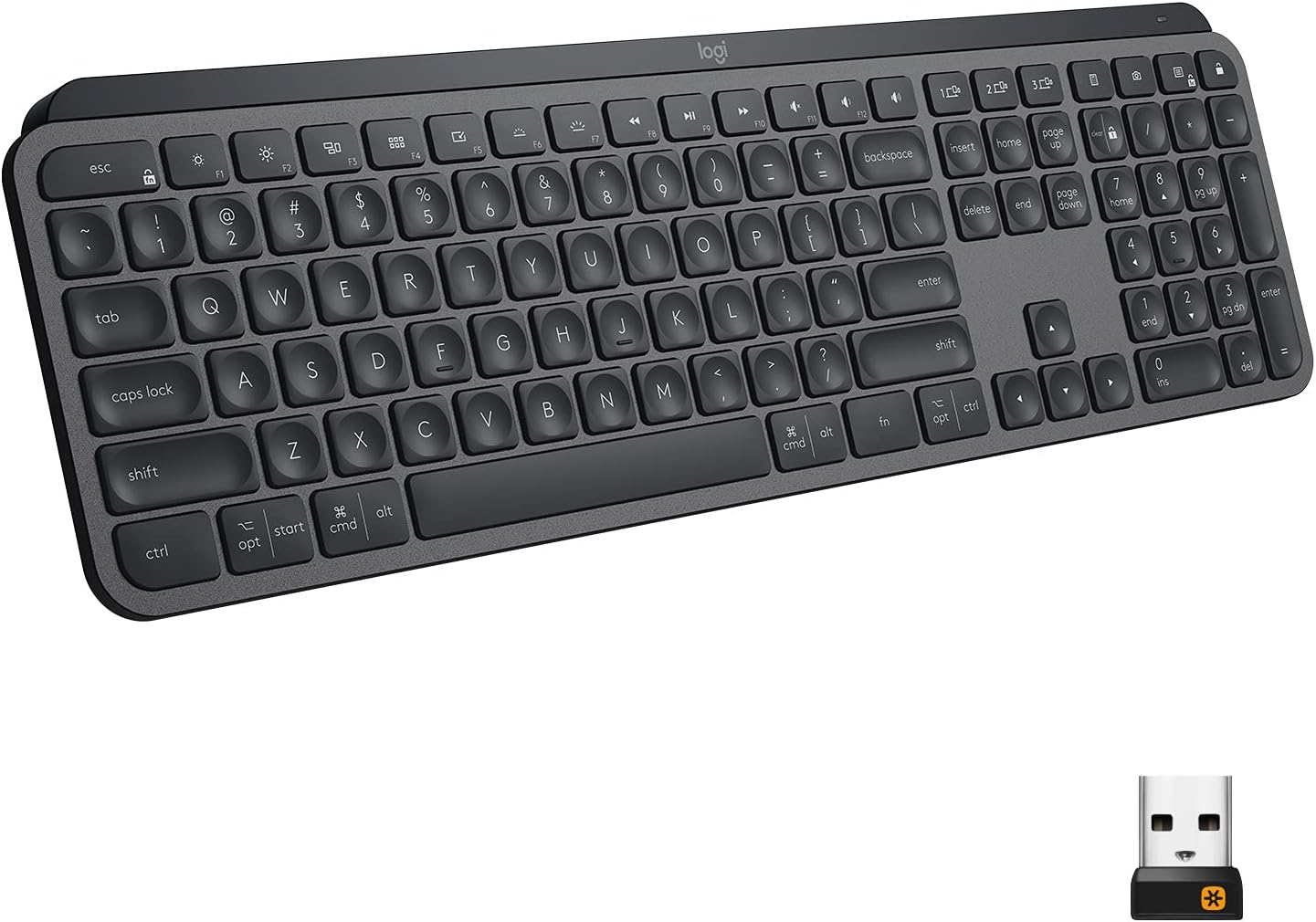
So read the option selected on the product page with care before you pay, and check the box when it arrives. It makes a big difference. Blue switches click on every press, and a person across the room will hear them. Red switches are smooth and much quieter, though still far from silent.
Hot-swap claims conflict as well. Input described its board as hot-swappable and said new switches were easy to fit, while a TechPowerUp review said its K552 did not support that despite what the store page claimed. Assume you cannot swap switches unless the exact version you pick says so clearly.

Product image from the Amazon listing.
The Noise Question
Assuming you get blue switches, this keyboard is loud. Nobody disputes it. The Gaming Setup warned buyers who need quiet to look elsewhere and said thin keycaps add “harsher noises.” Switch and Click went further and described a “ringy sound” when keys bottom out, worst on large keys like Enter, along with stabilizers that rattle somewhat. By that account, the metal and plastic case seems to echo the sound.
Owners of the K552-2 on Best Buy say the same thing in friendlier words. One enjoyed a “satisfying clack.” Another wrote that the “Switches are loud.” A third reported “0 problems” after a year and also mentioned lots of clicking when typing.
Some people love this sound, and I understand why. For a video call with an open microphone, it is a poor choice. In a room shared with a partner or a colleague, I would treat the blue version as a bad idea, full stop. Input’s reviewer, using red switches, did not find the noise an issue unless listening closely, which again shows how much the switch changes the answer.

Related reading

Product image from the Amazon listing.
A Solid Base, Cheap Details
The build gets more praise than you would expect at this price. The Gaming Setup rated it “surprisingly good,” with a heavy feel and no weak spots, and described a brushed aluminum plate. Switch and Click called it “a sturdy keyboard with a simple design.” On Best Buy, owners call it “solidly built” and “Affordable and high quality.” Input said it holds its own against keyboards at twice the price and called it a “great entry point.”
The savings show up in the small parts. The keycaps draw the most criticism. Switch and Click said they are “made of cheap ABS plastic,” and The Gaming Setup listed thin keycaps as a con. Input, on its version, reported double-shot legends that should not fade, but still called them “cheap keycaps.” The standard layout means you can replace them later. That is the upgrade I would make first, since a thicker set may help the sound too.
The cable does not detach. Switch and Click describes a rubber cable about six feet long that arrived with kinks. If it ever fails, the keyboard fails with it. The feet are another small complaint. Two reviews say the board slides on a desk, and Switch and Click noted that it stays put better with the kickstands out.
Input reported one small build fault too: its “W” key sat lower than its neighbors after a few weeks of gaming. That is a single report, but W is a busy key on a gaming board, and it shows that the switches have some variation.
Using It on a Mac
The K552 is a Windows keyboard that happens to work on a Mac, and you should expect a little setup. I found no owner who described long-term Mac use, so this section rests on a Keebnews guide on Redragon keyboards.
That guide says the K552 is “compatible and usable on Mac machines.” The keycaps show the Windows logo, not Command, and the Option and Command positions are swapped compared with an Apple layout. The fix takes one minute: open System Settings, go to Keyboard, then Modifier Keys, and swap the two for this keyboard. Because this setting applies per keyboard, your MacBook’s built-in keys stay as they were.
You do give some things up. Redragon’s software is Windows only, so you change lighting with keyboard shortcuts instead. Mac functions like Mission Control and Launchpad have no dedicated keys, and the guide says Redragon boards generally lack them. I found no clear report of how each function key behaves on the K552 under macOS, so do not buy it expecting your brightness and volume keys to work as printed on a Mac.
Related reading

The layout helps in one way. This is an 87-key design with no number pad, so your mouse sits closer to your body, and that is a comfort gain on a small desk. Several Best Buy owners praised the size. One noted that it is narrower than a standard keyboard, which is the point. If you enter numbers all day, you will miss the pad.
Who Should Buy It
I think of the K552 as a good first mechanical keyboard. It lets a curious person find out whether they like the feel of switches, without much risk. “Price was good for entry level mechanical keyboard,” one Best Buy owner wrote, and that line sums up most of the feedback. Another bought it as “a great spare keyboard” and accepted that “It’s basic of course.” Those are the right expectations.
For gaming at home or typing alone in a room, the solid body and small footprint make sense. If you work on a Mac every day and care about media keys and clean legends, you would be better off with a keyboard made for macOS. Skip the blue version for shared rooms and video calls. Skip the whole line if you want a detachable cable.
If a cheap, sturdy first board is what you want, the Redragon K552 Mechanical Keyboard is a fair place to start, as long as you confirm the switch type before you check out. This is an affiliate link. As an Amazon Associate I earn from qualifying purchases.
One email a month: new articles, reviews and the upcoming live webinar + free recording. No spam, unsubscribe anytime.