The first thing to get right with this keyboard is the version. Logitech has sold a K380, a K380 for Mac and, more recently, the Pebble Keys 2 K380s, and these names get mixed up in shops and in reviews. This listing is for the original K380. Almost every useful Apple-focused comment is about the Mac edition, and that gap shapes this review.
The owner reviews and the one hands-on review used here cover the K380 for Mac, a close relative of the original. Size, shape, batteries and switching should carry over. Key labels do not, so I will keep those two things apart.

Product image from the Amazon listing.
Original or Mac Edition
The difference that matters is the printing on the keys and the top row. LDLC’s listing for the Mac edition describes “dedicated Mac keys on the F and A lines.” One owner there praises it because it “has all the special macos keys.” MacTech, reviewing the Mac edition, also calls out that Apple-specific layout.
Related reading
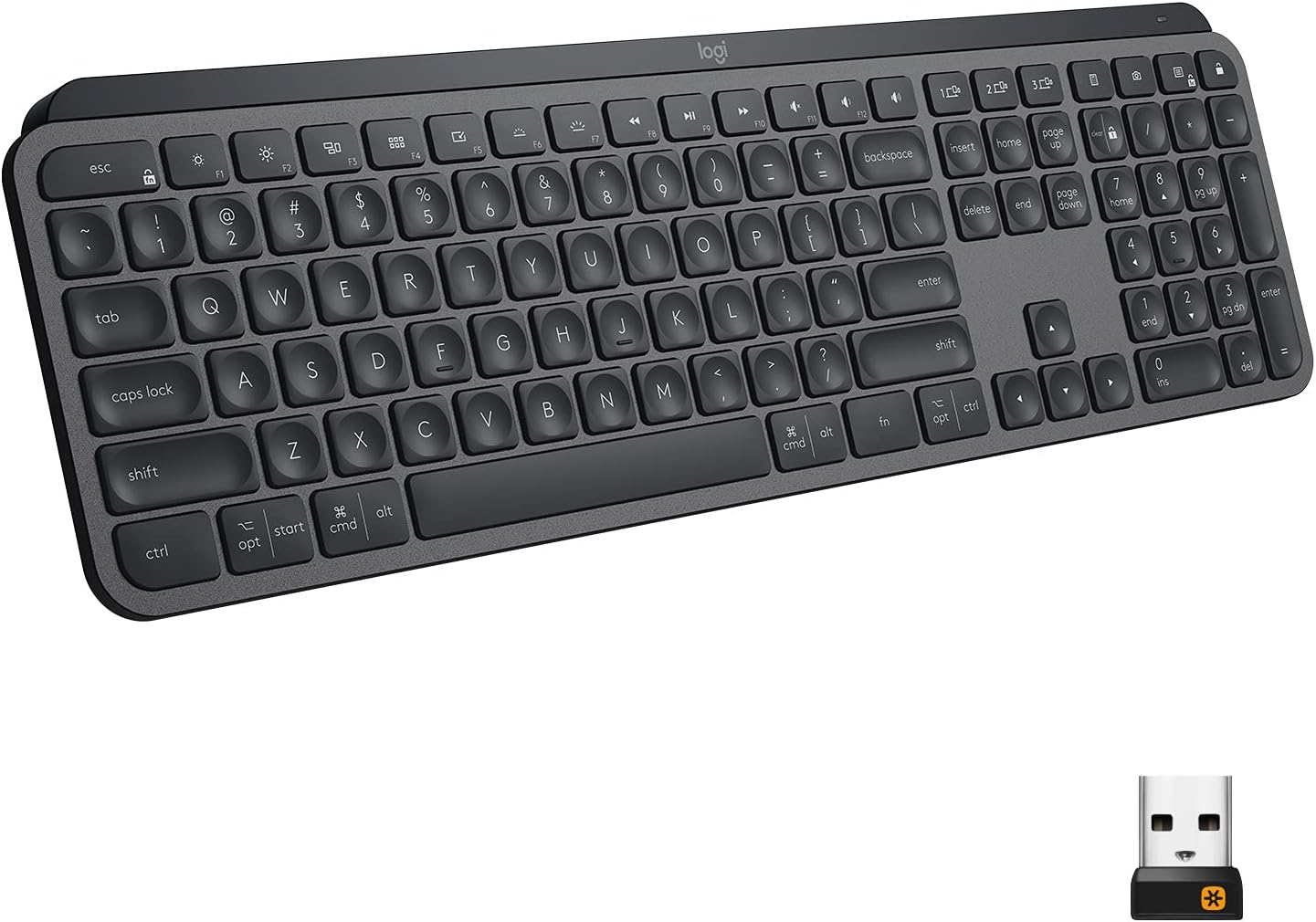
The original K380 was designed to work across different systems. As I understand it, its keys carry labels for more than one system, so Command and Option may not sit under the same words you see on a MacBook. Check the photos in the listing before you buy. If you touch type and rarely look down, the labels hardly matter. If you are the kind of person who is bothered by a Windows-style key on your Mac desk, the Mac edition is the one to hunt for, assuming you can find it.
The Mac edition has its own problem: some of the LDLC listings show it as no longer on sale. That may be regional, but it is another reason to read the product name twice.
Moving Between a Mac, an iPad and a Phone
This is the reason to own a K380. MacTech sums it up: “You can pair up to three devices and switch between them with the tap of a button.” It reports that the keyboard works well for moving between a Mac, an iPad and an iPhone, and says it will appeal most to people who use it with more than one device.
The owner comments agree, in a modest way. One calls it “Very practical, ideal for transport and easy to connect to PC and Mac.” Another reports easy pairing with an Android tablet and also tried a smart TV. A third, who liked it, wrote that the instructions “are not very explicit” and that it took several tries to learn how it works. So set aside a few minutes to learn the pairing steps. After that, it seems to stay out of your way.
One Best Buy owner of a K380 for Mac said it was great on an iPad Pro 12.9. A different Best Buy buyer could not get it to work with an iPad and returned it, though it worked with an iPhone. Most signs point to pairing being a small hurdle. It is still a good idea to buy from a shop with easy returns.
Think about how you will use switching in practice. The keyboard changes devices when you press a button. Your text goes wherever that button says. If you write on a Mac and reply to messages on a phone, that is a clean workflow. If you need to bounce between devices every few seconds, a button press each time will get old, and a shared mouse and keyboard setup on two Macs is a different kind of tool.

Product image from the Amazon listing.
Round Keys and a Small Footprint
The look is what people notice first. MacTech says the round keys “make your fingers’ placement on the keys less awkward” but take some getting used to, and it found the scooped keys quiet to type on. AppleInsider, reviewing the Mac edition, liked the typing feel and put accuracy on a par with Apple’s own keyboard. I would treat that with a little care, because it comes from one reviewer and one edition.
Related reading

If you have large hands, or you have typed on flat square keys for twenty years, give yourself a week before you judge. An odd key shape can feel wrong on day one and fine on day ten. The opposite can also be true. Round keys leave gaps at the corners, and some people’s fingers will miss. I found no owner complaint about that, but the sample of owners is small.
Size is the appeal for travel. LDLC lists a width of 279 mm and a thickness of 16 mm, and a weight between 400 g and 423 g, as the page gives both figures. That is small enough for a laptop sleeve or a tablet bag, and heavy enough to stay put on a table. Those numbers are for the Mac edition and should be close to the original. Note that the K380 has no number pad, and it is a compact layout, so anyone who enters a lot of figures will miss the extra keys.
No Backlight, and You Will Buy Batteries
Two limits keep coming up on this family of keyboards. There is no backlight, and it runs on batteries.
MacTech lists the lack of a backlight as a drawback. If you type in a dark room, or on a night train, you will need to know the keys by touch.
Power comes from two AAA batteries, which are included according to owners. LDLC lists battery life of up to 24 months. MacTech says Logitech claims two years, and adds that it could not verify that after three weeks, which is an honest thing to say. One owner on LDLC disliked relying on non-rechargeable cells, but accepted it. I think this is a fair trade for a travel keyboard, as you will never reach for it and find it flat at the end of a long day if you keep a spare pair. Compare that with a rechargeable keyboard, which needs a cable and a little planning. People who hate disposable batteries could try rechargeable AAA cells, though I found no owner report on that.
The connection is Bluetooth only on the Mac edition, with a listed range of up to 10 m. There is no USB receiver in that listing. For a Mac, an iPad or a phone, that is what you want. If you work on a desktop PC without Bluetooth, or in a place where Bluetooth is blocked, you will need something else. You also can’t use it in a BIOS screen or at an early startup stage on some computers. That is a general Bluetooth limit and not something owners report on this model.
MacTech’s closing warning is the right one: “If you need a keyboard with the most functionality, the K380 isn’t for you.” This is a simple keyboard. No macro layers, no backlight, no fancy software required.

Product image from the Amazon listing.
Related reading
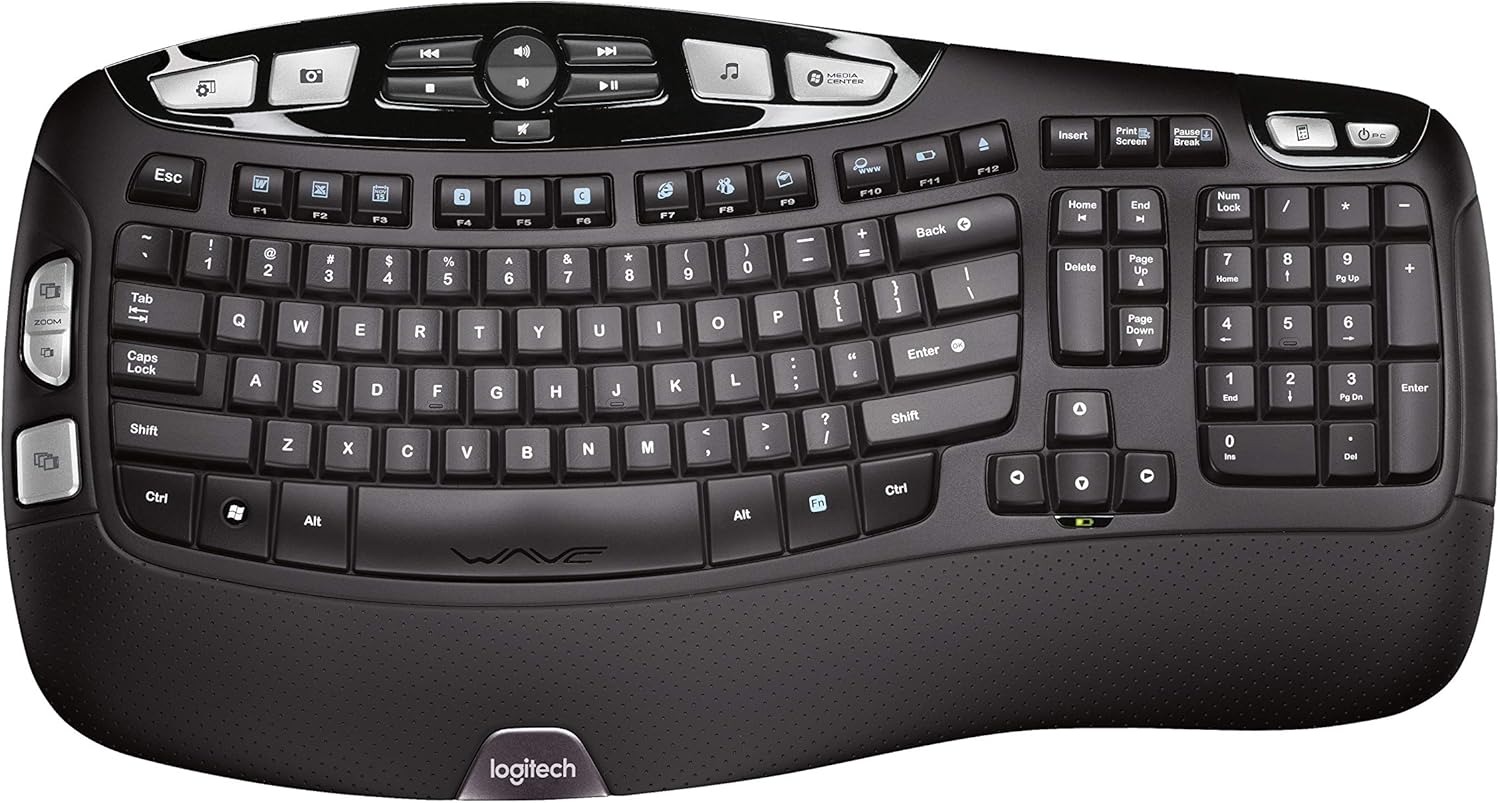
What About the Newer Pebble Keys 2?
Logitech now promotes the Pebble Keys 2 K380s in the same part of its site, and the company describes it as a slim, minimalist Bluetooth keyboard with customizable keys. I have no owner evidence on how it compares, so I won’t guess. It is worth a look if you see both at similar prices, because customizable keys may solve the label problem on a Mac.
A Small Keyboard for People With Several Screens
I would buy a K380 for a bag or a small desk, if I had an iPad, a Mac and a phone to move between and wanted one quiet keyboard for all of them. The evidence says that job is what it does best, and owners seem content once pairing is done.
Skip the original if Mac key labels matter to you, and look for the Mac edition instead. Skip it if you need a backlight, a number pad or a rechargeable battery, or if you type all day and need a full-size board for comfort.
For that multi-device bag, the Logitech K380 Bluetooth Keyboard looks like a sensible, low-fuss pick, as long as you check the key labels in the listing photos first. This is an affiliate link. As an Amazon Associate I earn from qualifying purchases.
One email a month: new articles, reviews and the upcoming live webinar + free recording. No spam, unsubscribe anytime.