The Razer Basilisk X HyperSpeed runs on one AA battery. That single fact decides how you feel about it. For a reviewer at Tom’s Hardware it went on the list of cons. For some owners it’s the best thing about the mouse, because a built-in battery ages and an AA can simply be swapped. I find myself on the owners’ side, with a few conditions.
Owner detail for this exact model is limited, and I will mark where a claim rests on one person.

Product image from the Amazon listing.
My short answer is that this is a good plain wireless mouse for someone who wants a dongle, side buttons and long battery life at a modest price, and who doesn’t care about lights. It’s a less obvious pick if you planned to live on Bluetooth.
Related reading

First, Make Sure It’s This Mouse
Razer has reused the name in a way that trips up buyers. This is the original Basilisk X HyperSpeed. The Basilisk V3 X HyperSpeed is a different, later product, and a lot of the praise you’ll find in store listings is for that one. Much of the “long battery life” talk on retailer pages is about the V3 X. Check the model name on any review you read, and on the product you order.
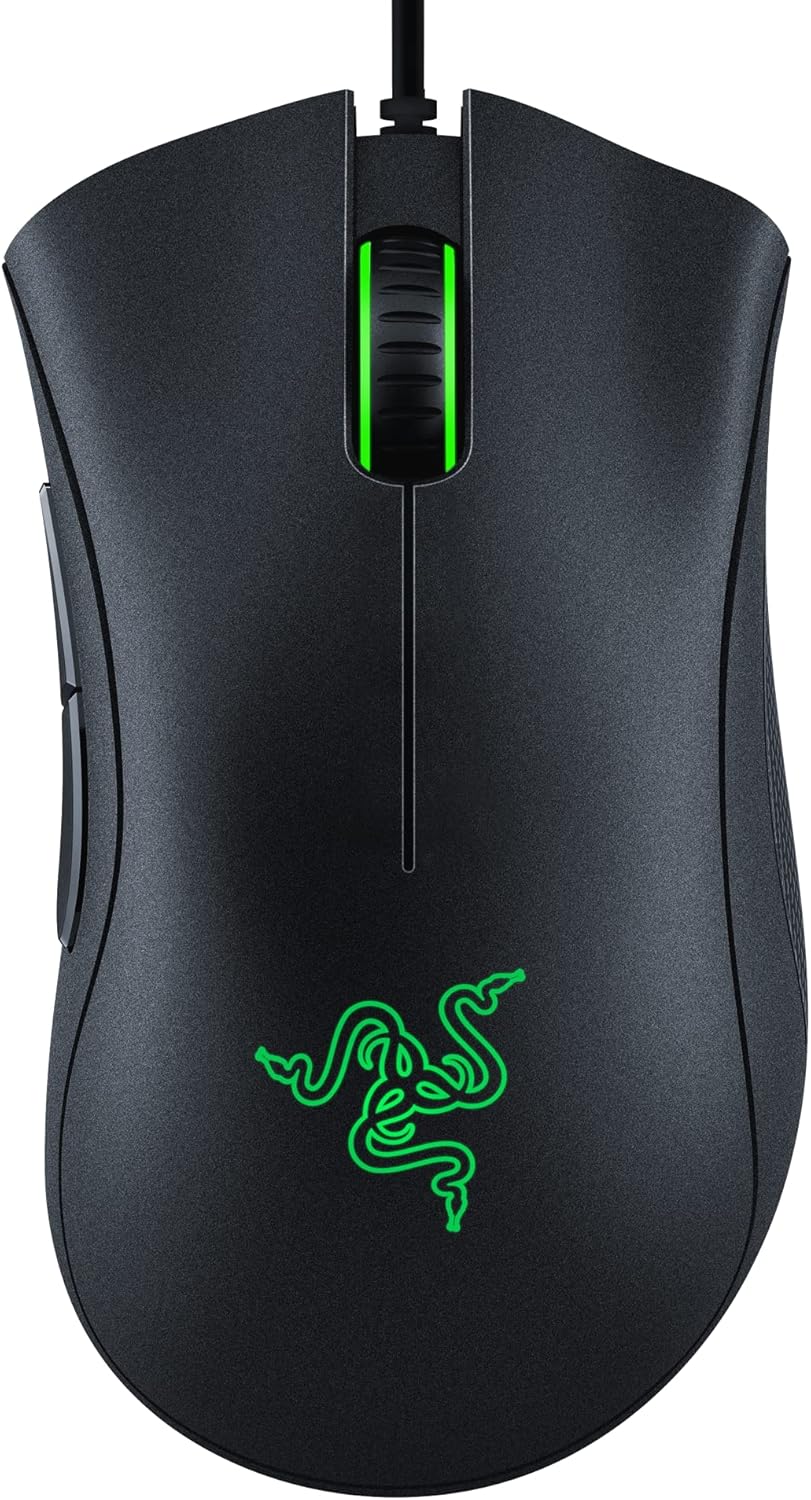
Razer’s page describes a dual-mode mouse with HyperSpeed wireless through a USB dongle, plus Bluetooth. The dongle stores under the top cover. It lists six programmable buttons, mechanical switches rated for up to 50 million clicks, and a sensor that goes up to 16,000 DPI. The mouse keeps up to five DPI stages in onboard memory, set at the factory to 800, 1800, 3600, 7200 and 16,000. There’s no Chroma lighting, and I count that as part of the reason for the long battery claims.
Two Modes, Two Very Different Mice
Razer claims up to 285 hours in HyperSpeed mode and up to 450 hours over Bluetooth. Those numbers invite you to pick Bluetooth for office work and the dongle for games. The best owner report I found suggests the real choice is less even than that.
In a Tom’s Hardware forum thread, an owner who had used the mouse for a few years laid out both sides. On Bluetooth the battery lasted a long time, about five months. But the connection dropped when the mouse lost line of sight to the antenna. Bluetooth’s power saving also put the mouse to sleep after about 15 minutes, and waking it took more than five seconds.
Think about what that means at a desk. You read a long document, or take a call, and come back to a mouse that ignores you for five seconds. Once or twice that’s a small thing. Twenty times a day, it would drive me up the wall.
So that owner moved to the 2.4 GHz dongle. The problems went away, and battery life fell to just over two months. That’s a bigger drop than Razer’s numbers suggest. Razer’s figures imply about 37 percent less time on the dongle, while this owner saw roughly half. It’s one person’s use, so I would not treat it as a rule. Even so, two months on one AA is hardly a burden, and the owner’s conclusion was clear: “I have no regrets buying it those few years ago.”
An owner review on the Alza store also said the Bluetooth range is relatively short. Two reports don’t make a pattern, but they point the same way. For my money, the dongle is the real product here and Bluetooth is a backup for a tablet or a second computer.

Product image from the Amazon listing.
Related reading
The AA Argument
The Tom’s Hardware review listed “AA battery, not rechargeable” among its cons. A reader in that forum thread pushed back, and I think the reader has the better argument. A sealed battery wears out and can end the life of a mouse, while a swappable AA can’t. That reader uses low self-discharge rechargeable AAs, which is the sensible way to run this mouse. You get reusable cells, and you carry a spare in a drawer. A flat mouse becomes a quick swap and not a charging break.
There are real downsides. Some reviewers mention that the mouse gives little sign of its battery level, so it may run out without much warning. Keep a spare AA near the desk.
Trusted Reviews adds two small notes. The front cover for the battery is a little fiddly to put back. An AA sitting inside also gives the mouse some heft. I read that as fine for office work and a possible problem for players who want the lightest thing they can find. Check the exact weight on the listing if you care about grams.
Buttons and Software for Work
Six programmable buttons cover most of what a work mouse needs. Side buttons for back and forward save real time in a browser, and the onboard memory holds your DPI stages. That helps if you move between computers, since those settings travel with the mouse.
Deeper setup goes through Razer Synapse 3, according to Razer’s page. I found no clear statement of which operating systems it runs on, and no owner I read talked about how the mouse or its software behave on a Mac. A dongle or Bluetooth link should give you basic pointing, but you should not assume you can remap those buttons on a Mac. If your desk is a MacBook, check Razer’s current software support before you buy, or plan on using the mouse with its default setup.
I also have no real evidence on comfort, grip size or scroll wheel problems, and I won’t invent a view. Owners with small hands should try to feel this shape in a store first, or buy from somewhere with a simple return process.

Product image from the Amazon listing.
For Gaming
Tom’s Hardware summed up the review with the line that this mouse “punches above its weight class”, and the headline called it a value performer. The dongle is what you want for games, since that’s the mode Razer built for speed, and the owner’s complaints about sleep and dropouts all came from Bluetooth.
Competitive players may want a lighter mouse, and they will likely look past an AA-powered model. For casual play and for work on the same machine, I see no reason to worry.
Related reading

The price is another part of the appeal. That owner paid about $45 in a Black Friday sale some years back, and still felt it was money well spent.
The Dongle Is the Verdict
I like this mouse for a person who wants one wireless mouse for work and games on a Windows PC, with the dongle plugged in and a spare AA nearby. The long-term owner report is positive, and an AA that can be replaced for years is a real strength.
Skip it if you planned to use Bluetooth all day, because that five-second wake-up would wear you down. Skip it if you want RGB, a built-in rechargeable battery, or a very light mouse. Mac owners should check Razer’s software first.
For a simple wireless setup with side buttons, the Razer Basilisk X HyperSpeed is a good buy, as long as you use the dongle and keep that spare battery in the drawer. This is an affiliate link. As an Amazon Associate I earn from qualifying purchases.
One email a month: new articles, reviews and the upcoming live webinar + free recording. No spam, unsubscribe anytime.