I enjoyed Junie, and I like the idea of giving an agent a clear piece of work while keeping the result open to inspection. The attractive part is handing over a job that has a clear end. The result still needs to make sense as software, and that is the standard I bring to Junie.
Quick verdict
I recommend Junie for a coding task that has a clear scope and a result you can inspect.
- Best for
- Developers ready to give an agent project rules, focused instructions and meaningful checks.
- Main benefit
- I like treating the requested behaviour, patch and verification as one handover.
- Biggest drawback
- An agent can produce changes faster than the owner can review them.
Junie
JetBrains · Choose the local store or delivery region
Check price and availability: Junie at JetBrainsProduct link.
Reviewed version: Junie
Compatibility: Choose the exact personal, business or bundle licence for the intended work. Check the current host, project-toolchain and account requirements.
Review context: The review focuses on developers ready to give an agent project rules, focused instructions and meaningful checks.
We paid for our JetBrains software. Product screenshots in this article are supplied by JetBrains.
Junie is an agent, rather than a replacement name for code completion. Its current product page presents terminal use, an IDE route through Air, and automation in GitHub and GitLab. That wider scope is useful to understand before choosing a plan. A person asking occasional questions in an editor has a different need from a team assigning work through a build system.
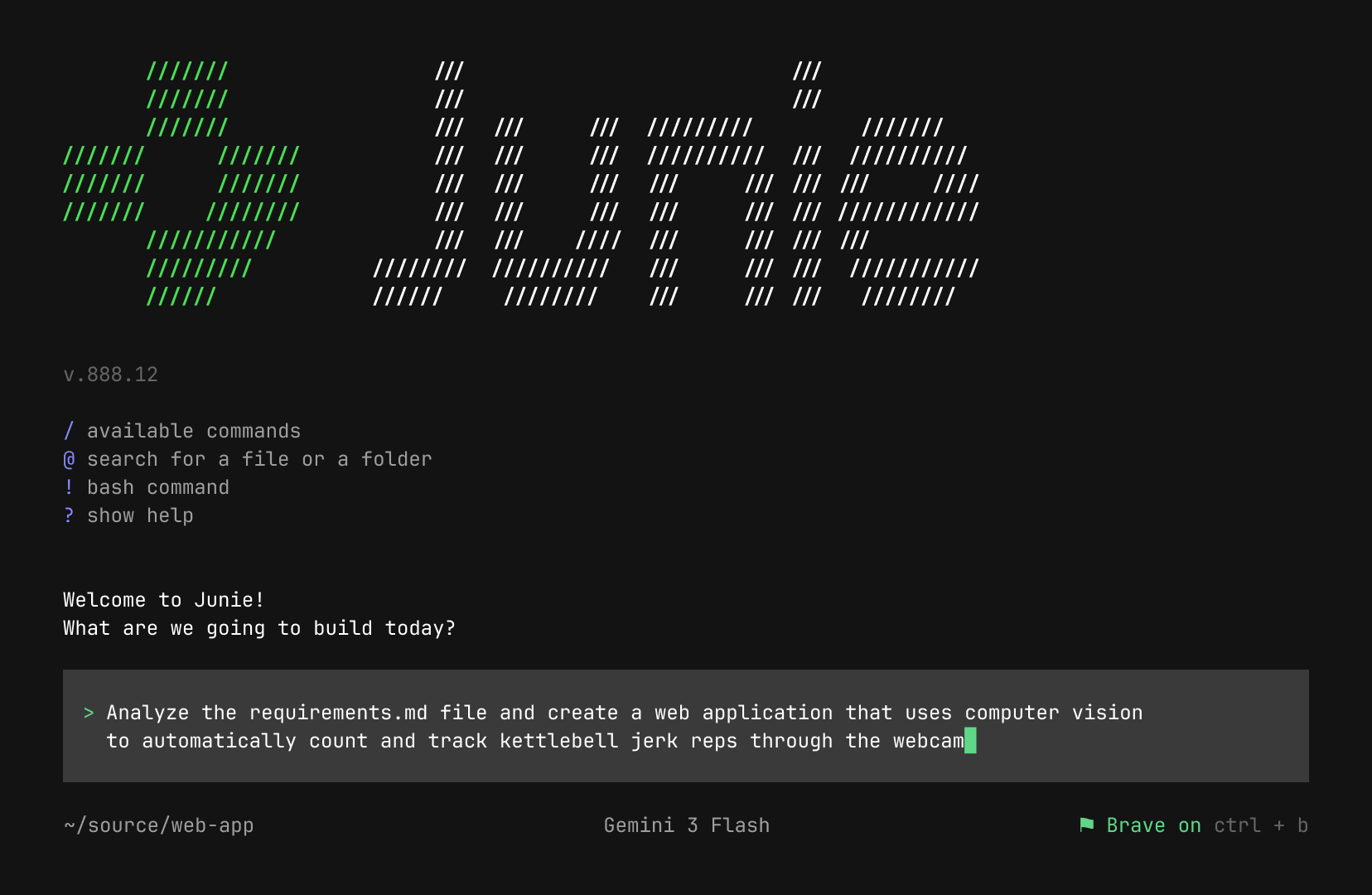
Give it a job with an end
The useful unit of work is a change that a reviewer can understand. “Improve the application” is too open. “Preserve the current response format when this parser receives an empty list” is much better. It names a trigger, expected behaviour, and a boundary.
This is not a demand to write a long document for every small fix. A few direct sentences often do enough. The agent needs to know what may change, what must stay compatible, and how to check the result. Without those details, it may spend its effort solving a different problem very neatly.
Related reading
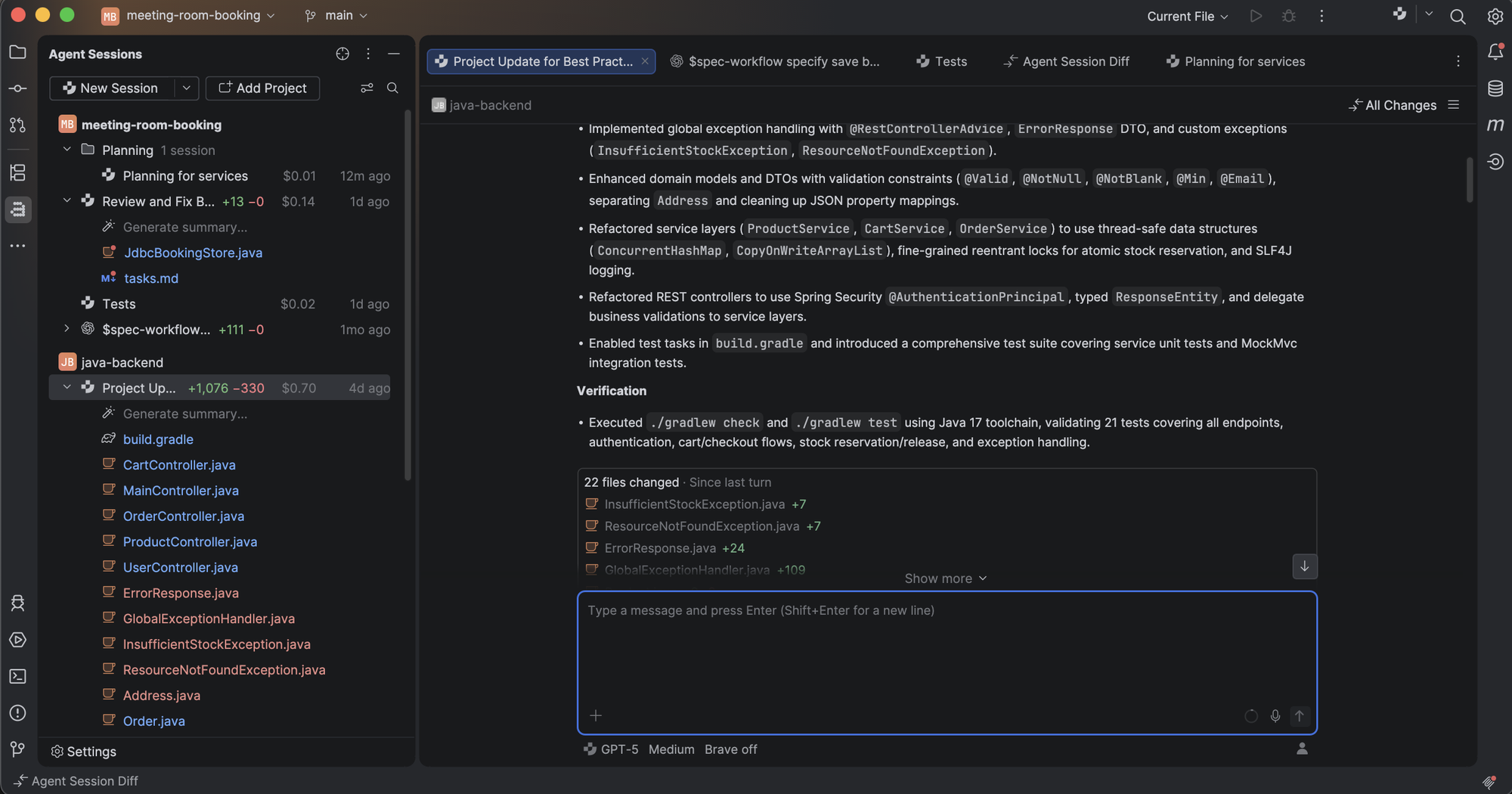
For me, Junie’s potential is strongest in tasks that involve looking through code followed by a small, clear edit. A developer can already make one obvious line change quickly. An agent becomes more interesting when it needs to follow a call chain, compare existing patterns, and bring the relevant pieces together.
The limit is the same as with a human handover: instructions cannot contain knowledge the owner has never made clear. If a strange condition protects an old customer workflow, that fact needs to exist somewhere the next worker can find it. An agent does not make undocumented decisions less important.
Planning should reduce uncertainty
Junie’s current page describes planning, live steering, guidelines, and action controls. Those features appeal to me more than a single large promise about coding speed. The task often becomes clearer during work. A good tool should allow that correction without making the developer begin the whole conversation again.
There is still a point where planning becomes waste. A small change should not need a long essay repeating the request. A useful plan names the areas to inspect, the intended change, and the evidence required at the end. If it cannot do that simply, the task may need a smaller scope.
I also want the plan to distinguish a decision from a fact. “Use the existing validator” is a decision. “The existing validator accepts empty input” is a factual statement that needs support from code or a check. Mixing these together is a common way for a reasonable plan to turn into an incorrect implementation.
This is where project details matters. Local naming rules, architecture notes, and examples of good changes can save repeated explanation. They are useful when they are short and current. A large pile of conflicting instructions can make the agent less predictable rather than more informed.
The IDE connection is the interesting part
A terminal agent is flexible, but plain text is not always the best view of a codebase. A name can refer to several different symbols. A method may be inherited, overloaded, or generated. Refactoring becomes safer when the tool can distinguish these cases.
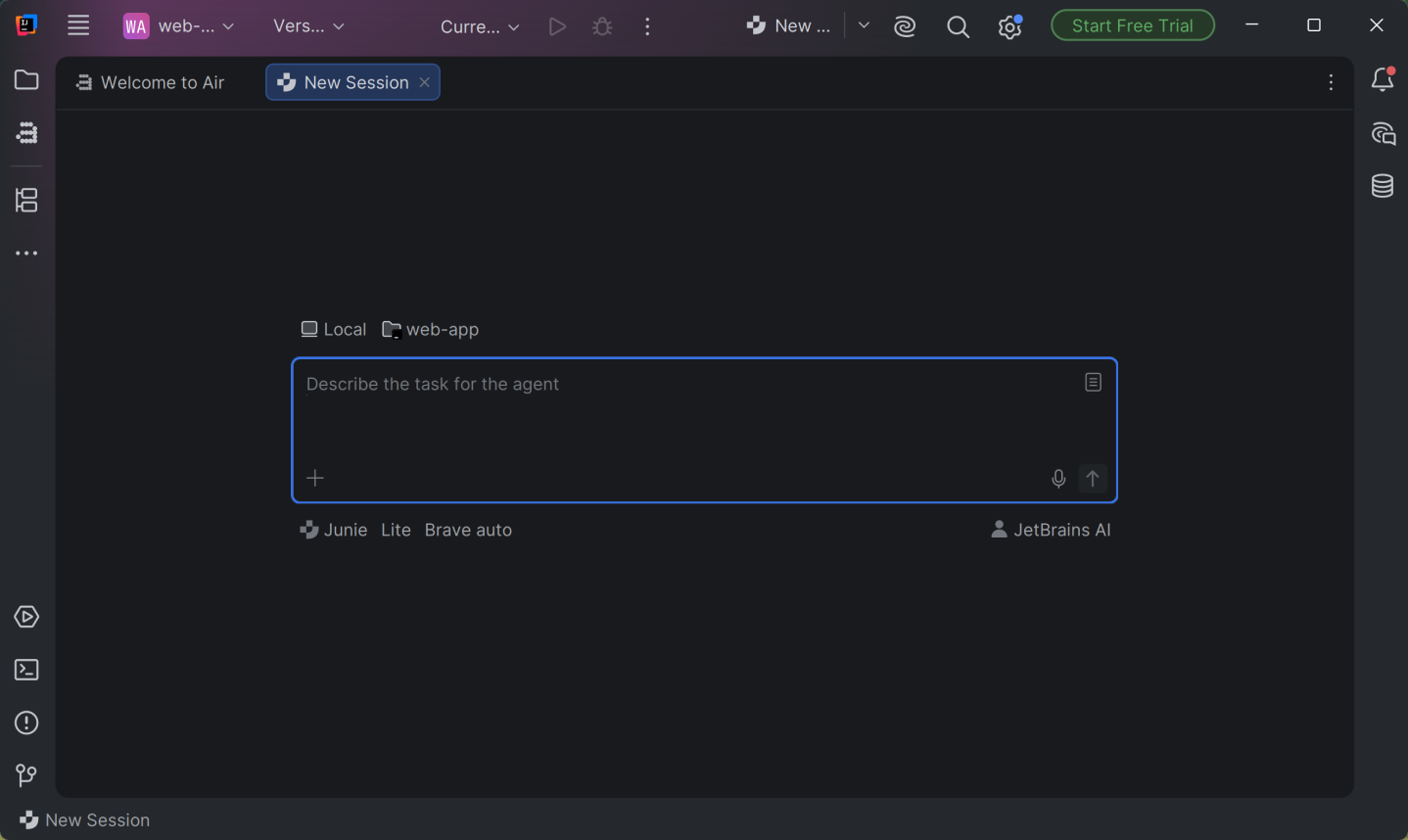
Junie’s connection to the JetBrains environment gives it a relevant place in an existing development setup. The Air in IDEs page explains the surrounding agent workflow and notes that tool access varies with the agent, IDE, and setup. That qualification matters: an advertised platform capability should not become an assumption about every session.
The useful outcome is a shorter path from an agent’s claim to something the developer can inspect. A test failure should lead to the failing case. A rename should show affected references. An unexpected result should be open to a debugger. This is more convincing than treating the agent’s final paragraph as proof.
I would keep ordinary IDE commands in the workflow too. When a direct rename or extraction does the job, there is little value in turning it into a lengthy request. Junie is more attractive as a colleague for a bounded task than as a mandatory route through every edit.
Models and payment are separate choices
The current Junie page offers access through JetBrains plans and through supported provider keys. That creates flexibility, but it also creates several possible bills. Bringing a key means understanding the provider’s charges and data handling. A software subscription does not automatically turn every model request into unlimited use.
Related reading
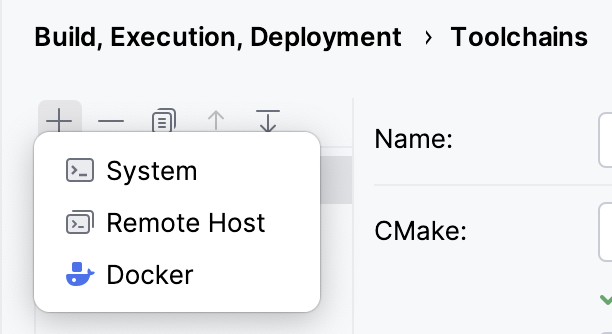
I would choose a model around the task, rather than the idea that the most expensive option must always produce the best result. A simple, well specified edit has different needs from an investigation across several modules. The important comparison is the full cost of getting the change right, including retries and human review.
The same rule applies to free access. It can be a useful way to explore the workflow, but its limits and terms may differ from paid access. Before making it part of work that must finish on a deadline, check the current pricing and account options and the provider route being used.
This is also a reason to keep the task small. Long sessions can carry a lot of history that no longer helps the current decision. A fresh task with the right files and a clear goal may be easier to reason about than a conversation trying to remember every earlier experiment.
Automation raises the standard for instructions
Junie can also be part of a project workflow. The GitHub Action documentation describes issue and pull request triggers, model access, permissions, and structured outputs. That is a different use case from sitting beside an agent in the IDE.
In an interactive session, a developer can notice a wrong turn quickly. In automation, the instructions and permissions need to carry more of that responsibility. The task should have a narrow trigger and a clear output. A routine that creates broad changes whenever a comment appears can generate more review work than the team wanted.
For example, a dependency update should say whether major upgrades are in scope. A documentation task should say whether generated files can be changed directly. A review task should identify the behaviour or class of errors it is meant to examine. These details make the automation repeatable and its failures easier to understand.
There is a meaningful distinction between where a runner executes and where a model request is processed. Running a task on a team’s infrastructure does not by itself make all model use local. The selected provider and connected services still matter. That is an account and architecture choice, not something a friendly interface can settle.
What a useful result should contain
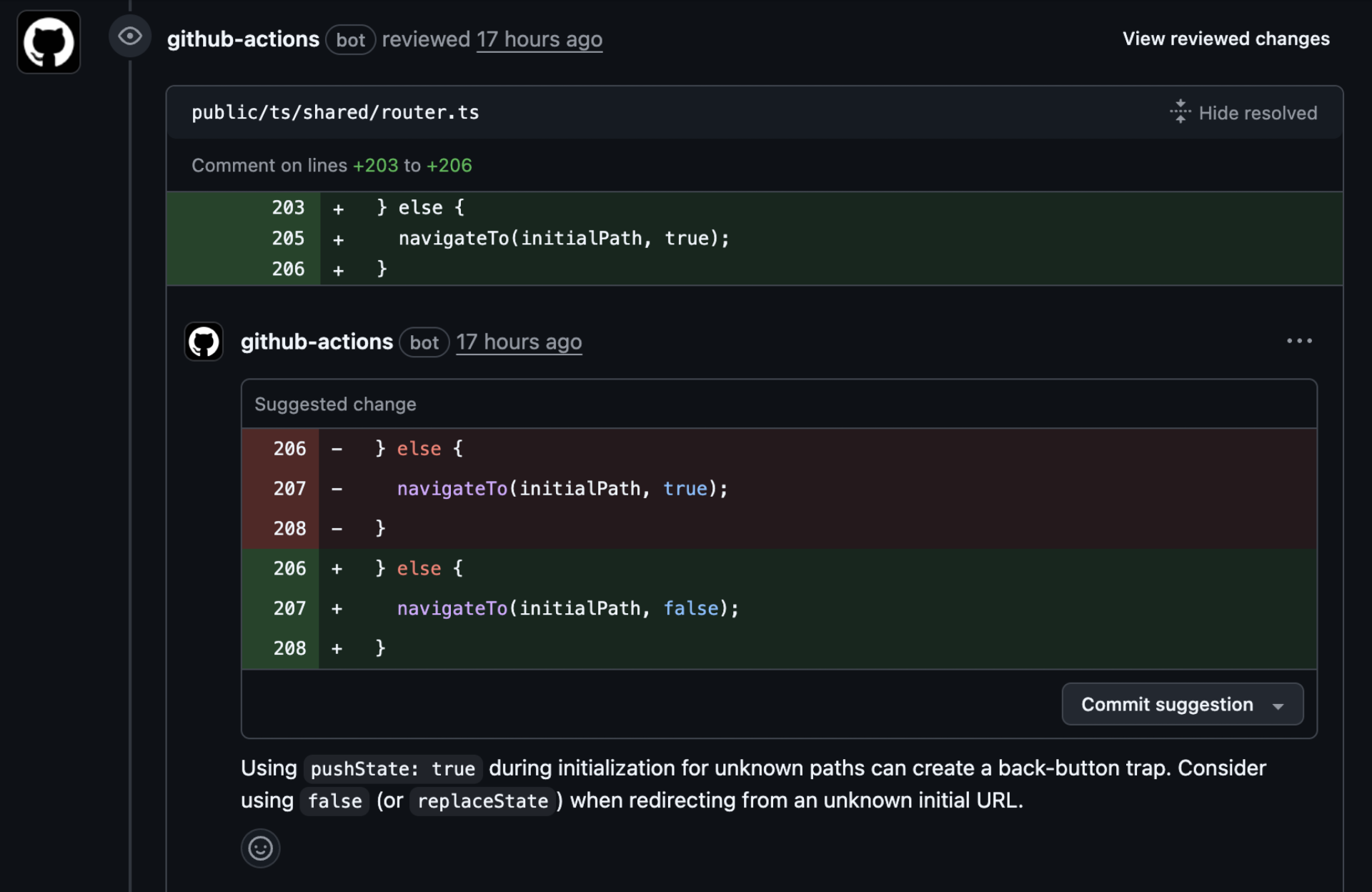
At the end of a Junie task, I want a focused difference, a clear explanation of the resulting behaviour, and evidence that matches the change. A green command is useful only if it checked the relevant thing. Running an unrelated test suite does not answer whether the new error path behaves correctly.
The patch should also respect the shape of the project. Introducing a new layer of code for a tiny change may increase future maintenance. Reformatting unrelated files makes the intended behaviour harder to see. These are review concerns even when the new code works.
An agent that exposes a useful question can be valuable before it writes any code. Discovering that two call sites rely on different meanings of the same value may be the most important part of the task. A clear question can therefore be progress, provided it points to a clear choice rather than simply asking the owner to repeat the goal.
The kind of help I enjoy
What I like about an agent is the chance to spend more attention on the decision that matters. A task may involve tracing several references before the intended change becomes obvious. That preparation has value when it returns a clear explanation and a small patch. It has much less value when it produces a broad rewrite that I now need to decode.
Related reading
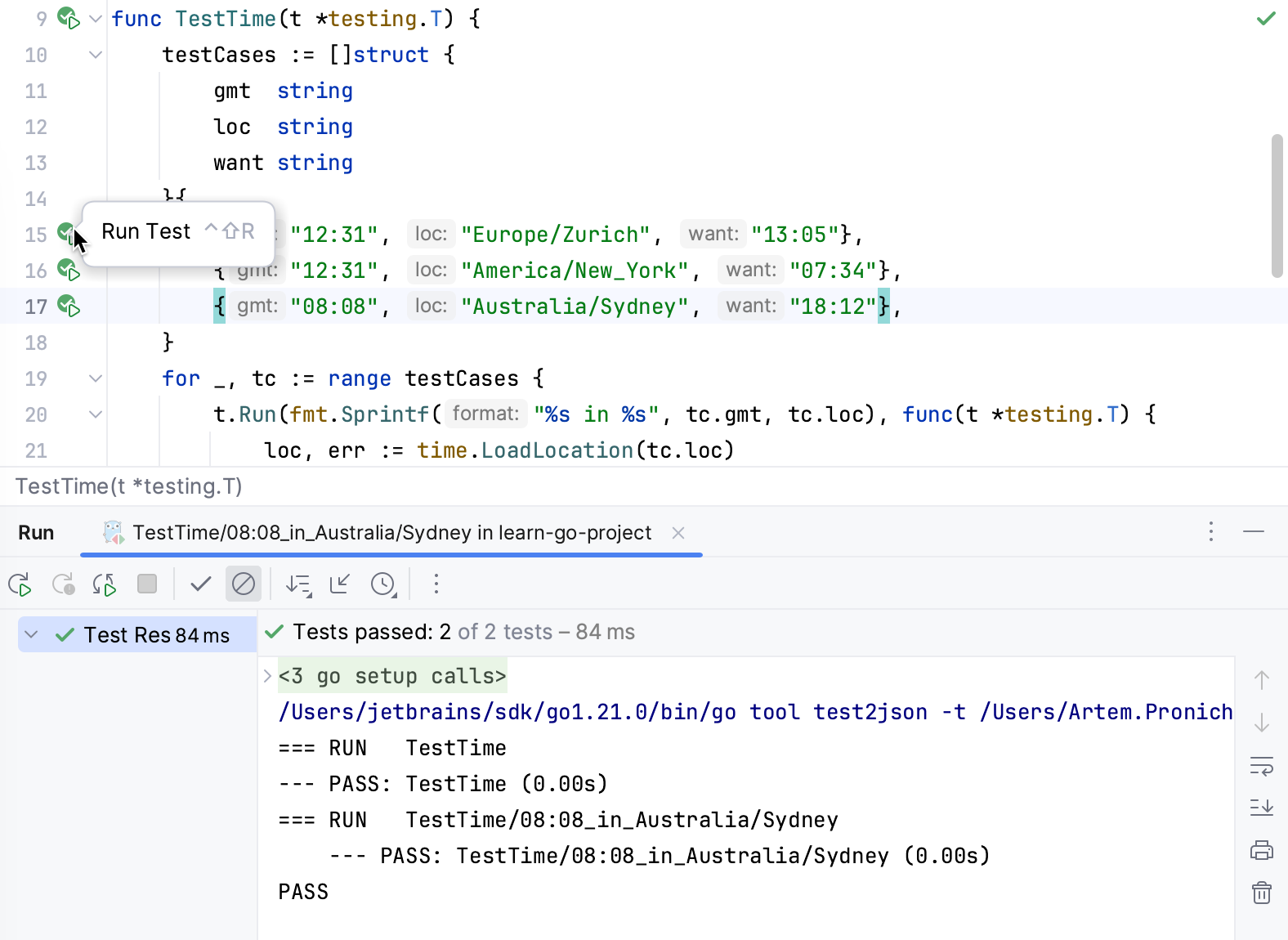
Junie appeals to me as part of that careful workflow. I enjoyed the product, and I want its contribution to be easy to discuss in simple engineering terms: this input was wrong, this rule now handles it, and these checks support the result. That is a more useful conversation than debating how impressive the generated answer sounds.
I also like being able to change direction when the code reveals a better question. The original request is sometimes based on an incomplete picture. A useful agent should help expose that gap and keep the work focused. The owner still needs to make the product decision; the assistance is valuable when it makes that decision clearer and easier to carry through.
Is Junie worth paying for
Junie makes the most sense for a developer who has enough repeated, a clear piece of work to benefit from delegation and is willing to read the resulting changes. Its link with JetBrains tooling is a good reason to consider it when that is already the preferred working environment.
It is less compelling when the main need is occasional code completion or a quick explanation. An agent adds conversation, execution, and review. Those costs need a task large enough to justify them. Paying for the idea of autonomy is much less useful than paying for a workflow that repeatedly closes real work.
My verdict is to judge Junie by the clarity of the patch it leaves behind. The planning and model choices are useful means to that end. For a suitable task, the combination is attractive. The final standard remains simple: can the next person explain what changed, why it changed, and what evidence supports keeping it?
Where to buy
See Junie at the official product page. This is the product page for the model covered in this review. Check the model number, colour, included parts and delivery options before ordering. Prices and stock can change, so I use this page for the current offer. Matching the product to the review matters more to me than finding a similar name.
What worked
- I like treating the requested behaviour, patch and verification as one handover.
- Project instructions can make constraints available before a change starts.
What bothered me
- An agent can produce changes faster than the owner can review them.
- Runner location and model-processing location are different account and architecture questions.
Who should not buy it
- Someone who wants to approve a patch solely because the agent says it succeeded.
Alternatives I would consider
- JetBrains Air. I would compare Air when the main question is how to organise and review agent sessions across a workspace, rather than only delegate one coding task. Read my JetBrains Air review.
Evidence and sources
The article separates my judgement from specifications and claims credited to their sources. Product images are identified by the credits in the article.
Features, compatibility and rated figures from the maker are manufacturer information. My opinions are identified in the review.
Conclusion
Worth it when a task contains useful linked steps and you still review the result; tiny obvious edits can remain manual.
Junie
JetBrains · Choose the local store or delivery region
Check price and availability: Junie at JetBrainsProduct link.
One email a week with practical Mac workflows, useful comparisons and honest tech recommendations.