Family photos have a habit of ending up everywhere. Some are on a phone, some on a laptop, and a few are on a drive whose cable has disappeared. Add work documents, video projects and device backups, and finding the right file can become a job of its own.
That is the problem that makes HexOS interesting to me. It helps turn a suitable computer into a home server, giving your files a place to live on hardware you choose. Its appeal is the attempt to make that arrangement understandable to someone who wants useful storage without making server administration their next hobby.
I think it is a great tool for that audience. The value is in helping people make progress: choose storage, create shared folders, install useful applications and understand what the server is doing.
This is a practical, research-based follow-up to our earlier technical HexOS review. The focus here is what the product offers a household deciding whether to build a server. Installation times, transfer speeds and restore results would need their own recorded tests.
Disclosure: Eshtek provided review access for the earlier article, including a coupon for two licences. That article describes the free review arrangement and a 60-day promotional placement, with no payment or condition on the verdict.
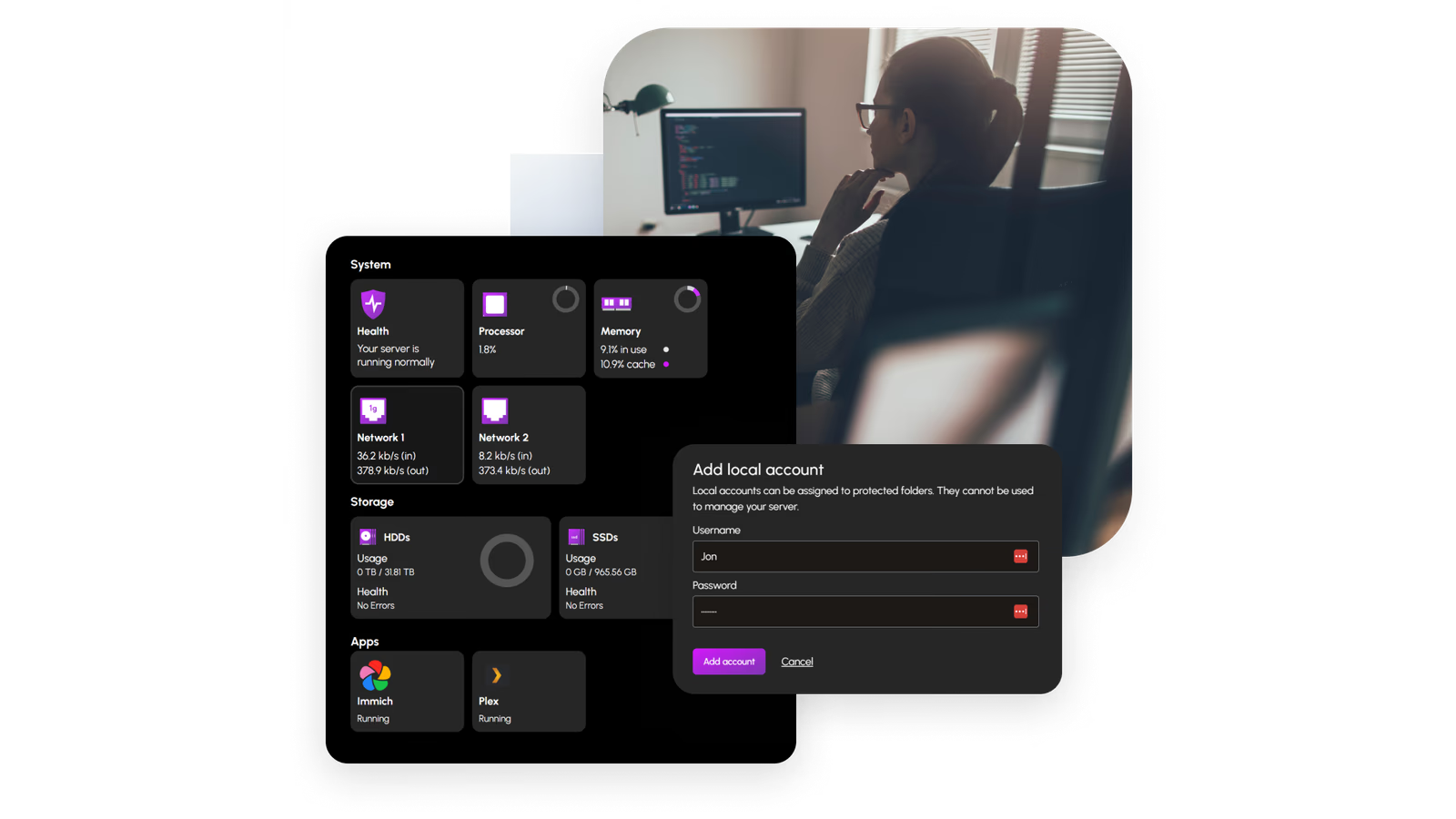
Official promotional image: HexOS. The interface preview and accompanying photography come from the manufacturer.
Start with the files, then think about the server
A NAS is a computer that makes storage available across a network. At home, that might mean a laptop and a desktop opening the same project folder, or a place to keep copies of files from several devices.
HexOS adds a simpler management experience on top of TrueNAS. The partnership with TrueNAS gives it an established storage foundation while the HexOS team concentrates on the way a home user sets up and manages the system. About HexOS, TrueNAS partnership.
That seems a sensible division of work. Storage software has serious responsibilities. I would rather see a friendly interface built around an established platform than a new company trying to invent every part of a storage system at once.
Related reading
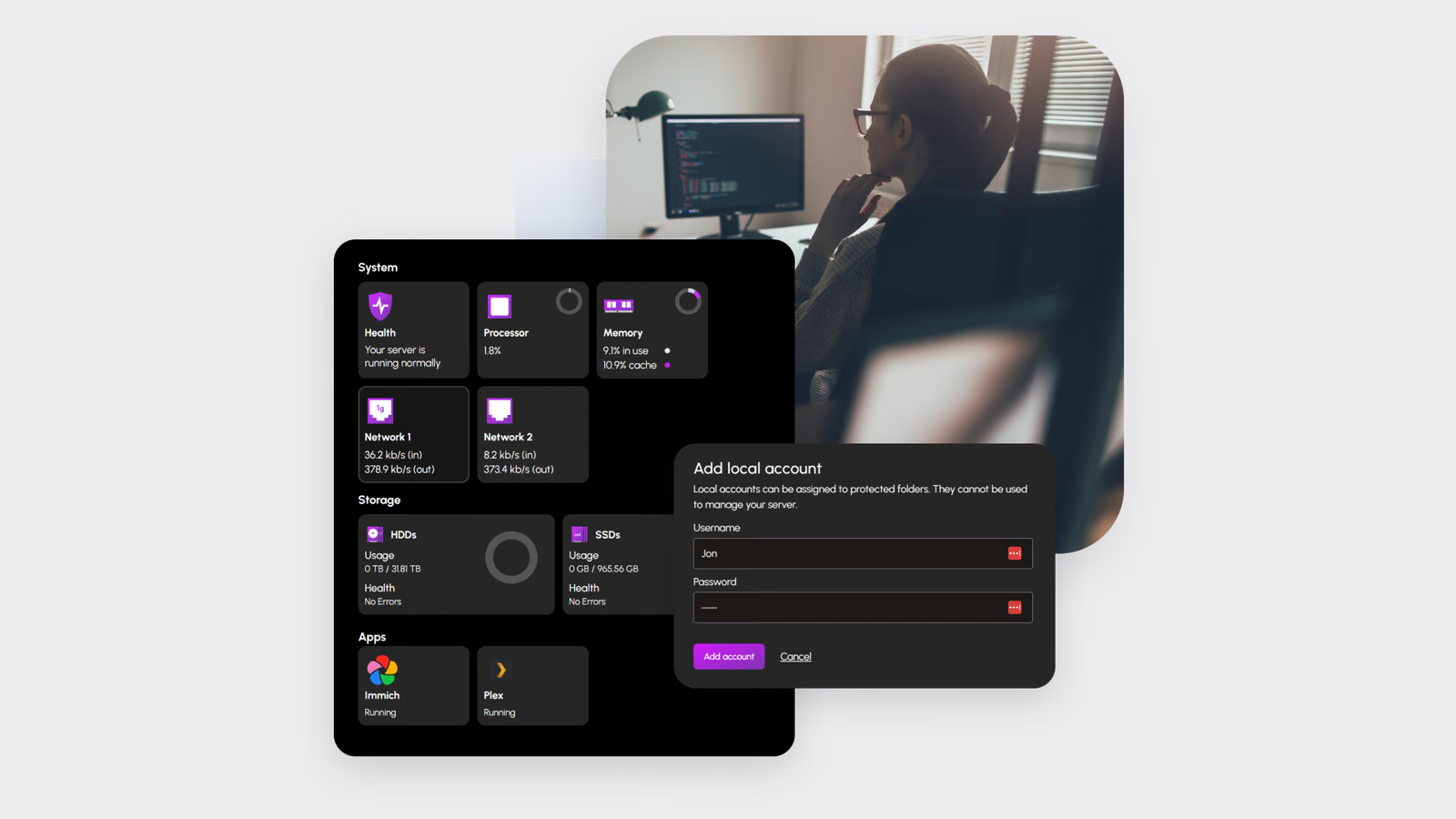
AI-generated explanation using generic hardware. It shows the idea of shared home storage, not a particular HexOS installation or automatic media setup.
Before choosing hardware, I would write down three jobs for the server. Perhaps family documents, a photo library and computer backups. That small list is a better starting point than buying parts for every service you might one day run.
It also gives you a way to judge the purchase. Can everyone find the shared documents? Is the photo application useful? Can you recover a file from a backup? Those are more meaningful questions than how impressive the dashboard looks.
Simpler setup still needs clear choices
What I like about HexOS’s current direction is the effort to explain decisions before applying them. The October 2026 setup update describes a guided process with goals for more space, a balanced arrangement or more protection. It shows the proposed layout and usable capacity before the final confirmation. Setup update.
That is the kind of help a beginner needs. Choosing a storage layout is difficult when the screen assumes you already understand every term. Showing the result, and explaining why the system recommends it, gives the owner something concrete to consider.
I would still read that final screen carefully. A setup wizard can make the decision clearer, but the owner has to recognise the drives and know which files need to be kept before changing them.
The aim should be to make the system easier to understand over time. A good first setup gives you enough confidence to create the next folder or respond to an alert yourself.
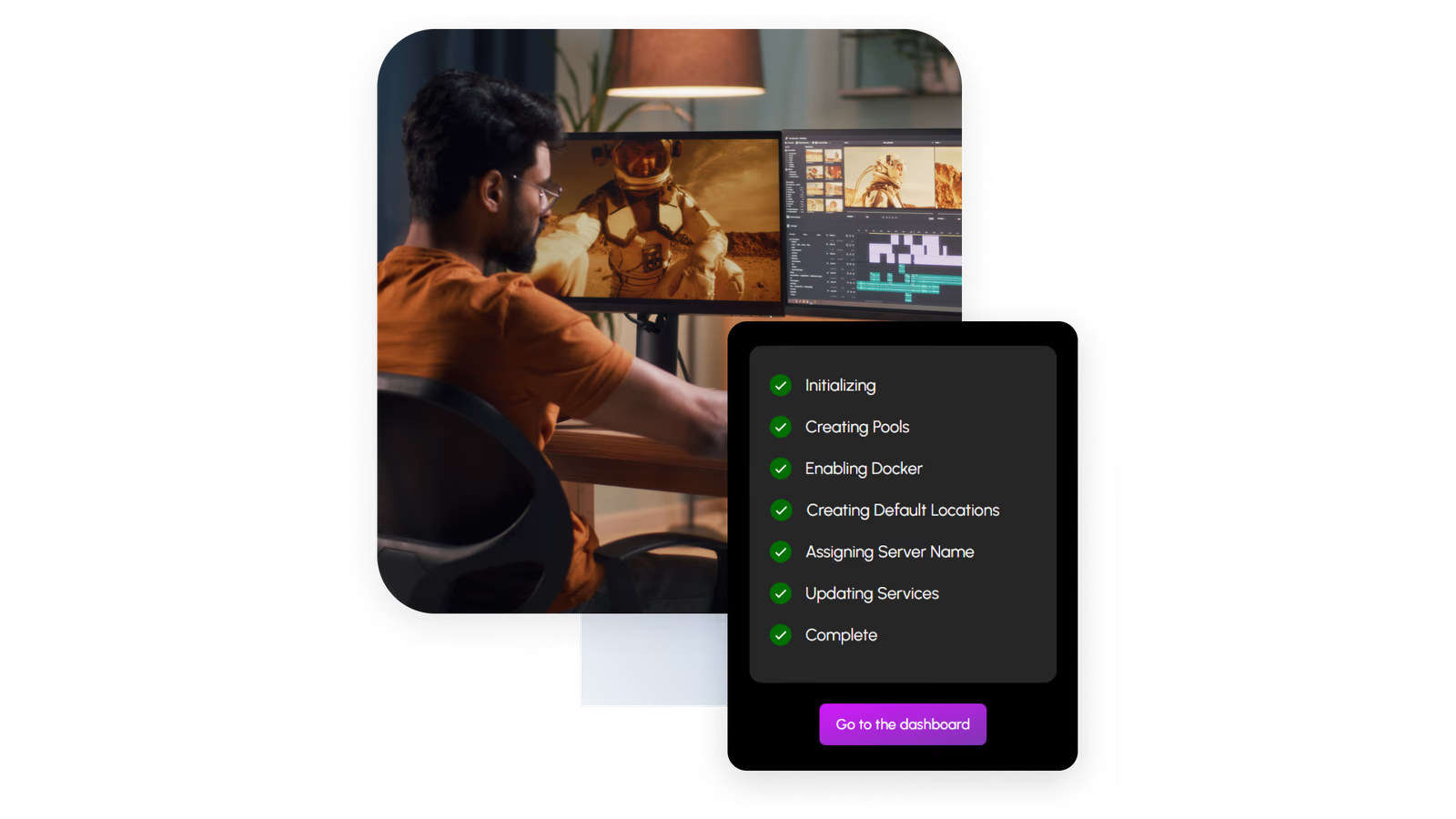
Official setup preview: HexOS. The progress display is product material, not a timed installation from this review.
Bring suitable hardware, with room for the next idea
The official minimum is a two-core 64-bit Intel or AMD processor, 8 GB of memory and an SSD boot device of at least 16 GB. That boot device stays separate from the storage pool. HexOS also says drives within a pool should be roughly the same size and grouped by type. Hardware requirements.
This opens the door to reusing a suitable computer. I like that freedom. You can choose a case that fits the room, drives that fit the job and enough memory for the applications you actually plan to run.
Minimum requirements are a starting point. A server doing little beyond file sharing has a different job from one running photo processing, media services and virtual machines. I would plan for the intended workload rather than treat the minimum as a promise of equal performance in every situation.
An older machine also has running costs. Listen to its fans, consider where it will sit and check how much power it uses. A computer that was fine for occasional use may be less appealing when left on all week near a bedroom.
The software gives you hardware choice; it does not make every spare PC the right server.
Shared folders are the everyday feature
The part of a home server I find most convincing is also the least dramatic: a folder that the right people can open. HexOS provides user and folder permissions through its management interface. Folder features.
I would start with a shared household folder and separate personal folders. A shared area can hold useful documents or projects. Personal areas can keep work files and private material away from other accounts.
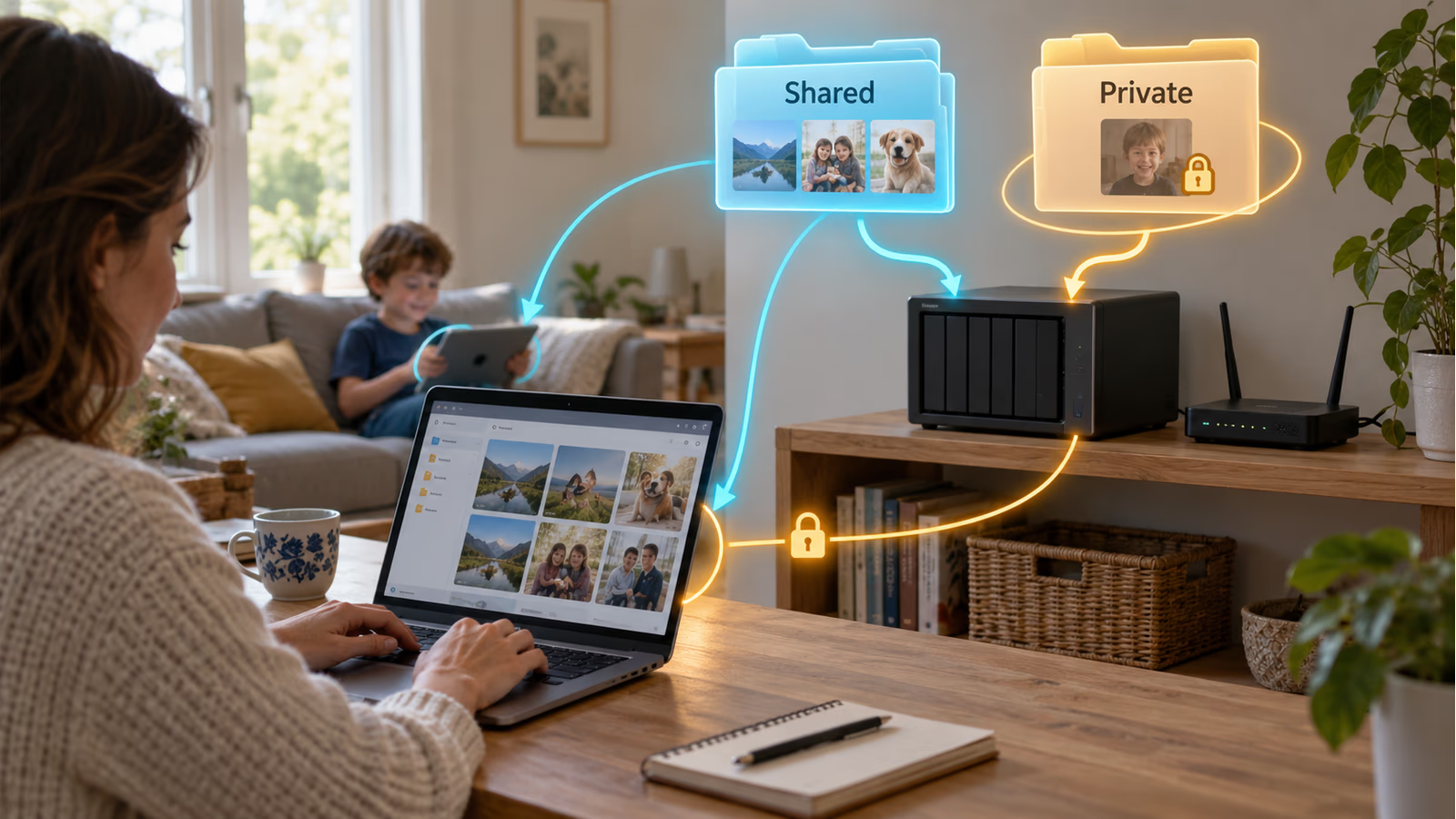
AI-generated AR-style example of folder permissions on generic hardware. The folders and overlays illustrate a proposed setup, not the HexOS interface.
The names matter more than people expect. A family member should understand where something belongs without asking which drive contains which dataset. Keep the structure small enough to explain in a minute.
I would also try an ordinary account after setting up access. The administrator’s view is not the same as everyone else’s. Opening a folder and saving a harmless test file tells you more than simply assuming a permission setting did what you intended.
This is a proposed way to begin, rather than a reported household trial. The reason I recommend it is simple: a server becomes useful when other people can use the result comfortably.
Applications give it room to grow
HexOS includes a curated application approach. Its documentation describes applications for photos, media and home services, with examples including Immich, Plex, Jellyfin and Home Assistant. Application development overview.
Related reading

That makes the server more interesting than a box full of folders. A photo application can give a collection a useful interface. A media application can organise suitable content for viewing. Each service offers another reason to keep the server available.
I would add them one at a time. Get file storage working, understand how the first application stores its data and decide how that data will be backed up. Then consider the next service.
Curated installation can reduce the work of getting started. The application still has its own settings, updates and hardware needs, and any separate licence or service cost remains worth checking.
The attraction for me is having a manageable route from a small server to something more capable. You can begin with a clear purpose and expand when another useful job appears.
Local management has moved beyond a promise
Older descriptions of HexOS often centre on its hosted Command Deck. The release notes now say the HexOS Local rollout completed on 21 April 2026, with existing customers migrated and new customers onboarding to the local platform. The FAQ also places the 1.0 launch in April. Local rollout, current FAQ.
That is an important development for software used to manage your own server. A locally hosted interface fits the purpose of keeping equipment at home and gives the product a stronger foundation for local control.
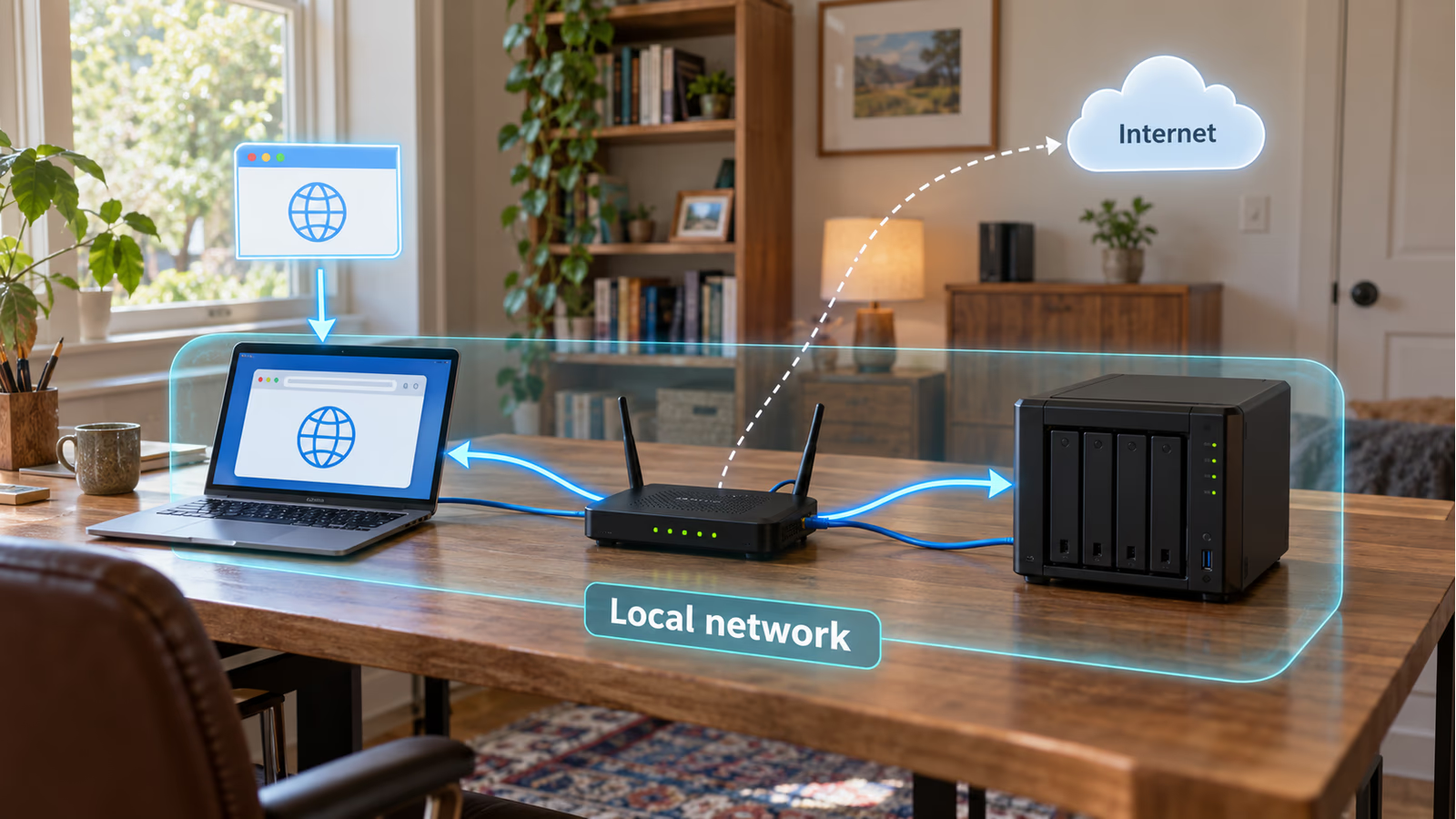
AI-generated AR-style map of local management. It does not claim that every feature or a fresh sign-in works without the internet.
It is still worth separating three questions: where the interface runs, how you sign in and which features contact an online service. A local interface by itself does not establish that every action, including a fresh login after a reboot, works without the internet.
I would verify the offline behaviour of the installed version before depending on it. Find and check the available route into the underlying TrueNAS administration as well. These are practical checks for an installation, not results I am claiming from a new outage test.
HexOS’s progress here deserves recognition. The useful comparison is with the version people can use now, while keeping the remaining service dependencies clear.
Buddy Backups and virtual machines have beta labels
The October 9 release opened Buddy Backups and virtual machines to every HexOS owner as public betas. Buddy Backups is intended to keep an encrypted copy on another server, including one at a friend’s home. Virtual machines add another way to use the hardware. Public beta release.
Both are attractive additions. A second location is useful for files you cannot replace. A virtual machine can give an existing server another job without needing a separate physical computer for every small experiment.
I would approach both with a small trial first. Give a virtual machine a limited task. For a backup, use a sample folder and restore it to a different location, then compare the contents.
The beta label helps set expectations. These features can add value today for someone willing to evaluate them, but I would base the purchase on the core server functions I need now. That leaves future development as a welcome improvement rather than a condition for the purchase to make sense.
Several drives and a backup solve different problems
A storage layout that tolerates a drive failure is useful. It can let the server keep working through a hardware problem. A separate backup gives you another copy to recover from when the problem reaches beyond one drive.
Deleting the wrong folder, losing the whole server or discovering that important files were changed are different situations. The backup plan needs to account for the files you care about, where copies live and how far back you can recover them.
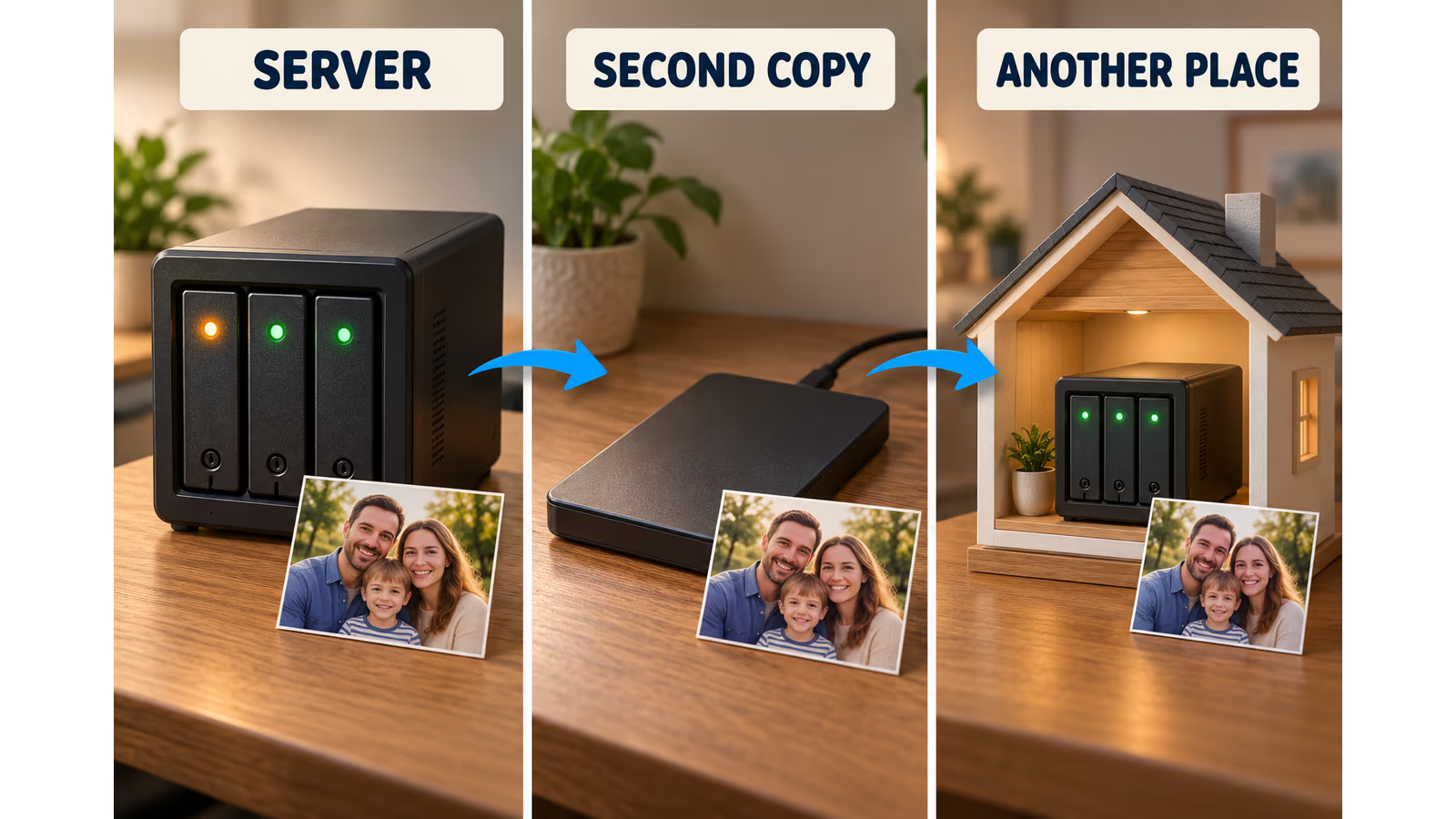
AI-generated explanation of separate copies and locations. The hardware is generic, and the arrows do not represent a HexOS backup configuration.
For family photos and essential documents, I would keep a separate copy and another copy away from the home. The exact arrangement can be modest. What matters is being able to describe where the copies are and successfully recover something from them.
Try that recovery while the original is still available. Pick a few files, restore them into a fresh folder and open them. Include some application data if an application is part of the reason for running the server.
This is part of owning storage, whichever interface you choose. HexOS can make the server easier to manage; a restore test tells you whether your own backup arrangement can do the job you expect.
Related reading

What you pay for
On 19 October 2026, the HexOS website advertised a lifetime licence per server at an early-access price equivalent to approximately €177, with a stated regular price equivalent to around €266. These are conversions of the advertised US prices using that day’s Czech National Bank rates, rather than confirmed euro checkout totals. Tax and checkout terms can change the amount. HexOS pricing, exchange rates.
The licence wording excludes cloud-based backup, premium support and other metered services. The hardware and drives are also separate purchases. Licence scope.
That makes the decision fairly clear to me. You are paying for the simpler management experience around the underlying storage platform. If you already enjoy managing TrueNAS directly, that help may be less valuable to you.
For someone who keeps postponing a home server because the setup feels too complex, the calculation changes. A guided interface that helps them finish a useful installation can be worth paying for.
I would include the whole system in the budget: suitable hardware, drives, power and separate backup storage. The software is one part of a purchase that should still make sense after the first weekend.
A great tool for getting a useful server into the home
The strongest reason to choose HexOS is that it gives a difficult subject a more approachable starting point. You can concentrate on the files and services you want while the interface helps explain the server underneath them.
I especially like the combination of hardware choice, guided storage decisions and room to add applications later. The arrival of HexOS Local also makes this a more appealing proposition than the earliest descriptions of the product suggest.
There is still some work for the owner. Choose suitable hardware, read the storage plan and prove that the important files can be restored. Those jobs are easier to face when the everyday interface makes sense.
For a household or creator who wants a capable home server without turning every change into an administration project, I think HexOS is a very good option. Start with one useful job, get that right and give the server room to earn the next one.
Scope: a researched assessment of the documented product, dated 19 October 2026. This follow-up adds no personal test duration, transfer benchmark or completed restore claim.
One email a month: new articles, reviews and the upcoming live webinar + free recording. No spam, unsubscribe anytime.