The HD60 X appeals to me when I keep two pictures in mind: the one I play on and the one I record. Those do not need to be identical. A console can feed a display through the capture card while the computer receives a supported recording signal. I like that division because it lets the playing experience and the production setup have different priorities.
Quick verdict
I would choose it for a console workflow whose exact passthrough and capture modes fit the documented limits.
Best for: I would choose it for a console workflow whose exact passthrough and capture modes fit the documented limits.
Main benefit: Separate HDMI passthrough and USB capture let the display and recording serve different roles.
Biggest drawback: The display signal can exceed the recorded signal, and HDR capture does not carry over to macOS.
Elgato HD60 X
Amazon US · US
Check price and availability: Elgato HD60 X at Amazon USAffiliate link. As an Amazon Associate I earn from qualifying purchases.
Reviewed version: Elgato HD60 X Capture Card for PS5, Xbox Series X/S, Switch 2
Compatibility: Unencrypted HDMI sources and a compatible USB 3 host. Recording and passthrough modes differ. Elgato documents HDR capture as Windows-only.
Review context: I assess console-to-display passthrough, OBS recording, operating-system limits and game/chat audio routing.
I would shortlist this card only after writing down both requirements. A large resolution printed on a listing can describe passthrough rather than recording. My positive view depends on matching the exact console, display, computer and software to Elgato’s supported modes, especially when a Mac is doing the recording.
Passthrough is not the recorded file
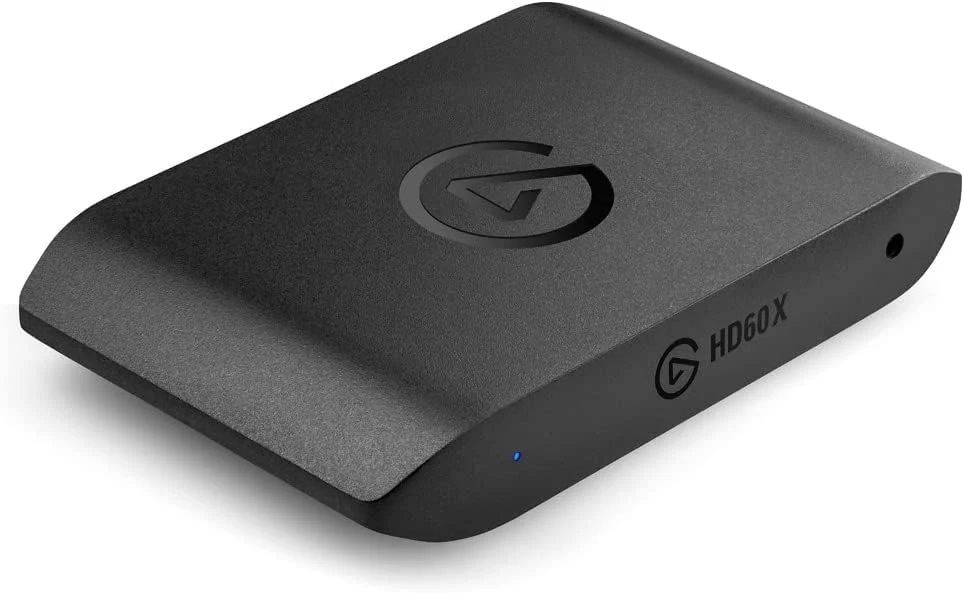
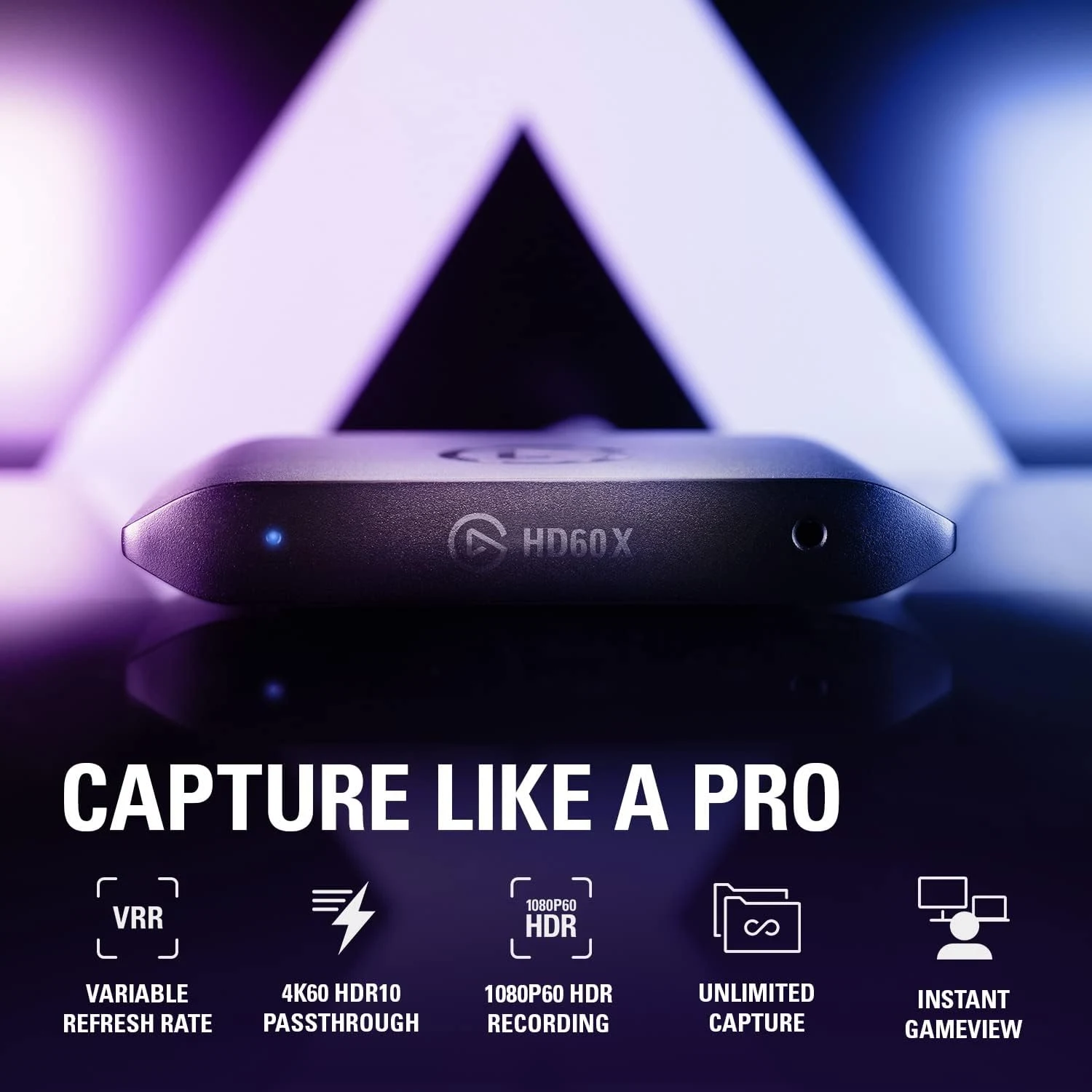
Elgato’s technical specifications separate HDMI input and output from USB capture. They describe passthrough up to 4K60 and capture modes including 4K30 and 1080p60, with conditions. I would use that table as the purchase document rather than combine the largest resolution and frame-rate figures into one imaginary mode.
Related reading
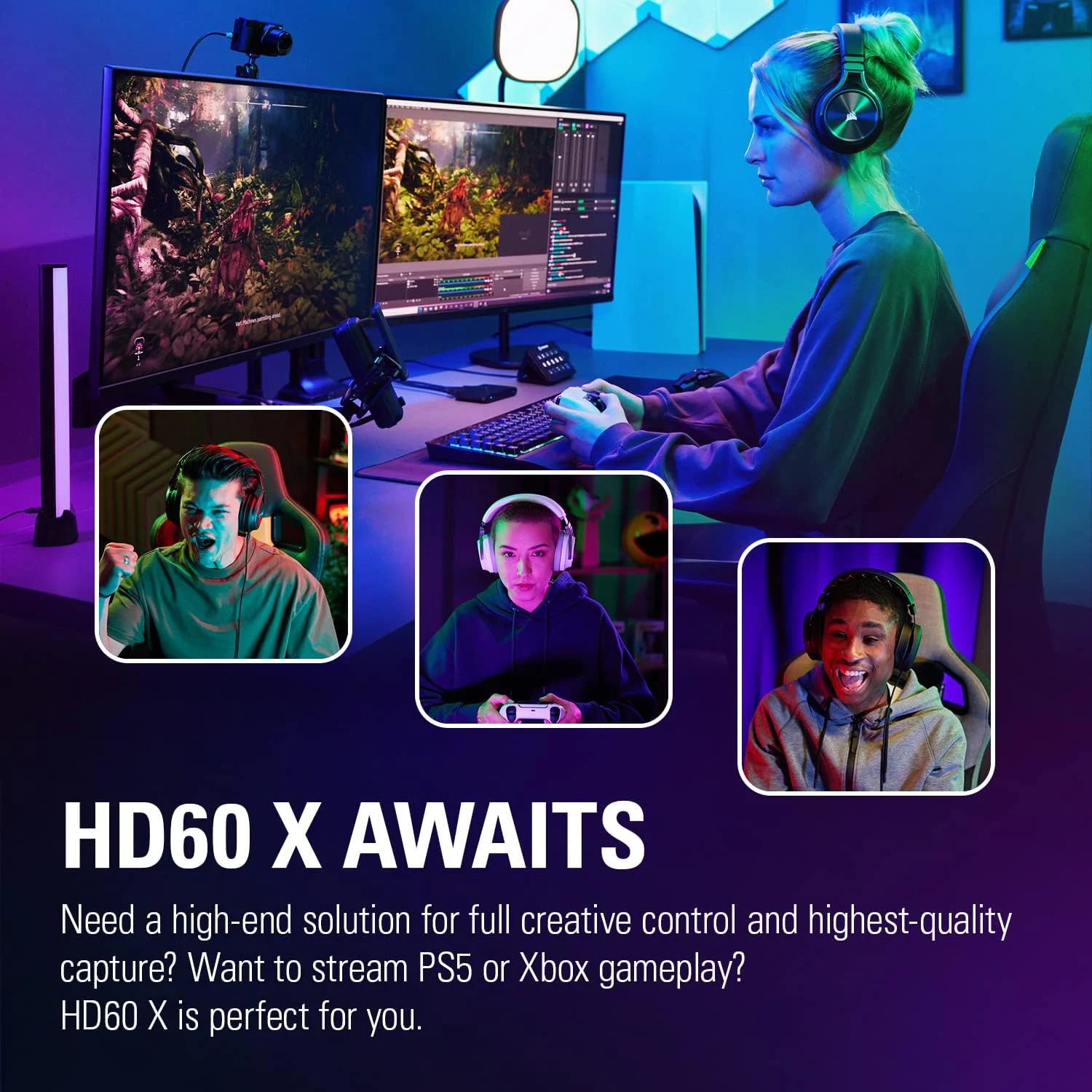
The useful arrangement is playing from the display connected to HDMI output, while the computer handles the recording. I would not rely on the application’s preview as the main gaming screen. A preview includes the capture and software path, which serves a different purpose from the HDMI display path.
Before buying, I would identify the mode I actually use on the console. A fast competitive game, a slower story game and a stream intended for ordinary online playback can lead to different choices. The card should preserve the playing mode I care about while creating a recording mode that my computer and publishing workflow can handle comfortably.
Mac compatibility has a specific boundary
Elgato lists OBS on Windows and macOS, but its documentation also states that HDR capture is Windows-only. That distinction matters more to me than a broad Mac-compatible label. A Mac can be a valid capture host without receiving every feature available through the Windows software path.
I would therefore plan a Mac recording around the documented supported format and check how HDR source material is handled. Colour that looks acceptable on the television is not proof that the saved SDR recording is correct. I would review a short sample with highlights, shadows and interface text before committing a long session.
Elgato’s own 4K Capture Utility is also listed as Windows-only in the specifications. Someone moving between operating systems should plan the application as carefully as the hardware. I would choose the software that fits the actual computer, then check its audio and format controls rather than expect the same workflow from two different programs.
The USB connection needs its own attention
The card uses a USB 3 connection for capture. I would connect it through an appropriate data path and avoid assuming that every cable with the right-shaped connector has the necessary capability. A charging cable and a high-speed data cable can look deceptively similar in a drawer.
Related reading

A dock also introduces another part of the path. I would begin with a direct supported connection to establish a simple working baseline, then add the dock if it is part of the normal desk setup. Other busy USB devices can share resources, so the tidy final arrangement still deserves a full recording check.
Computer capacity matters after the picture arrives. Encoding, overlays, a camera feed and local recording can all add work. I would keep the initial scene simple, confirm the chosen output and then build up the production. A capture card moves video into the computer; it does not make the rest of the streaming workload disappear.
Audio is where a neat diagram becomes a real setup
Game sound, a microphone and party chat may take different routes. I would draw those routes before choosing extra cables or accessories. Hearing something in a headset does not necessarily mean the capture application receives it. The saved recording needs the intended mix, not just whatever the player happens to hear.
HD60 X includes an analogue audio input in Elgato’s specification. Whether that helps depends on the console and chat arrangement. I would follow the relevant console and accessory guidance rather than assume that plugging a cable into the card solves every chat-audio restriction. A microphone used for the stream may still be a separate computer input.
For a longer session, I would check a saved sample near the beginning and again after the whole scene is active. That checks sync, source selection and the final file together. It is a sensible validation step for a proposed setup, not a claim that this review has established a particular latency or hours of reliable recording.
Related reading
A focused capture card can be enough
I would compare Cam Link 4K for a suitable camera-to-webcam job where console passthrough is not the point. I would choose a different capture card if the real requirement is 4K60 recording or another mode outside HD60 X’s documented range. Buying the wrong card and lowering the requirement afterwards is rarely satisfying.
For a supported console workflow, I like the HD60 X’s clear separation of playing and recording. I would check the exact offer, included cables and host requirements before ordering. Its strongest case is a deliberate production setup with known output modes and audio routes, rather than a promise that one box records every signal a modern console can send.
The product images come from the selected listing and identified manufacturer materials. My assessment uses the linked product information and the buying decisions explained here. Specifications are manufacturer or retailer claims; the conclusions are my own editorial judgement.
What worked
Separate HDMI passthrough and USB capture let the display and recording serve different roles.
What bothered me
The display signal can exceed the recorded signal, and HDR capture does not carry over to macOS.
Who should not buy it
Someone requiring 4K60 recording or assuming every advertised HDMI mode can be recorded on every operating system.
Alternatives I would consider
Elgato Cam Link 4K. I would choose it for an appropriate camera-to-webcam role rather than console passthrough. Read my Elgato Cam Link 4K review.
A capture card with the required newer mode. I would choose one when 4K60 recording or a higher passthrough requirement is essential.
Evidence and sources
The linked product documentation and exact retailer listing support the product details. Images: Amazon product gallery. These are not personal test photographs or measurements.
Features, compatibility and rated figures from the maker are manufacturer information. My opinions are identified in the review.
Conclusion
Good value when its documented modes cover my real workflow; poor value if I need a newer capture standard immediately.
Elgato HD60 X
Amazon US · US
Check price and availability: Elgato HD60 X at Amazon USAffiliate link. As an Amazon Associate I earn from qualifying purchases.
One email a week with practical Mac workflows, useful comparisons and honest tech recommendations.