A small monitor can have a useful place on a desk that serves both work and games. The original AOC 24G2 interests me because its documented combination is straightforward: Full HD, a high-refresh gaming role, an IPS panel and an adjustable stand. I like that practical balance more than a design that spends all its attention on decoration.
Quick verdict
I would choose it for a small mixed-use desk where Full HD gaming and an adjustable stand fit.
Best for: I would choose it for a small mixed-use desk where Full HD gaming and an adjustable stand fit.
Main benefit: The original 24G2 combines a high-refresh gaming role with a practical adjustable stand.
Biggest drawback: Full HD limits dense work layouts, and similarly named variants can make comparisons misleading.
AOC 24G2 Monitor
Amazon US · US
Check price and availability: AOC 24G2 Monitor at Amazon USAffiliate link. As an Amazon Associate I earn from qualifying purchases.
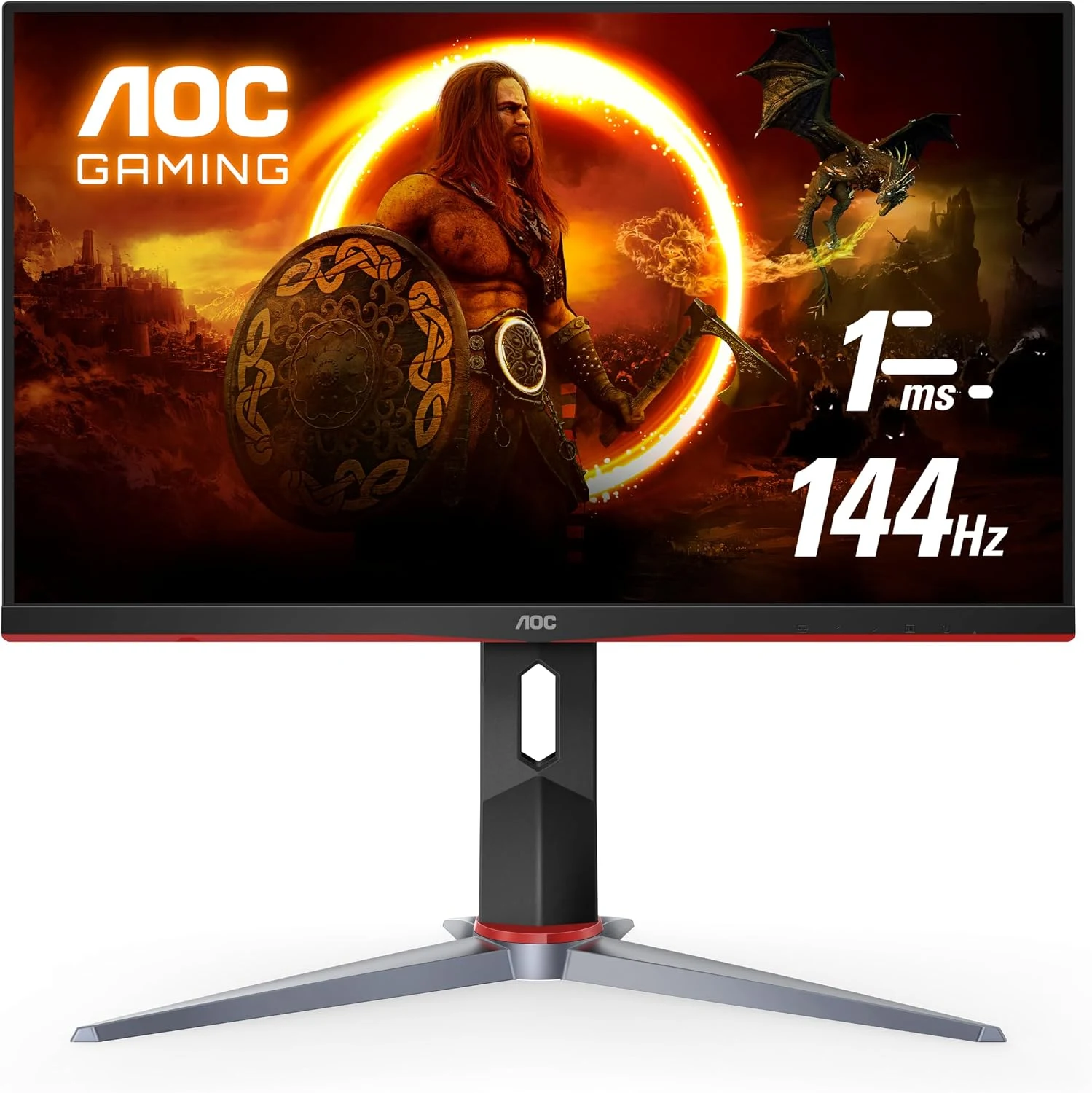
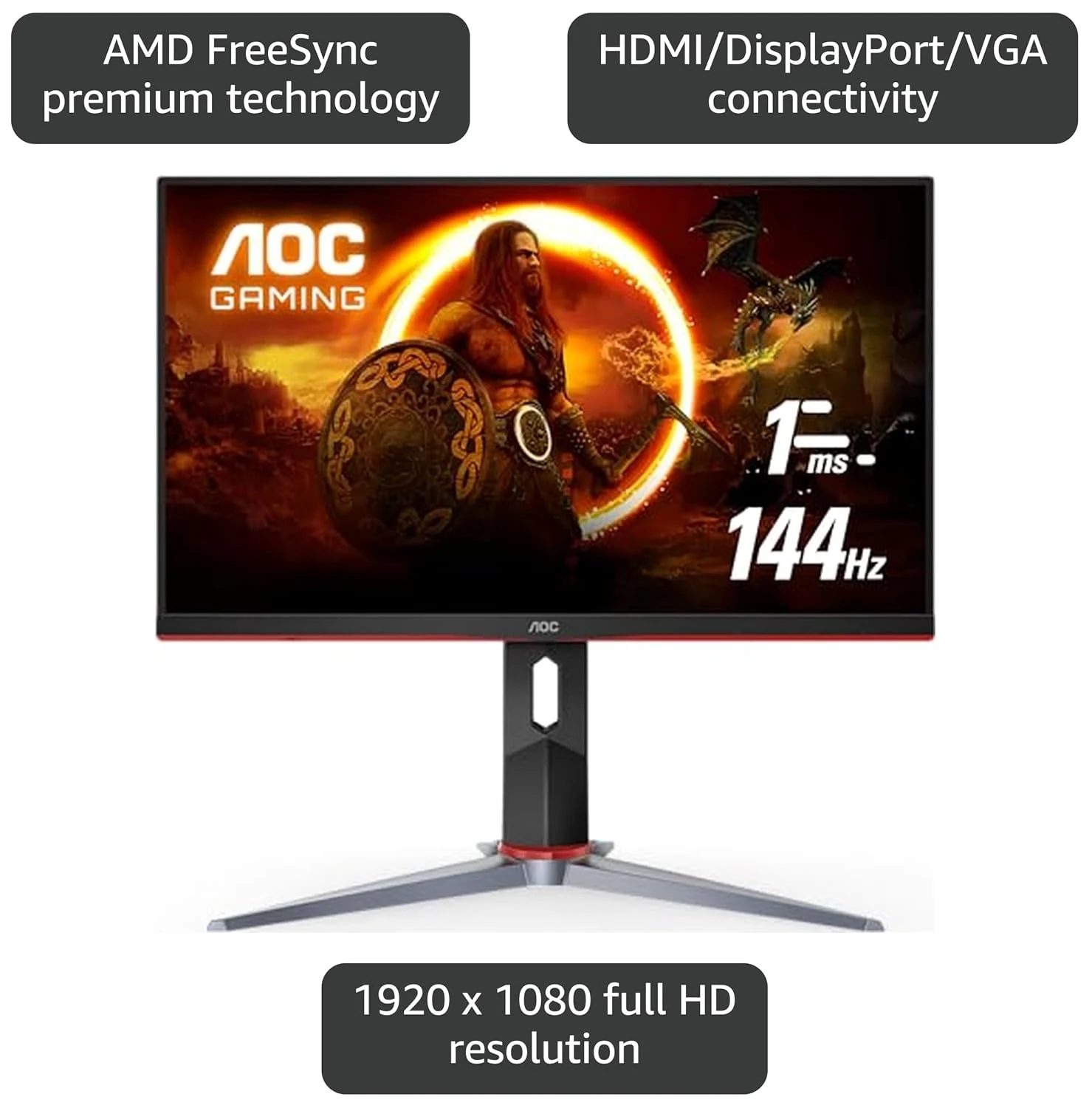
Reviewed version: AOC 24G2 24" Frameless Gaming IPS Monitor, FHD 1080P, 1ms 144Hz, Freesync, HDMI/DP/VGA, Height Adjustable, 3-Year Zero Dead Pixel Guarantee,Black/Red
Compatibility: Original AOC 24G2, 23.8-inch 1920 × 1080 IPS, 144Hz. Do not transfer refresh, panel or port specifications from 24G2SP or other related variants. Check the source timing.
Review context: I assess a combined gaming and work desk, supported refresh modes, text space and stand positioning.
I would shortlist the exact 24G2 for someone whose computer and desk suit that role. I would not assume every similarly named G2 model has the same panel, refresh range or connections. The first part of the buying decision is reading the full model name, especially when old reviews and current marketplace listings appear together.
Keep the original model in view
AOC’s product information identifies the original 24G2 as a 23.8-inch Full HD IPS model with a documented high-refresh capability. The selected listing is for that model. I would compare its actual specification rather than borrow a larger refresh figure from a related suffix.
Related reading

That matters with regional stock and used equipment. A familiar front design can conceal a different stand, input arrangement or panel specification. I would ask the seller’s exact model and the rear label to agree. The best current offer is the right product at a sensible price, not a slightly different product described with an abbreviated family name.
Warranty statements also need the correct region and seller. I would not turn a historic listing promise into an unconditional local guarantee. Return terms, pixel-policy conditions and who handles service are useful parts of the comparison. They matter particularly for a display whose condition can only be assessed fully after unpacking.
High refresh needs a matching signal
The monitor’s refresh capability is only useful when the computer sends a supported mode. I would check the source output, cable and chosen input, then confirm the selected setting in the operating system. A high-refresh panel can still run at a lower default rate until the connection is configured correctly.
I would also separate refresh from response-time marketing. Different figures describe different things and may depend on a particular operating mode. I would not combine the largest numbers into a claim that every pixel transition is perfect. The sensible assessment is how the chosen mode looks with the actual games and settings.
For a console, I would check the exact output mode against the monitor’s supported timing information. A PC gaming specification does not automatically establish every console combination. I would rather resolve that before buying than discover that the intended high-refresh path depends on an output the console does not provide in the expected way.
Full HD can be enough for the right desk
A 1080p work area is a deliberate compromise. It can suit a modest gaming computer and ordinary applications without asking the graphics system to render a higher pixel count. I can see the appeal when the desk is small and the main goal is comfortable everyday gaming rather than fitting several dense work windows side by side.
Related reading

For code, documents and editing controls, I would compare the amount of visible information I need. A higher-resolution display can provide a more useful workspace even if it is less gaming-focused. I would not shrink text beyond a comfortable reading size just to make a Full HD screen imitate a larger desktop.
Viewing distance matters too. I would place the display where text remains readable and the full screen can be used without constant leaning. An IPS label describes a panel approach, not a guarantee that every person will prefer its appearance. Familiar content and the actual room light are better guides for the final personal decision.
The stand can save another purchase
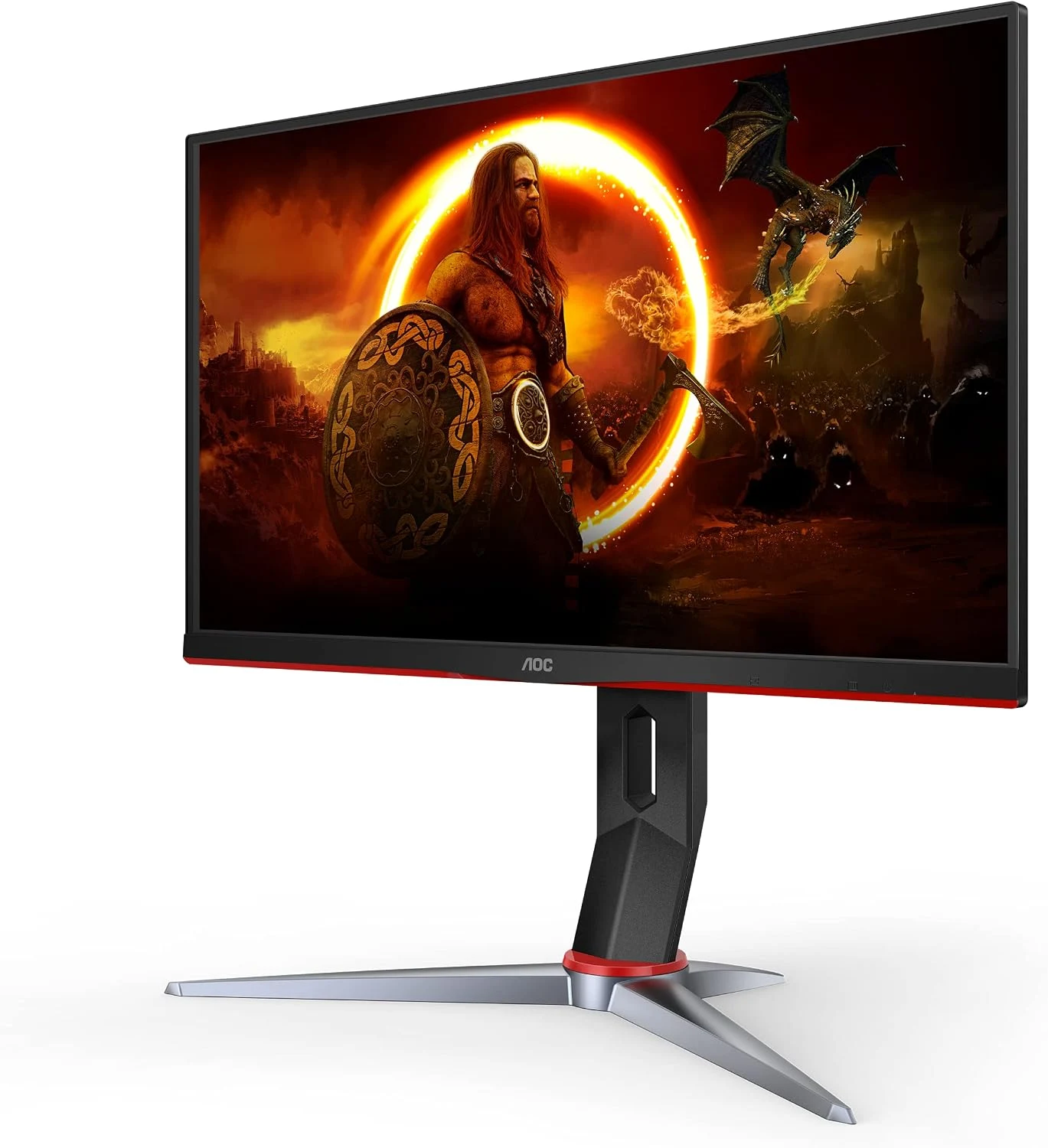
AOC documents useful stand adjustment for this model. I value that because the screen needs to meet the person at a sensible position. Height adjustment can remove the need for a separate riser or arm, and the base should leave a comfortable place for the keyboard and mouse.
I would check the available desk depth before ordering. A small diagonal does not tell the whole story of how much space the stand occupies. If an arm is planned, the mounting arrangement and desk strength also need checking. A clean setup should follow the physical requirements rather than be built around a photograph of an empty desk.
For a used display, I would inspect the stand movement, inputs and screen condition. Text, motion and simple uniform backgrounds can reveal obvious problems without pretending to be a full laboratory test. I would want a workable return route if the actual unit does not match the description. The original specification cannot answer for years of individual use.
Related reading

How I would choose between the alternatives
I would compare the ASUS VG248QE as another older Full HD high-refresh option, with particular attention to its input limits. I would choose the ProArt PA278QV when a larger QHD workspace is more important than this gaming balance. Those choices follow different daily priorities rather than a universal best-monitor ranking.
My view of the 24G2 is positive when its exact specification fits the desk. I would check the model suffix, current offer and supported connection together. Its value is a sensible mixture of gaming capability and ordinary adjustment, rather than an assumption that a familiar budget favourite remains the right purchase at any price or for every computer.
The product images come from the selected listing and identified manufacturer materials. My assessment uses the linked product information and the buying decisions explained here. Specifications are manufacturer or retailer claims; the conclusions are my own editorial judgement.
What worked
The original 24G2 combines a high-refresh gaming role with a practical adjustable stand.
What bothered me
Full HD limits dense work layouts, and similarly named variants can make comparisons misleading.
Who should not buy it
Someone needing QHD or 4K text space, wide-gamut reference work or USB-C laptop docking.
Alternatives I would consider
ASUS VG248QE. I would compare the exact older input and stand arrangement for another Full HD high-refresh choice. Read my ASUS VG248QE review.
ASUS ProArt PA278QV. I would choose the QHD work area when text and creative applications dominate. Read my ASUS ProArt PA278QV review.
Evidence and sources
The linked product documentation and exact retailer listing support the product details. Images: Amazon product gallery. These are not personal test photographs or measurements.
Features, compatibility and rated figures from the maker are manufacturer information. My opinions are identified in the review.
Conclusion
Worth considering when the exact original model is priced well beside newer alternatives.
AOC 24G2 Monitor
Amazon US · US
Check price and availability: AOC 24G2 Monitor at Amazon USAffiliate link. As an Amazon Associate I earn from qualifying purchases.
One email a week with practical Mac workflows, useful comparisons and honest tech recommendations.