I am drawn to monitors that make an ordinary working day easier to arrange. The ASUS ProArt PA278QV has a clear appeal in that respect: a 27-inch QHD workspace, an adjustable stand and a focus on familiar creative colour spaces. I would begin there rather than treat a monitor purchase as a contest between the most dramatic specifications.
Quick verdict
I would choose it for a desk mixing code and ordinary sRGB or Rec.709 creative work.
Best for: I would choose it for a desk mixing code and ordinary sRGB or Rec.709 creative work.
Main benefit: A QHD work area and adjustable stand address everyday desk needs directly.
Biggest drawback: It lacks the one-cable USB-C docking role some laptop users expect, and factory claims do not replace workflow checks.
ASUS ProArt PA278QV
Amazon US · US
Check price and availability: ASUS ProArt PA278QV at Amazon USAffiliate link. As an Amazon Associate I earn from qualifying purchases.
Reviewed version: ASUS ProArt PA278QV 27 Inch 1440p QHD Professional Monitor
Compatibility: PA278QV 27-inch 2560 × 1440 IPS display. Video and USB hub connections are separate; it is not a one-cable USB-C power-delivery dock.
Review context: I assess text workspace, sRGB/Rec.709 work, stand adjustment, port choice and colour-management limits.
I would shortlist it for a desk that moves between code, documents and ordinary photo or video work. My assessment is based on the documented design and buyer fit, not a claimed panel measurement. The useful question is whether its workspace, connections and colour workflow fit the actual desk, including the laptop or computer that will drive it.
QHD gives the desk a different shape
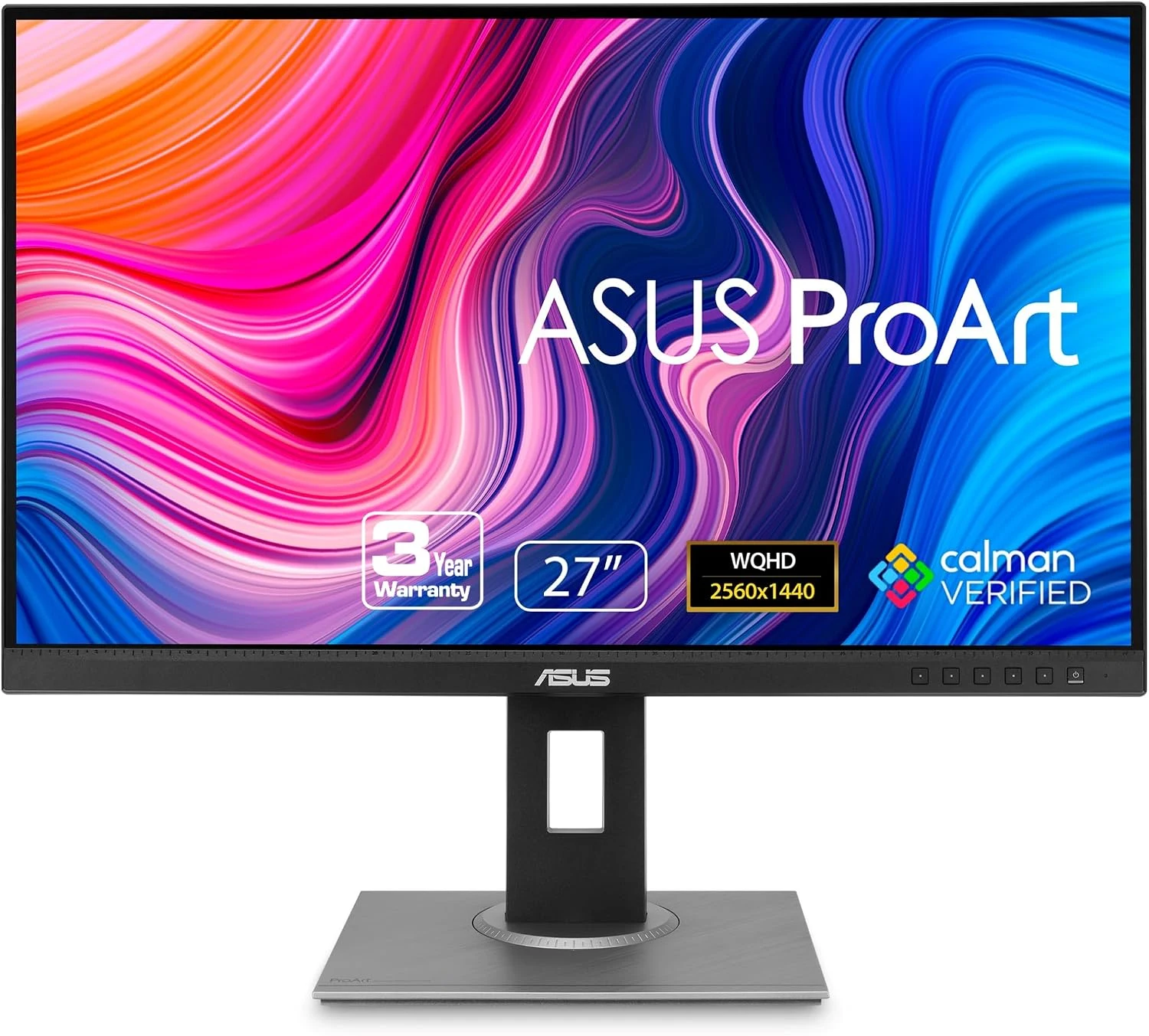
ASUS specifies a 2560 by 1440 IPS panel for this model. I find that a meaningful work-oriented choice because it creates more arrangement options than a basic Full HD screen. A code window can sit beside a reference, or editing controls can have room around an image.
Related reading

I would still choose text size and viewing distance deliberately. More pixels are useful only if the information remains comfortable to read. I would not shrink every application to its smallest setting simply to claim that more fits. The best workspace lets me keep the important tools visible without leaning toward the panel.
A 27-inch screen also occupies real desk space. I would check the depth of the base and where the screen sits relative to the keyboard. A larger display pushed too close can be less pleasant than a smaller one placed well. The desk and chair should explain the position rather than make the viewer adapt to wherever the monitor happens to fit.
The stand is an everyday feature
ASUS documents height, swivel, tilt and pivot adjustment. I value that because it gives the screen a better chance of fitting the person who uses it. A useful stand can remove the need for a separate arm or improvised riser, particularly on a desk shared between different tasks.
I would use the adjustments to find a normal working position, not continuously move the monitor to demonstrate that it can. The screen should stay stable once set. If an arm is planned, I would confirm the exact mounting requirements and the desk’s suitability before adding it to the order. A built-in adjustable stand may already solve the problem.
Portrait orientation could be useful for certain documents or code, but I would consider the whole application layout first. It is an option rather than a universal productivity improvement. I prefer knowing which work becomes easier in that orientation to changing it because the stand includes the movement.
Colour claims need a defined workflow
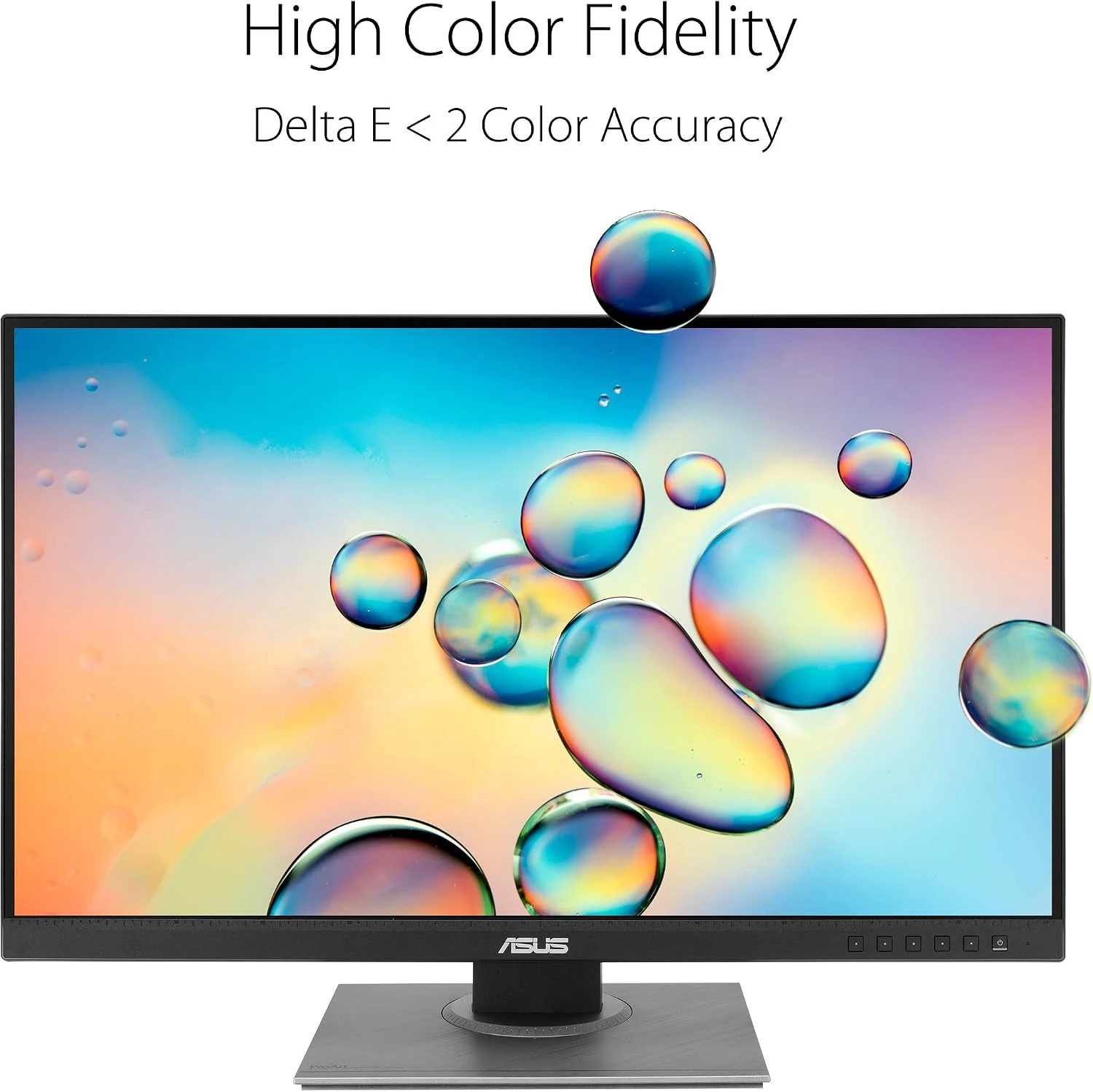
ASUS advertises sRGB and Rec.709 coverage and factory-calibration claims for the PA278QV. I treat those as manufacturer specifications, not measurements established by this review. They describe an intended use that is relevant to common web imagery and ordinary video work, but they do not make the monitor every kind of reference display.
Related reading

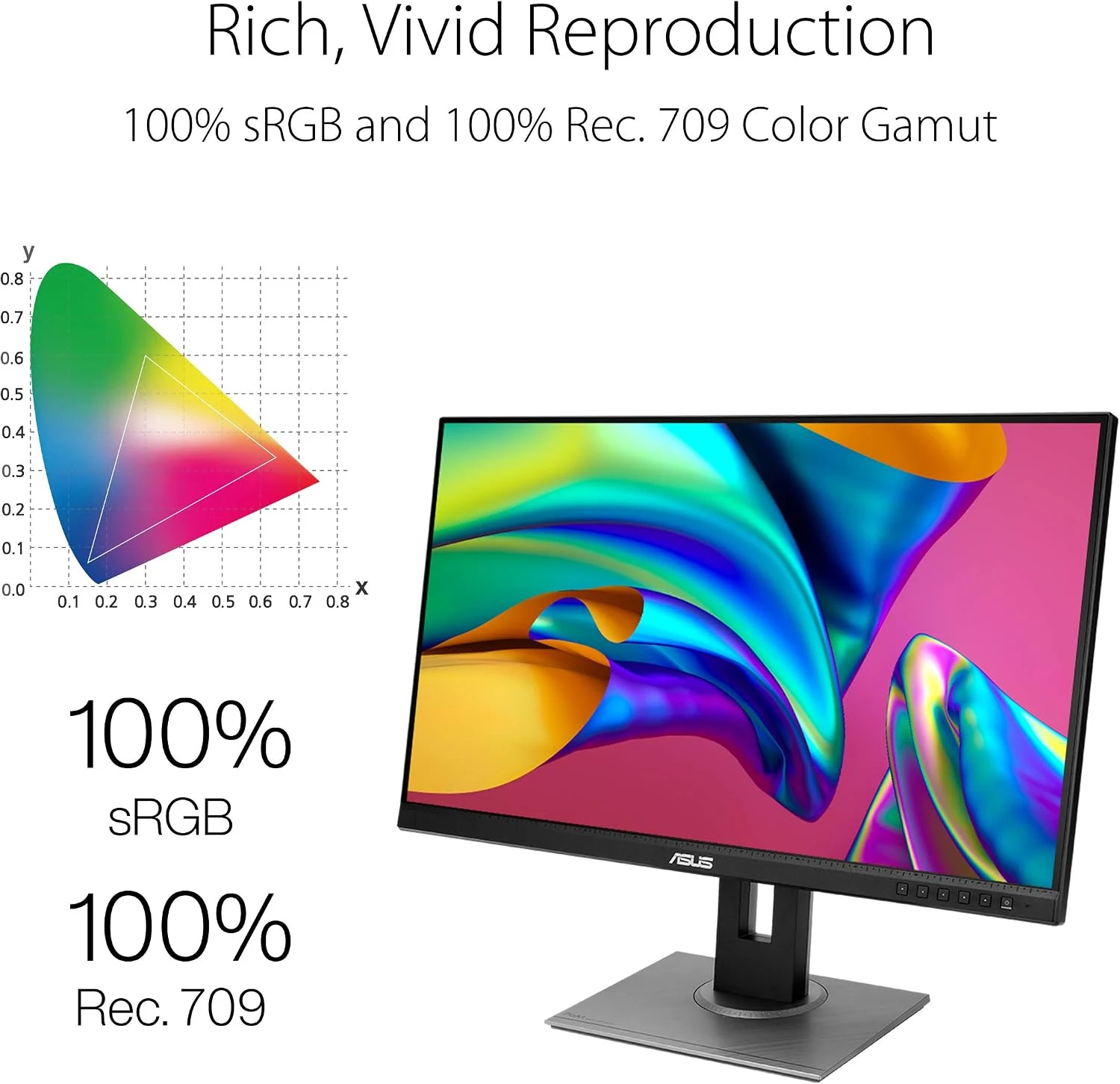
I would begin with the colour space required by the project. Web graphics, a client print workflow and HDR delivery can need different things. A familiar ProArt name should not replace those requirements. If the work needs capabilities outside this model’s documented range, I would choose the right display rather than try to make a preset solve the mismatch.
Room light and application colour management also matter. I would avoid editing an important image under changing light and then blame the monitor for an inconsistent judgement. For colour-critical work, an appropriate checking and calibration process remains useful. A factory claim is a starting condition, not a permanent guarantee for every desk and every year of use.
Connections need a complete cable plan
This model provides traditional video inputs and a separate USB hub path. I would not buy it expecting one USB-C cable to carry video, accessories and laptop power. For a modern laptop, the video adapter or cable and the charger remain part of the setup.
That can be perfectly acceptable on a fixed desk. I would connect the chosen video path properly and use the USB upstream arrangement if the hub is needed. The important point is understanding the arrangement before purchase. A monitor can have a useful USB hub without being a laptop docking monitor.
I would check the supported display mode on the actual source after connection. Operating-system defaults and adapters can affect what is selected. The listed refresh capability is also different from a gaming-focused high-refresh requirement. For a desk dominated by fast games, I would compare a display built around that need instead.
Related reading

The right alternative follows the main task
I would compare the AOC 24G2 for a smaller gaming setup, while checking the exact model rather than transferring specifications from a related suffix. I would choose a suitable USB-C work monitor when quick laptop docking and power delivery are central. The PA278QV is appealing when a steady work display with useful adjustment is the real requirement.
My assessment is positive for that role. I would check the exact PA278QV offer, local warranty terms and cable requirements together. The value is a practical, readable workspace with a clear creative remit, rather than an assumption that a professional label eliminates the need to understand the files, connections and viewing conditions used every day.
The product images come from the selected listing and identified manufacturer materials. My assessment uses the linked product information and the buying decisions explained here. Specifications are manufacturer or retailer claims; the conclusions are my own editorial judgement.
What worked
A QHD work area and adjustable stand address everyday desk needs directly.
What bothered me
It lacks the one-cable USB-C docking role some laptop users expect, and factory claims do not replace workflow checks.
Who should not buy it
Someone needing a wide-gamut HDR reference display, very high refresh gaming or USB-C laptop charging.
Alternatives I would consider
AOC 24G2. I would choose it for a smaller gaming-focused setup where its exact refresh mode is the priority. Read my AOC 24G2 review.
A USB-C work monitor. I would choose one when power delivery and a single laptop cable are central to the desk.
Evidence and sources
The linked product documentation and exact retailer listing support the product details. Images: Amazon product gallery. These are not personal test photographs or measurements.
Features, compatibility and rated figures from the maker are manufacturer information. My opinions are identified in the review.
Conclusion
Worth considering when workspace and ergonomics matter more than higher gaming refresh or laptop docking.
ASUS ProArt PA278QV
Amazon US · US
Check price and availability: ASUS ProArt PA278QV at Amazon USAffiliate link. As an Amazon Associate I earn from qualifying purchases.
One email a week with practical Mac workflows, useful comparisons and honest tech recommendations.