A cable review should be a short job, and I wish this one were. The trouble is that “Anker Lightning cable” describes a whole family, and owners rarely say which member they bought. Hard reports on this exact 3.3 ft USB-A cable are scarce.
Very little of the evidence is about this one listing, so reviews of related Anker cables and owner posts about the wider range do much of the work here. I will tell you each time I am borrowing from a sibling product, and you can decide how much weight to give it.

Product image from the Amazon listing.
What I can do with confidence is explain what a USB-A to Lightning cable can and cannot do in the first place. For most buyers, that is the real decision.
Related reading

Who Still Needs This Cable
This is a cable for an older setup. One end is the classic rectangular USB-A plug. The other is Lightning, the small connector on iPhones up to the iPhone 14 and on a long list of older iPads and AirPods cases. Apple moved the iPhone to USB-C with the iPhone 15, so if you own one of those, this cable has no use for you.
It also has nothing to offer a modern MacBook without an adapter, since those laptops have USB-C ports. The people who will get real value from it have a small USB-A wall charger already, a USB-A port in a car, or an older computer on the desk.
That is a fair number of people. Plenty of good iPhones with Lightning are still in daily use, and plenty of old chargers sit in kitchen drawers. A second cable for the bedside or the car is a perfectly ordinary thing to buy.
The Limit That Comes From the Plug
Here is my main point, and it has little to do with Anker. Apple’s fast charging page says that to fast charge an earlier iPhone, you use a USB-C to Lightning cable with an Apple 18W or greater USB-C adapter, or a comparable third-party adapter that supports USB-PD.
A USB-A cable is not on that list. It does not matter how well this cable is built. If you want the fastest charge your iPhone can take, you need a USB-C cable and a USB-C charger.
Anker’s own wording, on the product page for its Anker 321 cable, says only that certification lets Apple devices charge at their fastest possible speed. Read that with Apple’s page in mind. “Fastest possible” here means the fastest possible over this kind of connection, and the charger at the other end has a say too. A tiny old 5 watt cube will charge slowly with any cable.
The same goes for data. Anker’s page gives no data speed. Lightning cables with USB-A ends are generally sold as USB 2.0 cables, so do not expect quick transfers of a big video library to a computer. For a phone backup now and then it will do the job, slowly.

Product image from the Amazon listing.
What Anker Promises
The Anker 321 page is the closest match I found. It covers a USB-A to Lightning cable in 3, 6 and 10 ft lengths, which is near this listing but does not prove they are the same product. Your cable may belong to a different Anker line.
Related reading

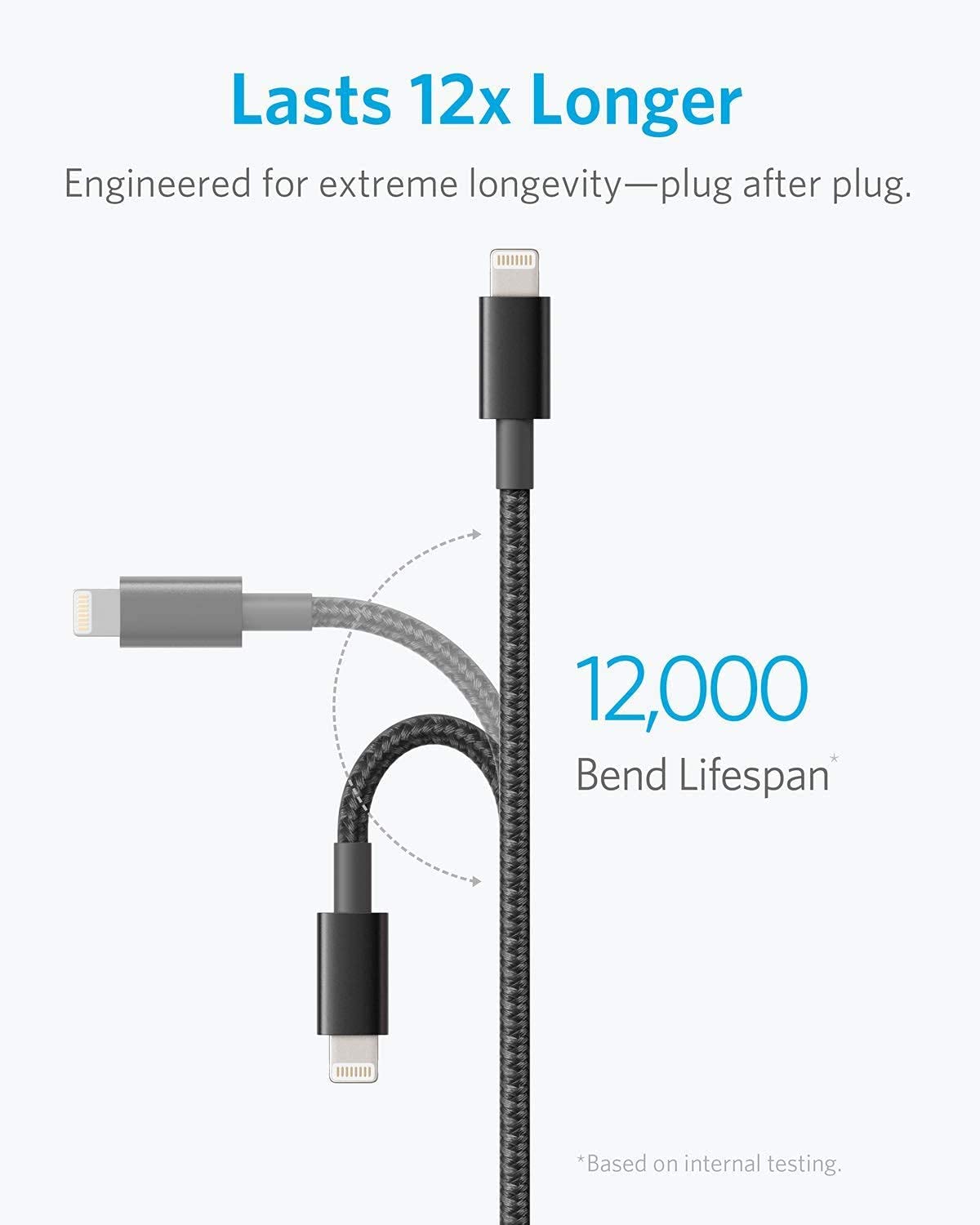
For that 321 cable, Anker claims more than 12,000 bends in lab tests and a load of over 175 lb. It says the cable is MFi certified, which is Apple’s approval program for accessories. It also promises a lifetime replacement for quality issues. Its list of compatible devices runs from the iPhone 5 to the iPhone 11, plus iPad models and AirPods, and that list looks dated more than limited. The connector did not change after the iPhone 11.
Those are maker claims. I found no independent bend test of this cable, so please treat 12,000 as marketing with a number attached.
MFi is the claim I would care about most. It is a real, checkable approval from Apple, and it should save you from the “this accessory may not be supported” message that cheap cables can trigger. Before you buy, confirm that the listing still states MFi certification.
What Happened to Its Relatives
Reviews of Anker’s other Lightning cables lean positive, though they are old and cover other models. Macworld’s 2017 review of the braided PowerLine+ called it a “super durable cable” that was worth the money, while admitting it did not test the 6,000 bend claim for that model. Blogger Terry White, writing in 2017 about the PowerLine II Dura, said he had moved away from Apple’s cables because they failed near the connectors. Of his Ankers, he wrote: “I have yet to have one wear out or break!”
Macworld also found one small practical issue. The connector housing on that PowerLine+ was about a millimeter wider than Apple’s, so it might not fit a snug or waterproof phone case. I can’t say whether this cable shares that shape. If you use a thick case, test the fit on the day it arrives.
The other side of the story comes from Anker’s own community forum. Some owners of various PowerLine cables described fraying near the Lightning connector after heavy use, with Anker sending a free replacement. Another owner had a longer cable fail, and then saw the replacement fail too.
Two lessons come out of that. Anker cables do fail, like every cable. And warranty terms can differ between product lines, so a “lifetime” promise on one product page may not cover the cable in your hand.
Product image from the Amazon listing.
If It Stops Working
Anker’s support page on cable charging has sensible advice. Wipe the pins with alcohol. Try the cable with another device and another charger. Compare it with your original cable on the same charger, in case the slow part is something else. If you see fraying or other physical damage, Anker asks you to contact support for a warranty claim and suggests that you stop using the cable because of the safety risk.
Related reading
I would add one more check. Before you blame any Lightning cable, look inside the iPhone’s port. Pocket lint is a common cause of a loose or dead connection. Keep your receipt too, since a warranty claim is much easier with proof of where you bought it.
A Fine Spare, Not an Upgrade
I would treat this as a spare cable for a place where you already own a USB-A charger, such as a nightstand, an old car or a desk at work. In that role, a certified cable from a brand that answers warranty claims is a sensible choice over a no-name one, even with the evidence this thin.
Skip it if you want faster charging, because you need USB-C for that. Skip it if your iPhone has USB-C. And if you are about to buy a new charger as well, buy a USB-C charger and a USB-C to Lightning cable instead, since that setup will still be useful later.
For that nightstand job, the Anker USB-A to Lightning Cable should do what you need, once you have confirmed the MFi claim and the warranty on the listing. This is an affiliate link. As an Amazon Associate I earn from qualifying purchases.
One email a month: new articles, reviews and the upcoming live webinar + free recording. No spam, unsubscribe anytime.