I find a router easier to choose when I stop thinking of it as a speed number and start thinking about the room. The TP-Link Archer AX55 is interesting to me as a practical Wi-Fi 6 router with wired ports for the things that stay in place. That combination makes more sense than asking every device to compete for wireless space.
Quick verdict
I would shortlist the AX55 for a straightforward Wi-Fi 6 home network with sensible placement and ordinary gigabit wired needs.
Best for: A home that needs a main router and can give it a useful open position.
Main benefit: Wi-Fi 6 and several wired ports provide a practical mix for portable and fixed devices.
Biggest drawback: Walls, client support and placement still decide the wireless result; some HomeShield features require payment.
TP-Link Archer AX55 AX3000 dual-band Wi-Fi 6 router
Amazon US · US
Check price and availability: TP-Link Archer AX55 AX3000 dual-band Wi-Fi 6 router at Amazon USAffiliate link. As an Amazon Associate I earn from qualifying purchases.
Reviewed version: TP-Link Archer AX55 AX3000 dual-band Wi-Fi 6 router
Compatibility: The correct regional model and hardware revision, an appropriate ISP connection and modem where required, and clients that support the desired wireless features. This is the original AX55, not AX55 Pro.
Review context: I assess a home network with a fixed desk, wireless clients in different rooms and ongoing firmware administration; I do not claim measured coverage or throughput.
This review concerns the original Archer AX55, not the AX55 Pro or another similarly named model. I would check the country version and hardware label before comparing features or downloading firmware. A familiar product name can cover revisions with different support details, and those details matter long after the box has been opened.
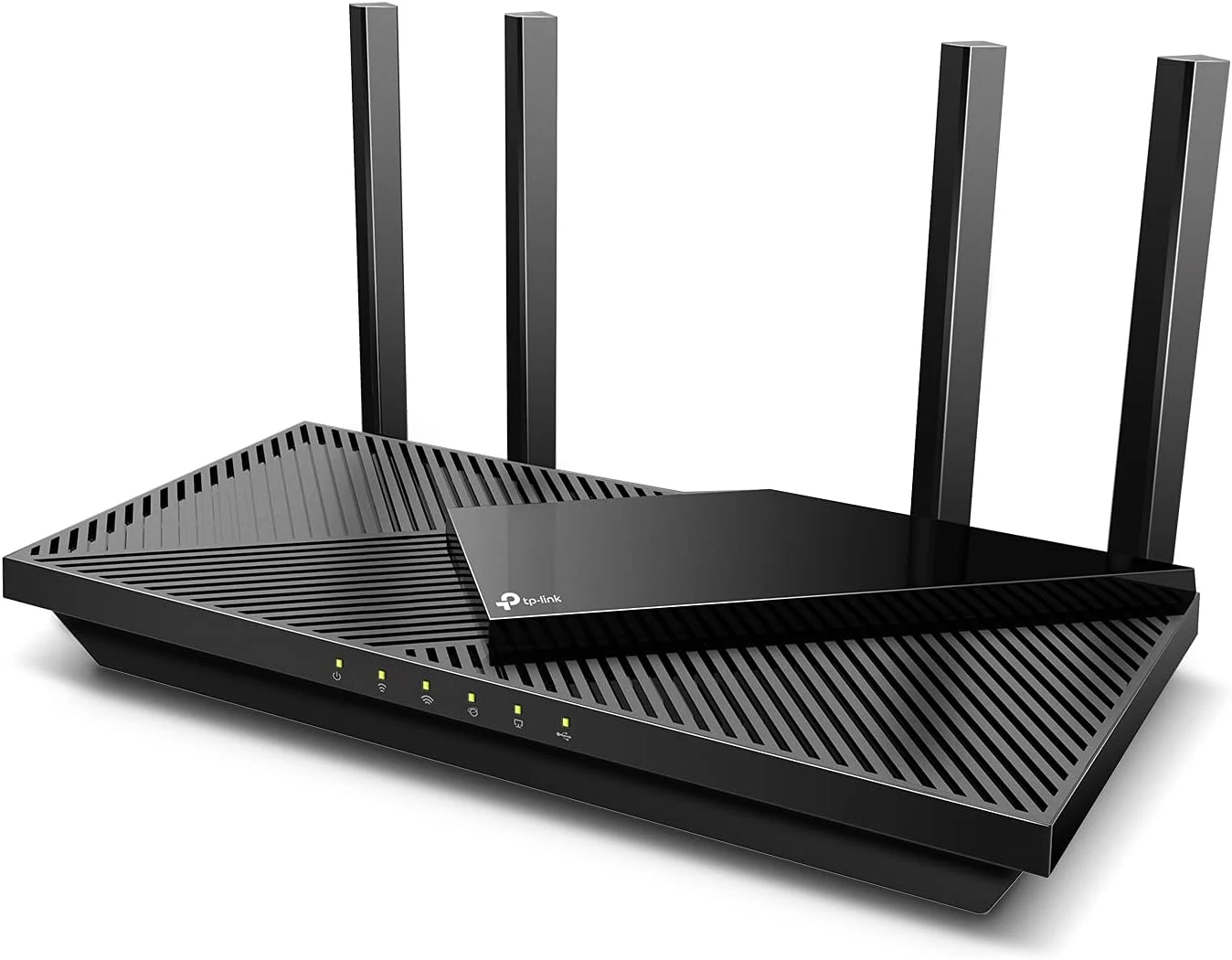
The AX3000 label needs context
TP-Link describes this as an AX3000 dual-band router on its official product page. The label combines theoretical wireless link ratings across bands. It is not a promise that one computer will download from the internet at that combined rate.
Related reading

The actual path includes the internet service, the WAN connection, the client and the room. I would check the slowest part before deciding an upgrade is necessary. A better router can be useful without changing the speed of the service that enters the home, especially when the main problem is an awkward wireless arrangement.
I also like keeping the client’s capabilities in the picture. Wi-Fi 6 features require suitable support at both ends. A new router does not replace an older wireless adapter inside a computer. That makes a realistic device list more useful than comparing the largest number printed in competing product names.
Placement is part of the purchase
The AX55 has an upright antenna arrangement and needs a sensible place to sit. I would avoid planning its permanent home inside a closed cupboard or behind a collection of metal equipment. Buying first and looking for the only spare power socket afterwards can make a good network design unnecessarily difficult.
A central, open position is a more useful starting point than an attractive photograph of the router beside a window. Walls and the building layout still matter. I would think about the rooms used for calls and streaming, then decide whether one location can serve them sensibly.
If it cannot, I would investigate a planned access-point or mesh arrangement. I would check the exact hardware, firmware and supported backhaul before buying additional equipment. A shared mesh label does not mean every possible combination provides every feature, and I would not assume a firmware-dependent capability is present on an unopened unit.
Wired devices deserve their own route
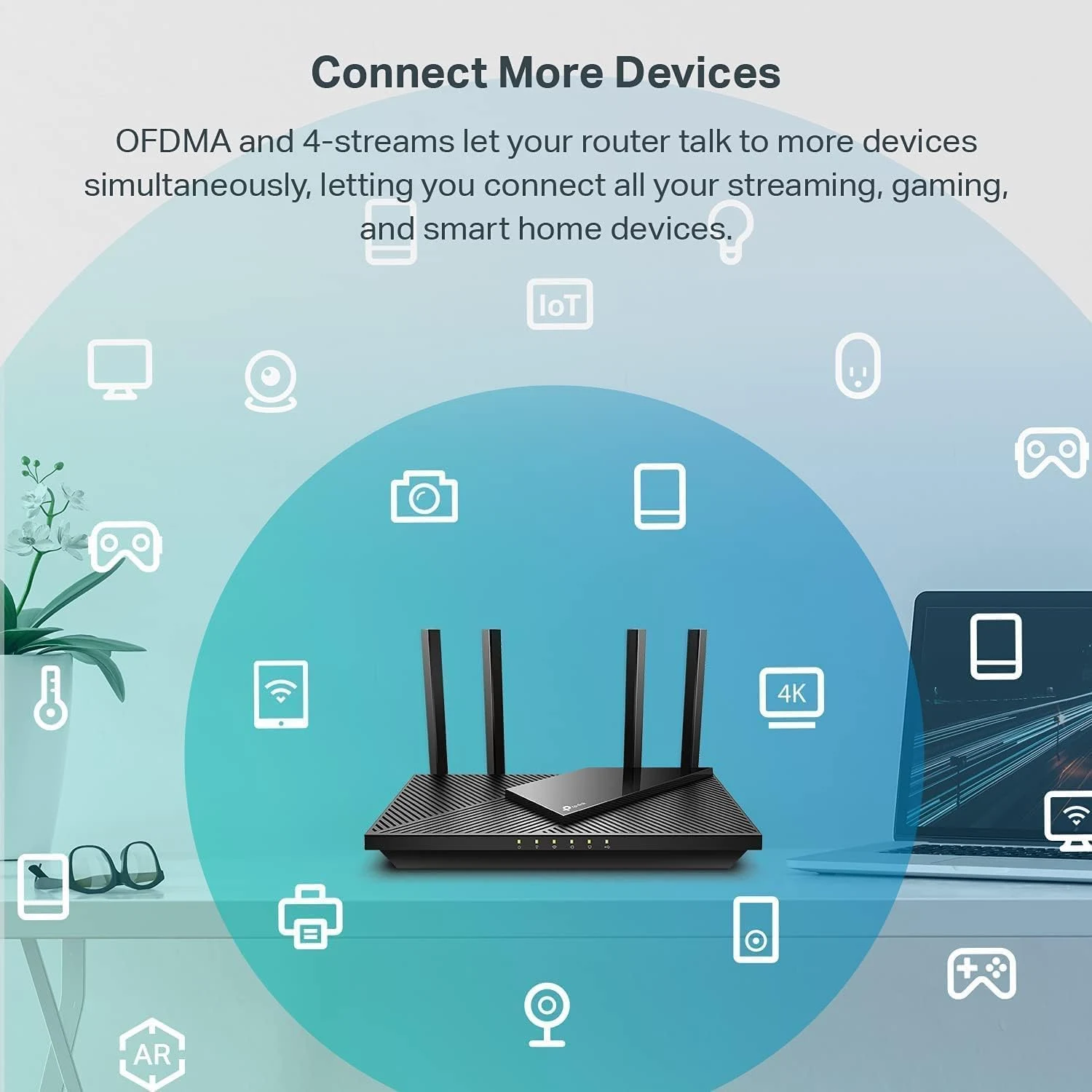
TP-Link lists gigabit Ethernet connections for this model. I like having a wired option for a fixed computer, television or another suitable device. It can simplify the network by leaving wireless access for the devices that actually move, rather than making Wi-Fi solve a problem a cable can handle directly.
Related reading

The cable path matters just as much as the port count. I would check which device needs the WAN connection and which ports serve the local network. An internet provider’s equipment may need a particular arrangement, especially if it also handles telephone or television services.
Access-point mode is another possibility in the published specification. I would choose the operating mode deliberately when an existing router already manages the network. Adding another router without understanding that relationship can make device discovery and troubleshooting more complicated than necessary.
Software is part of owning a router
I would visit the official AX55 download page before treating a feature list as complete. The hardware revision and country need to match. Firmware maintenance is not an optional hobby attached to the product; it is part of keeping the network useful and current.
TP-Link offers app and web management routes. I like having a clear way to inspect settings, but I would keep a record of the chosen arrangement and recovery process. The person who first sets up a network may not always be present when the household needs to restart or replace equipment.
HomeShield also deserves a calm reading. TP-Link separates a basic service from paid features. I would check the current plan details for anything important to the purchase, rather than assume every security or parental-control function shown in advertising remains included without a subscription.
I would make those household controls understandable to the people using them. A schedule or filtering rule should have a clear purpose and an owner who can change it. A network that behaves mysteriously can create more friction than a simpler arrangement with well-understood limits.
I would also decide how visitors should connect. A separately configured guest network can avoid sharing the main household password, but its isolation and device access need to match the purpose. A guest who needs internet access and a household printer are different cases. Clear network names and a short explanation are more helpful than accumulating settings nobody remembers.
Related reading

When I would choose it
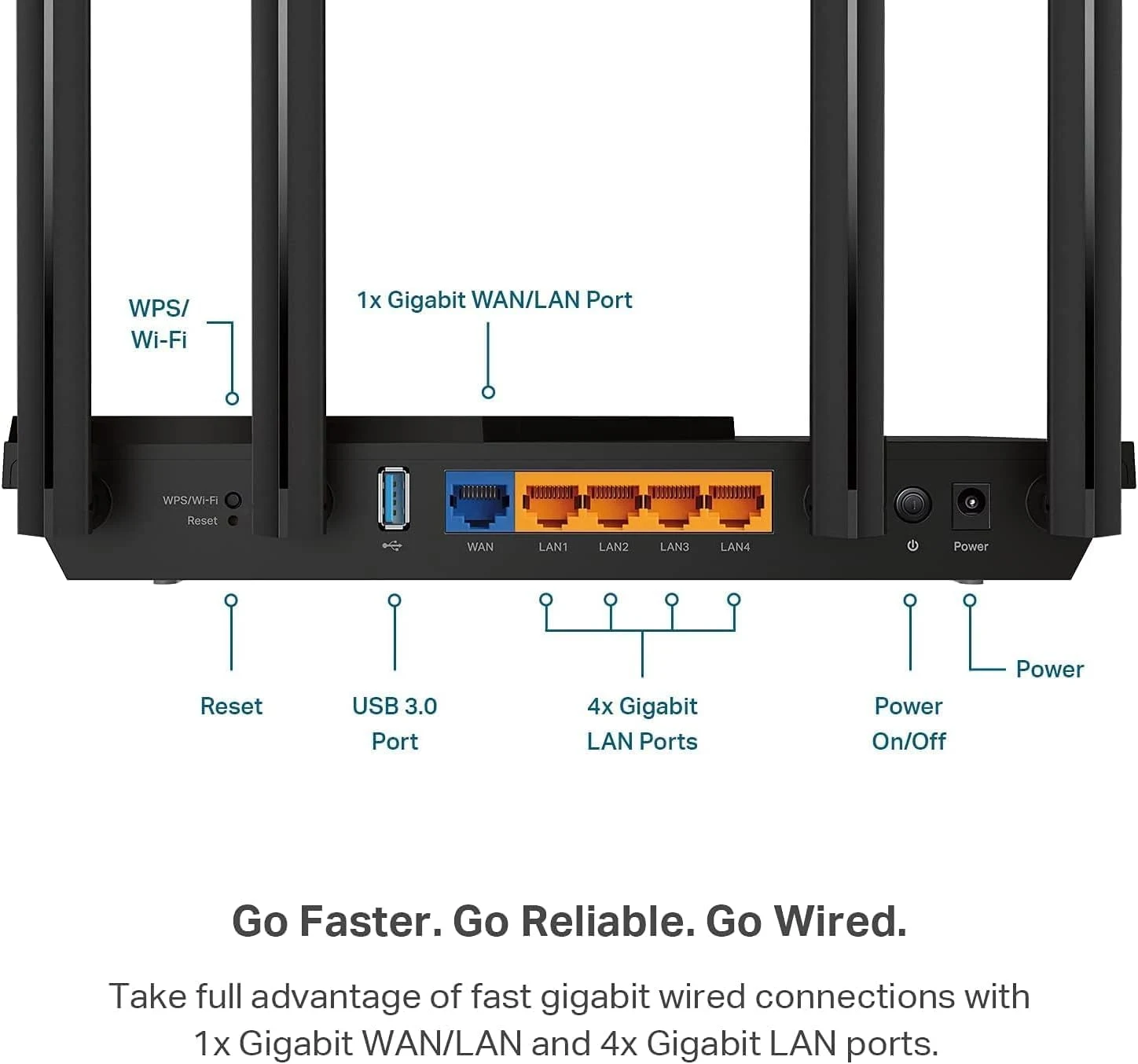
For several difficult rooms, I would spend more attention on coverage design than on upgrading the main router’s headline class. For a hotel or temporary connection, the smaller GL.iNet Opal answers a different question. Neither comparison makes the AX55 less useful; they help define the job it should actually have.
I like the AX55 as a clear main-router option for a home that can position it well and use its wired connections sensibly. I would check the exact Amazon US affiliate offer for the original model, regional version, condition and current availability, with the firmware and subscription requirements beside the buying decision.
What worked
Wi-Fi 6 and several wired ports provide a practical mix for portable and fixed devices.
What bothered me
Walls, client support and placement still decide the wireless result; some HomeShield features require payment.
Who should not buy it
A buyer expecting an AX3000 label to deliver a 3 Gbps internet connection or remove every weak spot from one corner.
Alternatives I would consider
A properly planned mesh or access-point system. I would choose distributed coverage when several rooms cannot be served well from one position.
GL.iNet Opal. I would choose the smaller travel-oriented router for hotel and temporary network tasks rather than treat the AX55 as a travel accessory. Read my GL.iNet Opal review.
Evidence and sources
Product details come from the cited sources. Images: Amazon product gallery and manufacturer illustrations. These are not personal test photographs or measurements.
TP-Link Archer AX55 product specifications
TP-Link Archer AX55 regional revision and firmware downloads
Features, compatibility and rated figures from the maker are manufacturer information. My opinions are identified in the review.
Conclusion
Worth comparing when the required network functions are available on the actual revision without an unwanted subscription.
TP-Link Archer AX55 AX3000 dual-band Wi-Fi 6 router
Amazon US · US
Check price and availability: TP-Link Archer AX55 AX3000 dual-band Wi-Fi 6 router at Amazon USAffiliate link. As an Amazon Associate I earn from qualifying purchases.
One email a week with practical Mac workflows, useful comparisons and honest tech recommendations.