Linus Tech Tips once made a whole video asking why so many people buy this monitor. That is a fair question, and the answer turns out to be mostly about price. A plain 24-inch screen from a small brand kept selling because it does the basic job for very little money, and buyers are happy to forgive the rest.
Owner feedback is thin, so this is a shorter list of claims than you may see elsewhere, and I will mark the guesses.

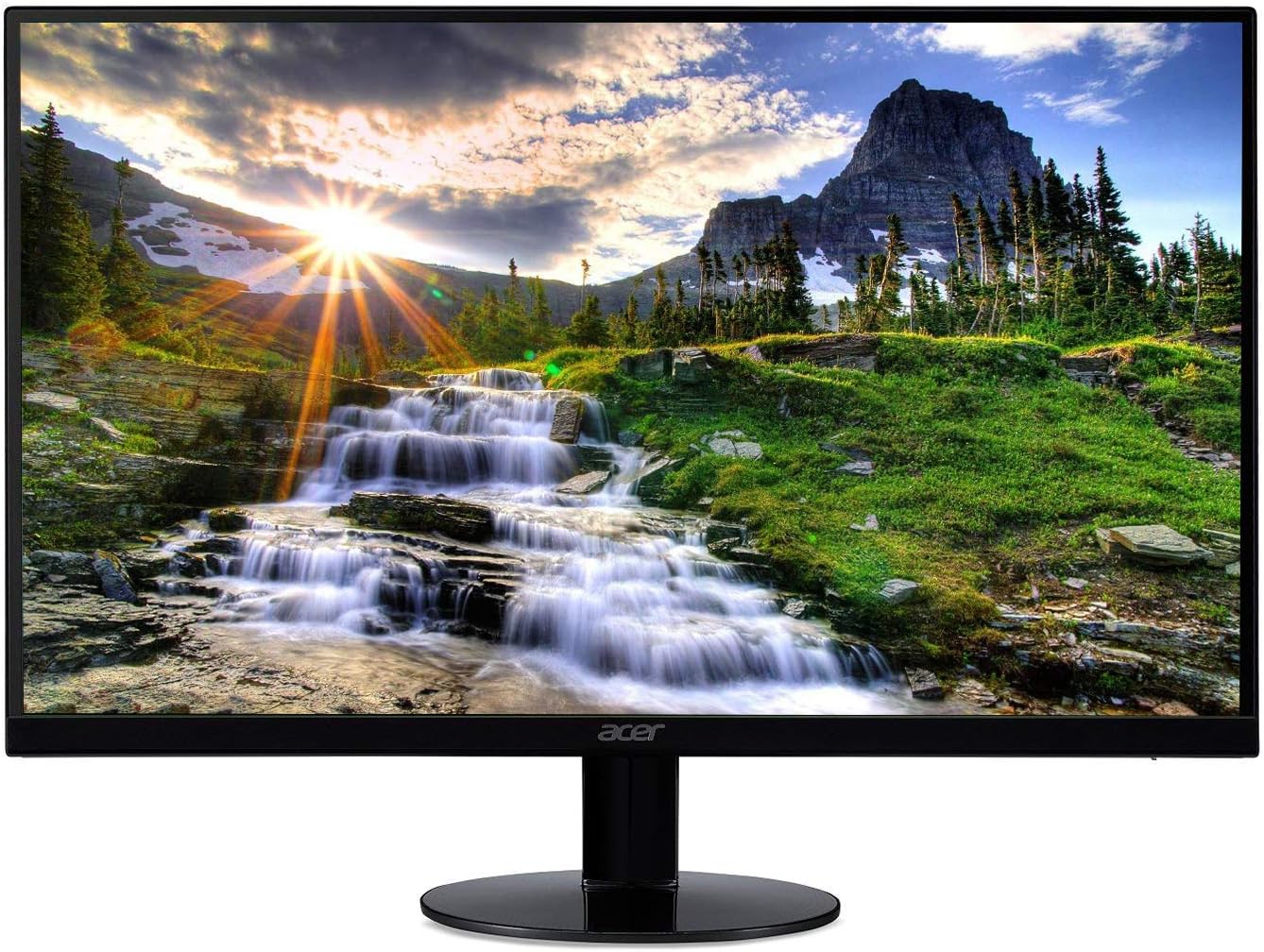
Product image from the Amazon listing.
One point up front about the name. The video tested the E248W-19203RT, a close relative of this E248W-19203R. Sceptre has sold several versions under similar codes, including a page labelled “Late 2024”, and the old reviews on a long-running listing may describe a slightly different revision. That page’s manual is dated 2020, so I can’t tell you what changed between versions, or whether anything did. The main specs on the two Sceptre pages match, so I treat them as the same screen, but I can’t promise it.
Related reading

The Spec Sheet Is Honest About What This Is
Sceptre’s product page lists a VA panel at 1920 by 1080, up to 75Hz, with typical brightness of 250 nits and a 3,000:1 contrast ratio. Ports are two HDMI, one VGA, a 3.5mm audio input and a headphone output. The Late 2024 page specifies HDMI 1.3. There are two small speakers rated at 2 watts each, a 100 by 100 mm VESA mount and a one-year warranty.
Notice what is missing. There is no USB-C, no DisplayPort, no USB hub and no height adjustment. On a desk with a modern laptop, this means an adapter or a dock is part of the cost.
The VA panel is the feature I find most interesting for the money. VA gives deeper blacks than the IPS panels in many office monitors, and the Linus Tech Tips reviewer said it helped the picture pop compared with an older HP model on IPS. The trade-off is that VA screens tend to be weaker on motion and viewing angles.
Reading Text All Day
For a work monitor, this is the main question, and it is the one the evidence covers worst. I found no owner or reviewer who judged text clarity directly. The video transcript only says that 1080p at 24 inches is enough for simple text uses such as a terminal.
So let me work from the numbers. A 1920 by 1080 picture on a 23.8-inch screen comes to about 92 pixels per inch. That is a normal density for an office monitor, and on Windows text at that size is perfectly usable. Spreadsheets fit, two narrow windows side by side fit, and you do not need scaling.
On a Mac I would be more careful. MacBook screens run at far higher density, and macOS text tends to look softer when you move it to a low-density external screen. Nothing is broken when that happens. It is just the difference between the two displays, and some people will notice it every day. If you are used to a Retina screen, try to see any 1080p 24-inch monitor in person before you commit.
Brightness may matter too. At 250 nits this is a dim-to-average screen, so a desk facing a bright window may be a struggle, even with the anti-glare coating Sceptre lists.

Related reading

Product image from the Amazon listing.
Colour and Motion: Fine for Office Work, Not for More
The Linus Tech Tips team measured about 95 percent of sRGB, which is a good number for this kind of price. Accuracy was poorer. They reported Delta E figures of about 8 out of the box and about 6 after calibration, and said it does not suit colour-accurate work. For a photo editor, this is a clear skip. For email and web pages, you are unlikely to care.
Motion is the weak point they spent most time on. They saw smearing on high-contrast edges, with blur on the trailing edge and overdrive artifacts on the leading edge. Their verdict was blunt: “it’s not a gaming monitor if competitive Shooters are your bread and butter.” Casual play was called playable. Display Ninja’s review of this exact model also points to FreeSync over a range of 48 to 75Hz, with support limited to AMD cards because there is no DisplayPort. If you are on a Mac, that part does not matter.
The Stand and the Speakers
Here the opinions are consistent. The video called the stand cheap and plasticky, with little adjustment. Display Ninja’s review found the base fairly sturdy, but with tilt only, from minus 5 to 15 degrees. Comments in listings go both ways. One buyer called the screen a bit wobbly but said you would not notice in normal use, another said the tilt would not budge, and a Newegg buyer insisted that both units did tilt.
Since this stand has no height adjustment, you may want the screen higher anyway. The cheap fix is a stack of books. The better fix is a VESA arm, which the 100 by 100 mount allows. At 6.37 pounds with the stand, per Sceptre, the monitor is very light, so any basic arm will carry it. The arm could cost a large part of what the monitor does, but it fixes the height and the wobble at once.
As for the speakers, the video’s summary is good enough: “they’re present but they’re not very good.” That matches the reviews I saw. They work for a system alert or a video call in a pinch. Use the headphone output or real speakers for anything else.

Product image from the Amazon listing.
If It Flickers on a Mac
I found no thread about this exact model and a Mac. I did find a useful one about a smaller relative. In February 2022, an owner of a 20-inch Sceptre E205W on a 16-inch MacBook Pro described continuous flicker, worst on light backgrounds. The fix had nothing to do with macOS: switching the monitor’s picture preset to ECO solved it. It is a different model, so this is a clue and not a promise, but the on-screen menu is the first place I would look.
Related reading
Speaking of that menu, the buttons are on the back, with labels there too, and the video found that less convenient. You will not use them often, but on a screen mounted to an arm they are a bit more awkward.
A Cheap Second Screen That Knows Its Place
I think this is an easy recommendation for a narrow job. As a second screen beside a laptop, a monitor for a child’s desk, a display for a home server, or an office screen for email and spreadsheets, it does what it says for very little money. The reasons to buy it are price and two HDMI ports. The video put the sweet spot at around $100, and called it much less competitive at around $125. That is a useful rule, so watch the actual price at the moment you buy, because cheap monitors are only a bargain while they stay cheap.
Skip it if you do colour work, play fast shooters, sit in a bright room, or want a single cable to a MacBook. Skip it too if you are moving from a Retina display and care about crisp type, because a 1080p panel will never match that, and spending more on a higher resolution screen will do more for your eyes than any setting here.
For a basic second display at a low price, the Sceptre E248W-19203R is a sensible buy, as long as you see it as a cheap tool. This is an affiliate link. As an Amazon Associate I earn from qualifying purchases.
One email a month: new articles, reviews and the upcoming live webinar + free recording. No spam, unsubscribe anytime.