The name on this monitor covers at least two different machines, and the differences are large enough to cost you money. An older sheet for the E205W-1600 and a later sheet for the E205W-16003R disagree on the ports, the refresh rate and even the mounting holes on the back. So before anything else, find the full model number on the listing you are about to buy from.
Detailed owner reports are missing, so there is less here about real-world use, and I will mark what is thin.

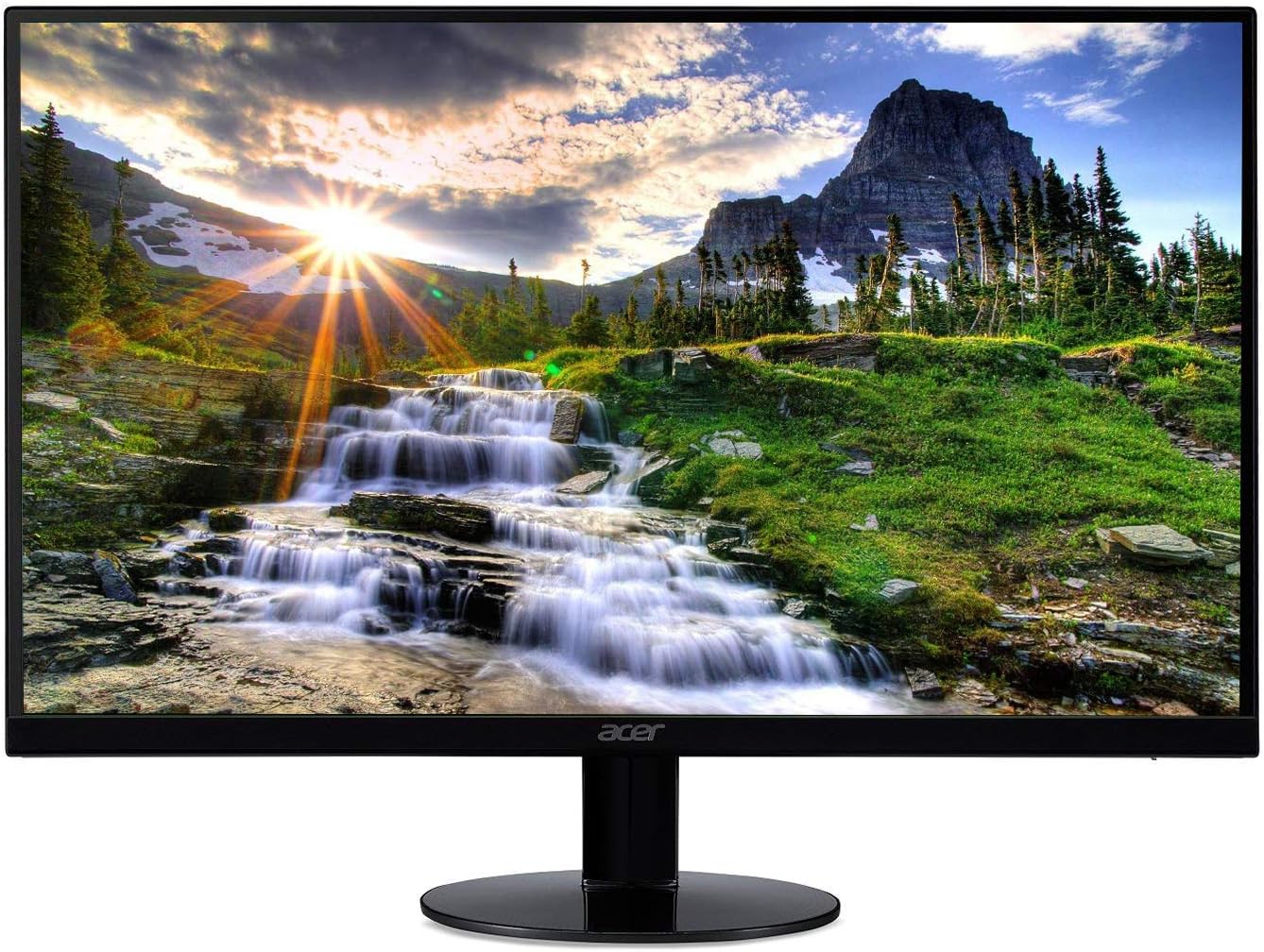
Product image from the Amazon listing.
Here is my opinion. As a cheap second screen for chat windows, a calendar or a monitoring dashboard, this makes sense. As your main screen for a full working day, it does not, and a Mac owner will feel that more than most.
Related reading

First, the Size Is Not Quite 20 Inches
Sceptre sells this as a 20-inch monitor, while its E205W-16003R spec sheet lists 19.5 inches of viewable screen. That half inch is a small thing and common in this market. The resolution is the part that matters: 1600 x 900, which is lower than Full HD.
Listings for small monitors can blur this, and shoppers often assume every modern screen is 1080p. This one is not. It has 1.44 million pixels against 2.07 million on a 1080p screen, so about 30 percent fewer.
The spec sheet says the screen accepts a 1080p signal, and that may trip you up. Accepting a signal does not mean showing it pixel for pixel. If you feed this panel 1920 x 1080, it has to scale the picture down, and text will look soft. Set your computer to 1600 x 900 and leave it there.
Text Is Sharper Than the Number Suggests
Here is something in the monitor’s favour. Density decides how crisp text looks, and at this size it is about 94 pixels per inch by my arithmetic. A 24-inch 1080p monitor comes out near 92. So on a Windows PC, text on this Sceptre should look about as sharp as on that very common office screen. The small size saves it.
What you lose is room. You get 900 rows of pixels in place of 1,080, so a document or a spreadsheet shows less at once. Side-by-side windows get tight at 1,600 pixels across. For one app in full view, or a side panel next to a laptop, that is fine. It is why I think of this as a helper screen.
On a Mac the story is less kind. Anyone used to a Retina display will notice the jump down to 94 pixels per inch, and I would expect text to look rough beside a MacBook screen sitting right next to it. I found no Mac owner who wrote about this directly, so take it as my judgement from the numbers. A second screen that shows Slack or music won’t bother you much. A second screen for reading long documents probably will.

Product image from the Amazon listing.
Two Generations, Two Sets of Ports
This is where you need to pay attention.
The older E205W-1600 sheet lists one HDMI, one DVI and one VGA port. Its table says up to 60Hz, while its own feature page says the ports go up to 75Hz. It uses a 100 x 100mm VESA mount, a 5ms response time, and it weighs 5.84 lbs with the stand. The box contents list only a VGA cable.
Related reading

The E205W-16003R sheet lists two HDMI ports, version 1.3, plus one VGA port, and no DVI in the table. Oddly, the product text on that same page still talks about DVI inputs, which looks like old copy left in place. It says up to 75Hz with Adaptive Sync and a 3ms response time, and it weighs 4.29 lbs. The VESA pattern is 75 x 75mm.
That VESA difference is the trap. If you are buying this to hang on a monitor arm beside your main screen, which is a sensible idea, check which plate your arm has. Many arms ship with holes for both patterns, but do not assume so.
The cable is the other trap. If the box for your version holds only a VGA cable, as the older sheet shows, you will need your own HDMI cable, because VGA is a poor match for most modern computers. A MacBook will need a USB-C to HDMI adapter or a dock, since neither sheet lists USB-C or DisplayPort. HDMI 1.3 has plenty of bandwidth for this low resolution, so an older cable will be fine.
The Panel Is a TN, and That Decides the Rest
Both sheets list a TN panel, 250 cd/m² brightness and an anti-glare coating. TN is the cheap, older panel type. The sheets claim viewing angles of 170 degrees across and 160 degrees up and down, but those figures flatter any TN. A Display Ninja write-up of the older model calls out low brightness and narrow viewing angles. Colours and contrast shift when you look from the side or from below.
For a second screen that often sits at an angle to you, this matters more than usual. Try to turn it to face you directly and tilt it to eye level.
The older sheet lists 6-bit colour with Hi-FRC, a method that fakes the missing shades with fast dithering. The later sheet gives 72 percent of NTSC. I would not use either for photo or video colour work. Reading, chat and dashboards will be fine.
The stand only tilts, 15 degrees back and 5 degrees forward. It has no height or swivel adjustment. A 20-inch screen on a low stand sits below eye level for many people, so plan on a riser, a stack of books or a monitor arm.

Product image from the Amazon listing.
What Owners Say, Such as It Is
Owner feedback is limited, and most of it concerns the older version. Some buyers praise the value and the choice of ports for the money. One wished for a remote to change inputs. One received a unit that was dead on arrival and said customer service was excellent. The speakers come up as the weak spot: a summary of reviews warned not to expect decent sound, though the speakers are there if you need them.
Related reading
That fits the sheets, which list two 2W speakers. They are fine for a system alert or a quick clip. Use headphones for a meeting if you can. The 3.5mm headphone output is there for that.
I can’t report on long-term failure rates, dead pixels or backlight bleed, because I have no reliable owner reports on them. Sceptre gives a one-year limited warranty on parts and labour, so buy from somewhere with an easy return and check the panel in the first week.
A Cheap Helper Screen, Not a Main Monitor
I would buy this for one job: a low-cost extra display for a PC or a laptop, holding things you glance at and do not read for hours. It suits a small desk, a home lab, a security view or a kitchen PC. At 75Hz the later version is also a small step up for casual use.
Skip it if it will be your only screen, or if you edit photos or read long documents on a Mac. A 1080p IPS monitor costs more but solves almost everything I have listed here. Skip it too if you need height adjustment and don’t want to buy an arm.
If the helper job is what you want, the Sceptre E205W 20-inch Monitor is a fair low-cost pick, as long as you read the full model number, ports and VESA size on the page before paying. This is an affiliate link. As an Amazon Associate I earn from qualifying purchases.
One email a month: new articles, reviews and the upcoming live webinar + free recording. No spam, unsubscribe anytime.