I like a memory-card purchase that begins with the recording job rather than a superlative. The Samsung PRO Ultimate 256GB is interesting to me as a card for a compatible shooting session and the transfer that follows it. The capacity is useful only if the camera supports it, the recording class fits the chosen mode and the files have a sensible route back to the computer.
Quick verdict
I would shortlist it for a compatible shooting and file-transfer workflow, while choosing a different family for continuous monitoring.
Best for: A compatible action camera, drone or portable device used for planned recording sessions and regular file transfer.
Main benefit: Useful 256GB capacity with an SD adapter and clearly documented host and reader requirements.
Biggest drawback: The published warranty excludes dashcam, surveillance and other write-intensive uses; it is not a universal endurance card.
Samsung PRO Ultimate microSDXC 256GB with SD adapter, MB-MY256SA/AM
Amazon US · US
Check price and availability: Samsung PRO Ultimate microSDXC 256GB with SD adapter, MB-MY256SA/AM at Amazon USAffiliate link. As an Amazon Associate I earn from qualifying purchases.
Reviewed version: Samsung PRO Ultimate microSDXC 256GB with SD adapter, MB-MY256SA/AM
Compatibility: A microSDXC-compatible host supporting the intended mode. Samsung specifies UHS-I, U3, V30 and A2. The selected SA package includes an SD adapter, not a USB reader.
Review context: I assess ordinary shooting sessions, transfer to a computer, capacity choice and the stated limits of write-intensive use.
This review covers the selected MB-MY256SA/AM package with an SD adapter. I would keep that exact identifier visible when comparing offers. A similar family name can hide a different capacity or accessory bundle, and a useful purchase should not depend on discovering the difference after opening the box.
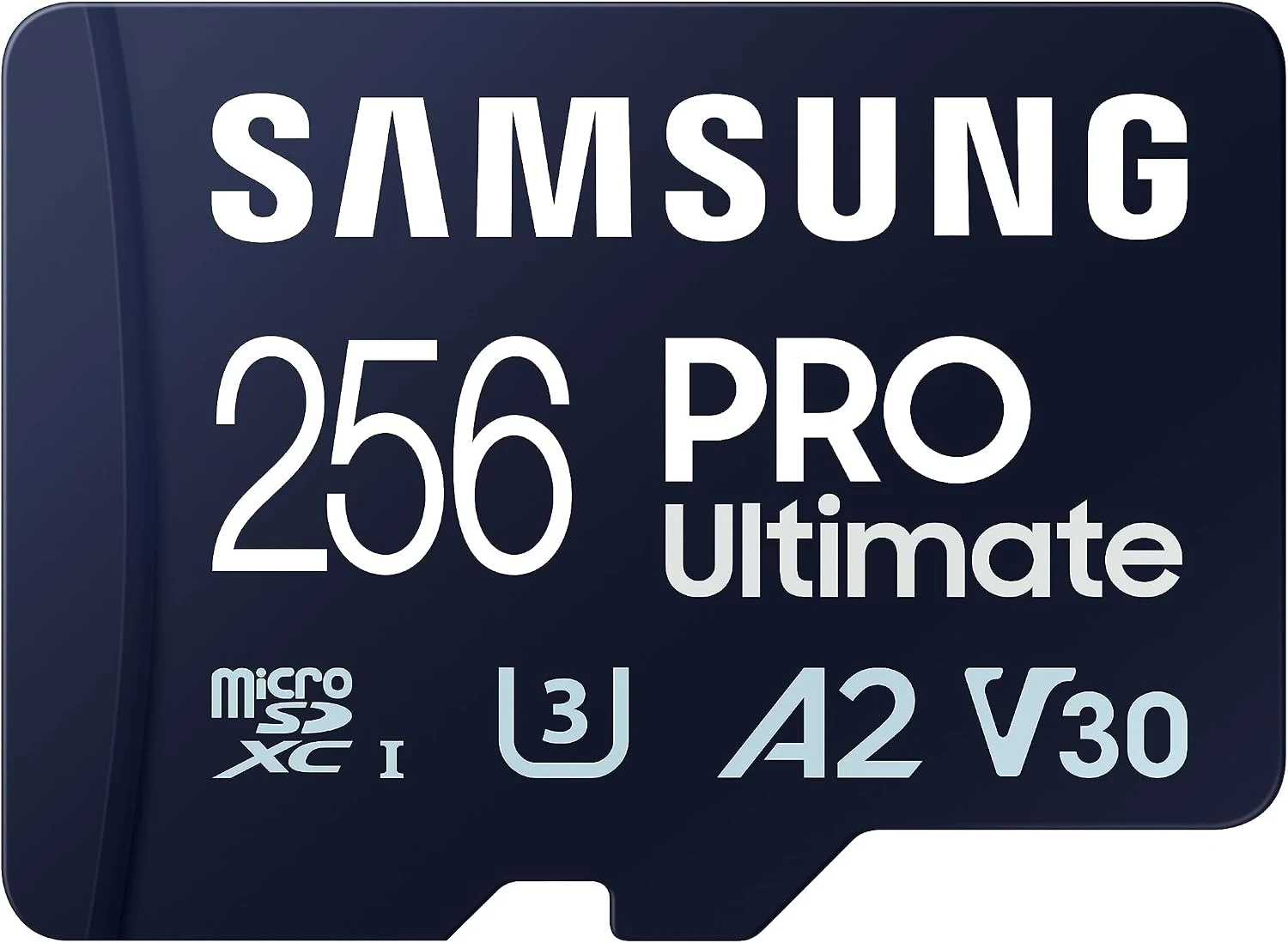
Product photographs come from the selected retailer gallery. They show the card and its package, not a personal recording trial or computer benchmark.
Related reading

The recording mode comes first
Samsung’s official data sheet identifies the PRO Ultimate as a UHS-I microSDXC card with U3, V30 and A2 classifications. I would compare those details with the actual camera or portable device before ordering. A small card fitting into a slot is only the beginning of compatibility.
I would look at the requirements for the intended mode, including any recommended-card list from the device maker. A broad 4K description cannot describe every codec and setting a camera offers. When a particular mode needs a different card class or format, I would buy the appropriate product rather than expect a premium-sounding family name to substitute for that requirement.
Peak transfer claims have conditions
Samsung lists maximum read and write figures under controlled conditions, using compatible equipment. I treat those as manufacturer information rather than results from my own workflow. I would check the reader and host connection before expecting the advertised maximum during a transfer.
That distinction is useful when planning the whole system. A reader, port or destination drive can become the practical limit. I would compare the arrangement I actually intend to use, with the files it needs to handle, rather than buy another accessory simply to make a label number feel complete. The card’s job is to support the work reliably within a suitable setup.
The adapter is not a USB reader
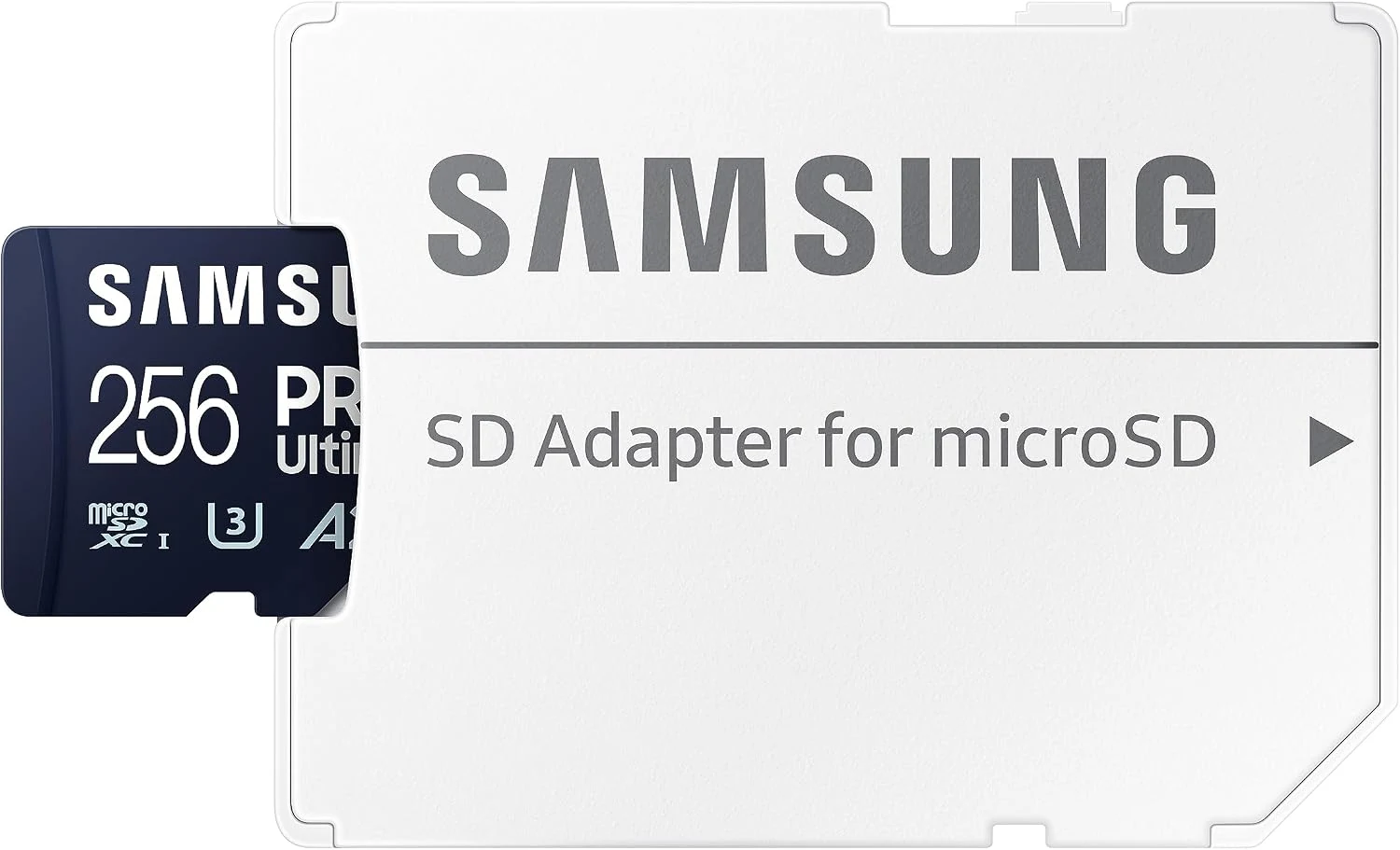
The selected SA product configuration includes an SD adapter. I like that physical flexibility when supported devices use different slot sizes. I would still keep the distinction clear: the adapter changes how the card fits a supported slot, but does not give every computer a USB connection or a faster interface.
If a computer needs an external reader, I would include it in the original budget and check the card standard it supports. I would also keep the adapter in a small storage case with the card. A simple routine is more useful than owning the right accessory but repeatedly leaving it somewhere else when the files need to move.
Related reading

256GB should suit a real session
I would choose capacity around the material being recorded and the length of the session. I would not turn the label into one universal number of recording hours. The chosen camera settings and file format affect how quickly space is used, and a session that matters deserves some margin instead of a plan built around the last available minute.
After a shoot, I would copy the files, verify the result and keep another useful copy before clearing the card. A removable recording card is not a complete archive. The space displayed by a device can also differ from the labelled capacity because formatting and system use take some of it. I would compare that with the maker’s explanation rather than assume every difference indicates a fault.
Continuous recording is a different job
The warranty-use exclusions in Samsung’s data sheet matter here. They include dashcam, surveillance and other write-intensive uses. I would not ignore that distinction just because the card has a strong performance name. A product suited to planned shooting sessions does not automatically become the right card for a device writing over itself all day.
For that kind of repeated recording, I would investigate an endurance-focused model and the recording device’s exact recommendations. The SanDisk High Endurance 128GB is a relevant starting comparison. I would choose by the job and documented suitability, rather than assume every microSD card differs only in capacity and peak speed.
A smaller card can still be the right choice
For a shorter session or a device whose requirements make it suitable, I would compare the Kingston Canvas Go! Plus Gen4 128GB. I would not buy more capacity automatically if it weakens the budget for a necessary reader, another card or a sensible backup arrangement.
Related reading

A2 support also needs a compatible application and device arrangement. I would verify what can actually be stored and used by the intended system before expecting a particular application to become faster. The useful outcome is a complete workflow that behaves as expected, not a collection of badges considered separately from the host.
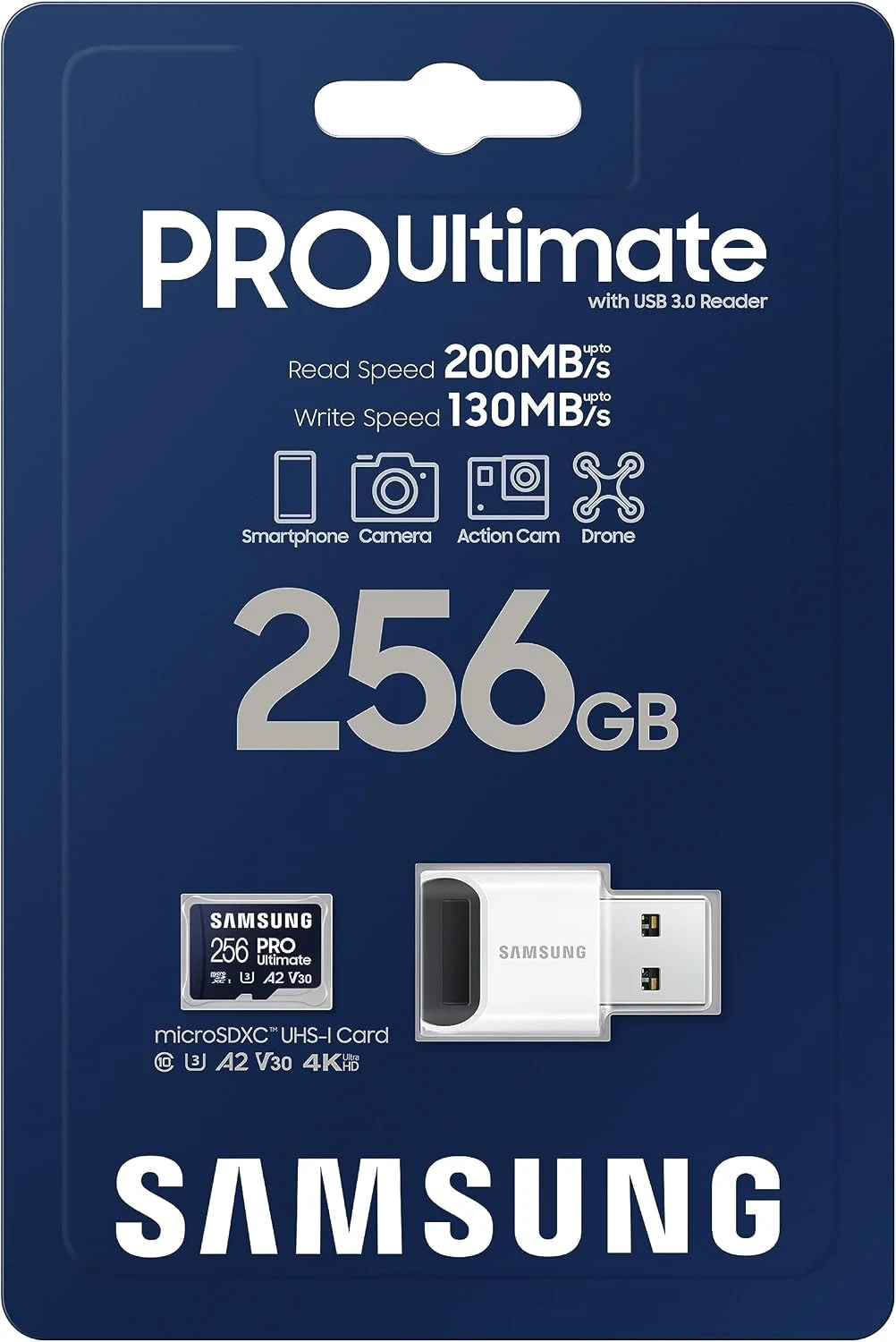
My verdict is positive for the intended shooting and transfer role. I like the useful capacity and clear documentation. I would buy the exact package when the device and reader support it, keep the file routine simple and choose another family when continuous recording is the real requirement.
What worked
Useful 256GB capacity with an SD adapter and clearly documented host and reader requirements.
What bothered me
The published warranty excludes dashcam, surveillance and other write-intensive uses; it is not a universal endurance card.
Who should not buy it
I would pass for continuous dashcam or surveillance recording, or any camera mode requiring a different card format or speed class.
Alternatives I would consider
Kingston Canvas Go! Plus Gen4 128GB. I would compare the smaller capacity when it is enough for the session and its host requirements are met. Read my Kingston Canvas Go! Plus Gen4 128GB review.
SanDisk High Endurance 128GB. I would investigate an endurance-focused card for repeated continuous recording. Read my SanDisk High Endurance 128GB review.
Evidence and sources
Product details are attributed to the linked documentation. The photographs and credited technical illustrations show the selected product; they are not personal test photographs.
Samsung PRO Ultimate official data sheet and warranty-use exclusions
Features, compatibility and rated figures from the maker are manufacturer information. My opinions are identified in the review.
Conclusion
Worth considering for the intended shooting role when the device and reader fit it; the headline speed alone is not a reason to buy.
Samsung PRO Ultimate microSDXC 256GB with SD adapter, MB-MY256SA/AM
Amazon US · US
Check price and availability: Samsung PRO Ultimate microSDXC 256GB with SD adapter, MB-MY256SA/AM at Amazon USAffiliate link. As an Amazon Associate I earn from qualifying purchases.
One email a week with practical Mac workflows, useful comparisons and honest tech recommendations.