A memory card becomes a good purchase when the whole route around it makes sense. I would consider the Kingston Canvas Go! Plus Gen4 128GB for a compatible action camera, drone or portable device, then think about how the files reach the computer afterwards. I like that practical starting point more than choosing a card from the largest speed number on its label.
Quick verdict
I would shortlist this exact card for a compatible portable device when V30 and 128GB fit the intended work.
Best for: A compatible action camera, drone or portable device with documented support for this card class and capacity.
Main benefit: A compact card with a supplied SD adapter and a clearly identified Gen4 specification.
Biggest drawback: The advertised peak read speed needs a compatible reader, and 128GB has a different published write ceiling from larger capacities.
Kingston Canvas Go! Plus Gen4 microSDXC, 128GB, SDCG4/128GB with SD adapter
Amazon US · US
Check price and availability: Kingston Canvas Go! Plus Gen4 microSDXC, 128GB, SDCG4/128GB with SD adapter at Amazon USAffiliate link. As an Amazon Associate I earn from qualifying purchases.
Reviewed version: Kingston Canvas Go! Plus Gen4 microSDXC, 128GB, SDCG4/128GB with SD adapter
Compatibility: A host supporting microSDXC and the required recording class. Kingston specifies UHS-I, U3, V30 and A2. This package includes an SD adapter; a compatible reader is still required for transfers.
Review context: I assess capacity choice, camera compatibility, recording-class requirements and a practical card-to-computer transfer workflow.
The exact model here is SDCG4/128GB, with an SD adapter. That identifier matters because the same family name appears across generations and capacities. I would check it before comparing an offer, and keep the camera’s own requirements beside the card specification. A small object can still be the wrong part for a particular recording mode.
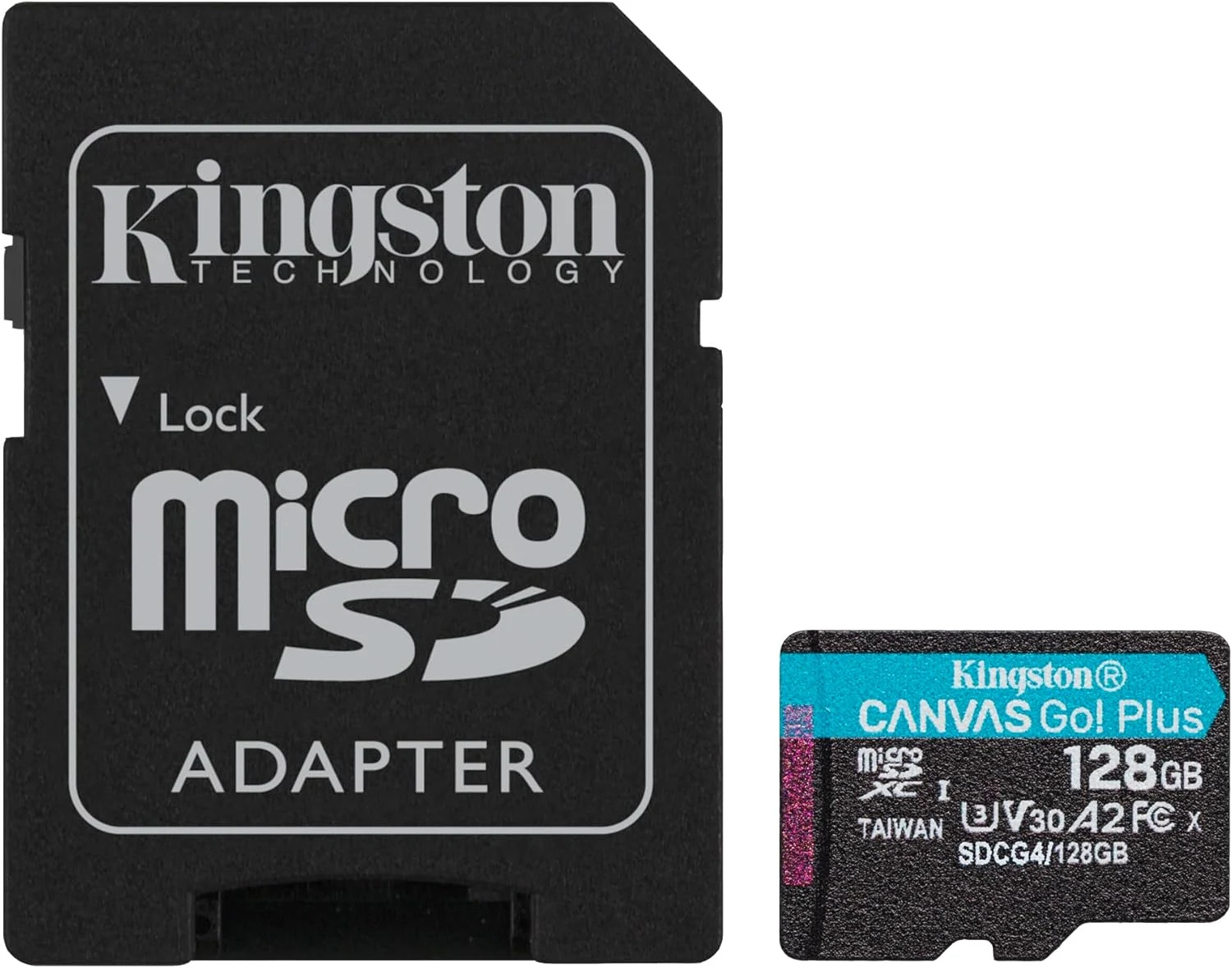
The photographs come from the selected product gallery. They show the 128GB card and package, not a claimed personal recording or speed-test session.
Related reading

Confirm the card and the host together
Kingston’s official Gen4 data sheet identifies this family as microSDXC with UHS-I, U3, V30 and A2 ratings. I would use those labels as compatibility information, then check what the actual device requires. A physically suitable slot does not establish support for every capacity or recording setting.
I would pay particular attention to the camera’s recommended-card information and the mode I intend to use. A general 4K description is less useful than an exact requirement for that model and setting. If the device needs another card class or format, I would choose it directly rather than hope a familiar brand name can bridge the difference.
Gen4 is not just a name to overlook
The SDCG4 code distinguishes this generation from earlier Canvas Go! Plus cards. I would keep the model code visible when comparing listings, especially when a photograph, title and seller description do not appear to agree. The point is to know what is being ordered before treating two prices as a fair comparison.
Capacity also changes part of the manufacturer’s specification. Kingston gives the 128GB version a different maximum write figure from the larger capacities in this range. I would not copy a claim for a larger card onto this one. That is a useful reminder that a family page contains several products, even when the packaging looks very similar.
The headline read figure needs a reader
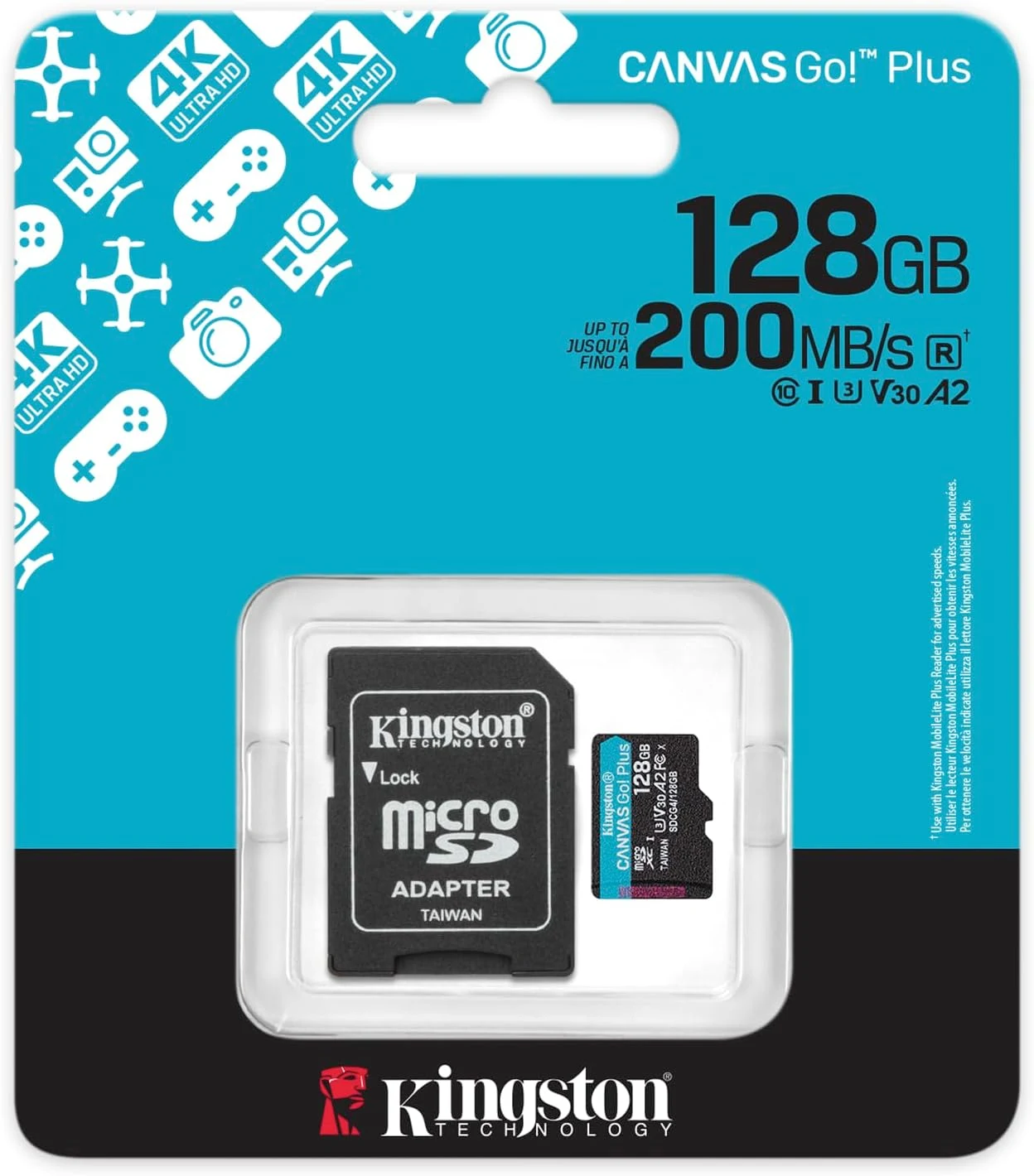
Kingston advertises a peak read speed of up to 200 MB/s and explains that full performance requires its compatible MobileLite Plus reader. Those are the manufacturer’s conditions, not a measurement from my computer. I would check the actual reader and connection before expecting a particular transfer result.
That matters because the transfer path includes more than the card. The reader, computer port and destination storage can all affect the practical result. I would choose equipment around the files I handle and the time the workflow actually needs, rather than add an expensive accessory merely to chase a number on a packet.
Related reading

The SD adapter solves a physical problem
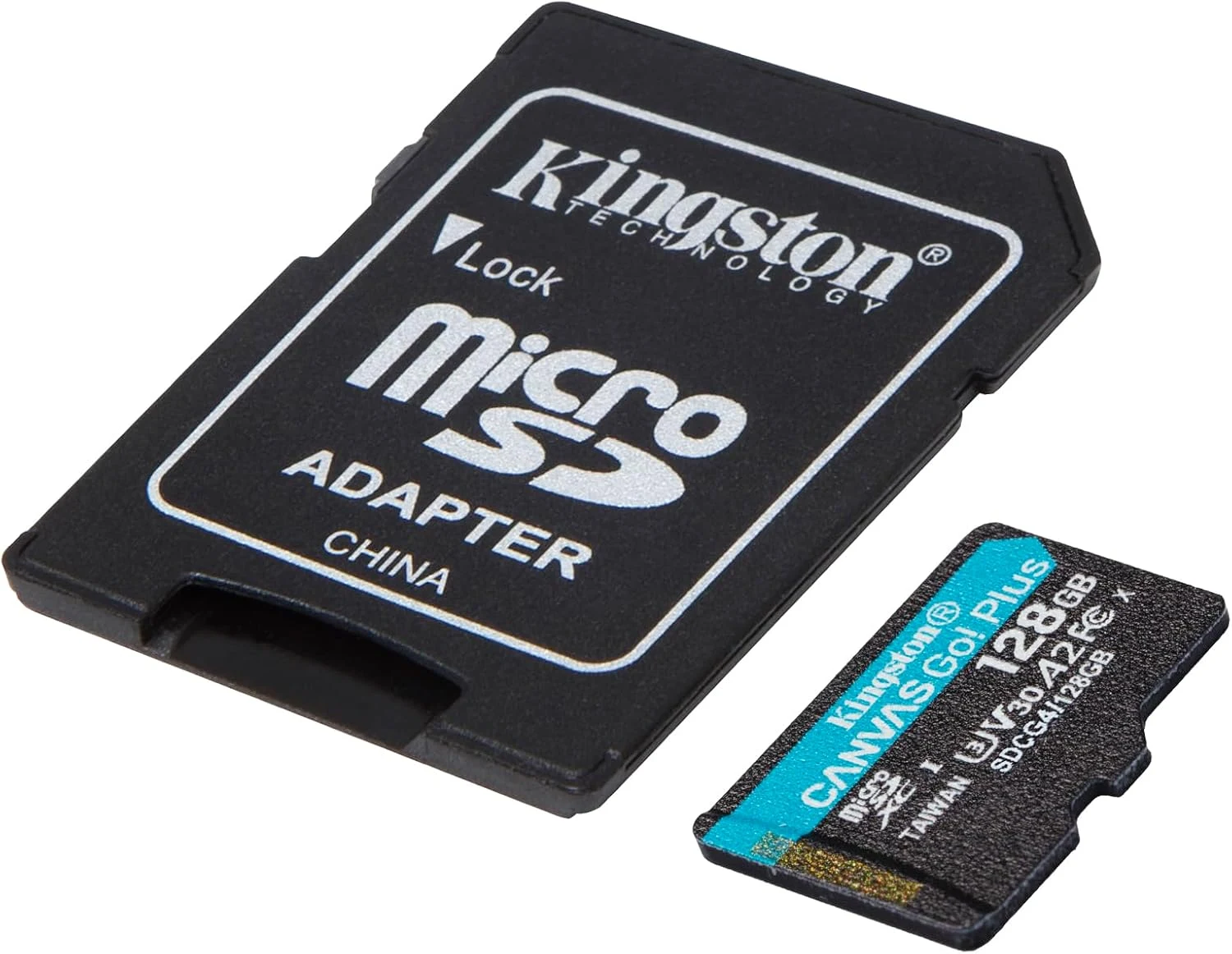
The selected SDCG4/128GB package includes an SD adapter, which is convenient when the same card needs to move between supported slot sizes. I like having that option included. I would still distinguish it from a USB card reader: an adapter does not by itself give a computer a new external connection.
I would also keep the adapter with the card’s storage case instead of letting a tiny part become another item to find at the end of a shoot. Before removing a card, I would let the device finish writing and follow its instructions. The useful workflow is one that protects an ordinary recording from avoidable handling mistakes.
Capacity is a workflow choice
I would choose 128GB around the length and type of work, not an assumed number of hours that applies to every camera. Different recording settings create different file sizes. I would keep enough spare capacity for the intended session and check remaining space before beginning something that cannot easily be repeated.
After copying files, I would verify the copy and keep another useful copy before clearing the card for reuse. A memory card is a capture medium, not a complete archive plan. Kingston’s support information also explains why displayed available space differs from the label, so I would not treat that difference alone as evidence of a fault.
A2 does not decide every app experience
The A2 classification is relevant to supported application workloads, but I would not assume it transforms every phone or game merely by being printed on the card. The device and software still decide what can be stored and how it is used. I would confirm those arrangements before buying extra capacity for an application-specific reason.
Related reading

For more room, I would compare the Samsung PRO Ultimate 256GB. For continuous recording, I would investigate the SanDisk High Endurance 128GB and its exact intended role. A different job can justify a different card family.
My verdict is positive when this exact capacity and class suit the host. I like the clear model identity and included adapter. I would buy it as part of a compatible recording and transfer arrangement, then keep file handling simple. When a device needs another format or endurance profile, I would follow that requirement first.
What worked
A compact card with a supplied SD adapter and a clearly identified Gen4 specification.
What bothered me
The advertised peak read speed needs a compatible reader, and 128GB has a different published write ceiling from larger capacities.
Who should not buy it
I would pass when the device requires a different card type, V60/V90, a higher capacity or an endurance model for continuous recording.
Alternatives I would consider
Samsung PRO Ultimate 256GB. I would compare the larger capacity for a compatible shooting and transfer workflow. Read my Samsung PRO Ultimate 256GB review.
SanDisk High Endurance 128GB. I would investigate an endurance-focused product when repeated continuous recording is the actual job. Read my SanDisk High Endurance 128GB review.
Evidence and sources
Product details are attributed to the linked documentation. The photographs and credited technical illustrations show the selected product; they are not personal test photographs.
Features, compatibility and rated figures from the maker are manufacturer information. My opinions are identified in the review.
Conclusion
Worth considering when the host and reader can use it; I would not pay for a headline speed that the rest of the system cannot reach.
Kingston Canvas Go! Plus Gen4 microSDXC, 128GB, SDCG4/128GB with SD adapter
Amazon US · US
Check price and availability: Kingston Canvas Go! Plus Gen4 microSDXC, 128GB, SDCG4/128GB with SD adapter at Amazon USAffiliate link. As an Amazon Associate I earn from qualifying purchases.
One email a week with practical Mac workflows, useful comparisons and honest tech recommendations.