A basic keyboard can be a satisfying purchase when the requirement is genuinely basic. The Logitech K120 interests me for a spare desk, a service position or a computer that needs straightforward wired typing. I like the idea of connecting a familiar layout without adding a battery, pairing process or software account to a simple job.
Quick verdict
I would choose it for a spare Windows desk or a simple wired setup where familiar keys are the priority.
Best for: I would choose it for a spare Windows desk or a simple wired setup where familiar keys are the priority.
Main benefit: A direct USB connection and full-size layout keep the basic typing role easy to understand.
Biggest drawback: The number pad takes space, and a fixed cable and regional layout may not suit every desk.
Logitech K120 Keyboard
Amazon US · US
Check price and availability: Logitech K120 Keyboard at Amazon USAffiliate link. As an Amazon Associate I earn from qualifying purchases.
Reviewed version: Logitech K120 Full Size Wired Keyboard USB Plug-and-Play Windows - Black
Compatibility: K120 full-size wired USB keyboard, selected 920-002478 listing. Confirm regional physical layout, available host connection and official OS support.
Review context: I assess a spare or service desk, direct USB setup, number-pad use, physical layout and cable reach.
I would not confuse that role with choosing the ideal keyboard for every main desk. Key feel, layout and available space remain personal. My assessment is positive when the K120’s ordinary design is exactly what is needed, rather than a cheaper substitute for a feature that the user already knows matters to the work.
Start with the physical layout
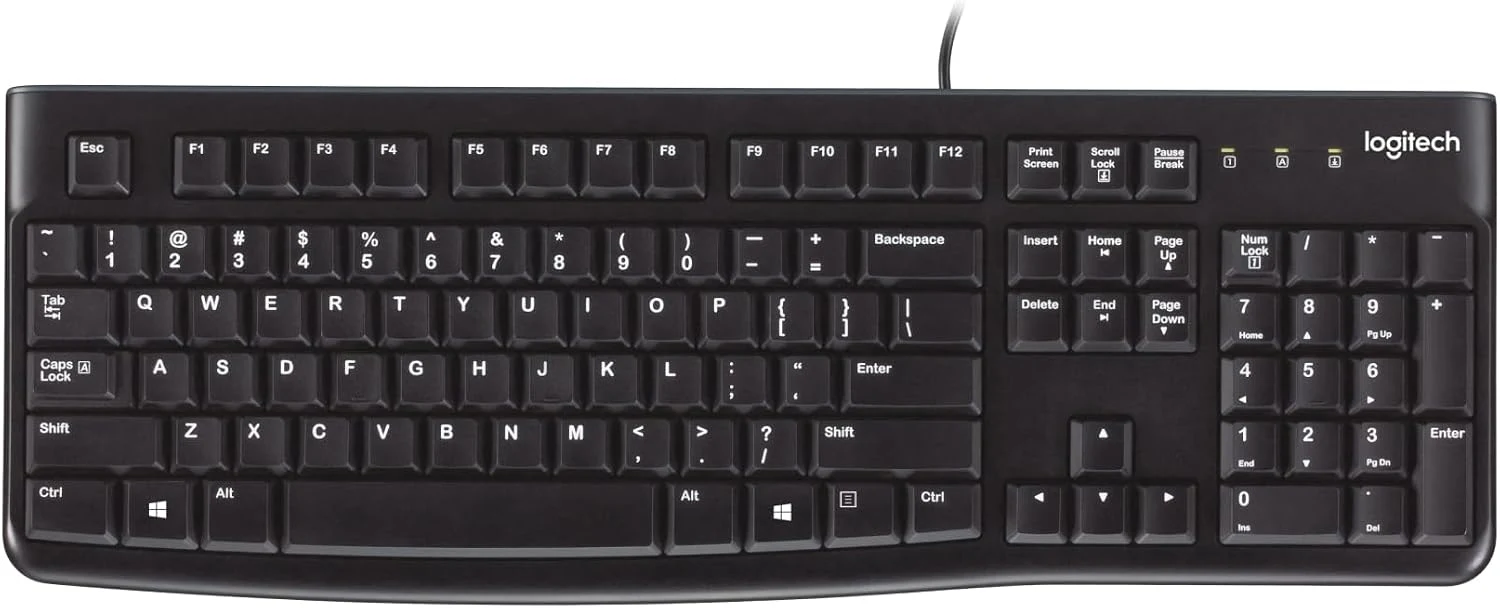
The exact selected K120 listing describes a full-size wired USB keyboard. I would confirm the actual regional key arrangement before ordering. Software can change what a key produces, but it cannot change the shape of Enter or the printed legends on the keyboard.
Related reading

That matters for Czech and English writing, as well as programming punctuation. I would choose the layout I can use comfortably rather than assume every K120 package is identical. A service keyboard may be shared by several people, which makes familiar labels more valuable than a small saving on an unexpected regional variant.
I would also check that the full number pad has a useful role. Numeric entry can justify it immediately. On a small desk, it can also push the pointing device farther from the main typing area. I would compare the actual available width rather than assume a basic keyboard is automatically compact because it has few extra controls.
A cable removes one problem and creates a physical requirement
The direct USB connection is the main attraction for my proposed spare-desk role. It avoids wireless pairing and a battery replacement routine. I would keep a suitable port available and route the cable so the keyboard can sit naturally, rather than use the lead at full tension across the desk.
A modern laptop may need an appropriate USB adapter or dock. That is a simple addition when the desk already uses one, but it should still be part of the arrangement. The keyboard’s connector and the host’s available port need to match. I would not describe a wired product as zero setup if the necessary connection is missing from the actual computer.
For service work, I would check any special pre-boot requirements of the machine. A keyboard working after login is not the same evidence as operation in every firmware or recovery screen through every dock. I would use a supported direct path for the job and keep the arrangement as uncomplicated as possible.
Familiar keys are the product’s purpose
The K120’s full-size function row and number pad make it easy to understand as a general desk keyboard. I would value that for a machine used occasionally, where remembering a small board’s hidden layers may be less convenient. A spare tool should be ready to use without requiring its own learning session.
Related reading

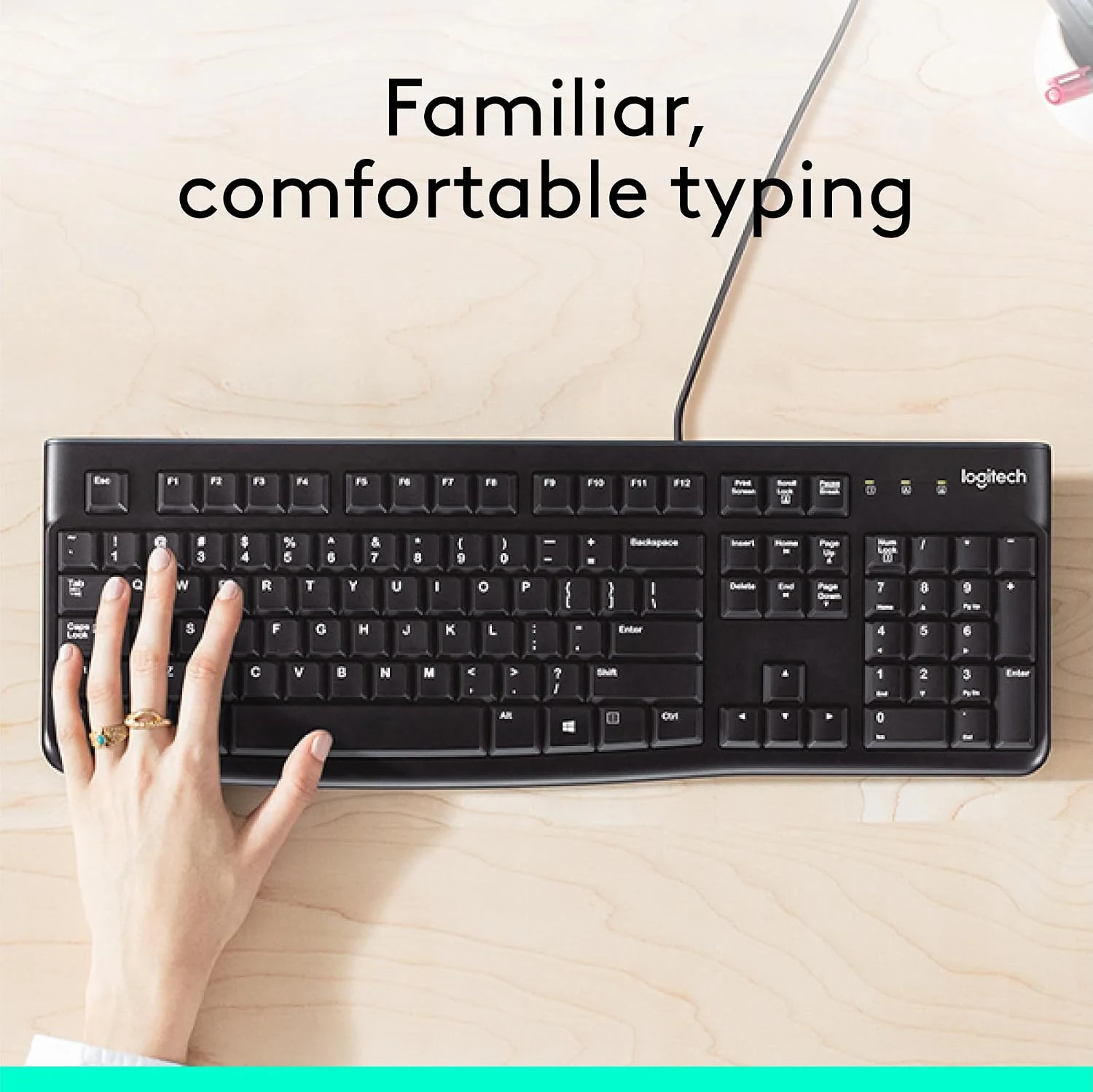
Typing feel still deserves a personal decision. I would not turn a comfort claim or key photograph into a result about how it feels under my hands. A basic membrane keyboard and a preferred mechanical or low-profile board can serve very different preferences. The correct purchase follows the expected amount of typing and the user’s known requirements.
For a main desk, I would consider whether the lack of extra features is actually welcome. Some people need nothing beyond reliable ordinary key entry; others benefit from device switching, backlighting or a different shape. Paying more can be worthwhile when the feature has a clear job. It is less useful when it only adds another specification to an otherwise suitable tool.
Ordinary durability still needs ordinary care
The selected listing describes a spill-resistant design. I would treat that as a limited product characteristic, not a waterproof guarantee or permission to clean the keyboard by immersion. The manufacturer’s care instructions remain the right guide. A work surface that keeps drinks away is a more useful habit than relying on a feature after an accident.
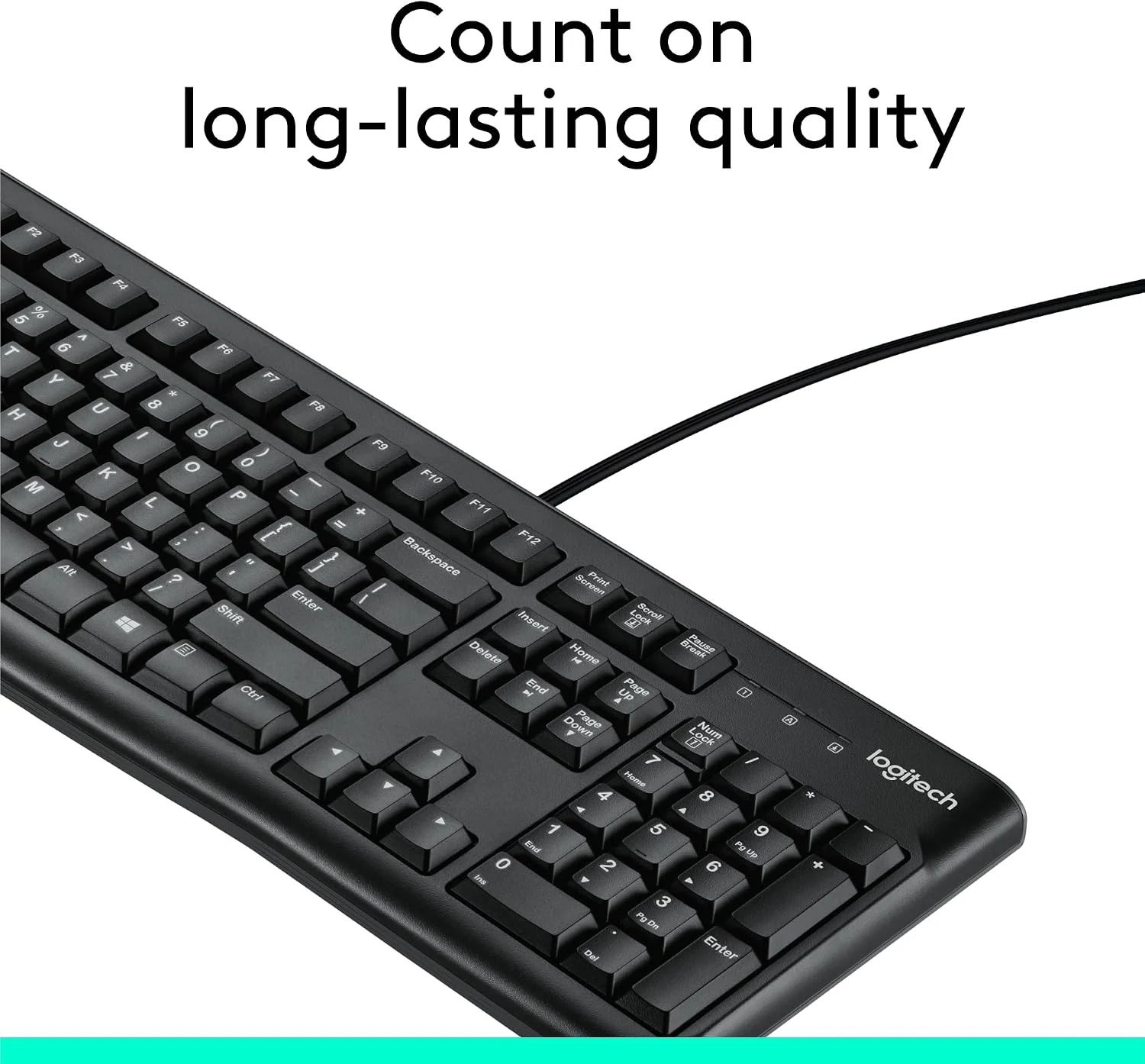
I would also consider the environment of a shared or service desk. Dust, debris and cable strain can affect any keyboard. A simple maintenance routine and a clear place to store the spare can matter more than the original price. The useful backup keyboard is the one that can actually be found and connected when needed.
For a used unit, I would inspect the key legends, cable and ordinary key operation. A familiar model number does not establish the condition of an individual keyboard. I would also check that all the keys needed for the intended layout are present and readable. The product’s modest role does not make an incomplete or damaged example a good purchase.
Related reading

When I would choose something else
I would compare the K780 when a keyboard must serve several devices and hold a phone or tablet. I would choose a smaller wired board when the desk benefits from bringing the mouse closer. I would choose a different main keyboard when a known switch feel or shape makes sustained typing more pleasant.
My view of the K120 is positive for the spare or simple workstation role. I would check the exact layout, current offer and host connection before ordering. Its value is a clear basic tool that does the required job without a separate wireless routine, rather than a claim that the lowest-feature keyboard must be the best choice for every working day.
The product images come from the selected listing and identified manufacturer materials. My assessment uses the linked product information and the buying decisions explained here. Specifications are manufacturer or retailer claims; the conclusions are my own editorial judgement.
What worked
A direct USB connection and full-size layout keep the basic typing role easy to understand.
What bothered me
The number pad takes space, and a fixed cable and regional layout may not suit every desk.
Who should not buy it
Someone needing wireless switching, compact travel size, backlighting or a specific mechanical switch feel.
Alternatives I would consider
Logitech K780. I would choose it when switching between several devices and a cradle are useful. Read my Logitech K780 review.
A smaller wired keyboard. I would choose it when keeping the pointing device closer matters more than a number pad.
Evidence and sources
The linked product documentation and exact retailer listing support the product details. Images: Amazon product gallery. These are not personal test photographs or measurements.
Features, compatibility and rated figures from the maker are manufacturer information. My opinions are identified in the review.
Conclusion
Worthwhile when basic typing is the whole requirement; pay more only for features the main desk actually needs.
Logitech K120 Keyboard
Amazon US · US
Check price and availability: Logitech K120 Keyboard at Amazon USAffiliate link. As an Amazon Associate I earn from qualifying purchases.
One email a week with practical Mac workflows, useful comparisons and honest tech recommendations.