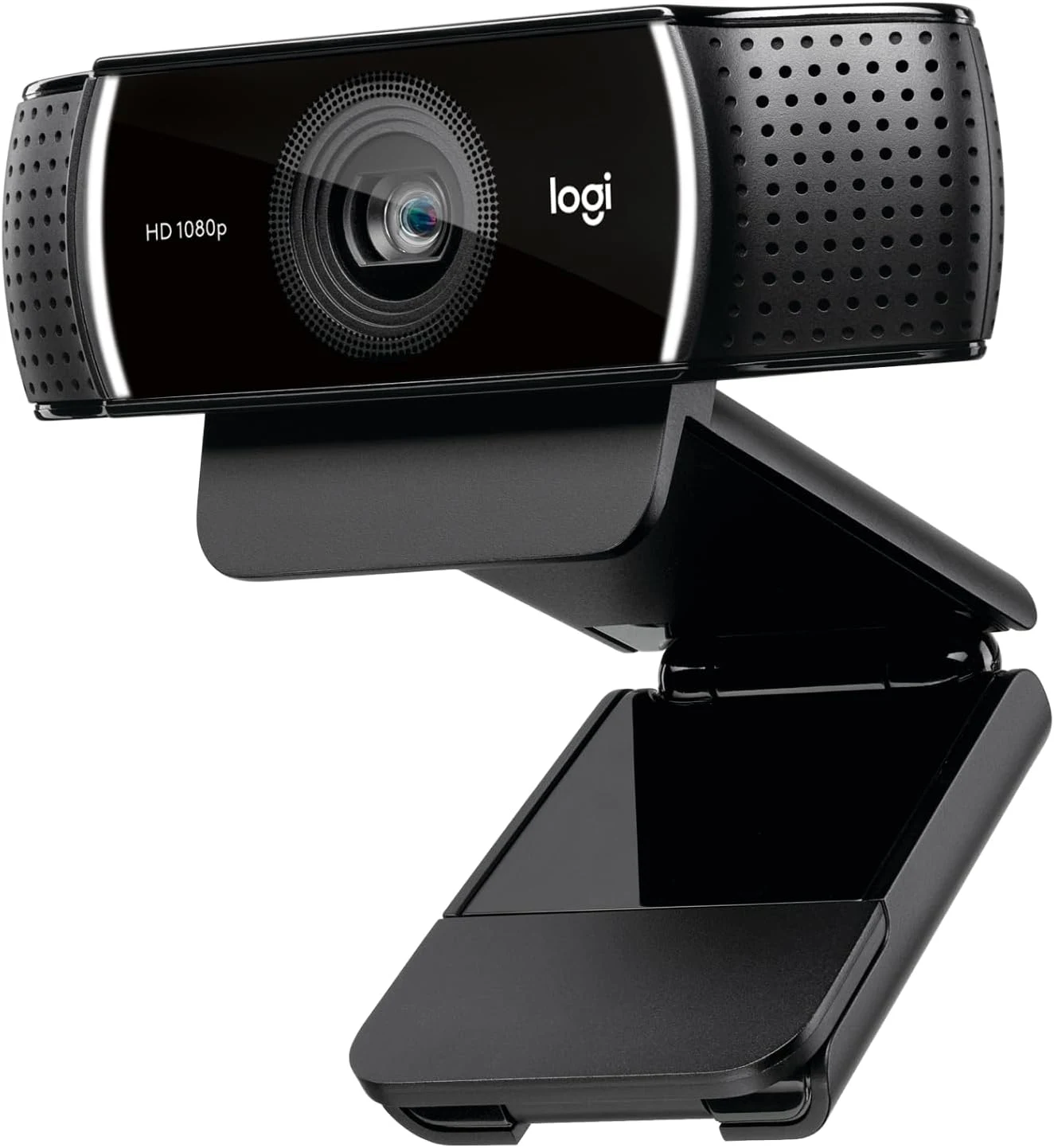
An external webcam does not need to transform a desk into a studio. It can earn its place simply by putting the lens somewhere better than the laptop’s screen edge. That is the role in which I would consider the Logitech C922x HD Pro. I like the practical middle ground: a fixed Full HD camera arrangement without buying a larger camera and an HDMI capture system.
Quick verdict
I would shortlist it for the focused role described here.
Best for: Ordinary calls or a modest stream needing a deliberate camera position.
Main benefit: A fixed external Full HD camera can improve the call angle independently of the laptop position.
Biggest drawback: The faster 60fps mode is 720p, not Full HD, and old launch software offers do not establish current entitlements.
Logitech C922x HD Pro, black, 960-001176
Amazon US · US
Check price and availability: Logitech C922x HD Pro, black, 960-001176 at Amazon USAffiliate link. As an Amazon Associate I earn from qualifying purchases.
Reviewed version: Logitech C922x HD Pro, black, 960-001176
Compatibility: The exact C922x package, current supported Mac or PC and actual call application. Verify configuration software and included accessories separately from other C922 bundles.
Review context: I assess framing, lighting, input selection and the difference between recording and a meeting service's output.
I would choose it for ordinary calls or a modest stream when the existing camera position is the actual problem. I would not buy it expecting 4K or assuming every included software offer from its launch period remains part of the current package. The exact C922x listing, host and application matter more than the familiar appearance of Logitech’s older webcam family.
Match the capture mode to the conversation
Product images: the verified retailer gallery and any original manufacturer illustration credited in the sources. These are not personal test photographs.
Related reading
The selected listing describes Full HD at 30 frames per second and 720p at 60 frames per second. Logitech’s C922 family specifications document that distinction. It is not a promise of Full HD at 60 frames per second, and I would keep that boundary clear before comparing prices.
For a normal face-to-face call, a stable frame and clear lighting can matter more than the highest frame rate. For movement in a small stream, the lower-resolution faster mode may have a purpose. I would choose from the task and the service’s supported input rather than assume that the camera’s maximum setting is always the setting viewers receive.
A recording stored locally is another comparison. It may preserve more of the camera’s output than a busy conferencing service does. I would separate those roles when deciding whether an upgrade is worthwhile. A useful improvement to a recording workflow does not automatically produce the same improvement in every meeting application.
Framing should begin with the desk
I would first choose the camera’s height and angle. An external lens can remain near the main display while the laptop sits lower or off to one side. That gives the purchase a clear daily benefit without asking a software filter to fix an awkward physical arrangement.
The mounting clip needs to suit the monitor. I would check that it stays stable, avoids covering useful screen content and allows the intended angle. A camera that needs repositioning every time a laptop lid moves can become more irritating than the built-in camera it replaced.
I would also look at what the frame includes. A background that is harmless in a tight laptop crop may become visible with a wider external camera. The sensible first setup is one that shows the intended person and space, with private material out of view before the call begins.
Light still decides a great deal
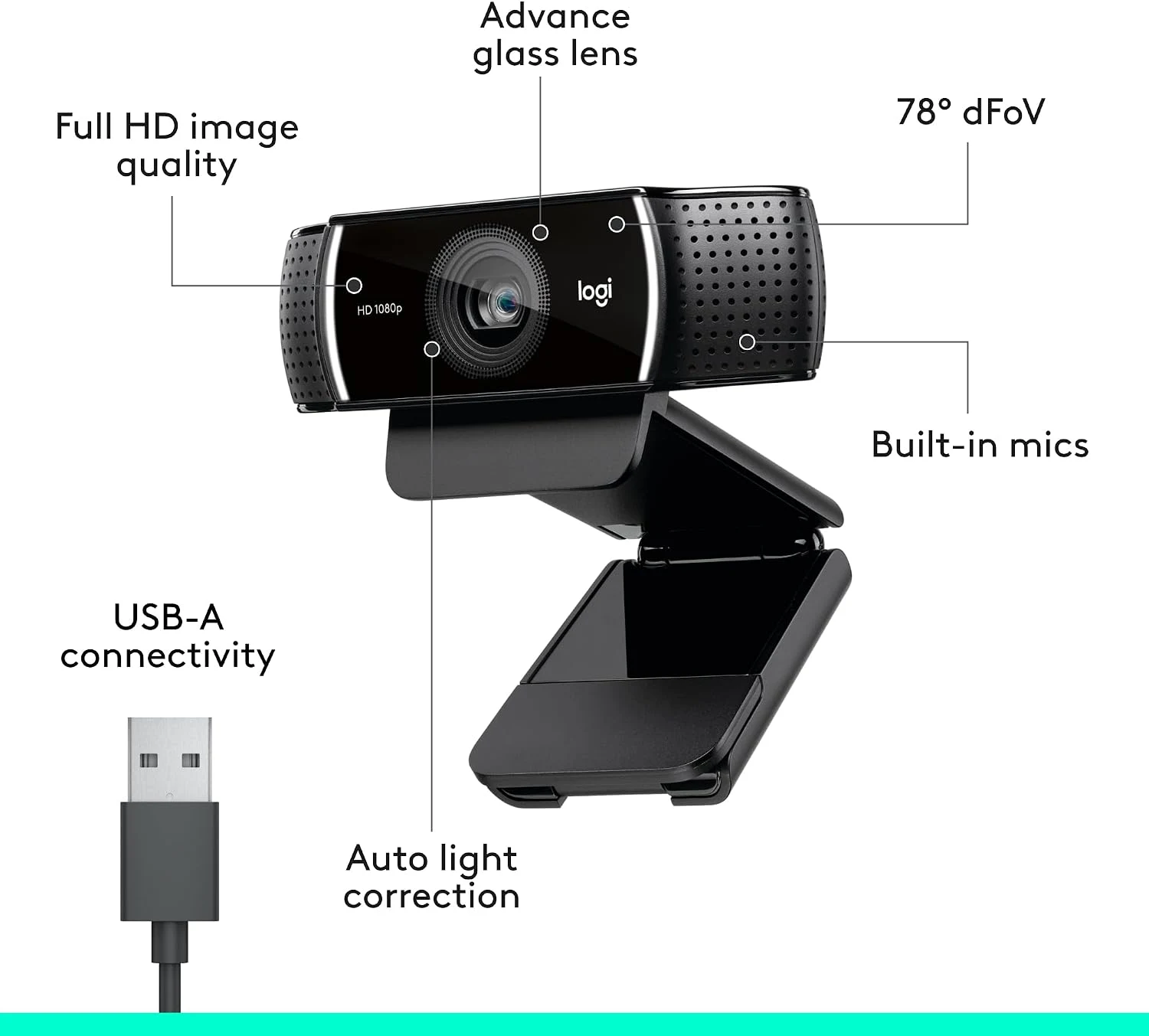
The C922 family’s documented autofocus and light correction are useful functions, but I would not make them responsible for the whole room. A bright window behind the speaker can be a more important problem than the age of the webcam. Moving a light or changing the camera’s direction can be the clearer improvement.
Related reading
I would inspect the preview at the actual time calls normally happen. Daylight, a desk lamp and a large bright screen can create different conditions. The useful arrangement is one whose behaviour remains understandable, rather than one attractive frame captured once in favourable light.
For showing an object, I would check the focus and distance deliberately. A camera suited to a person at a desk is not automatically an overhead document camera. If demonstrations are the main job, a separate mount or another camera arrangement may deserve the purchase instead.
The microphone is a separate decision
The product has built-in microphones, but that does not make the camera’s location the best microphone position. A lens above a monitor may be farther from the speaker than a headset or a desk microphone. I would listen to a short recording from the selected input rather than assume video and audio should always come from the same device.
That check also helps keep the application settings clear. It is possible to select a new webcam while leaving the old laptop microphone active. I would give the preferred devices sensible names where supported and verify the full route before an important call. More equipment is useful only when its role is visible.
Older software history is not current support
Logitech’s original C922 announcement describes launch-period streaming software. I would treat those offers as historical information unless the current selected package explicitly supplies them. A trial subscription and the camera hardware are different things to buy.
On a current Mac or PC, I would confirm the supported configuration route and application controls. An older guide can still explain the device while naming software that has changed. Basic video input, advanced settings and background features deserve separate compatibility checks rather than one broad claim that everything works identically.
I would also check the box contents for the C922x itself. Accessories shown with another C922 package should not become an assumed tripod or extra mount here. The selected listing is the purchase authority, and a clear seller and return route matter with a long-established product.
Related reading

What I would compare
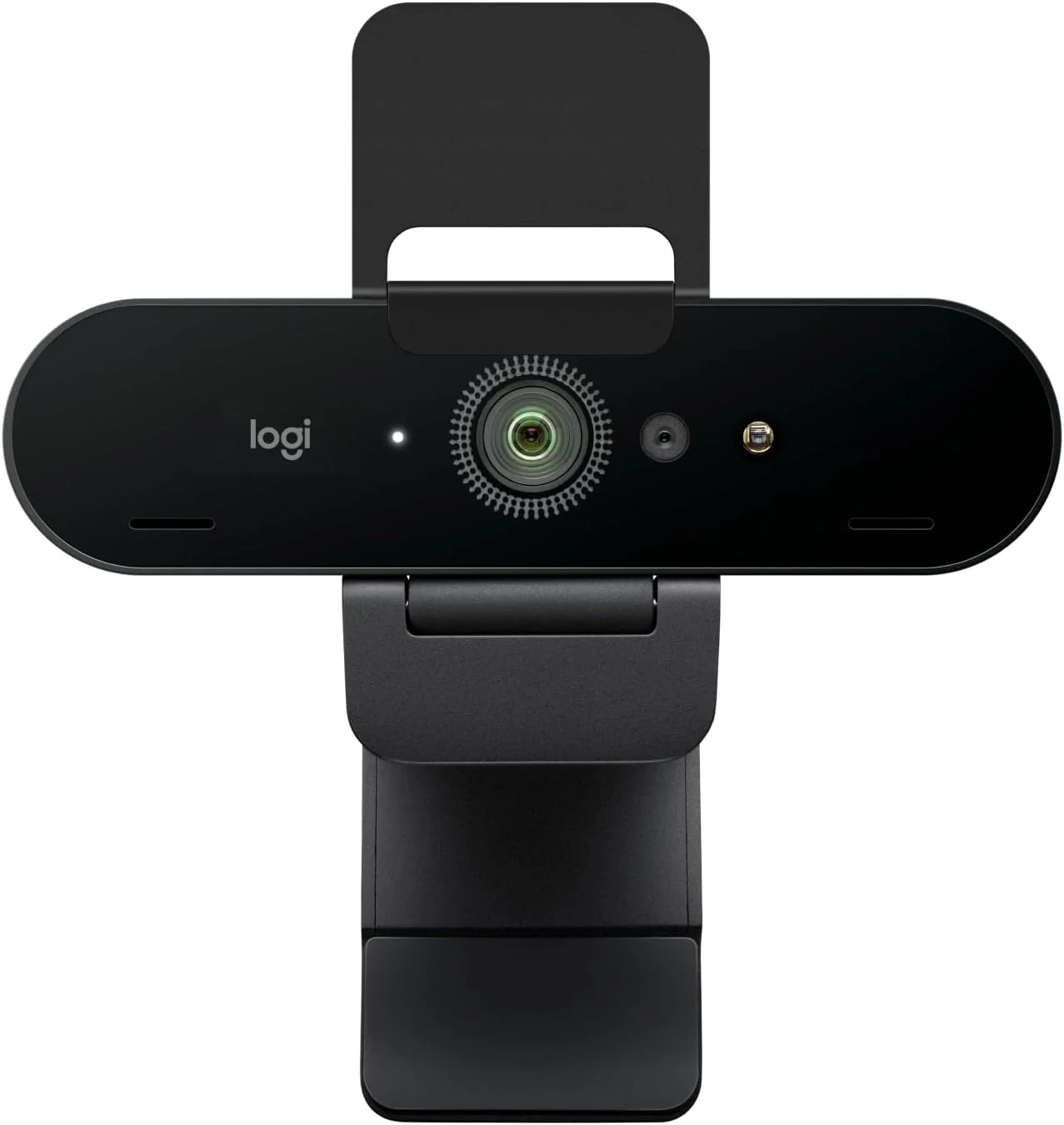
For a similar ordinary desk role, I would compare the C920 at the current complete price. For documented 4K recording or different framing options, I would compare the original Brio after checking the exact model. Keeping the built-in camera is also sensible when its angle and picture already serve the call.
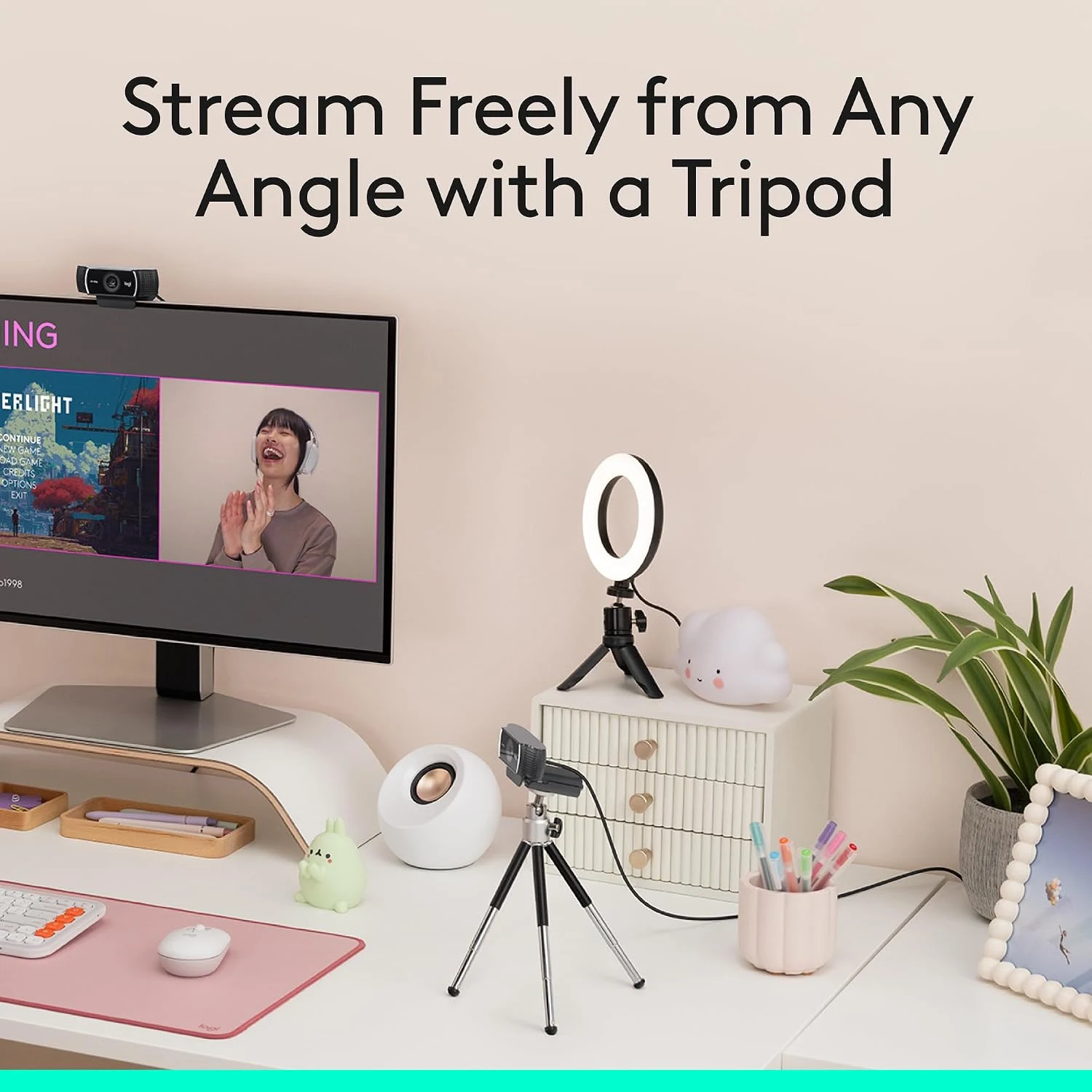
My verdict is positive for a deliberate Full HD setup. I like the C922x’s understandable role and the chance to make camera placement independent of the laptop. I would buy it for the mode, package and current host support actually documented, then improve the light and audio around it. That is a stronger value argument than expecting a webcam to create an entire studio by itself.
What worked
A fixed external Full HD camera can improve the call angle independently of the laptop position.
What bothered me
The faster 60fps mode is 720p, not Full HD, and old launch software offers do not establish current entitlements.
Who should not buy it
The faster 60fps mode is 720p, not Full HD, and old launch software offers do not establish current entitlements.
Alternatives I would consider
Logitech C920. I would compare the complete current offer for an ordinary Full HD desk role. Read my Logitech C920 review.
Original Logitech Brio. I would choose the documented higher capture modes or framing options only when the workflow can use them. Read my Original Logitech Brio review.
Evidence and sources
Specifications are attributed to the linked documentation. Images: Amazon product gallery. These are not personal test photographs or measurements.
Features, compatibility and rated figures from the maker are manufacturer information. My opinions are identified in the review.
Conclusion
Worth considering when placement and the supported capture mode solve the problem; a better light or existing camera may be enough.
Logitech C922x HD Pro, black, 960-001176
Amazon US · US
Check price and availability: Logitech C922x HD Pro, black, 960-001176 at Amazon USAffiliate link. As an Amazon Associate I earn from qualifying purchases.
One email a week with practical Mac workflows, useful comparisons and honest tech recommendations.