A webcam becomes useful when it gives a conversation a predictable starting point. The camera is already in the right place, the framing is sensible and the call application selects the expected device. That is the role in which I would consider the original Logitech Brio 4K. I like the idea of a deliberate fixed camera arrangement more than buying extra resolution without knowing how the call will use it.
Quick verdict
I would shortlist it for the focused role described here.
Best for: A fixed desk that can use this original Brio's actual framing and capture options.
Main benefit: The external mount and documented framing modes can give a fixed call desk a deliberate camera position.
Biggest drawback: Lighting, USB bandwidth and call-service limits can matter more than the 4K label.
Original Logitech Brio 4K, black, 960-001105
Amazon US · US
Check price and availability: Original Logitech Brio 4K, black, 960-001105 at Amazon USAffiliate link. As an Amazon Associate I earn from qualifying purchases.
Reviewed version: Original Logitech Brio 4K, black, 960-001105
Compatibility: The exact 960-001105, supported host software and suitable USB route for the chosen mode. Windows Hello is a Windows capability, not a Mac login feature.
Review context: I assess camera identity, framing, light, mounting and the complete video-and-audio call route.
The exact model here is the original Brio 960-001105. Logitech now uses Brio across several products, so the name alone is not enough. I would shortlist this one when its documented framing, capture modes and mounting options answer a real desk requirement. I would not assume that every meeting service sends its maximum resolution or that a camera can repair poor lighting by itself.
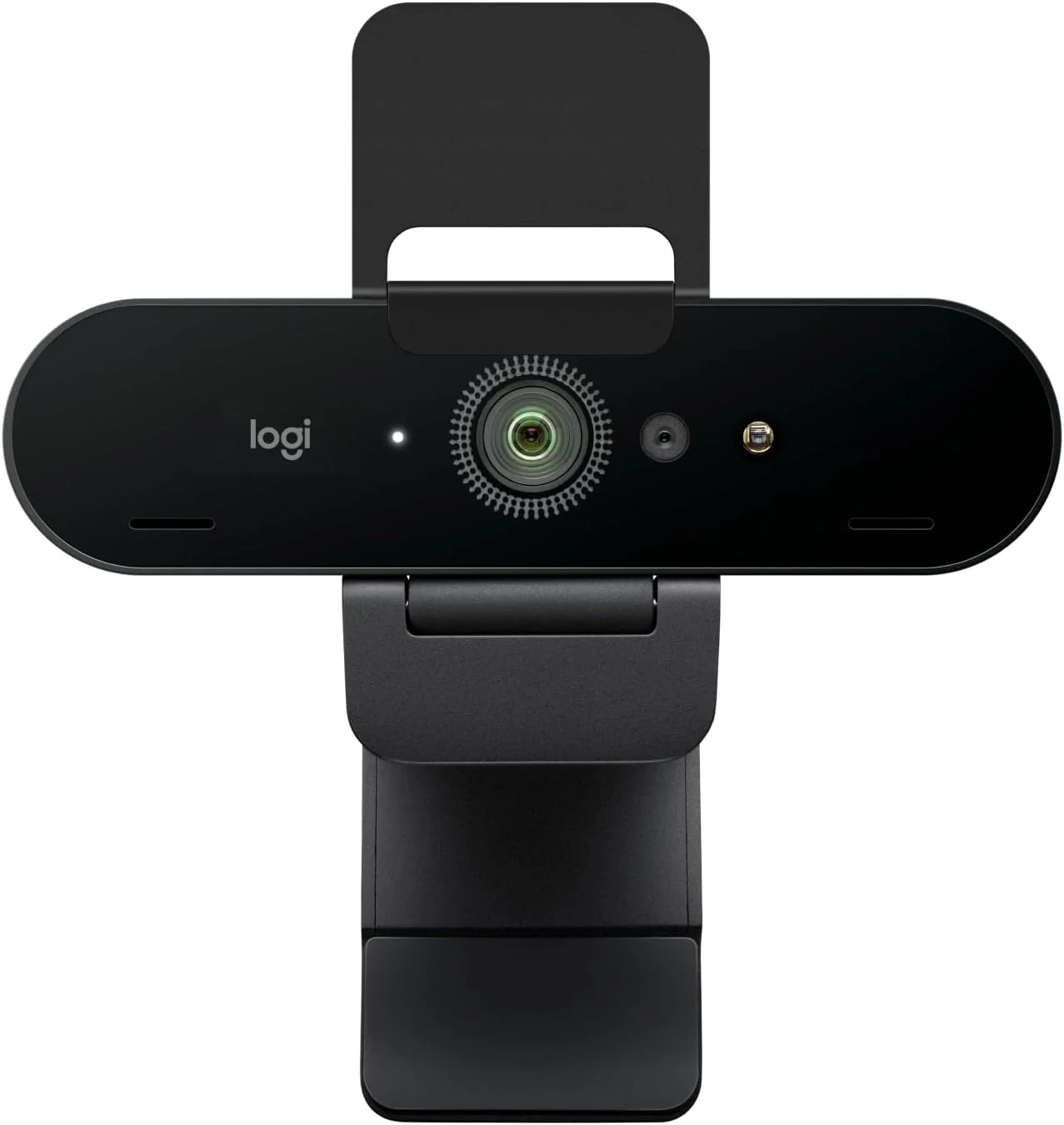
The original Brio has specific capabilities
Product images: the verified retailer gallery and any original manufacturer illustration credited in the sources. These are not personal test photographs.
Related reading
Logitech’s model page describes 4K at 30 frames per second, lower-resolution alternatives and selectable fields of view. Its series comparison distinguishes this older Ultra HD model from newer Brio cameras. I would match the part number before comparing features or prices.
Different capture modes have different purposes. A detailed recording and a normal group call are not automatically the same job. The software, connection and service can limit what reaches the other person. I would choose the mode that serves the conversation rather than assume that the largest number is always the most useful setting.
The same applies to digital framing. A wider field can include more of a room, while a narrower view can keep the picture focused on one person. I would decide what belongs in the frame and where the camera can sit before relying on software to crop away a poorly placed setup.
Position is part of the camera purchase
An external camera gives more placement freedom than a laptop’s fixed lens. I would use that to improve the viewing angle, particularly when the laptop sits below a separate monitor. A clear view near the screen can make conversation easier than a sharper picture looking upward from an awkward position.
The mount also needs to fit the actual display. Thin bezels, deep monitor backs and unusual stands create different practical arrangements. I would check that the camera stays stable without covering useful content or forcing the display into an uncomfortable angle. A fixed desk should not need its framing rebuilt before every call.
Light comes before correction
The Brio’s documented image processing is relevant, but I would still begin with the room. A bright window behind the speaker asks a different question from a soft light in front. Moving the desk or changing the light can be more useful than searching for a stronger automatic setting.
I would check the picture at the times when calls actually happen. Morning daylight and an evening desk lamp can create different conditions. The useful setup is one that remains understandable across those changes, rather than one attractive preview captured at the best moment of the day.
Related reading

Autofocus also deserves a task-based check. Talking at a desk is different from holding a small object close to the lens. I would decide whether that object demonstration is part of the job and test the focus controls in the actual application. A feature list cannot establish how a particular call service handles every camera control.
USB and software still set boundaries
The original Brio’s higher modes need the appropriate connection. I would use a suitable data cable and confirm the host and hub path rather than assume every USB port or adapter exposes the same bandwidth. A busy dock can be part of the route, so it belongs in the assessment too.
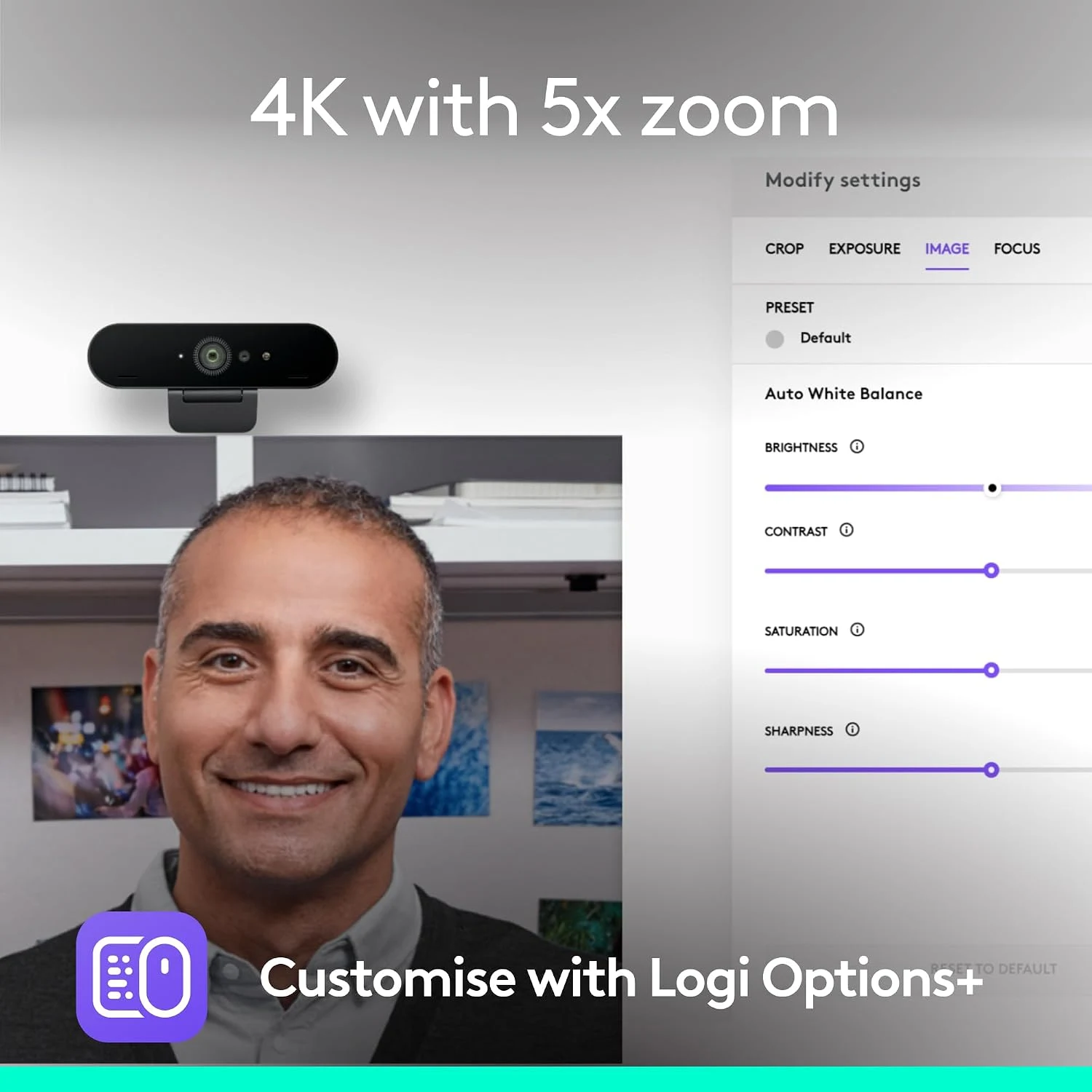
For current macOS or Windows use, I would read Logitech’s present software guidance. An old launch sheet can describe an application that has since changed. Basic USB video-class operation and the full configuration interface are different requirements. I would not make a favourite old utility essential without confirming it remains supported.
Windows Hello is a separate platform-specific capability. It is useful to the right Windows desk, but it does not turn into an equivalent Mac login function. I would keep that distinction clear when comparing the model across systems, rather than pay for a feature that the intended host cannot use.
Audio should have its own decision
The Brio includes microphones, but my camera choice would not automatically decide the best audio route. A microphone positioned on top of a distant monitor has a different relationship to the speaker from a headset or a desk microphone. I would listen to a short recording from the actual selected input before an important call.
That check also catches a common setup mistake: using the new camera while the application still listens to another microphone. Clear device names and one rehearsal can make the arrangement dependable without adding complicated processing. The aim is a person who can be seen and understood, not a desk full of independent devices chosen in isolation.
Related reading

The comparison I would make
For ordinary Full HD calls, I would compare the Logitech C920 before paying for capabilities the service may not use. If a supported camera is already available, the Cam Link 4K offers a different route with more power, mounting and HDMI questions.
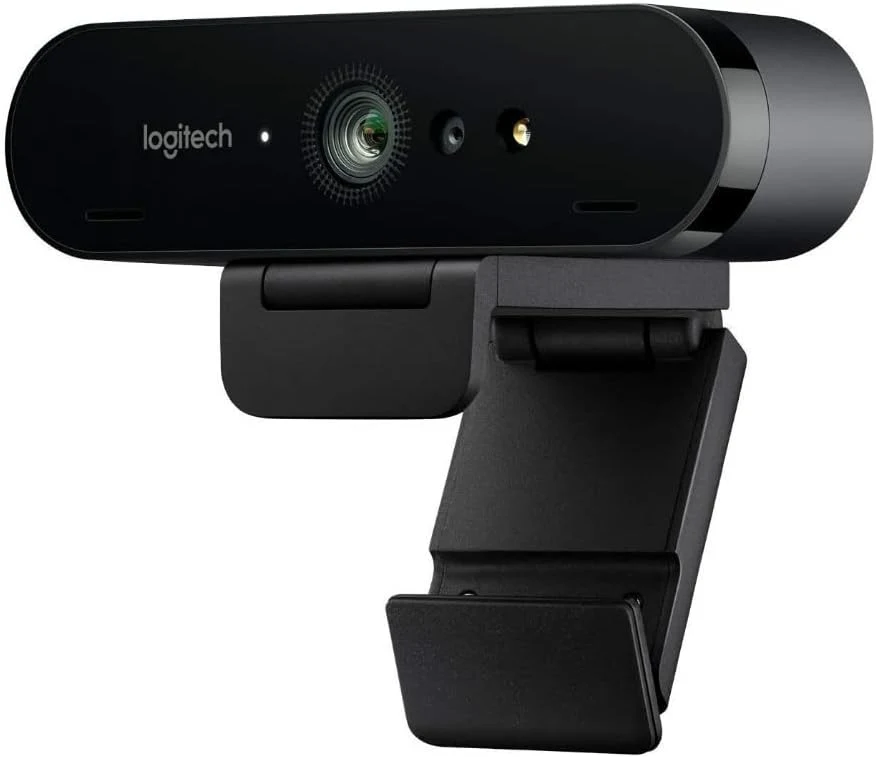
My verdict is positive for a fixed desk that can use the Brio’s actual options. I would choose the confirmed original model, place it well and check the complete call route. If the built-in camera already gives a good angle and picture, I would keep the simpler system. The Brio earns its place when it solves those practical constraints, not merely because 4K appears in its name.
What worked
The external mount and documented framing modes can give a fixed call desk a deliberate camera position.
What bothered me
Lighting, USB bandwidth and call-service limits can matter more than the 4K label.
Who should not buy it
Lighting, USB bandwidth and call-service limits can matter more than the 4K label.
Alternatives I would consider
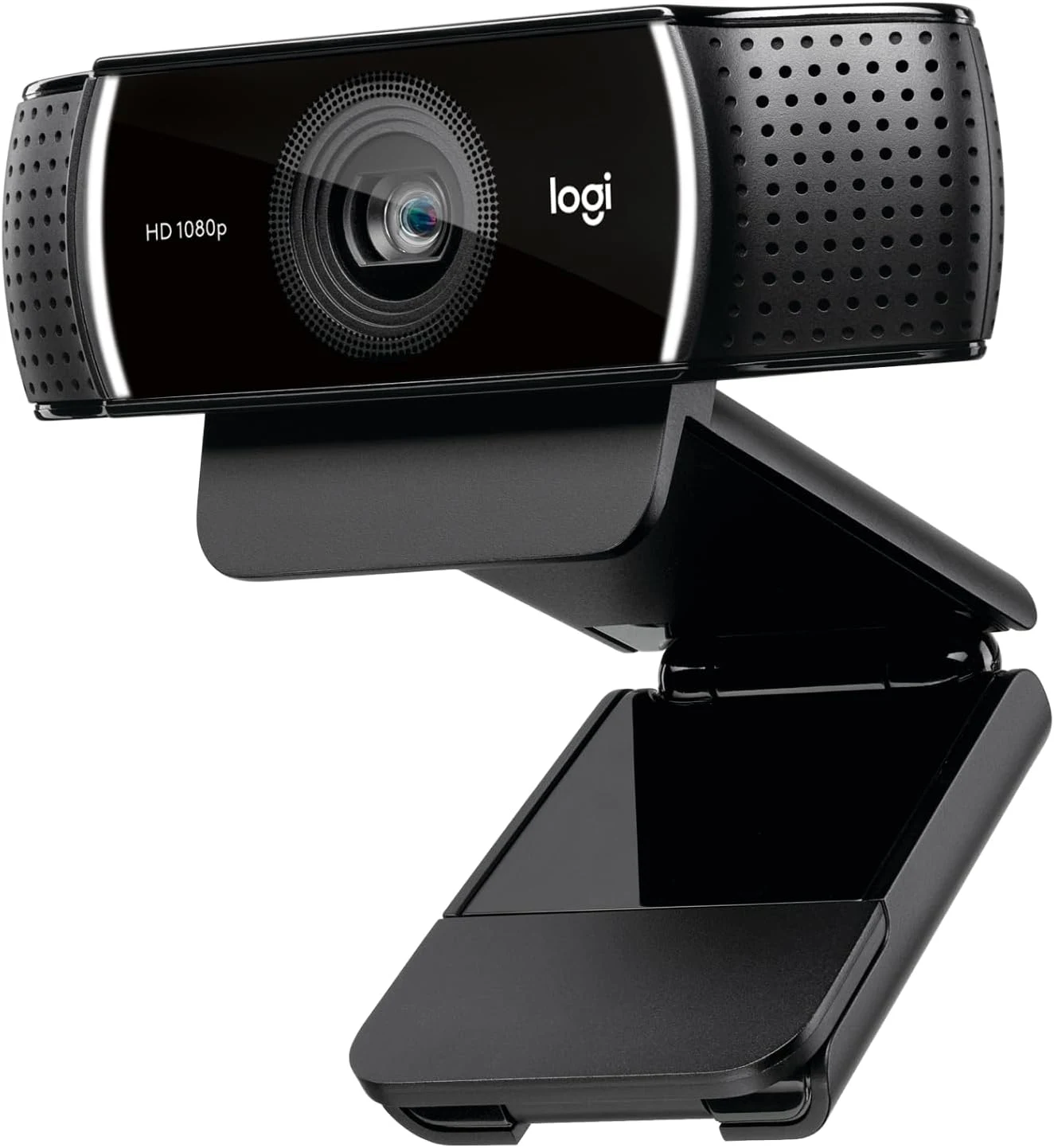
Logitech C920. I would compare an ordinary Full HD webcam when that is all the meeting service needs. Read my Logitech C920 review.
Elgato Cam Link 4K. I would compare an existing compatible camera through HDMI when its extra setup has a clear purpose. Read my Elgato Cam Link 4K review.
Evidence and sources
Specifications are attributed to the linked documentation. Images: Amazon product gallery. These are not personal test photographs or measurements.
Features, compatibility and rated figures from the maker are manufacturer information. My opinions are identified in the review.
Conclusion
Worth considering when it solves placement or capture needs; ordinary Full HD calls may need less camera.
Original Logitech Brio 4K, black, 960-001105
Amazon US · US
Check price and availability: Original Logitech Brio 4K, black, 960-001105 at Amazon USAffiliate link. As an Amazon Associate I earn from qualifying purchases.
One email a week with practical Mac workflows, useful comparisons and honest tech recommendations.